


After a year full of Hall Effect keyboards there are now TMR keyboards popping up. But how’s that different than Hall effect keyboards with magnetic switches?
TMR is basically a slight upgrade from the Hall effect technology. In the case of the first TMR keyboard I’ve used – Monsgeek FUN60 Ultra the switches are just regular hall effect switches. But the PCB of the keyboard uses TMR magnetic sensors instead of Hall effect magnetic sensors.
List of TMR keyboards
My current top picks are:
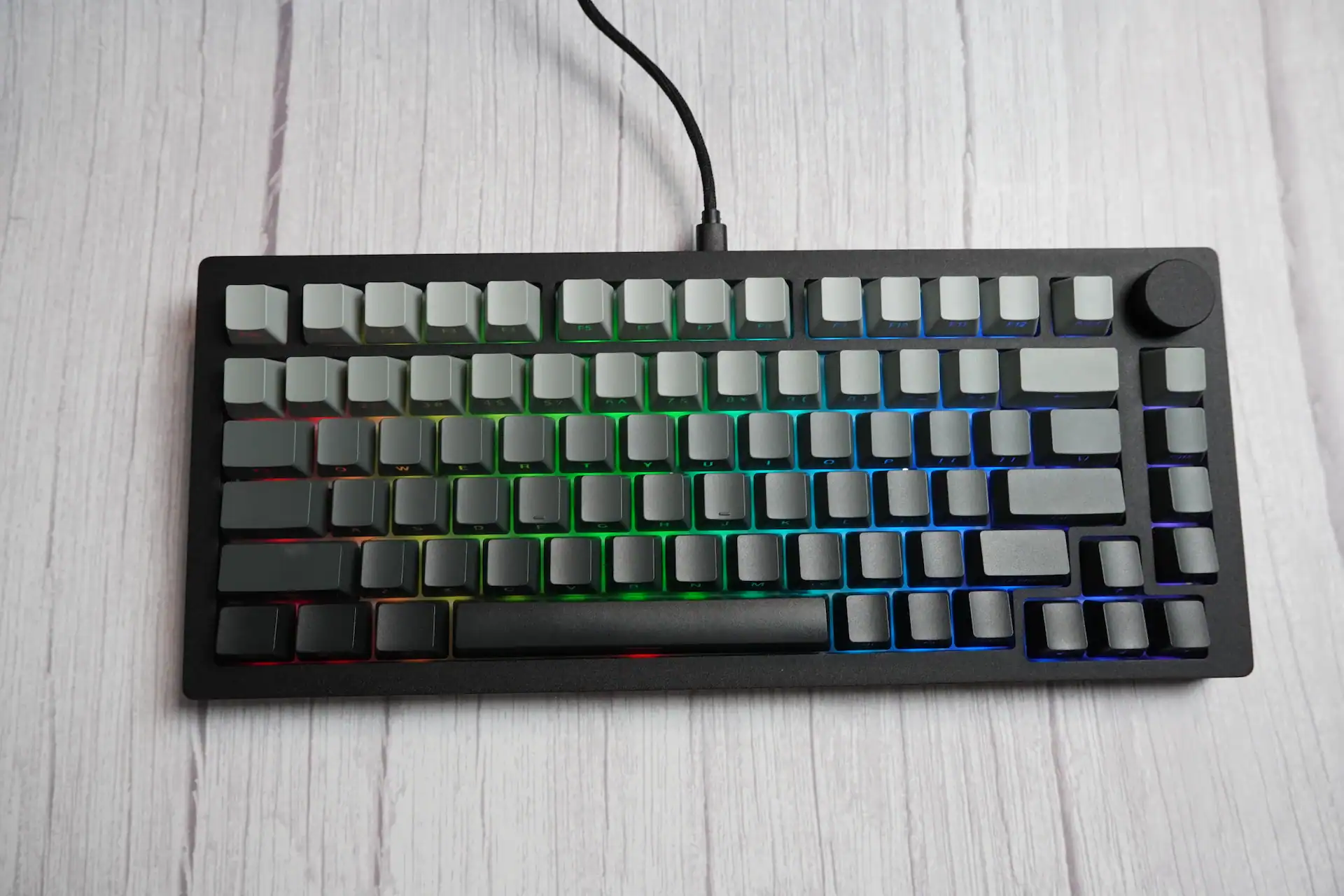
- Womier SK75 TMR – 75%, great sound, very low latency. Link to review.
- Keychron K2 HE – great software, no issues having it in the studio for over an year.
- Gamakay TK75 TMR – cheap, knob, screen and LED bar and silent switch option
Top 75% TMR keyboards


| Model | Layout | Polling | Switch pin support | Connectivity | Price |
|---|---|---|---|---|---|
| MonsGeek M1 V5 TMR | 75% | 8000 Hz | 3-pin & 5-pin | Wired & Wireless | $139.99 |
| MonsGeek FUN60 Ultra | 60% | 8000 Hz | 3-pin & 5-pin | Wired or Wireless | $89.99 |
| Womier SK75 TMR | 75% | 8000 Hz | 3-pin & 5-pin | Wired & Wireless | $129.99 |
| Gamakay TK75 TMR | 75% | 8000 Hz | 3-pin & 5-pin | Wired & Wireless | $114.99 |
| Epomaker HE75 v2 TMR | 75% | 8000 Hz | 3-pin & 5-pin | Wired & Wireless | $125 |
| Keydous NJ98-CP V3 HE | 98% | 8000 Hz | 3-pin & 5-pin | Wired & Wireless | $160 |
| Keychron K HE series | 60% to 100% | 1000 Hz | 3-pin & 5-pin on most models | Wired & Wireless | $129 and more |
| Keychron Q HE series | 60% to 100% | 1000 Hz | 3-pin & 5-pin on most models | Wired & Wireless | $219 and more |
| CHERRY XTRFY K5 Pro TMR Compact | 65% | 8000 Hz | 3-pin & 5-pin | $149.99 | |
| CHERRY XTRFY MX 8.2 Pro TMR Wireless | TKL | 8000 Hz | 3-pin & 5-pin | Wired & Wireless | $249.99 |
Note: Turns out all of the Keychron K HE and Q HE series have TMR sensors – but they have been advertised misleadingly as “HE” keyboards, because that term was much more popular at the time when Wooting 60HE and other competitors started releasing HE keyboards. So they just went with it, despite having TMR technology.
Keychron’s keyboard definitely have the best software out of these, with Womier at the second place in my opinion.
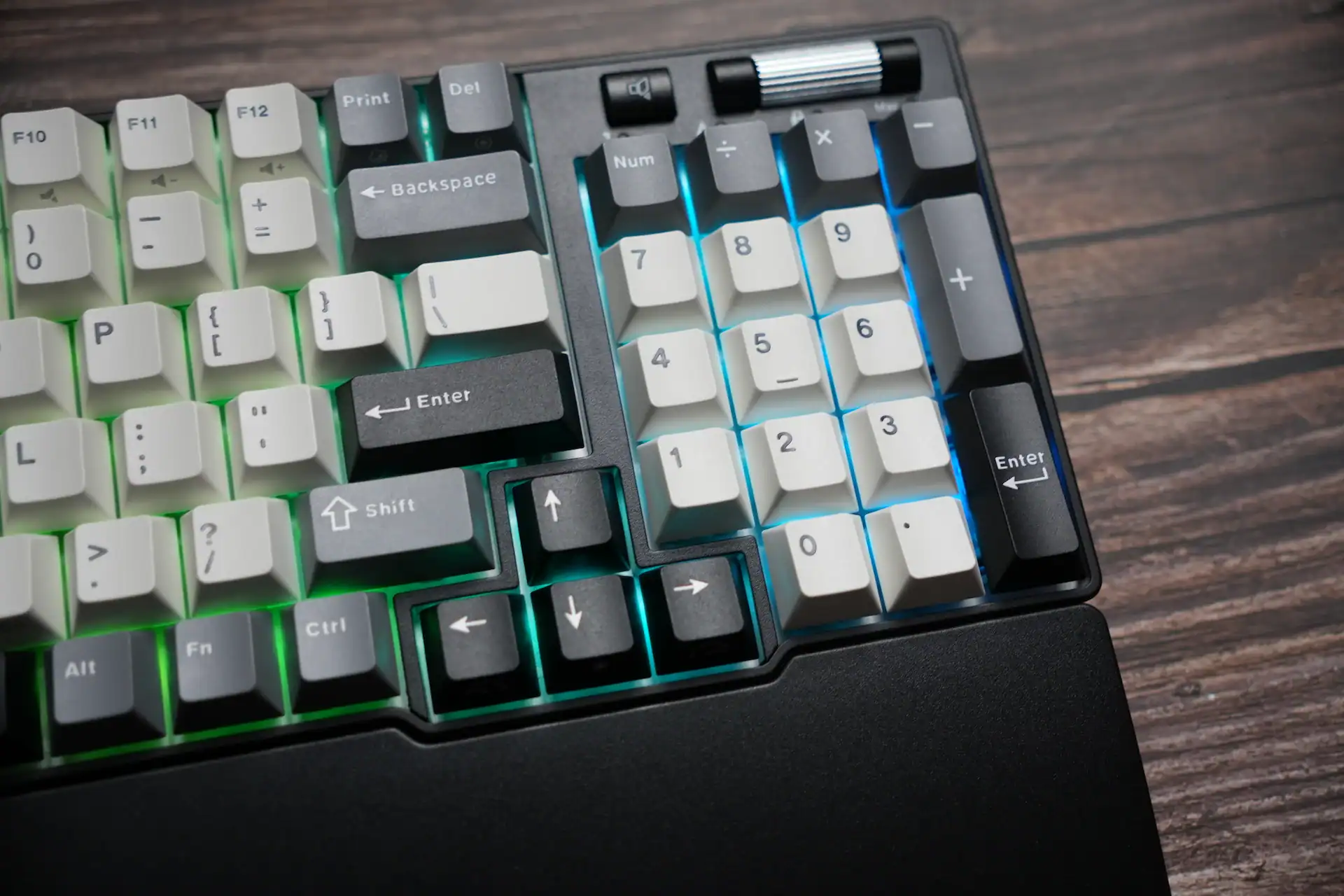
Keydous NJ98-CP V3 HE and Keychron K10 HE are the only 98%/full sized TMR keyboard on the market as of 2026.
And what’s the difference between TMR and Hall effect sensor in the context of mechanical keyboards?
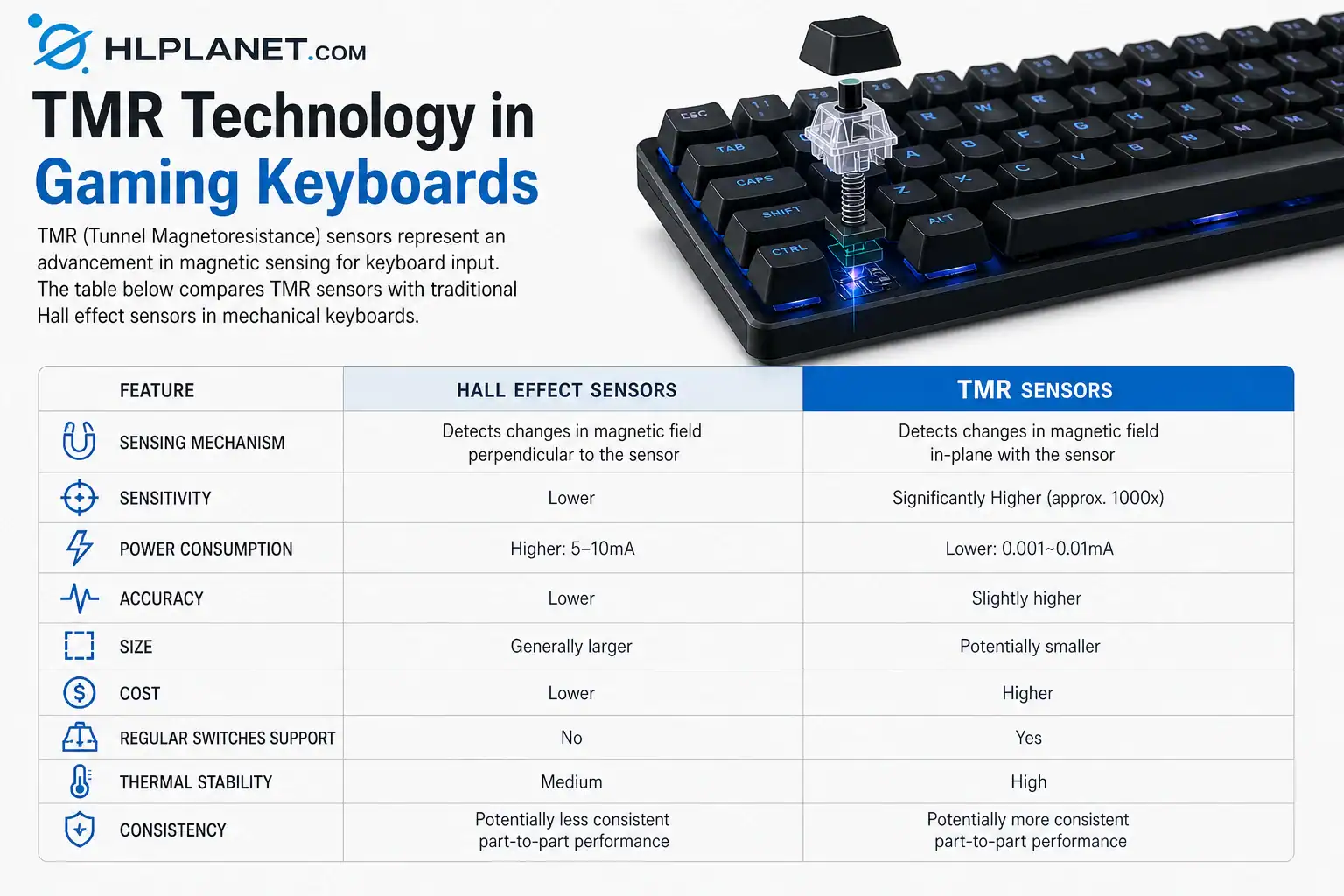
| Feature | Hall Effect Sensors | TMR Sensors |
|---|---|---|
| Sensing Mechanism | Detects changes in magnetic field perpendicular to the sensor | Detects changes in magnetic field in-plane with the sensor |
| Sensitivity | Lower | Significantly Higher (approx. 1000x) |
| Power Consumption | Higher: 5-10mA | Lower: 0.001~0.01mA |
| Accuracy | Lower | Slightly higher |
| Size | Generally larger | Potentially smaller |
| Cost | Lower | Higher |
| Regular switches support | No | Yes |
| Thermal Stability | Medium | High |
| Consistency | Potentially less consistent part-to-part performance | Potentially more consistent part-to-part performance |
In TMR keyboards you can use regular mechanical switches and they will work fine, but they don’t have magnets, so all the magnetic switch features like Rapid Trigger, adjustable actuation etc won’t work then.
TMR switches
The switches used in TMR sensor keyboards are exactly the same as the ones used in Hall effect keyboards. TMR and HE keyboards are different in a way that they have a different position of the magnet, but the magnetic switches used there are the same. So you can use Gateron Jade, Jade Pro, Lekker V2 V60 and other magnetc switches freely in HE keyboards like Wooting 60HE and in TMR keyboards like Womier SK75 TMR.
One thing that’s different is a sensor position on some PCBs, so there are Gateron KS20 and KS37 standard witches. The KS20 standard is much more popular and the KS37 is mainly used in Keychron HE/TMR keyboards. So you can’t use a Gateron Jade or Lekker V60 in a Keychron Q5 HE for instance.
The first released keyboard with TMR sensors seems to be the Monsgeek FUN60 Ultra (there are wired and wireless versions).
There are now also a few keyboards released with inductive switches such as Ducky One X and Epomaker Magcore 87. This is yet another technology with different sensors.

Uses for TMR sensors
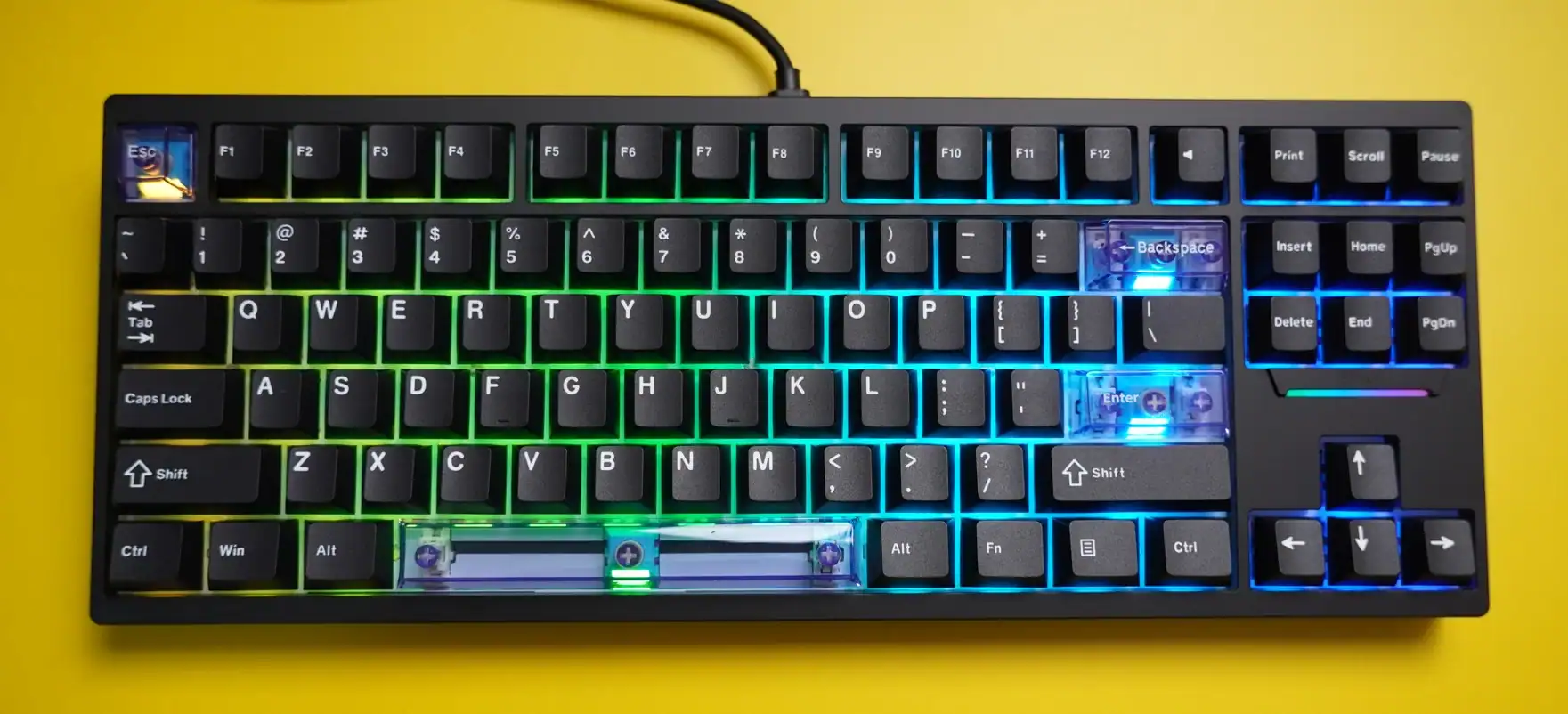
TMR (Tunnel Magnetoresistance) sensors can be used across a surprisingly wide range of gaming hardware — basically anywhere precision movement or position detection is needed. Here’s a breakdown of where and how TMR sensors can be applied:
| Device / Application | TMR Sensor Role | Key Benefit |
|---|---|---|
| Gaming keyboards | Linear sensors for detecting key press depth or actuation point | Ultra-low latency and precise keystroke detection (better than Hall sensors) |
| Game controllers | Angle or position sensors for thumbsticks, trigger buttons | Higher precision and consistency for analog input control |
| Mice (mouse wheels & motion tracking) | Angle sensors for scroll wheels or linear movement tracking | Smooth, lag-free scroll and cursor movement |
| Steering wheels (driving simulators) | Angle sensors for wheel rotation and position | Realistic steering feedback with accurate motion tracking |
| Pedals (racing gear) | Linear sensors for throttle, brake, or clutch pedals | Precise input proportionality and reduced input noise |
| AR/VR headsets and controllers | Angle sensors for tracking hinge positions, orientation, or motion | Improved spatial accuracy and responsiveness |
| Webcams | Position or proximity sensors | Automatic lens cover detection or auto-focus mechanisms |
| Foldable or hinged devices (e.g. AR glasses) | TMR hinge sensors | Detect open/closed or in-use states |
| Custom gaming peripherals (e.g. flight sticks, simulators) | Angle/position sensors | Enhanced accuracy in motion-sensitive components |
TMR sensors excel where traditional Hall sensors start to show limits — they’re up to 10× more sensitive, consume less power, and maintain better stability over temperature or magnetic drift. That’s why they’re increasingly showing up in next-gen gaming gear, particularly premium keyboards and controllers.

I love testing and writing about new tech. I focus on keyboards and controllers. I'm also a gamer and an engineer. Check out my Twitter for keyboard and controller news and reviews.



Great summary, thank you!