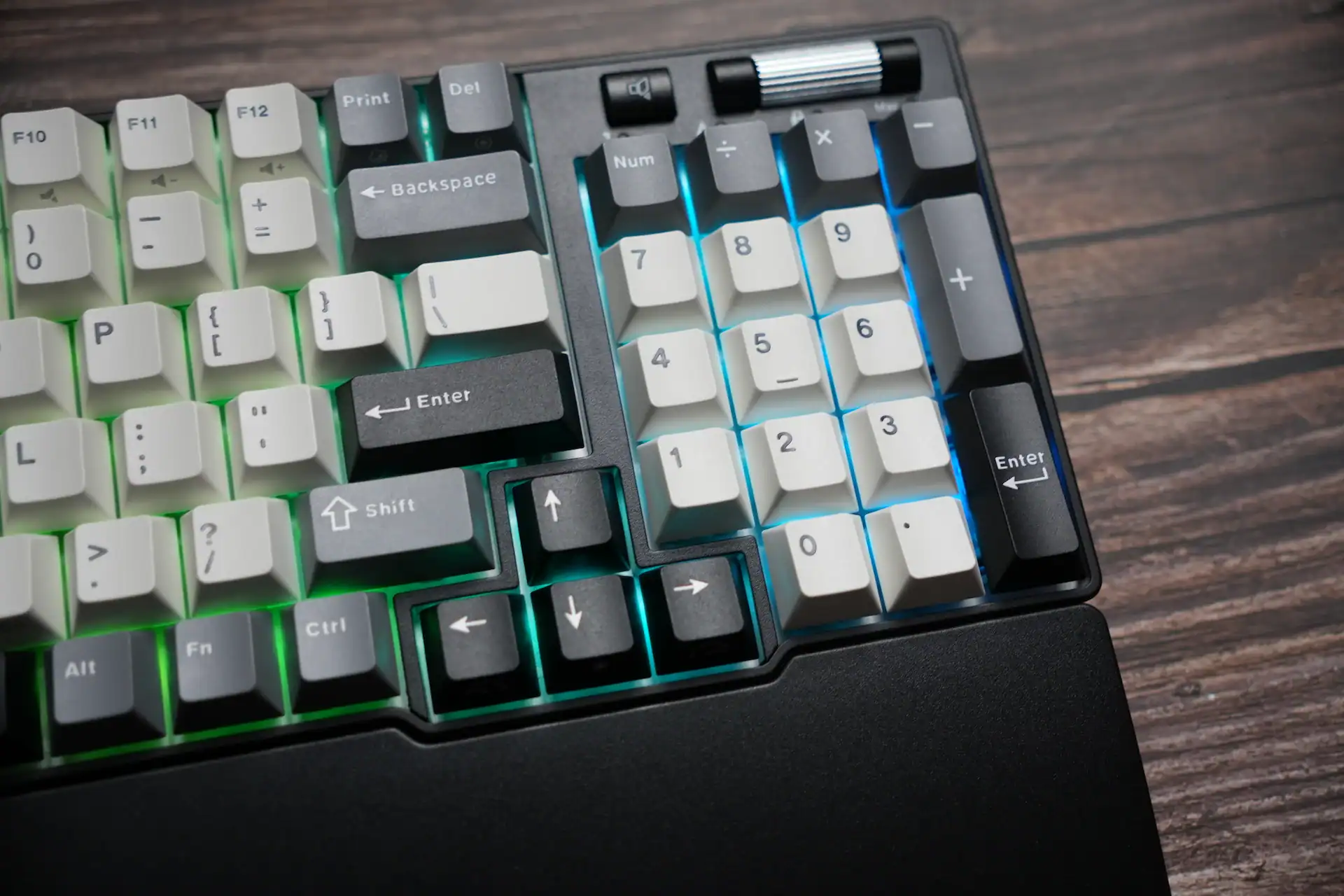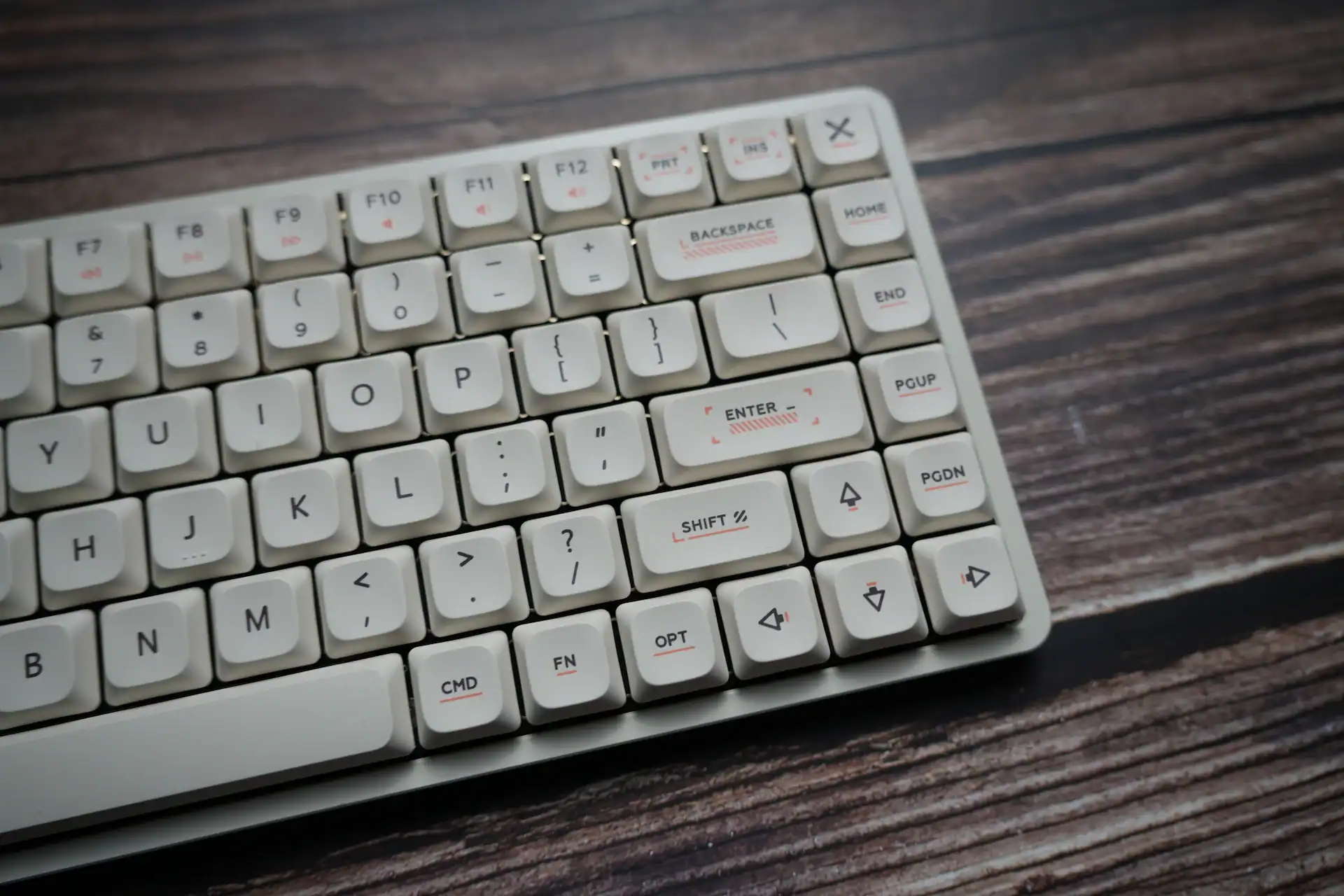

Split keyboards have always been the endgame of ergonomics in the mechanical keyboard hobby. They look intimidating, they usually cost a fortune, and they usually require you to relearn how to type. But Epomaker has been on a roll lately, releasing keyboards with weird and wonderful layouts.
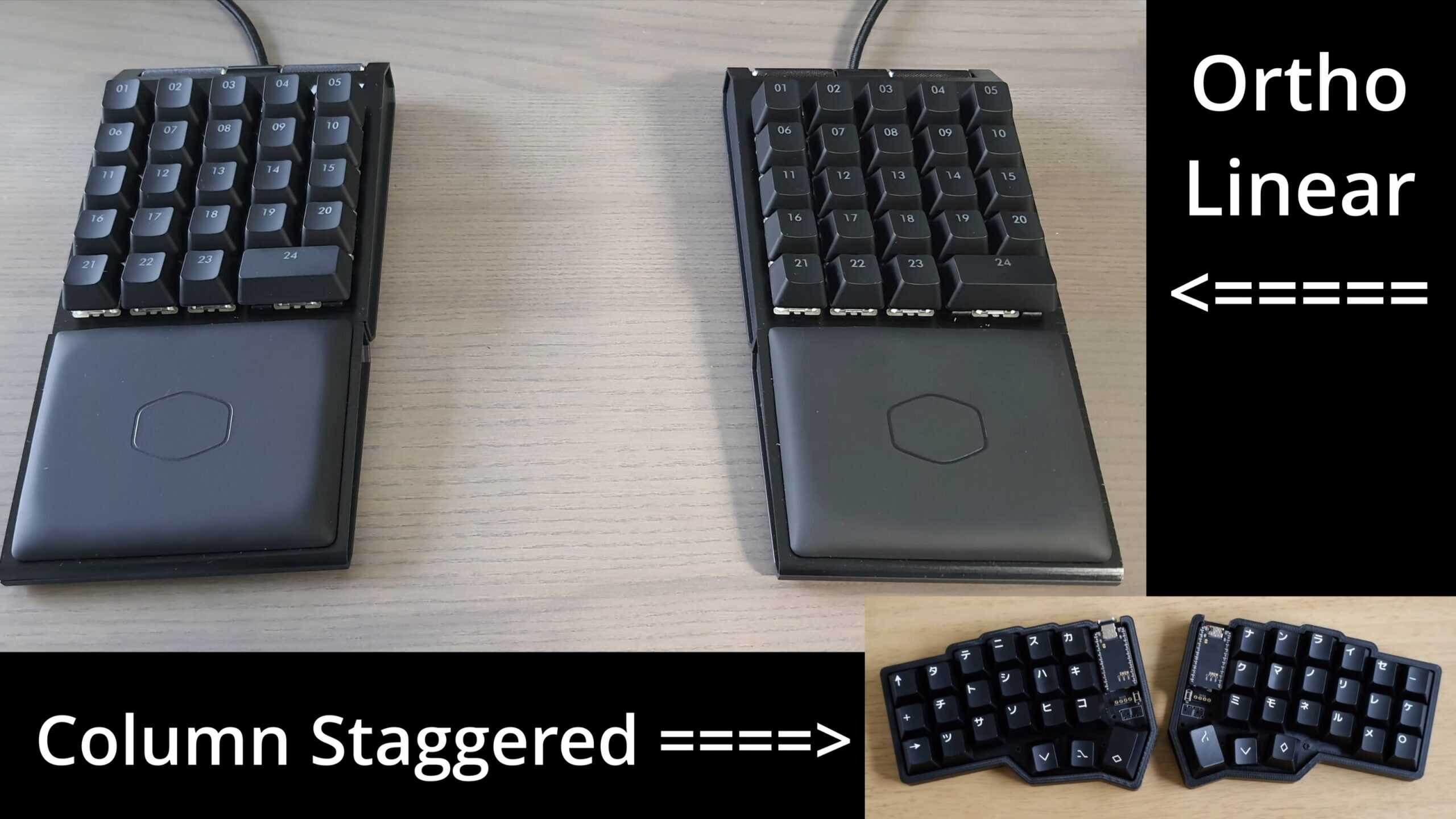
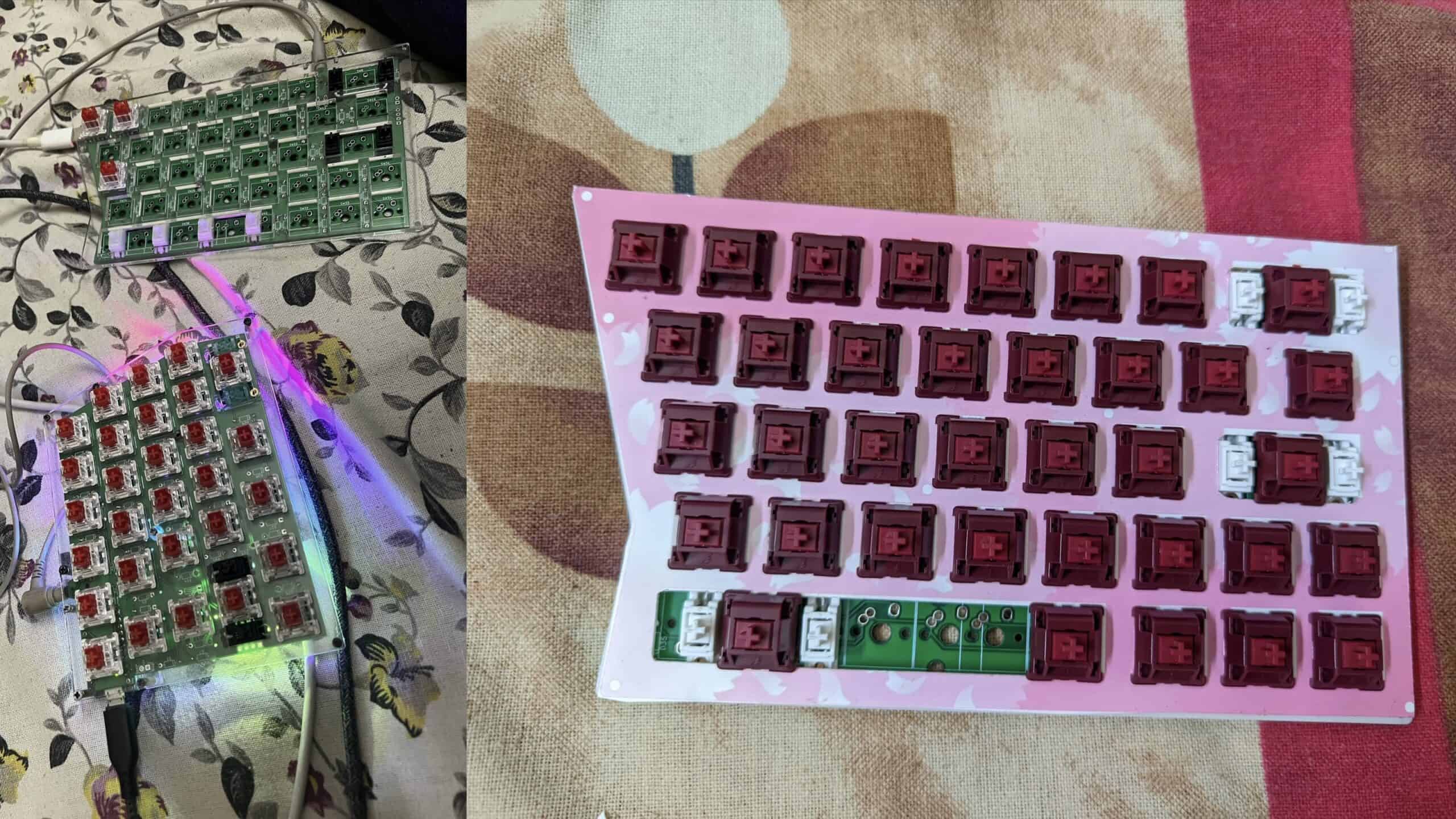
I’ve actually been on the hunt for a split keyboard for a while now. But what kept me from buying one so far, was that I wanted a keyboard with a standard layout. Not ortholinear or Column staggered layouts, which are what I keep seeing around. I also need a number row. I can do without a function row but a number row is necessary. And finally, I wanted something that wasn’t too expensive.
All the options I found were either corne keyboards or out of my budget.
Then I came across the Epomaker Split70. Which fits all my criteria. It’s even wireless, which makes it extra nice. So I reached out to Epomaker to see if they would send me one to check out. I was going to buy one regardless, but they agreed to send me one! So that is what I’ll be reviewing today, the Epomaker Split 70 keyboard.
As always, let’s begin with the package contents.
BOX CONTENTS

The box itself is a little longer than other keyboard boxes. Inside, we see :
- a manual
- the keyboard
- a warranty card
- a USB-C to USB-C cable with L shaped connectors (for connecting the two halves together)
- a USB-A to USB-C charging cable
- a keycap-cum-switch puller tool
- extra switches
- mac keycaps
Contents are fine, but I would have loved to see a plastic dust cover like most keyboards have.
SPLIT 70 FEATURES
The Split 70 comes in two colourways. Black, and White. The black colourway features a gradient PBT keycap set which goes from white at the top to dark grey at the bottom, and the white variant features a white and blue PBT keycap set with some cute art here and there. I have the white variant with me.
The Split 70 comes with Epomaker’s Wisteria V2 Linear Switches. They’re nice to type on. More about this later in the review when I talk about the typing experience and sounds.

This keyboard is a split layout as you can see. Some peculiarities of the layout specific to this board are :
- the split 2.5u space-bar
- 2 B buttons so it’s easier for people to type in their style
- the knob on the top left corner
- the 4 programmable macro keys on the left side
- the small 1u right shift key
- the delete button down next to the arrow key
Each half weighs about 467 grams, totalling up to 930 grams. It feels hefty and very stable when typing, but also light enough to adjust the position of each half on your desk using just one hand with ease.

There’s a magnet between the two halves so when you place them together, they stick together and it becomes a regular keyboard… with a gap in the middle and 2 B keys.
Even with this split layout, they managed to make it gasket mounted. Sure, it’s just simple silicone sock gaskets, but it does it’s job and feels nice to type on without fatiguing your fingers.
The PC (polycarbonate) plate is NOT flex cut, which is a refreshing choice here. And I think it’s the right choice too. Having a flex cut plate in this board would have way too much variation in typing feel and sounds cuz there’s two separate halves to type on.

For a small form factor like this, I would’ve loved to see an FR4 plate option tbh, but this PC plate is nice too. And the translucent PC plate actually helps in diffusing the RGB too.
Speaking of RGB, the RGB here is fairly bright. It’s not the brightest I’ve ever seen, but it’s good enough to use with shine-through keycaps if you would like to. There are lots of cool effects. The two customisable little RGB strips on the corners here are pretty nice.

The Split 70 comes with 5 layers of sound dampening material, which is always a welcome addition in a polycarbonate case. If you prefer using your boards without any of the layers of foam, you can take it out.
Do note that the keyboard is fully hot-swappable so you can use any switches that you like with ease.
It comes with plate mount stabilizers out of the box with no support for screw-in stabilizers. The stock plate mounted stabilizers ARE pretty good though, so whatever.

It has tri-mode connectivity and so far I haven’t had any issues with connectivity or interference. It is compatible with Mac, Windows, and Android. I haven’t tried this with a linux system, nor does it state anywhere on the product page that it supports linux, so make of that what you will. It comes with a set of extra mac keycaps. Since the keyboard has VIA support (yk, the one where you upload a json file, and not the proper official QMK one)

The keyboard has a 1000Hz polling rate which is standard. Do note that it’s only 1000Hz in the 2.4ghz and wired connection mode. In bluetooth mode, it has a 125hz polling rate.
The keyboard has 3ms of latency when used in wired mode, 5ms in 2.4ghz mode, and 15ms in bluetooth mode. I didn’t test it myself but I’ve been gaming with this keyboard and the latency in wired and 2.4ghz mode is unnoticeable. So I guess the claims are true.
The Split70 comes with a mere 3000mah battery. This, in my opinion, it its biggest drawback. In my testing, with the RGB off, the keyboard lasted about 145 hours (about 3 weeks of use) and with the RGB on it lasted about 35 hours (about 5 days of use)
There are rubber feet on both halves of the keyboard, but there’s no height adjustment. I would have really liked to see some tenting here personally, for better ergonomics. But it’s still plenty comfortable.

SOFTWARE

The Epomaker Split 70 supports VIA webdriver. All you have to do is upload the json file from the epomaker website into usevia.app, and you can customize your keyboard’s functions. Add or change macros, add functions, remap keys, customize layers, you can do a lot.
But do not that you only get Epomaker’s own QMK firmware, which isn’t the same as the opensource version. 99% of users won’t have any problems because of this, but the power users that like to customize their keyboards HEAVILY would care.
PERSONAL THOUGHTS
I think the Split70 is a very pretty keyboard. I like what they’ve done with the design. But I have seen this design before. This is the exact same design as the Zuoya GMK70. It’s available at a similar price, so that’s not particularly a problem in my opinion.
Anyways, I like the bezels and the little slope at the bottom for comfortable use.
The USB port being on the left side is also very nice. Any coiled cable you use won’t get in the way of mousing space.
The knob is nice. It has a soft tactility to it, and it doesn’t wobble at all. I always welcome an aluminium knob.
The included keycaps are nice. They’re good quality, are of decent thickness, and sound good. The print of the legends are consistent and sharp. The texture on the keycaps is smooth but grippy. It’s not matte, but it almost feels like a nice mouse surface. It’s good. Very pleasant to type on.
I like the cute designs on the white variant.
About the split layout… Overall, this has been super comfortable to get used to and I didn’t even have to learn touch typing. I just started typing like normal on this keyboard and didn’t have to think much about it. But one issue I’ve had constantly is the number row on the right half has been scooted over by one space to the left, and they’ve put the tilde key where you would usually see the plus key. I have been typing 8 when I intend to type 7 because on a regular keyboard, they’re situated one space to the right. This isn’t a major issue or anything, and if it does get too annoying for you, you can always remap the keys in VIA.

The double B layout has been such a massive help. This has allowed me to use this keyboard for gaming, and has allowed me to get used to typing on this keyboard much more comfortably. The switches used here are nice and smooth. The Wisteria V2 linears are medium weight switches, and they’re pre lubed well. I don’t feel any scratchiness at all when using these. Their sound profile is a nice middle ground between thocky and clacky, so to say.
SOUND TEST
I have timestamped the sound test from my full review video.
- Clean, attractive design with comfortable bezels and front slope
- Left-side USB port keeps the cable out of the mousing area
- Split layout is easy to adapt to and comfortable for long typing
- Design is effectively identical to the Zuoya GMK70
- Right-side number row is shifted, which can cause mistypes at first
In my opinion, what the Epomaker Split70 offers, justifies its near $100 price tag. It’s a pretty unique product, and it does its job perfectly.

Hello! 🥰 I'm Fang.
I like gaming and related tech. I enjoy learning more, and sharing my experiences through my review videos and blog posts. Have fun! 💖