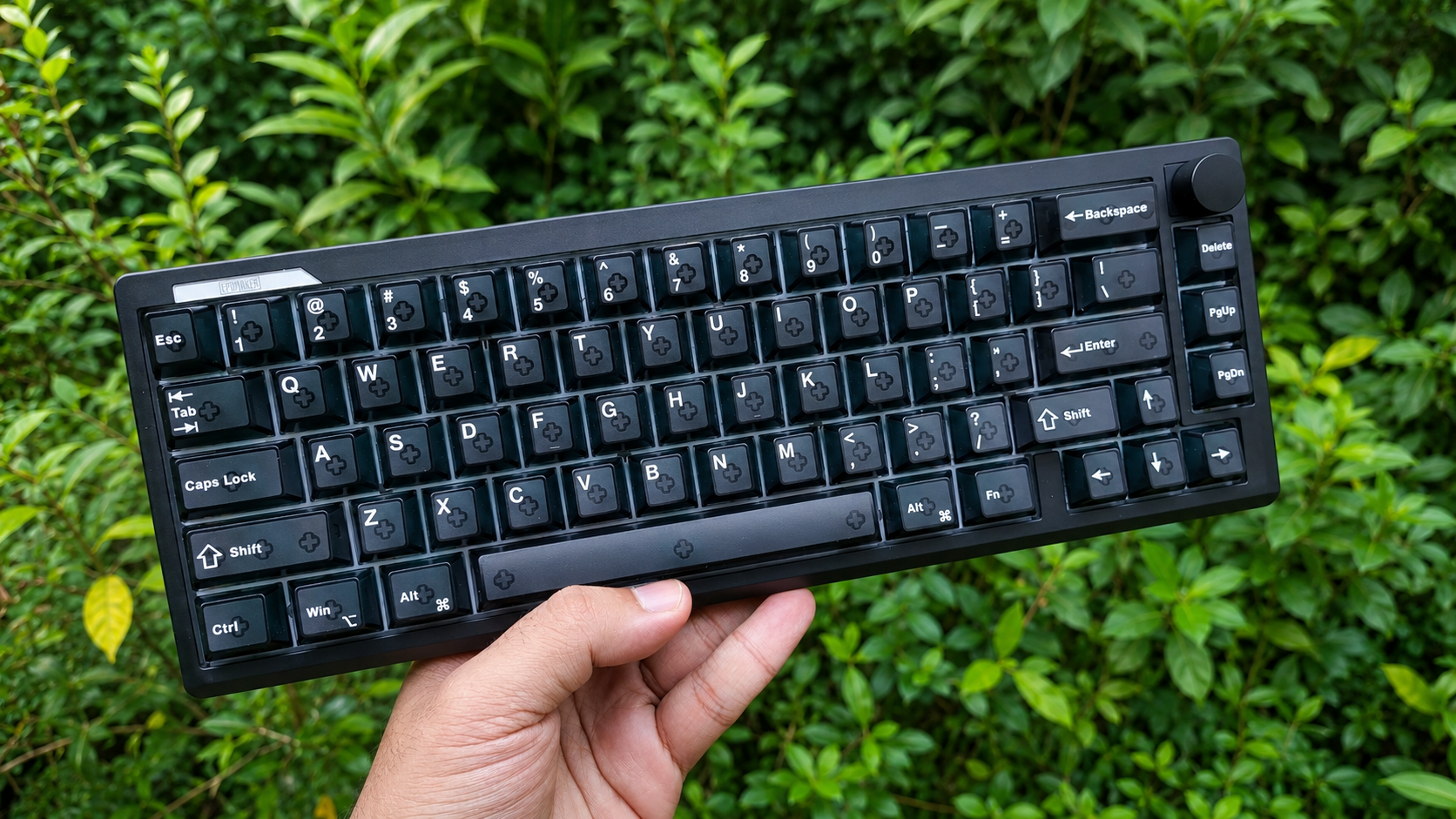

Aula has been a staple in the keyboard space for a few years now. This is the brand which brought mainstream attention to the budget keyboard market with their viral Aula F75. Since then, they have maintained a pretty healthy spot in the keyboard space with keyboards of varying price ranges and layouts.
Today, we’re looking at one of Aula’s new generation V2 keyboards, the Aula F108 V2 Pro. Does this keyboard live up to the standard that we’ve come to expect from Aula’s keyboards? Does it offer a good value? And who is this keyboard ideal for? I’ll answer all these questions and more in this review.
Unboxing and Accessories

The unboxing experience is pretty standard. It’s a simple box with a partition inside separating the accessories and the keyboard. In the box, you’ll find :
- Aula F108 Pro V2 keyboard
- Plastic Dust Cover
- User Manual & Software QR code
- Shortcuts List (quite handy actually)
- USB-A to USB-C cable
- 2.4gHz Dongle
- Standard Keycap-Switch puller
Some things to note:
- The cable is a little stiff. Not an issue by any means, but I figured I might as well let you know about it.
- The dongle isn’t your standard micro-dongle. It requires a USB-C input, like you see in some mice. It’s meant to be placed on top of your desk. It leads to a more stable connection due to the proximity of the keyboard to the dongle, and it also allows you to quickly plug the keyboard in since the cable is on the desk.

Aesthetics and Build Quality
The Aula F108 Pro V2 comes in three colourways :
- White
- Black
- Pink

I got the pink colourway, but I also like the look of the black variant.
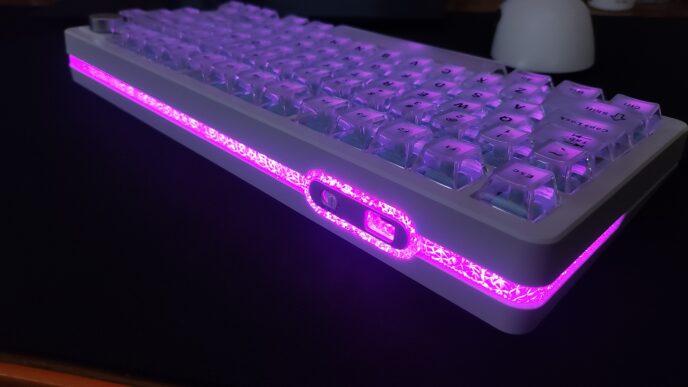
This keyboard is definitely not a “no-nonsense” approach to aesthetics. The screen and RGB stand out amongst the crowd, and it’s quite good looking in my opinion. I like that they filled up the empty space above the arrow keys, and I’ve been using a custom GIF which helps in personalizing the keyboard. The wrap-around ambient RGB is quite nice. It’s bright and it can tie the keyboard in with the rest of your setup.

The build quality is solid. There’s barely any flex, which is impressive for a full sized keyboard. The plastics used here are of a high quality, and I have no complaints. The mode toggle switch is on the right side of the keyboard, and the USB-C port is in the centre of the top edge of the keyboard. I like this decision.

The keycaps, while feeling great under your fingers, leave something to be desired in terms of consistency of thickness of the legends. Other than that, they’re great.
General Features
The Aula F108 Pro V2 features a full sized 108 key layout (as indicated by the name). It fills the empty space above the arrow keys with a pixel screen and some visual accoutrement.
It’s a gasket mounted keyboard which gives it a nice bouncy feel. Combined with the flex cut PCB, it’s a pretty nice typing experience with a good amount of give under your fingers. This reduces typing fatigue to some extent.
The F108 Pro V2 comes with 7 layers of sound dampening, which gives this keyboard a pleasant, deep sound profile (depends on the switches too, of course)
With the Leobog Reaper switches, you get a deep thocky sound which is the “viral” sound profile that people seek out in keyboards. And with the Cotton Candy Silent switches… well, it’s silent. You do still hear some of the keycap noise and thuds from the desk depending on how hard you type. Both these switches are linear and come factory-lubed.
It comes with plate mount stabilizers out of the box and they perform really well. The board is not compatible with screw-in stabilizers.

It has got a good RGB implementation which is very bright and has a staggering number of pre-programmed patterns and animations. It has south facing LEDs and the switches have a nice light diffuser installed which makes the RGB shine through bright but without harshness.

The wrap-around RGB light strip is a pretty cool feature. I like how it looks in photos, but I usually turn it off for battery preservation reasons.
Speaking of battery life, the F108 Pro V2 comes with an earthshattering, TSA defying 10,000mah battery. This leads to a ridiculous 600 hours of battery life with RGB turned off. I can’t possibly test this because… it would take 600 hours XD. With the RGB set to max brightness (keys, side lights, screen, lightbar), the battery life drops to 30 hours. So… yeah maybe use it without the RGB.

It has tri-mode connectivity and so far I haven’t had any issues with connectivity or interference. It is compatible with Mac, Windows, Android and Linux. It doesn’t come with any extra mac keycaps.
The Aula F108 Pro V2 product page says the keyboard features 8000Hz polling rate over 2.4ghz and wired mode. But… I don’t see an option to change polling rate in the web-app anywhere and I don’t have a way to test the polling rate of my keyboard… so I can’t confirm this. I don’t understand why Aula would feel the need to add 8000Hz polling rate to a mechanical (not HE or TMR) keyboard, and a full sized one at that. But this would explain the large separate dongle needed to operate this keyboards. The 8000Hz results in 0.125ms of latency (according to the website)
And it has 125Hz polling rate in Bluetooth mode, resulting in at least 8ms of latency.
I don’t know how accurate these advertised numbers are, but I can tell you for sure that I’ve had no bad experiences while gaming and I haven’t noticed any latency in wired or 2.4gHz mode.

The stock keycaps on this keyboard are Doubleshot PBT Cherry Profile keycaps. They feel nice under the finger when typing, but the quality and consistency of the legends leave much to be desired. The alphas are nice and thick, but a lot of the other keycaps have inconsistencies in thickness and legend quality. Notice the various letters on the backspace key and the variance in thickness of lettering between different keys.


The Aula F108 Pro V2 has height adjustable feet with three levels of adjustment.

This keyboard is fully hotswapable with 5 pin and 3 pin switches.

The software experience is quite barebones at the moment. You can customise the keyboard and update the firmware using the Aula web-app mentioned on their website and the user manual. It offers basic features like key remapping, setting up layers, macros, lighting settings, etc, and it also has some features like SOCD. It lacks other settings like changing the polling rate.


My thoughts on the overall experience
The Aula F108 Pro V2 (God that’s a mouthful to say every time XD) is a pretty good experience. I like what Aula has gone for here, but it also has some strange decisions.
It’s perfect for office use owing to features like it’s ridiculous battery life of 600 hours, a silent switch option out of the box, and it’s standard full-sized layout. But then it’s also bedazzled with 3 different kinds of RGB? And why does this keyboard have 8000Hz? The large dongle which needs you to plug in a whole other cable rather than just plugging the USB dongle into your device also gets in the way a little bit.
Concluding Thoughts

I like this keyboard. The Aula F108 Pro V2 is a very versatile keyboard perfect for office use, casual gaming and regular day to day use. And then it goes above and beyond with features that, frankly speaking, don’t make a lot of sense in this keyboard. But this doesn’t take away from the experience of using this keyboard, and I can safely recommend the Aula F108 Pro V2 if you think it might be the right keyboard for you.

Hello! 🥰 I'm Fang.
I like gaming and related tech. I enjoy learning more, and sharing my experiences through my review videos and blog posts. Have fun! 💖