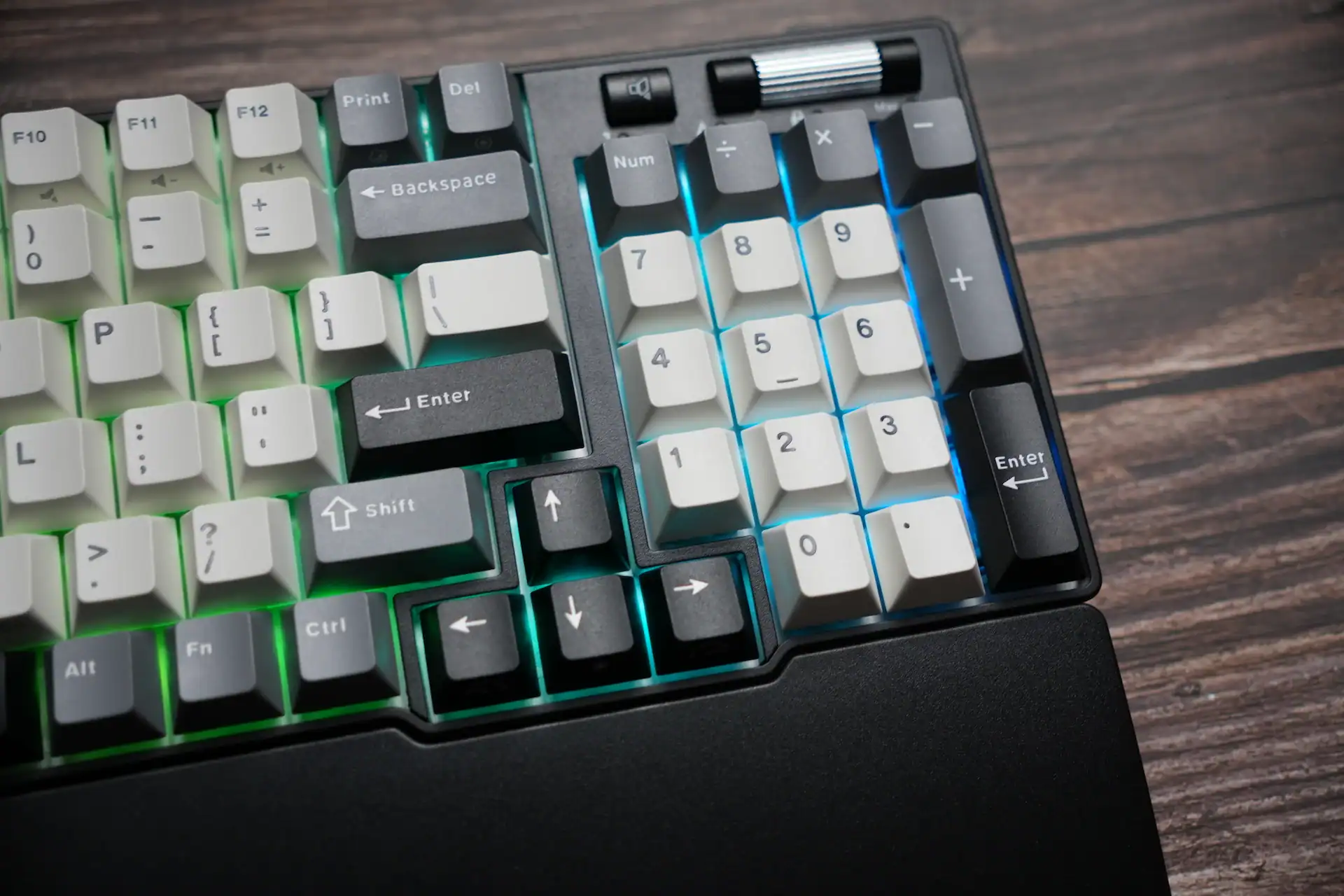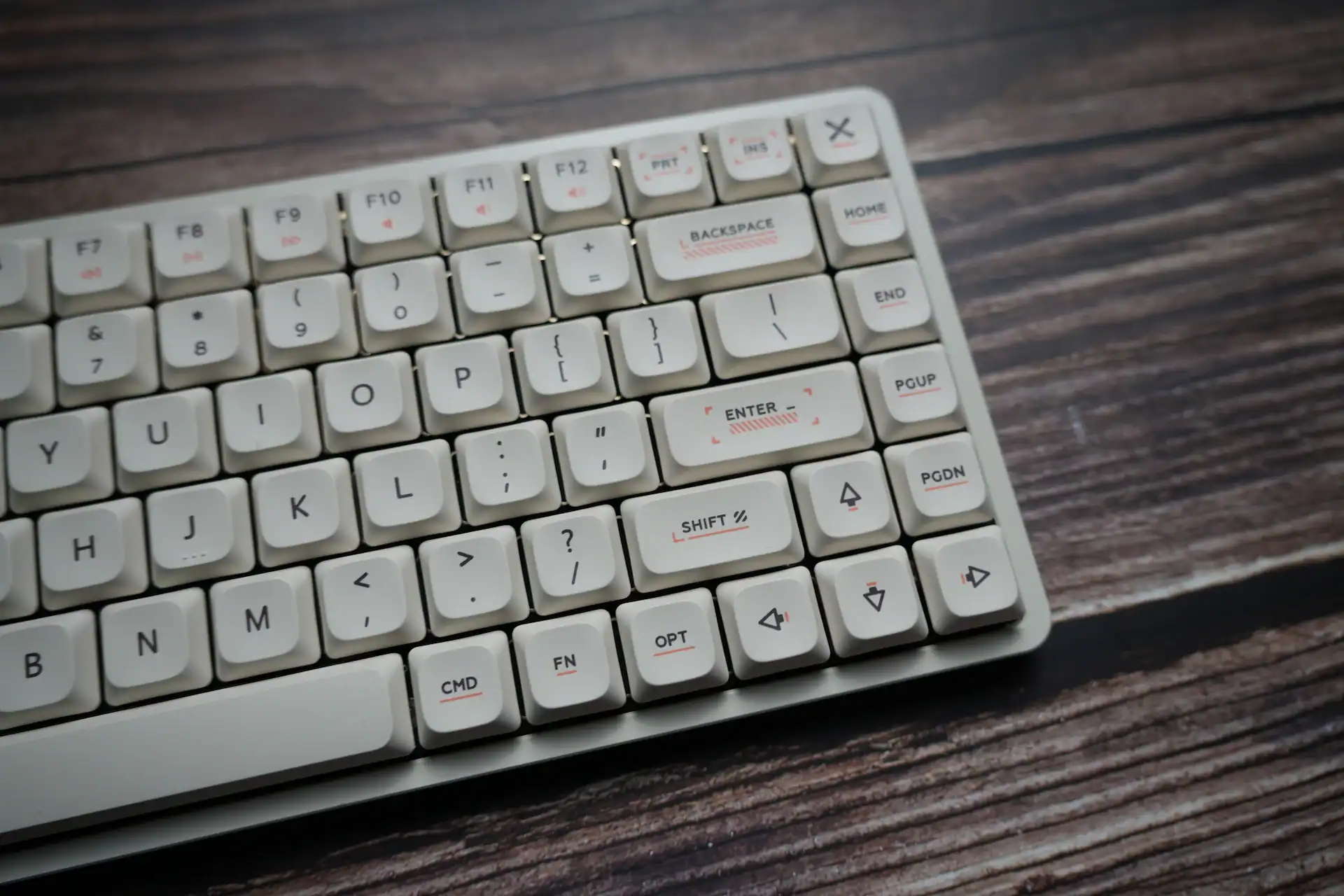

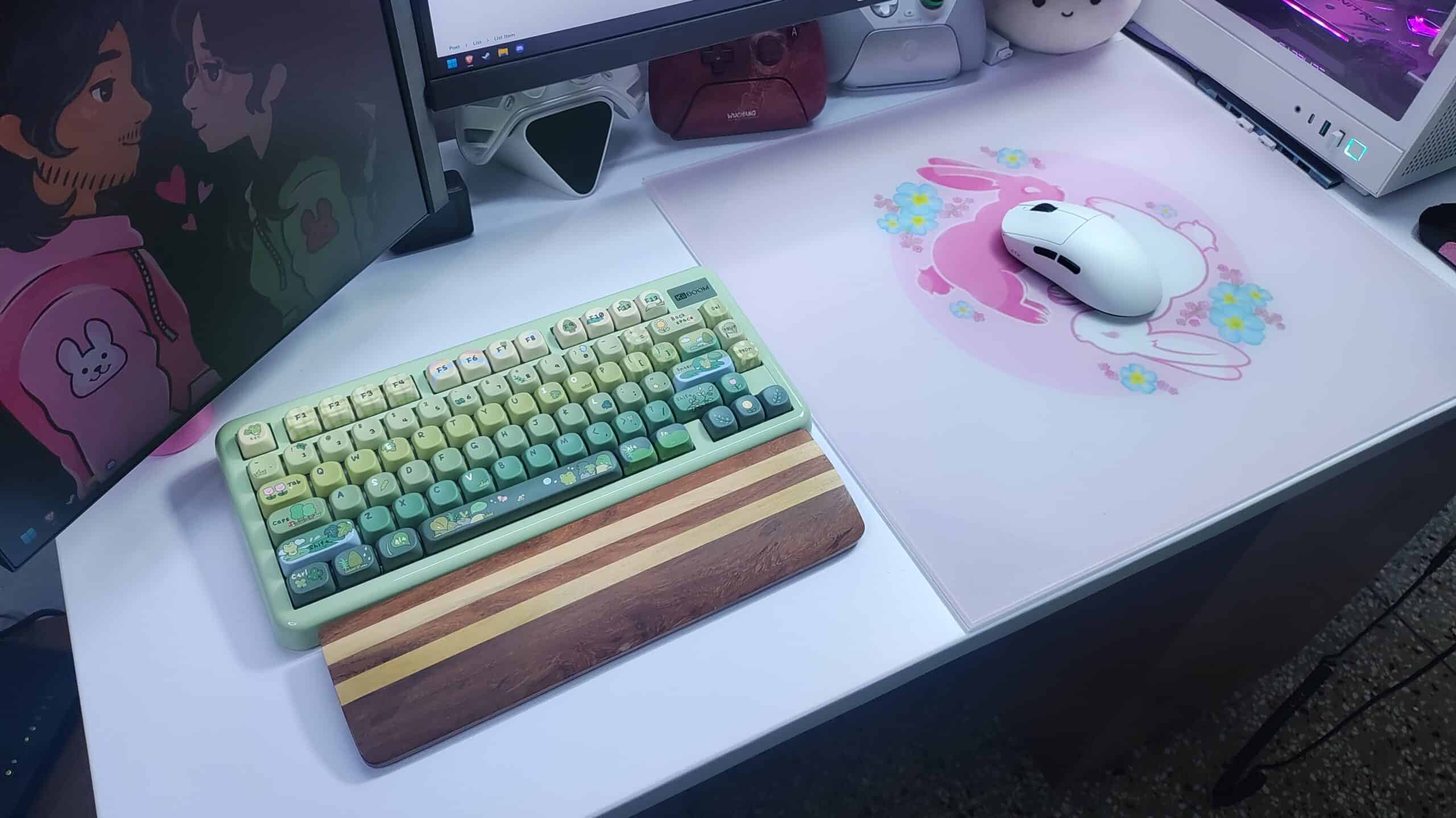
I’ll be honest, I didn’t get the KiiBOOM Phantom 81 Lite because I needed another high-performance tool for an advantage in competitive games, or because I needed an ergonomic keyboard that minimizes the strain on my wrist while I type away. I picked it up because it is, without a doubt, one of the cutest pieces of tech to adorn my desk.
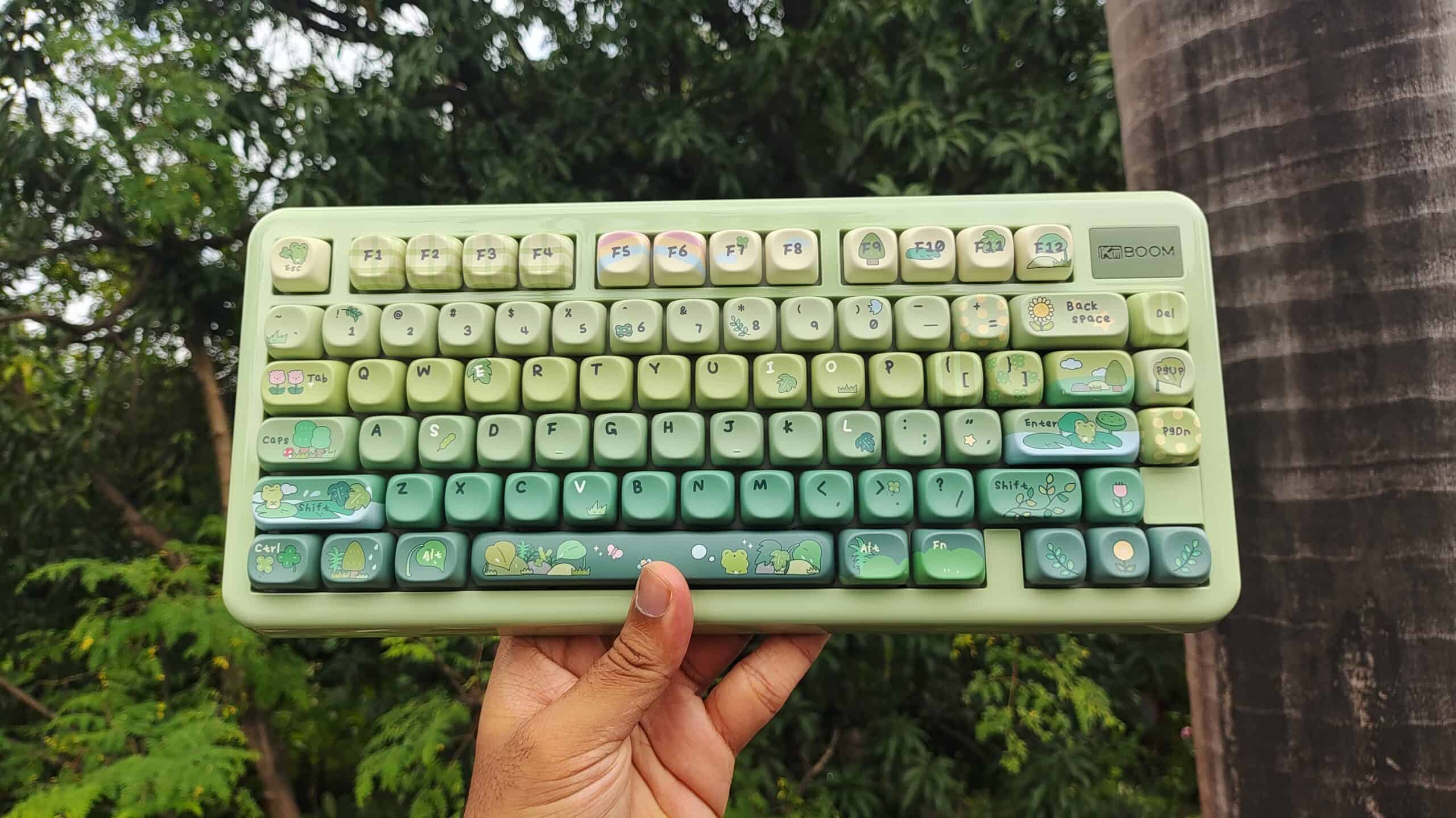
I mean just look at it! It’s friggin’ gorgeous.
The soft corners, the curves, the glossy resin-like surface, the nice green colour, the candy-like keycaps… it all comes together to make you go “awww that’s so cute!”
But don’t let the whimsical looks of this keyboard distract you from the incredible typing experience it offers. It sounds and feels just as good as it looks. You’ll see what I mean when we get to the typing feel section, after I tell you about all the goods and bads of the Phantom 81 Lite by KiiBOOM.
Packaging and Box Contents
The Phantom 81 Lite comes in a pretty simple box with a simple, yet catchy design. Inside, there’s enough foam to protect the keyboard from any rough handling during shipping.

In the box, we find:
- A few stickers of KiiBOOM’s mascot
- A manual
- A microfiber cloth to wipe the keyboard
- A USB-A to USB-C cable
- A keycap & switch puller
- 6 extra keycaps
- 3 extra switches
- A plastic dust cover
- And the keyboard, covered in a plastic sheet to prevent static
I like the extras included here. The cleaning cloth and the keycaps are a nice, thoughtful addition.
Aesthetics & Build
The Phantom81 Lite comes in 4 different colourways:
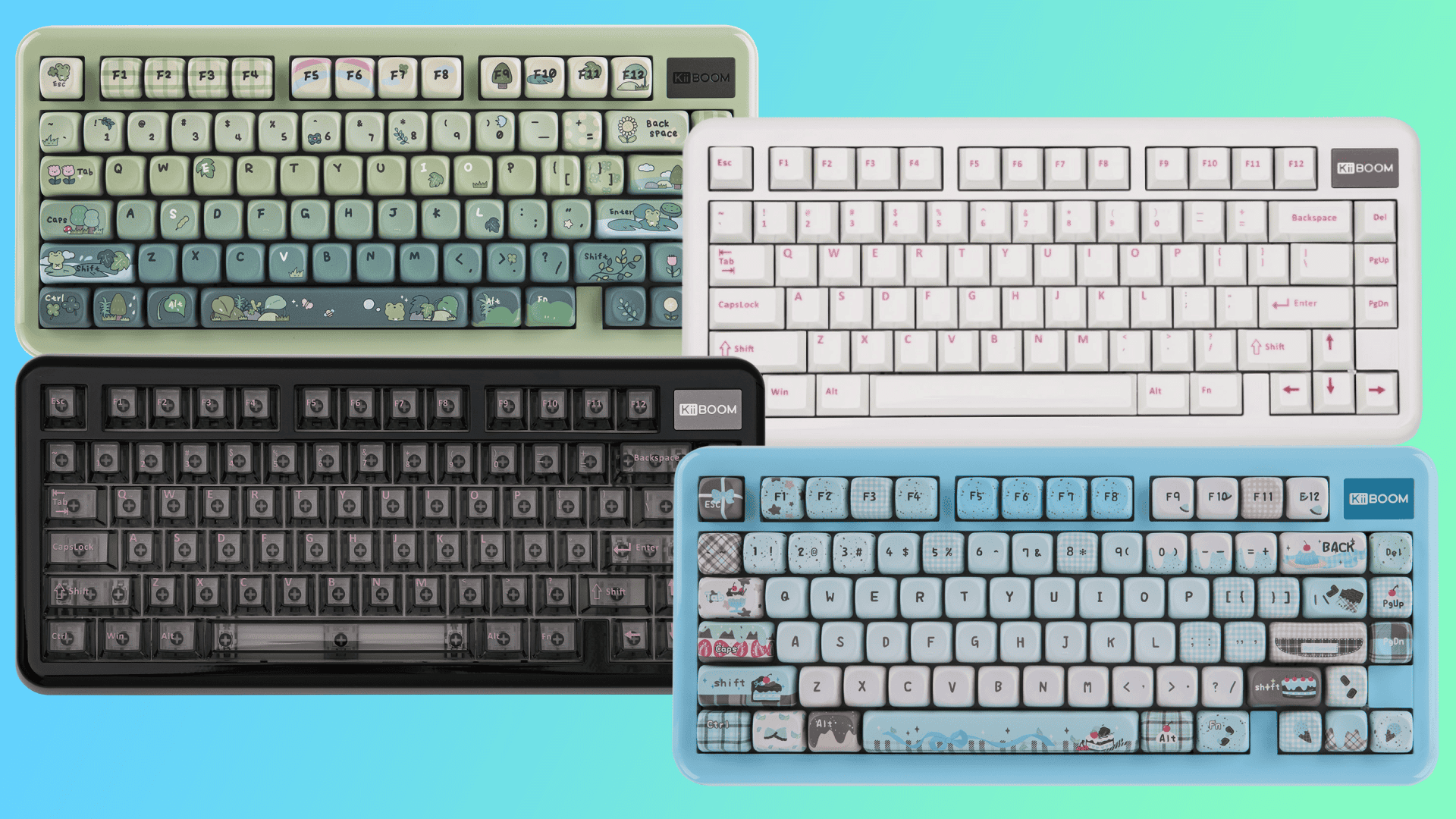
- Green : with Rainy frog keycaps
- Black : with transparent keycaps
- Blue : with Choco mint keycaps
- White : with white-pink pbt keycaps
I got the green colourway. I like all the options, but the green one just gripped my heart as soon as I laid my eyes on it.
The Phantom81 Lite is a 75% keyboard with an what I would deem a “semi-exploded” layout. In a regular exploded layout keyboard, the function row, arrow keys and special keys cluster is separated from the rest of the typing space by a little gap. In the Phantom 81 Lite, the function row is exploded, but the arrow keys and special keys cluster is scooched over to join the shift key. This is a comfortable layout and looks great too.
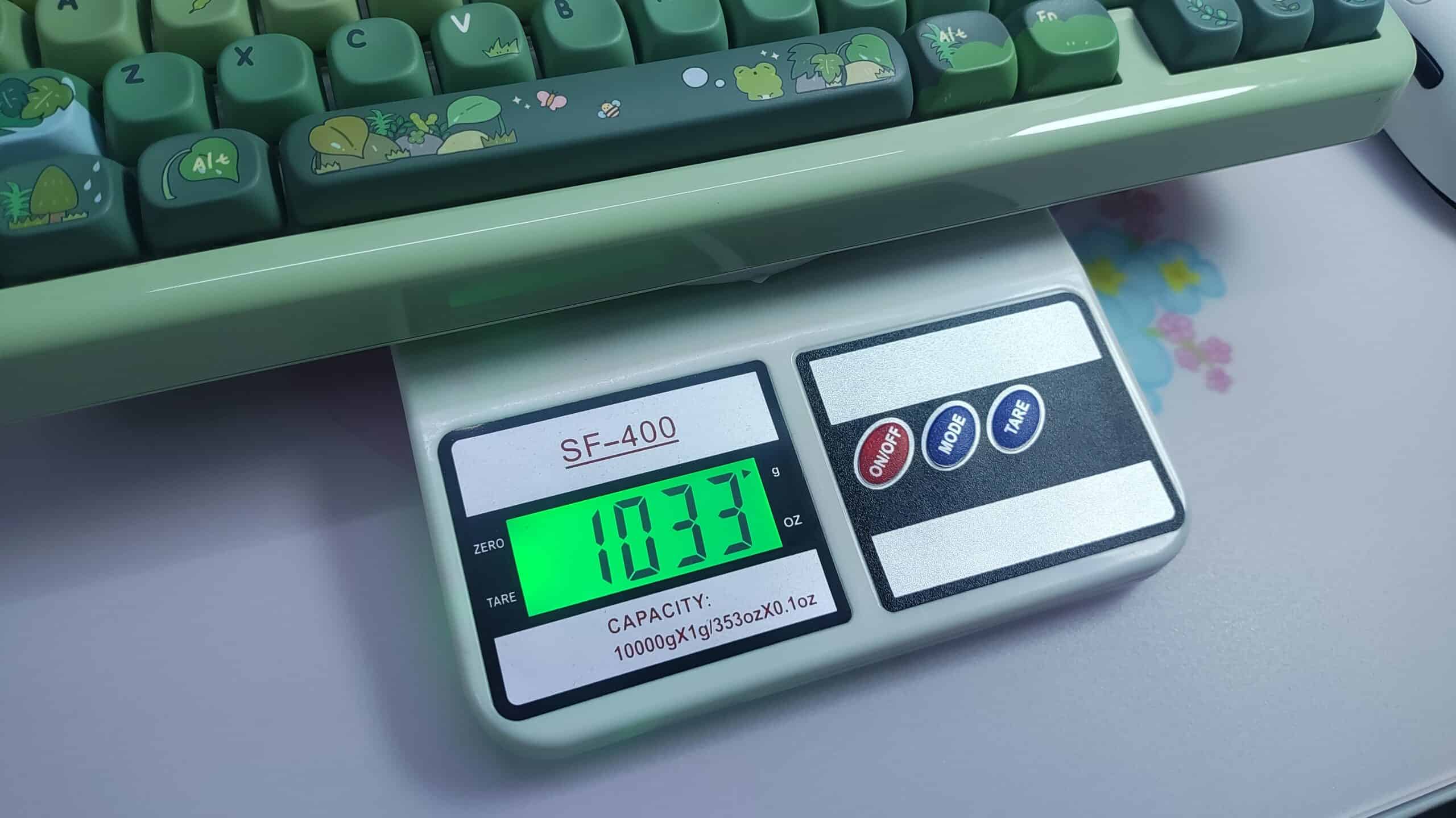
It weighs about a kilogram. This weight gives it stability on the desk and it doesn’t move about when you’re using it. The rubber feet under the keyboard also help in this.
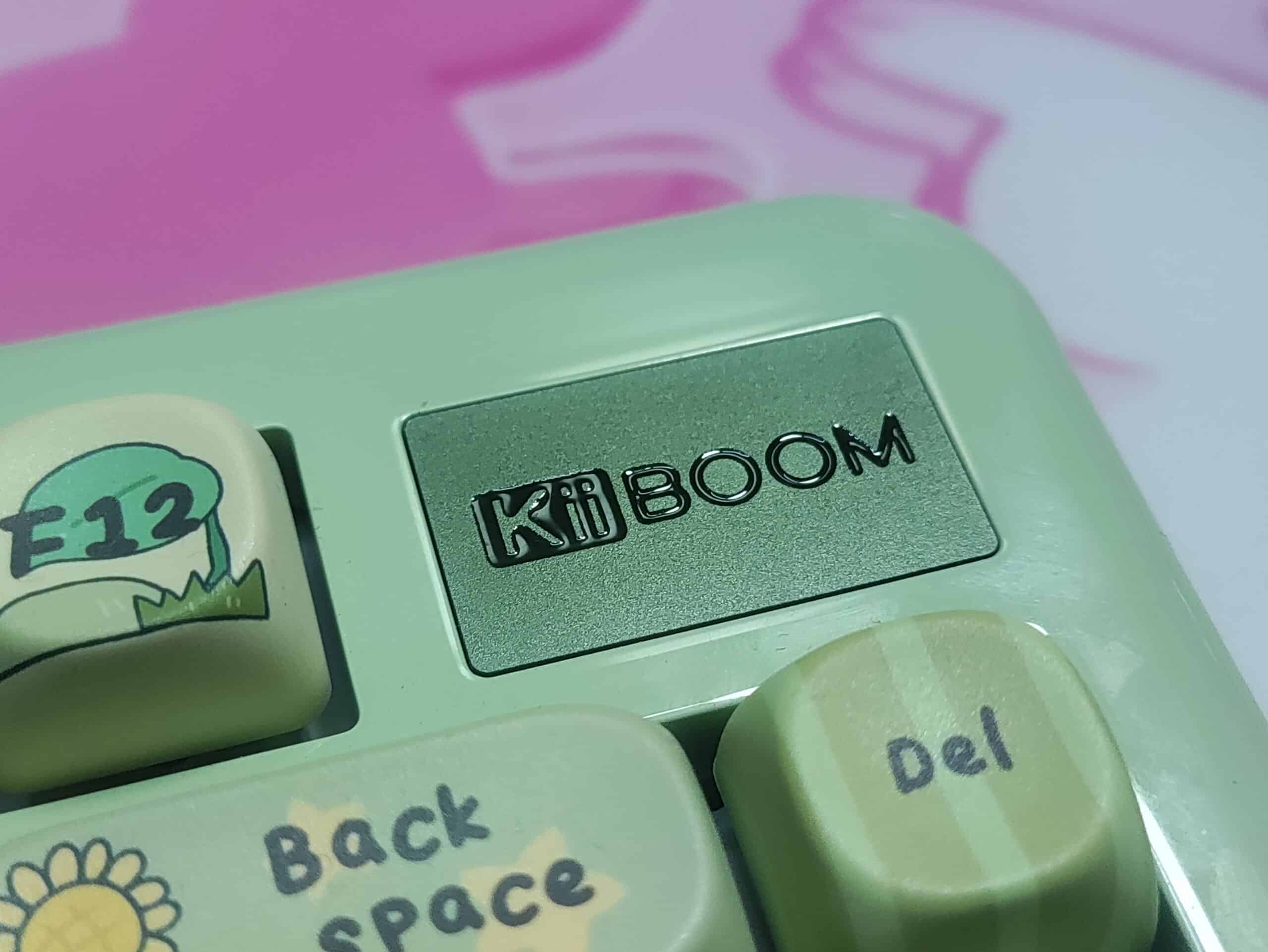
There’s a badge with the KiiBOOM logo on the top right corner, where you would usually see a knob. I would honestly have preferred a knob, but this badge gives it a unique and classy aesthetic, so I don’t mind it.
Typing Experience
The Phantom 81 Lite features a gasket mounted structure which gives it a nice, cloud-like, bouncy feel when typing. Combined with the flex-cut polycarbonate plate and the 5 lagers of dampening material, this keyboard is super comfortable to type on, and it doesn’t fatigue your fingers for a long time when typing. The gasket performance is great (i.e, there’s a lot of “give” when typing on the keyboard or pressing it down)
The Phantom 81 Lite comes with KiiBOOM’s own Mochi switches. They’re a very satisfying, linear switch. The factory lubing is great. The typing feel is creamy, smooth and the feedback on bottoming out is excellent. In this chassis, they give a very deep and thocky sound.
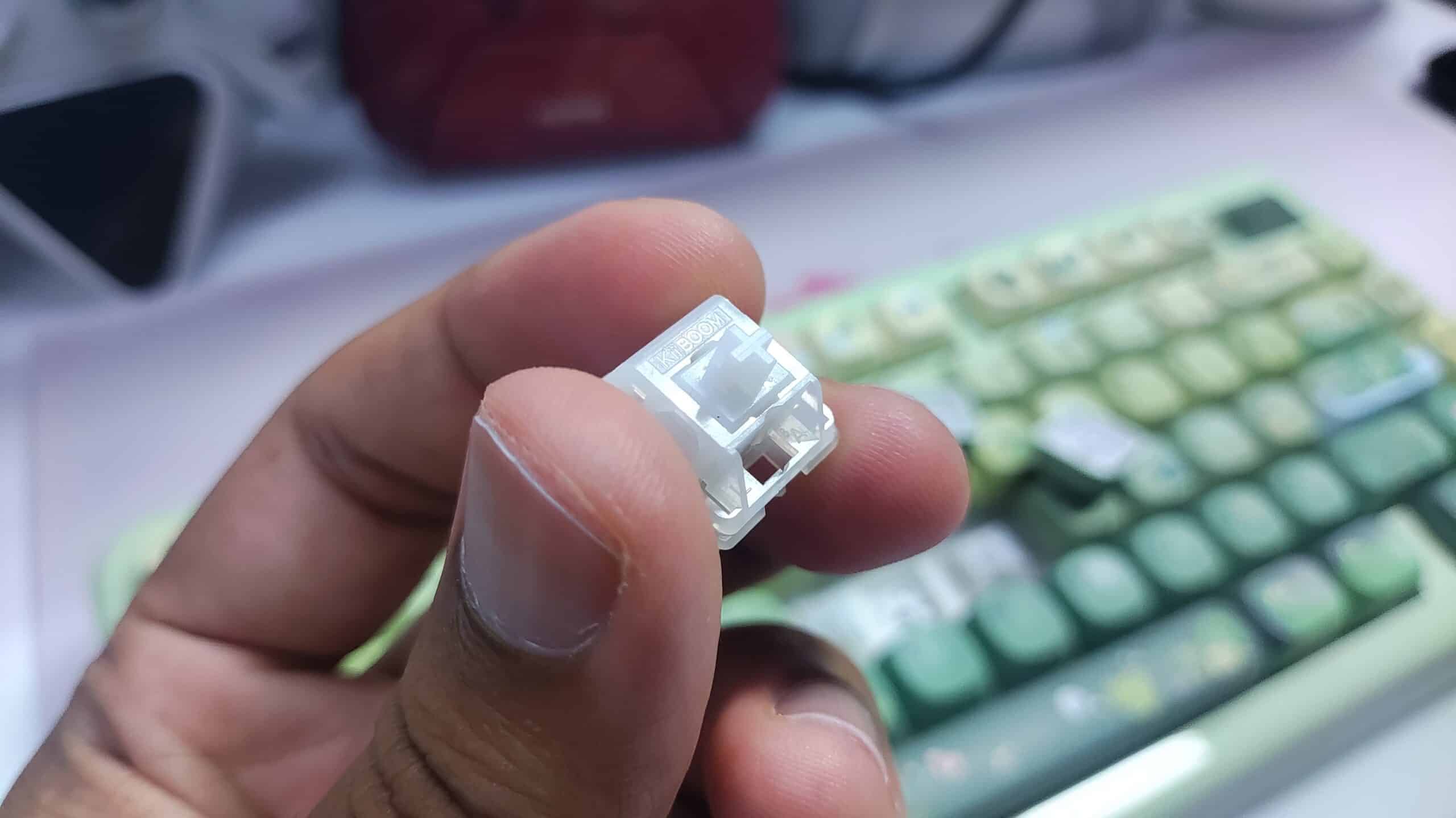
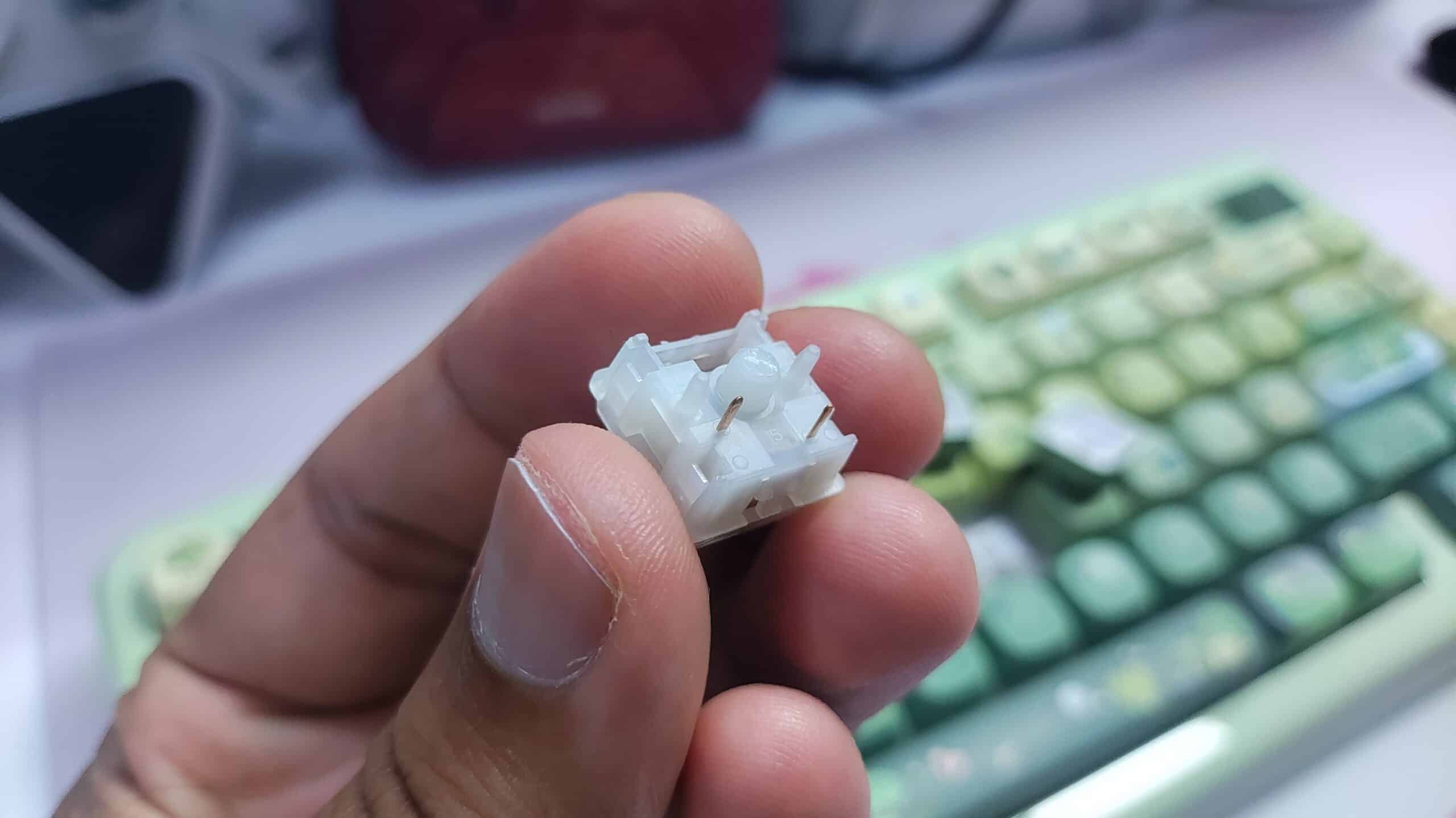
Here’s what this keyboard sounds like –
Even if you don’t like the switches, the Phantom 81 Lite is fully hotswapable with 5 pin and 3 pin switches, so you can swap in any switches you like without having to pry the keyboard open.
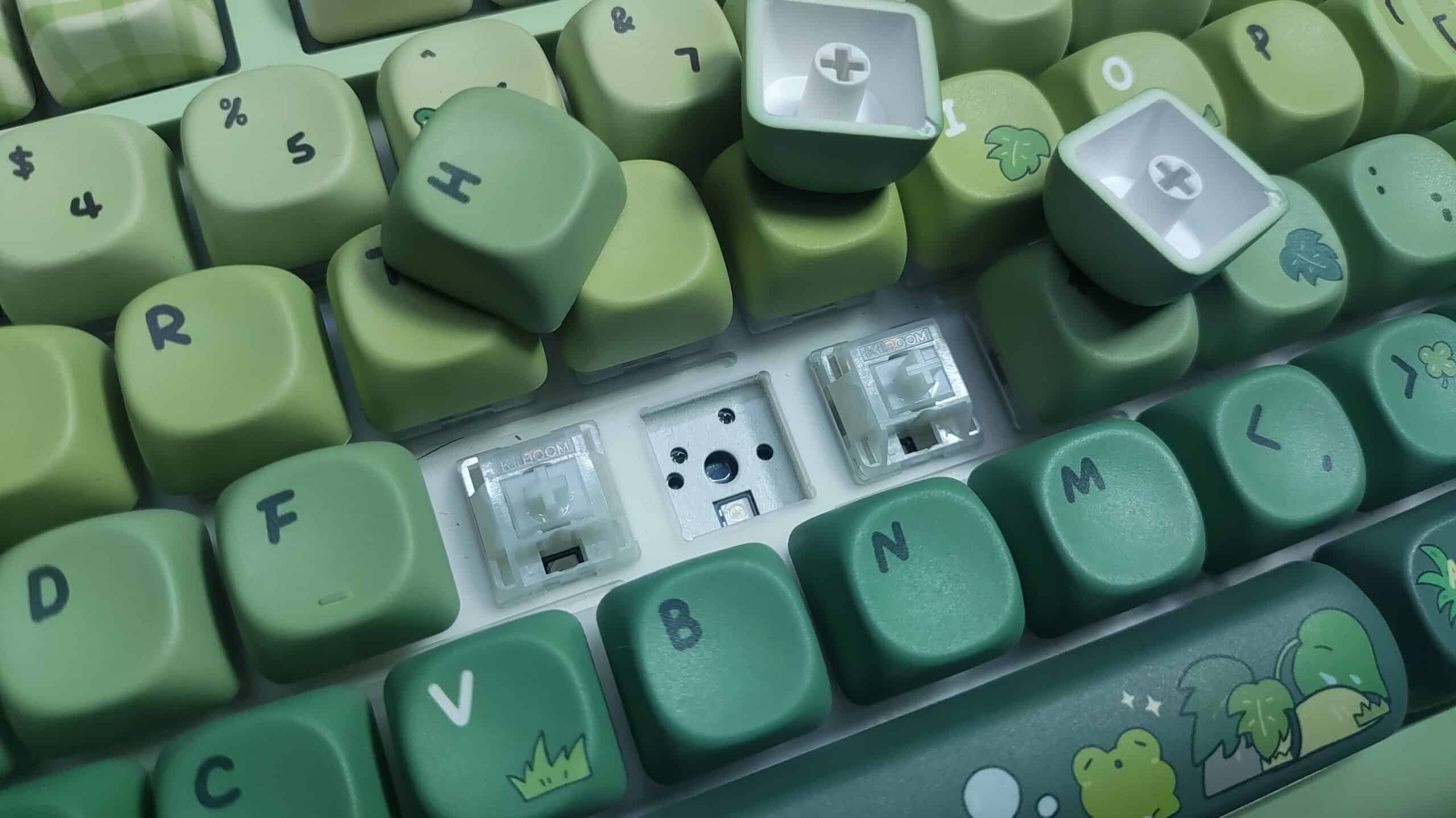
This keyboard comes with plate mounted stabilizers out of the box, and they perform flawlessly. The factory lube here is excellent, and over the last few months of me using this keyboard, there has been zero drying up or development of any ticking sounds.
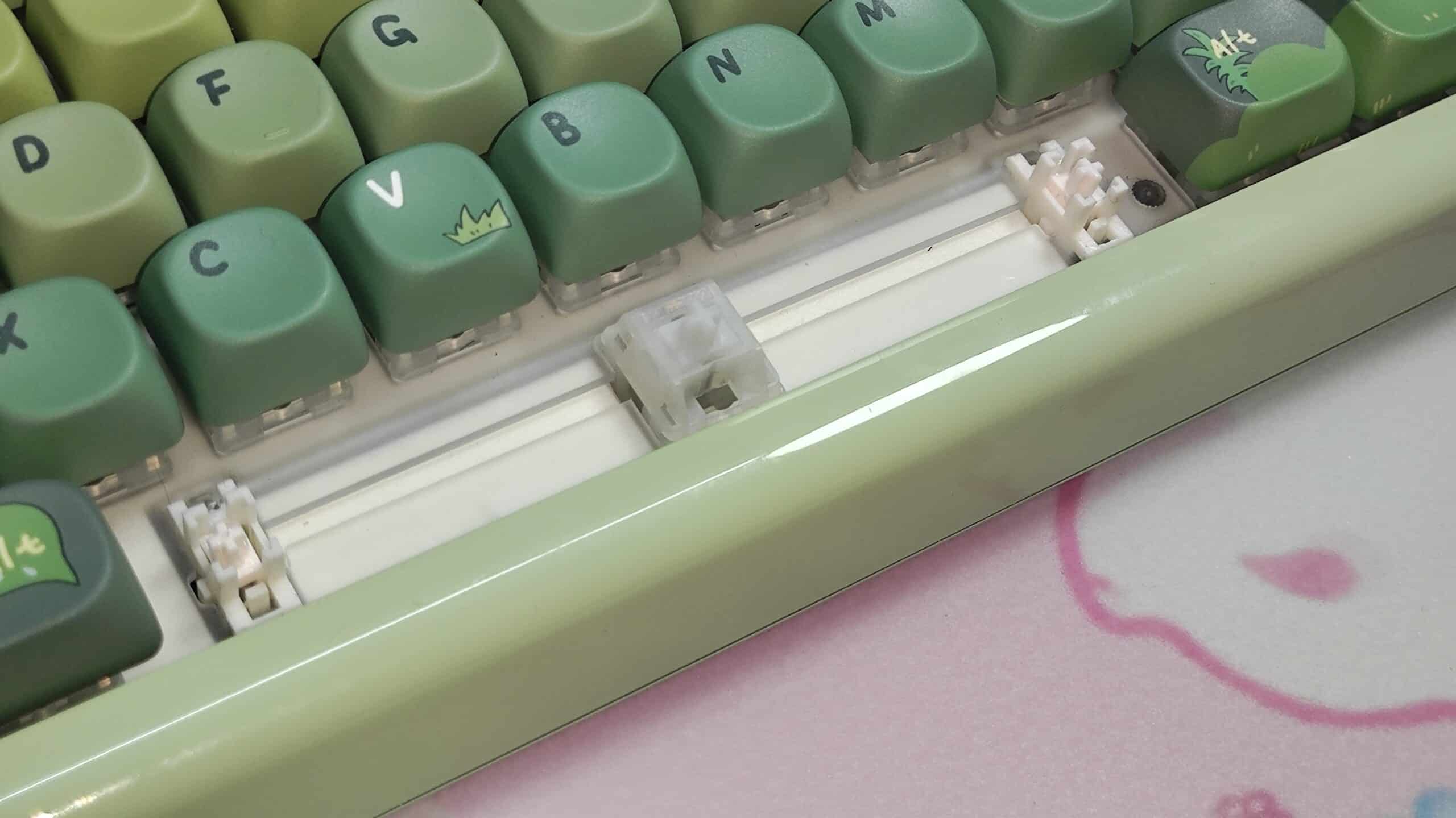
There isn’t any support for screw in stabilizers, which isn’t an issue in my opinion, considering just how nice the stock stabs are.
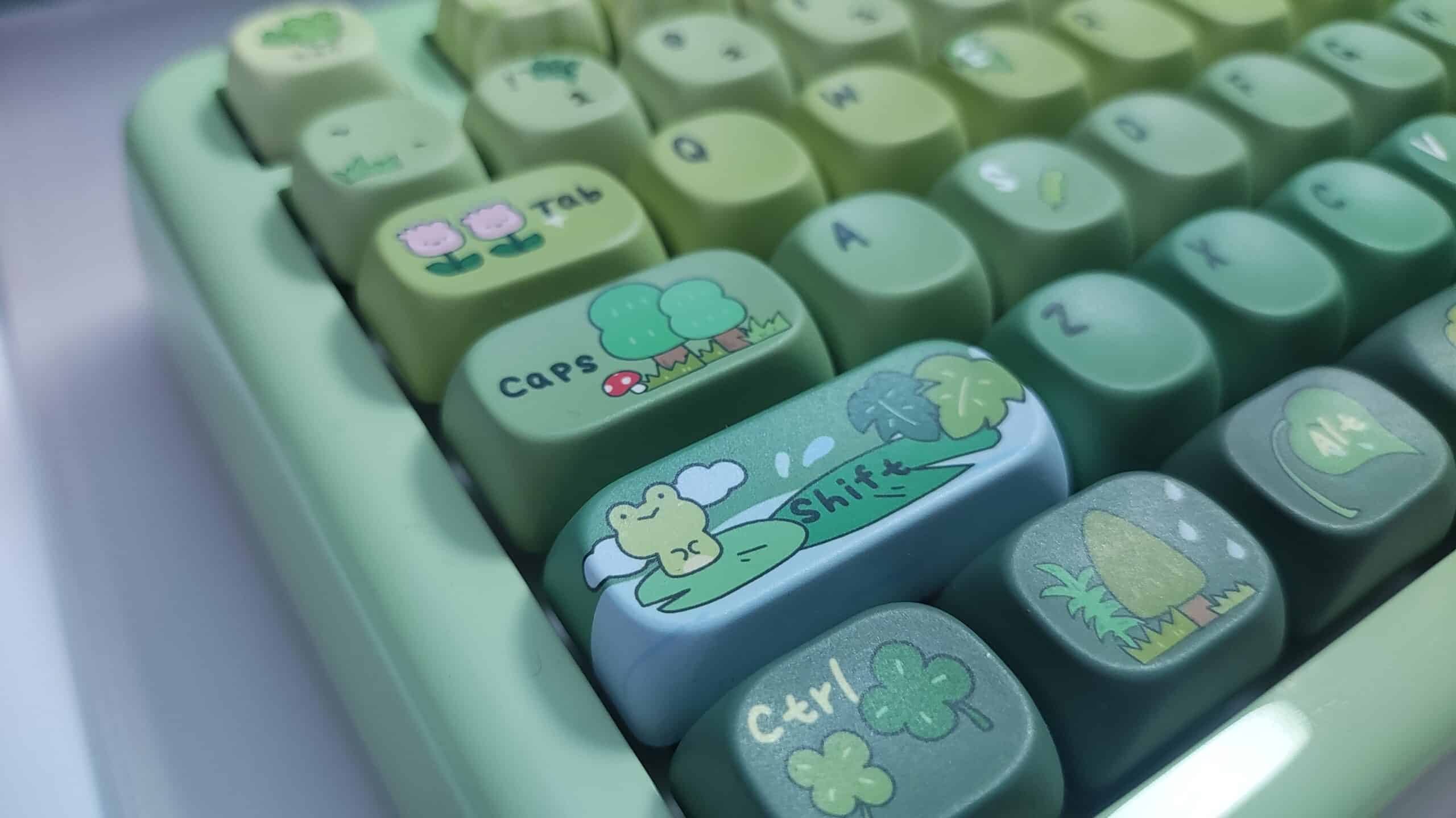
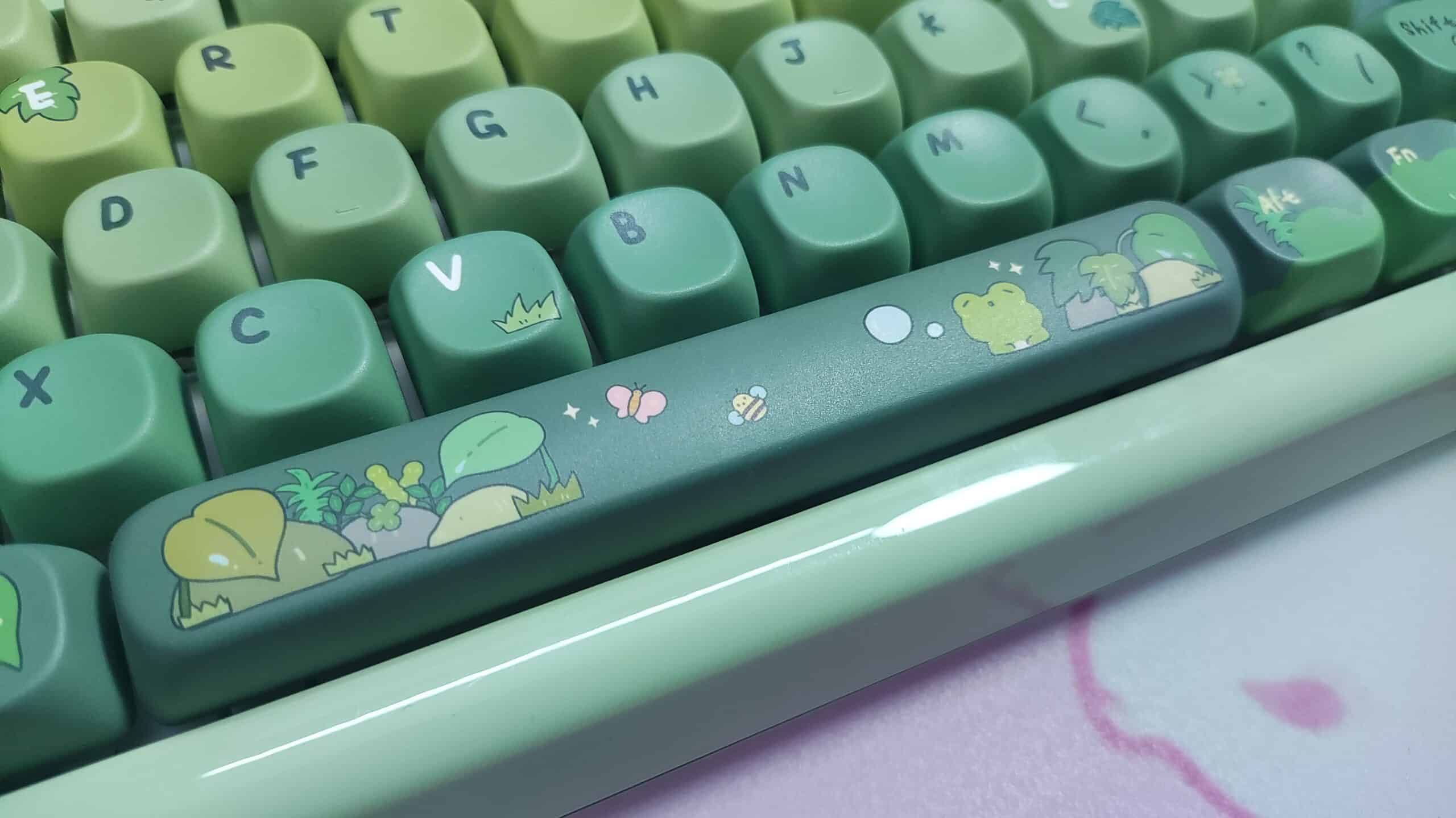
The keycaps. Oh the keycaps. The green colourway of the Phantom 81 Lite comes with this incredible keycap set pre-installed. It’s the KiiBOOM x Cozydiaries Rainy Froggy Day keycap set. It’s an MOA profile set which oozes personality. It’s very high quality, with flawless print, and thick PBT material. I could write an entire article on just these keycaps, but I’ll refrain from talking about this too much. You can see for yourself how cute and adorable and nice and cool and… you get my point.
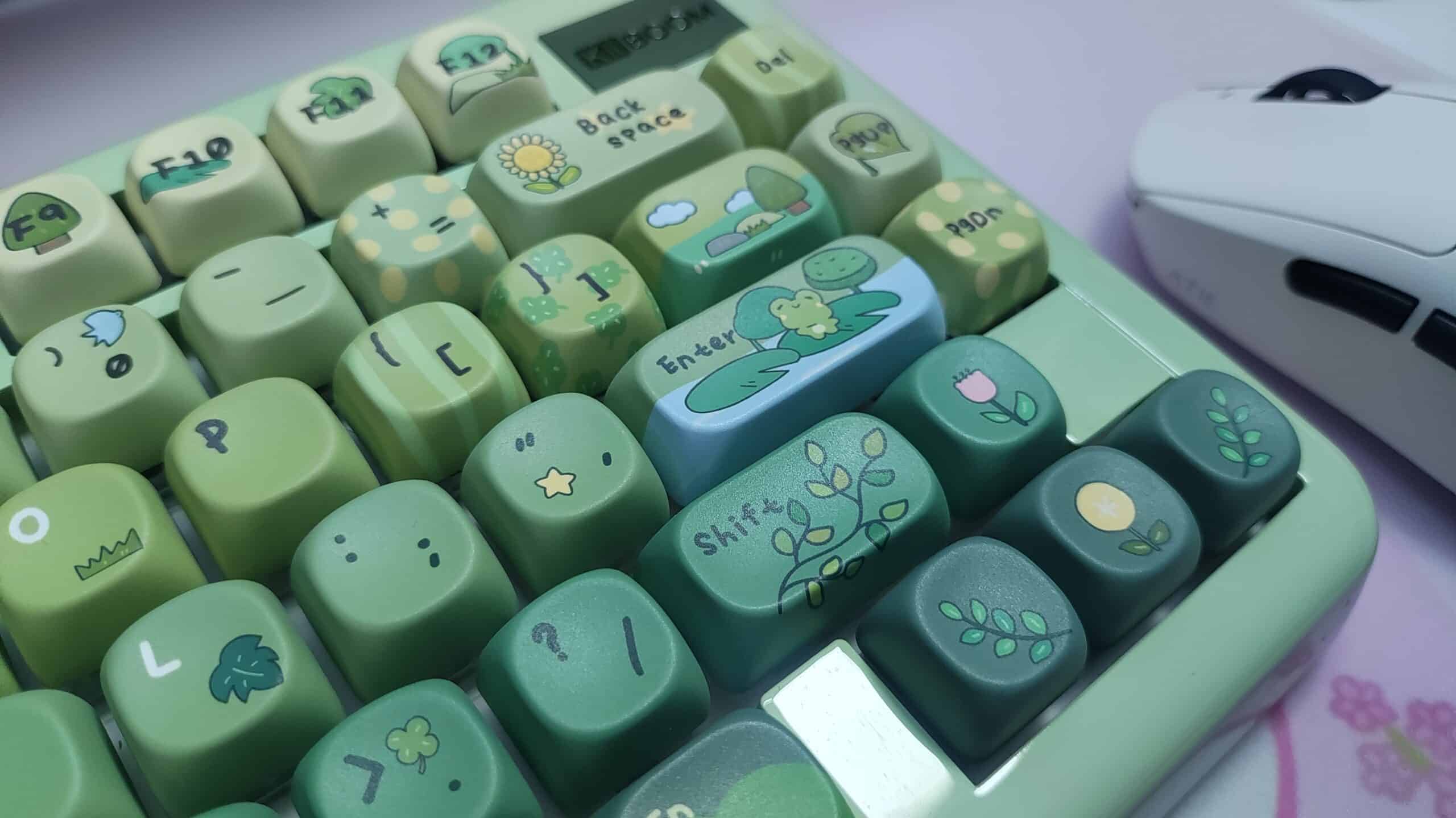
The Phantom 81 Lite has tri-mode connectivity and I haven’t had any issues with connectivity or interference even in the midst of several other devices sharing the airspace. It is compatible with Mac, Windows, Android and Linux.
The keyboard has a 1000Hz polling rate which is an industry standard. Do note that it’s only 1000Hz in the 2.4ghz and wired connection mode. In bluetooth mode, it has a 125hz polling rate.
It has 3ms of latency in wired mode, 5ms in 2.4ghz mode, and 15ms in bluetooth mode. All in all, there’s no issues in gaming with it.
It comes with a 4000mah battery, and it lasts a loooong time. I haven’t charged this keyboard in weeks now. Granted, I use the keyboard without RGB most of the time.
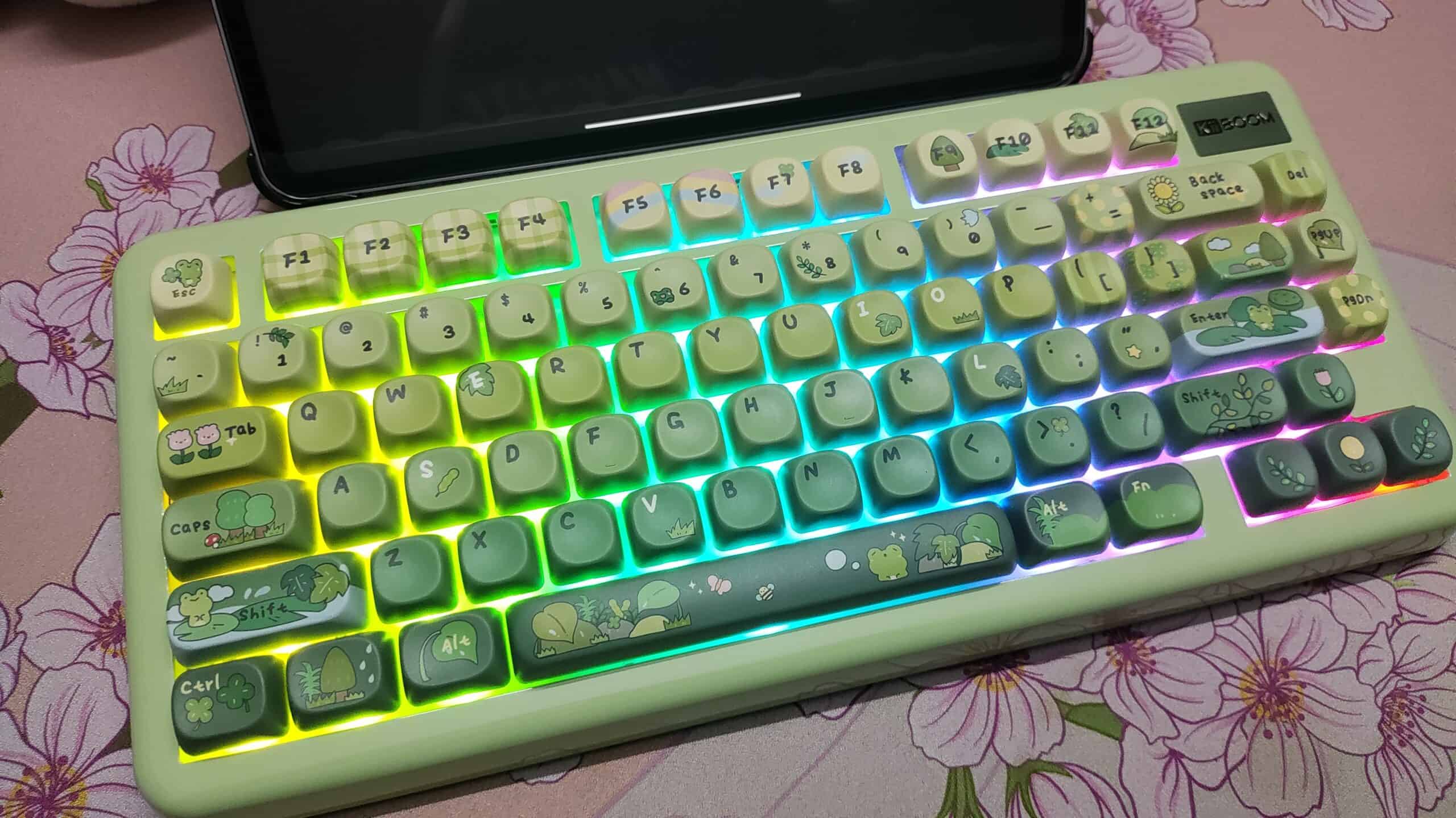
Speaking of RGB, boy does this thing shine. It’s bright. Very bright. And it is one of the rare cases where even without shinethrough keycaps, the RGB looks nice. I imagine the transparent black colourway of this keyboard will look ✨FABULOUS✨. But I don’t have it so I can’t say for sure.
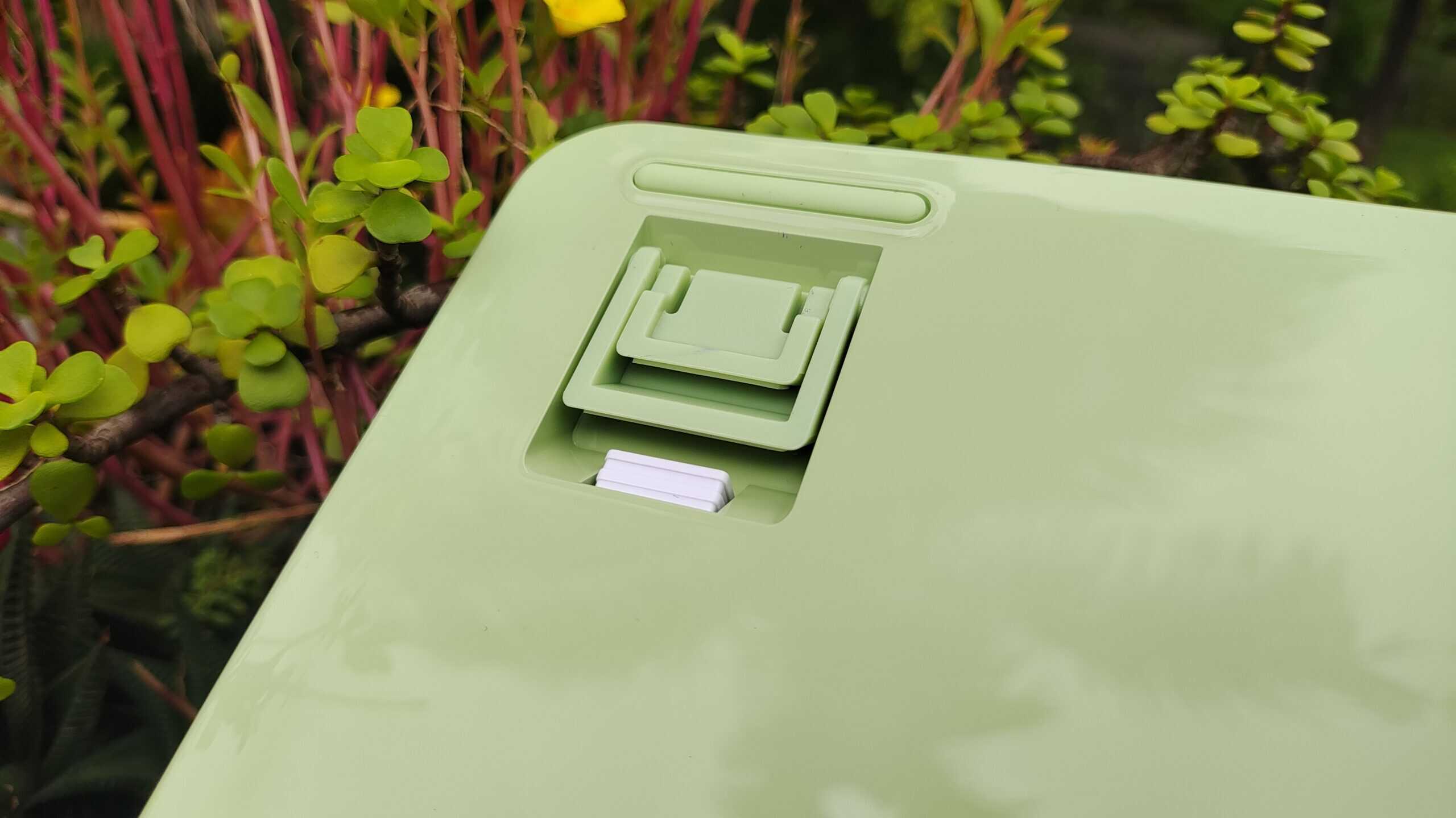
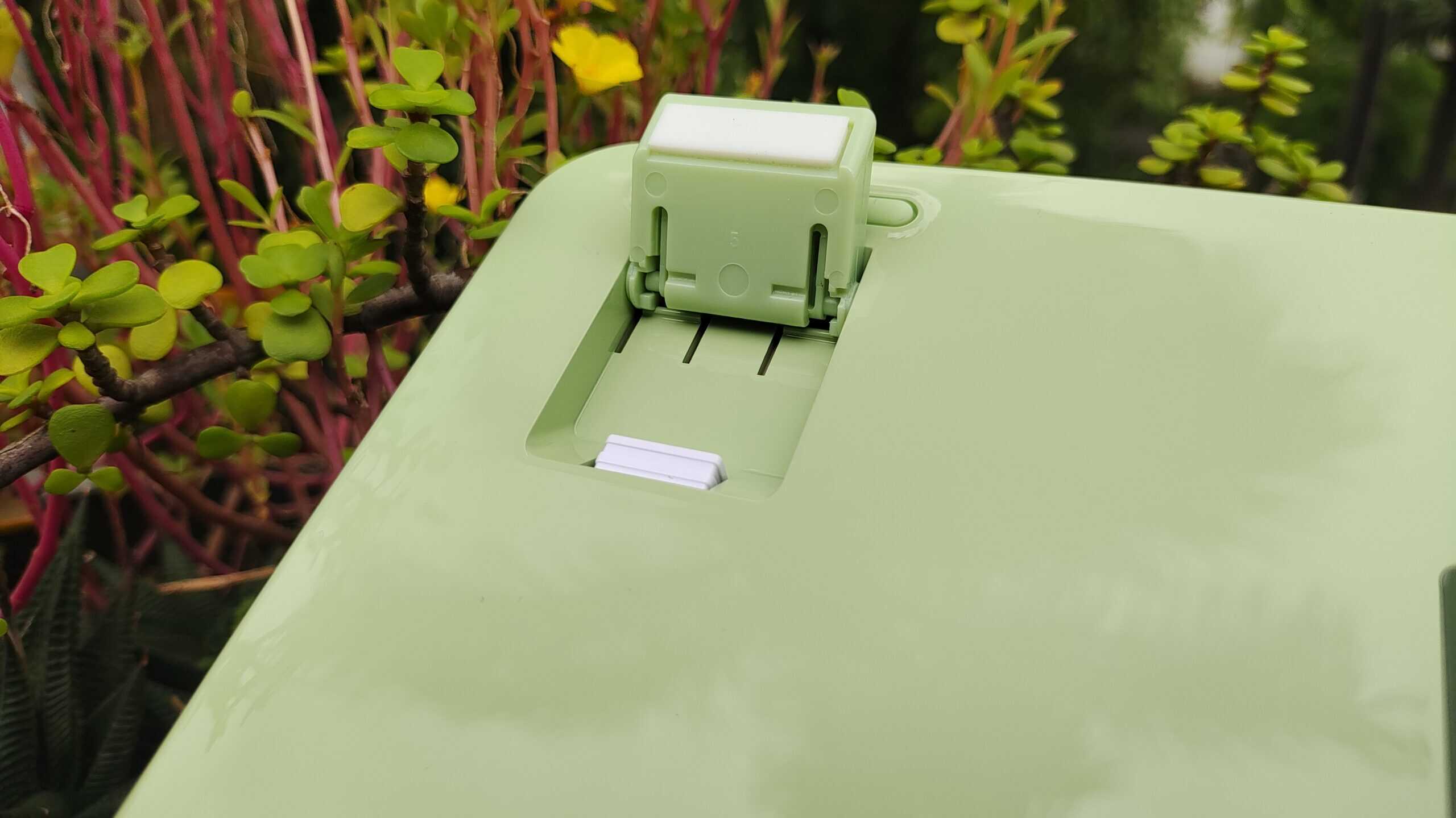
The keyboard has height adjustable feet with three levels of adjustment. There’s also a magnetic slot for the 2.4ghz dongle under the foot. Pretty neat. The kick-up feet are a nice-to-have feature. I usually don’t use them while typing but I use them often when I’m typing reclined on my chair or when playing osu.
Software
The Phantom 81 Lite is QMK/VIA compatible, which is such a relief. You can customise everything you need to using the VIA web interface without having to install any shady software.
I’ve had no issues configuring this keyboard using VIA.
Other Thoughts about the keyboard that I have
The keyboard looks really nice. I like the staggered location of the arrow keys and the soft, rounded border around the keyboard. The spacing between the keys is very comfortable to type on and the RGB shows through the space well.
But the height of the keyboard is a bit much. At nearly 2cm at the front, the Phantom 81 Lite demands the use of a wrist rest. You can get by without using one, sure. But I find it significantly more comfortable with one, even with my large hands.
The mode switch and the USB C port for wired connection and charging are located on the left side of the keyboard. To me, it just looks cleaner on the left and if you’re using a coiled cable, it won’t get in the way of the mouse. Totally subjective though.
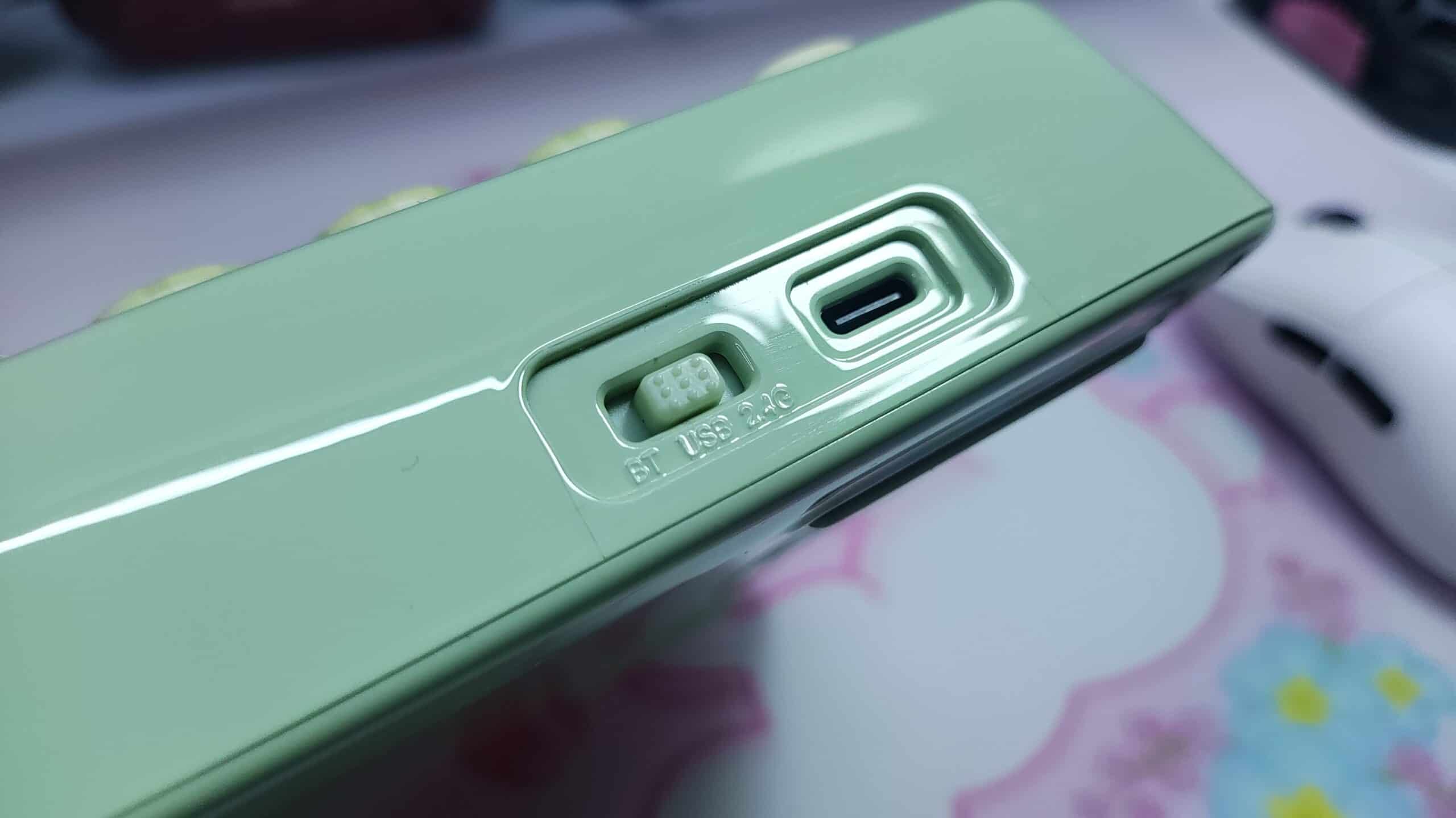
Speaking of the mode switch, I’m glad they have an easily accessible one. I dislike it when manufacturers put the mode/power switch under the caps lock or under the space bar. This keyboard’s switch is easy to access.
CONCLUSION
The Phantom81 Lite by KiiBOOM fills an aesthetic that no other keyboard has done at this kind of a price point. At just over $100, it’s difficult to call this a “budget” keyboard. But it still offers great value in my eyes.
The uniquely cute aesthetic, the excellent performance, the satisfactory typing feel, and the VIA support make it well worth that price tag.
KiiBOOM Phantom 81 Lite


Hello! 🥰 I'm Fang.
I like gaming and related tech. I enjoy learning more, and sharing my experiences through my review videos and blog posts. Have fun! 💖