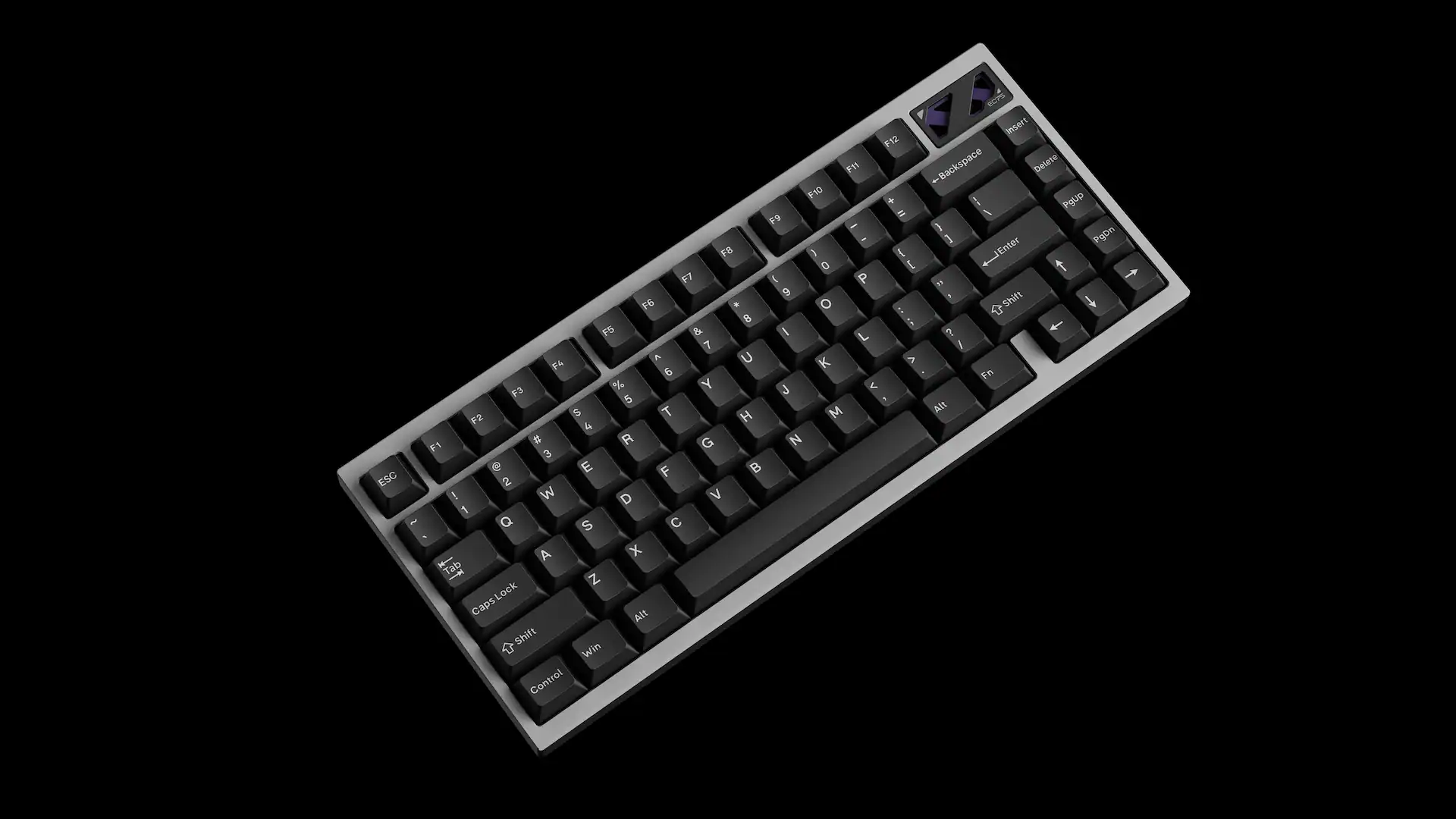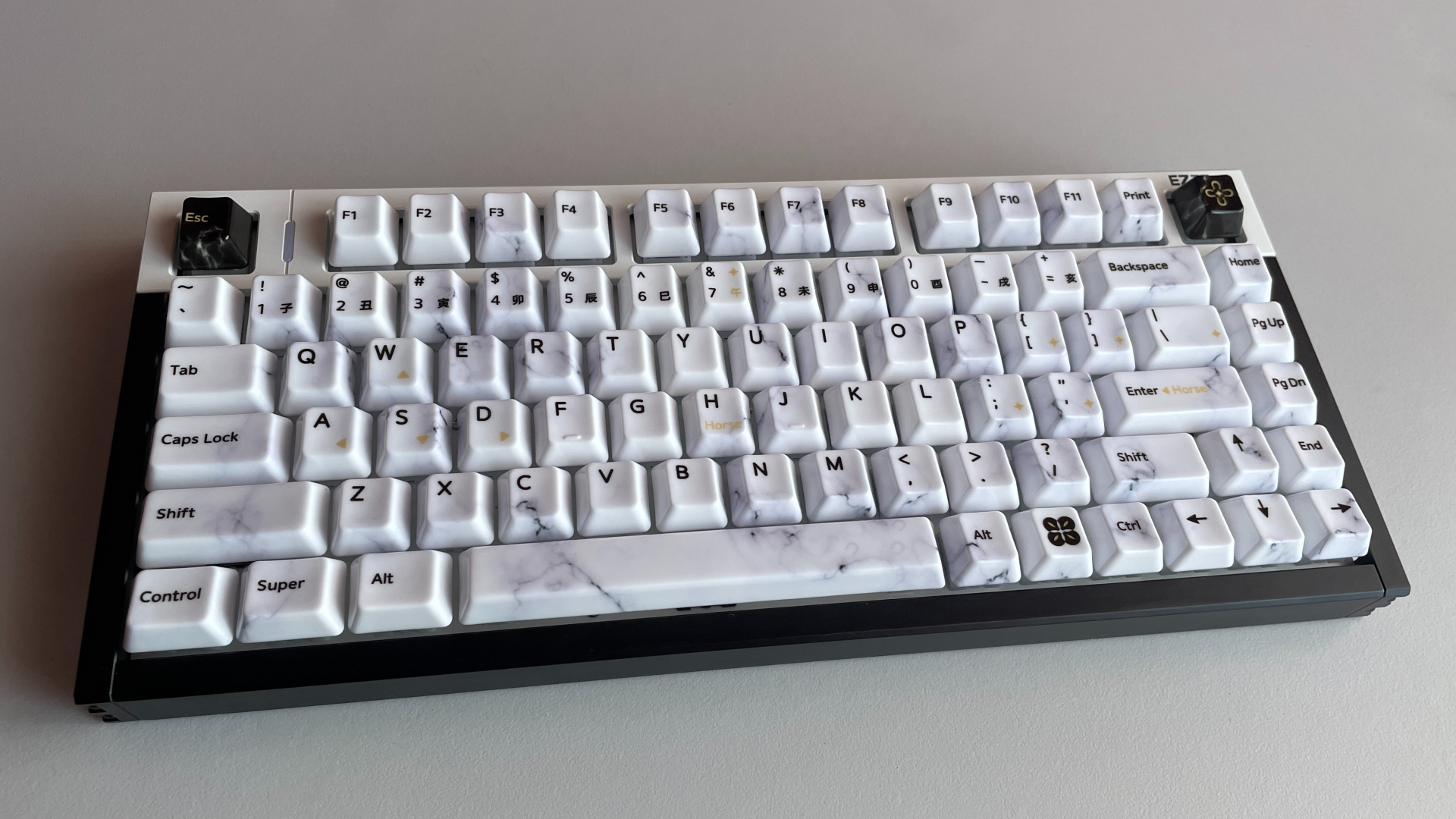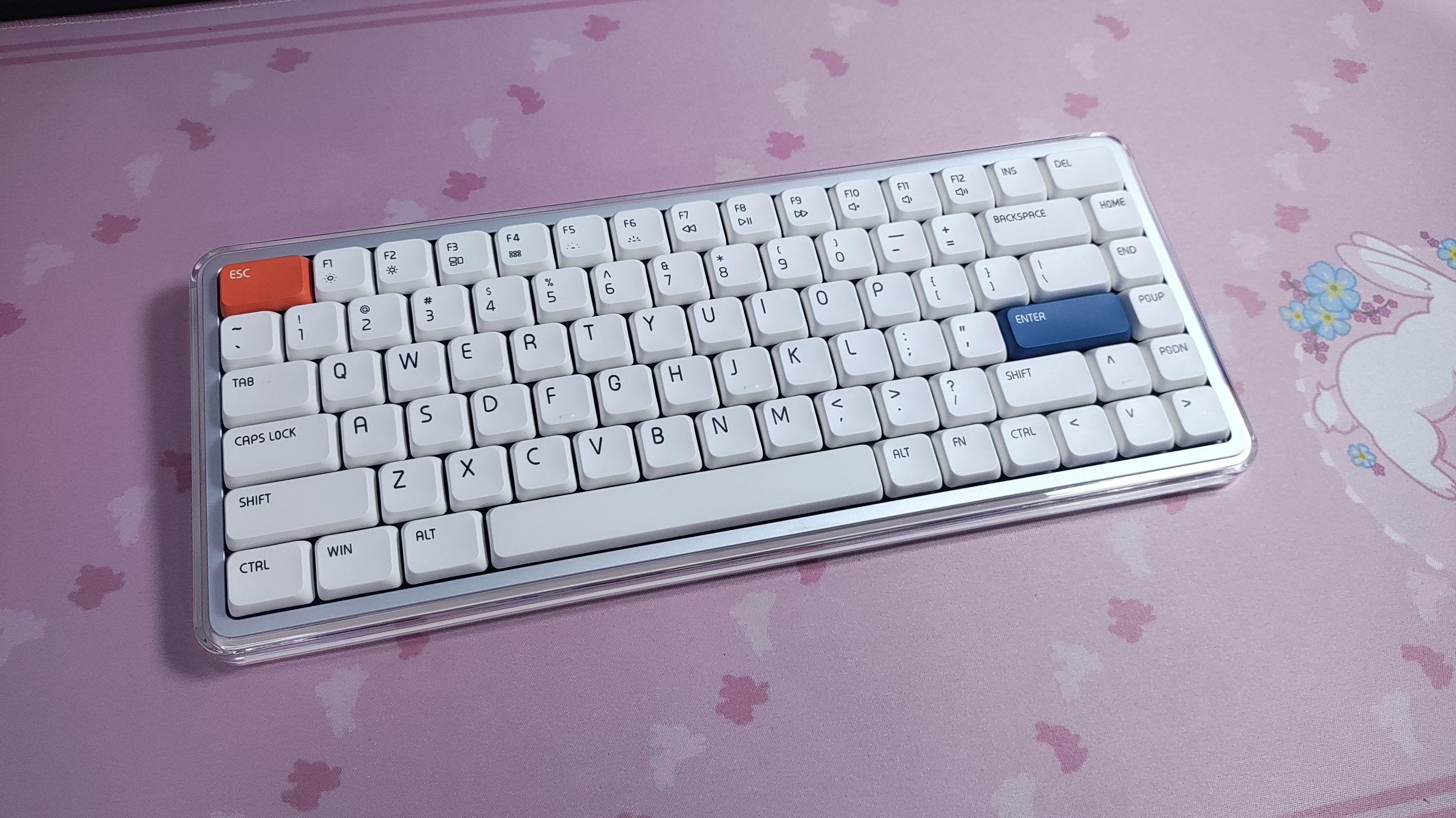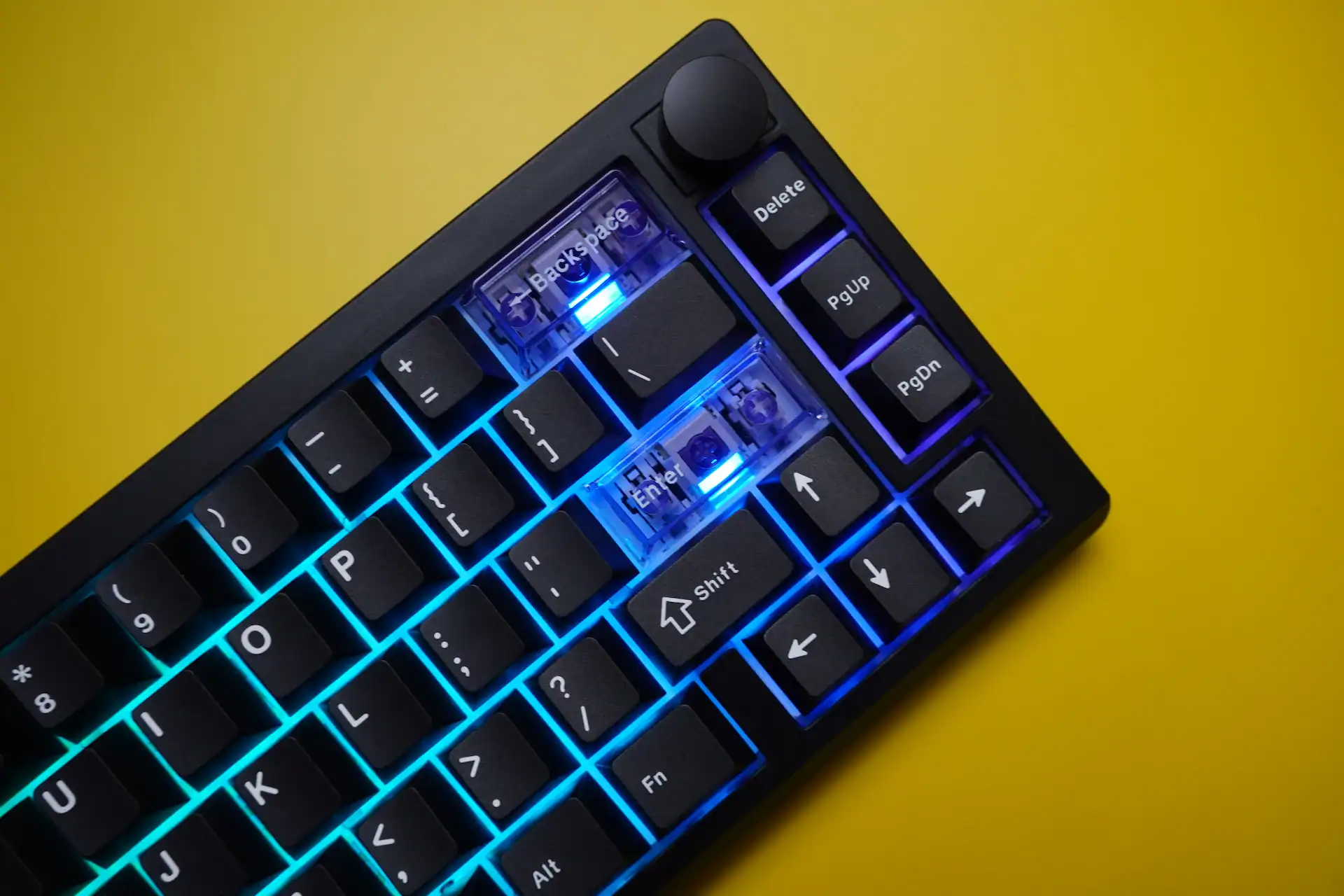
Magcore65 Lite delivers lightweight smooth keystrokes, ultra-low power Inductive-Switch technology, and tri-mode connectivity for gamers and style-conscious enthusiasts. At $80, it’s not trying to compete with premium aluminum boards — it’s trying to make a case that the switch technology underneath matters more than the shell around it. After extended use across both work and gaming sessions, I’m inclined to agree — with some caveats.
Specs of Epomaker Magcore65 Lite

| Layout | 65% | 66 Keys | US QWERTY |
| Switch | EPOMAKER Core Inductive Switch (Analog Linear) |
| Actuation | Adjustable 0.1mm–3.4mm (0.01mm steps) |
| Connectivity | USB-C Wired / 2.4GHz / Bluetooth 5.0 |
| Polling Rate | 8K (wired) | 1K (2.4GHz) | 125Hz (BT) |
| Battery | 4000mAh (2× 2000mAh) |
| Keycaps | Cherry Profile PBT (Double-Shot + Silk Screen) |
| Mounting | Gasket-Mount | FR4 Plate |
| Sound Dampening | Sandwich Latex Foam, IXPE Switch Pad, PCB Latex Pad, Bottom Silicone |
| Weight | 750g |
| Price | ~$80 USD |
What Are Inductive Switches — And Why Should You Care?
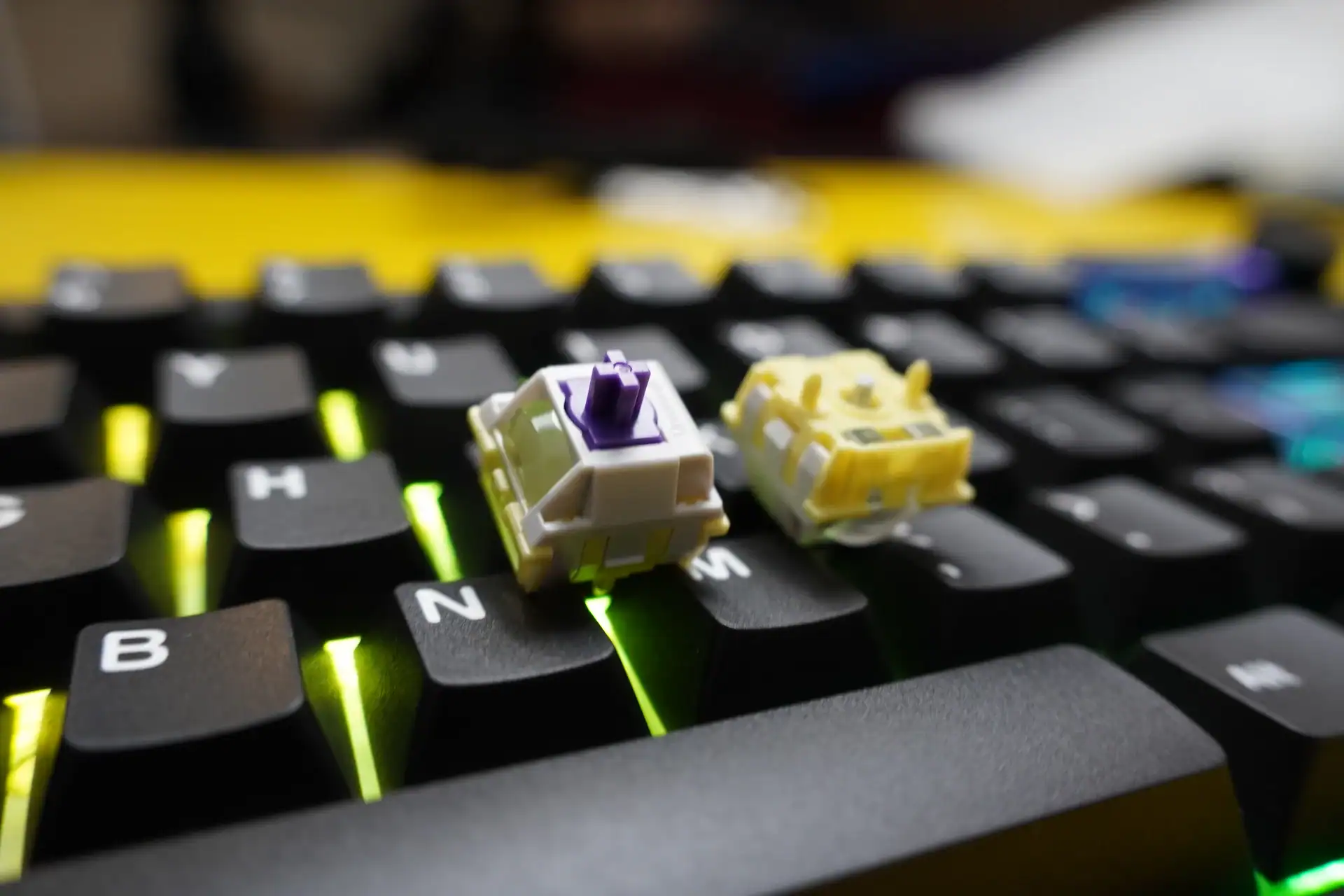
Before getting into the review proper, it’s worth spending a moment on what makes the Magcore65 Lite and Magcore87 fundamentally different from every other budget mechanical keyboard you’ve seen.
Traditional mechanical switches work by closing a physical electrical circuit when depressed. Simple, reliable, but binary — the key either registers or it doesn’t. Magnetic Hall Effect switches improved on this by detecting a magnet’s position, giving you analog depth information. Epomaker’s Core Inductive Switch takes a different path entirely: a small aluminum metal pin protrudes from the bottom of the switch housing when pressed, and sensors inside the keyboard’s PCB detect that pin’s position electromagnetically, without any direct contact between switch and circuit.
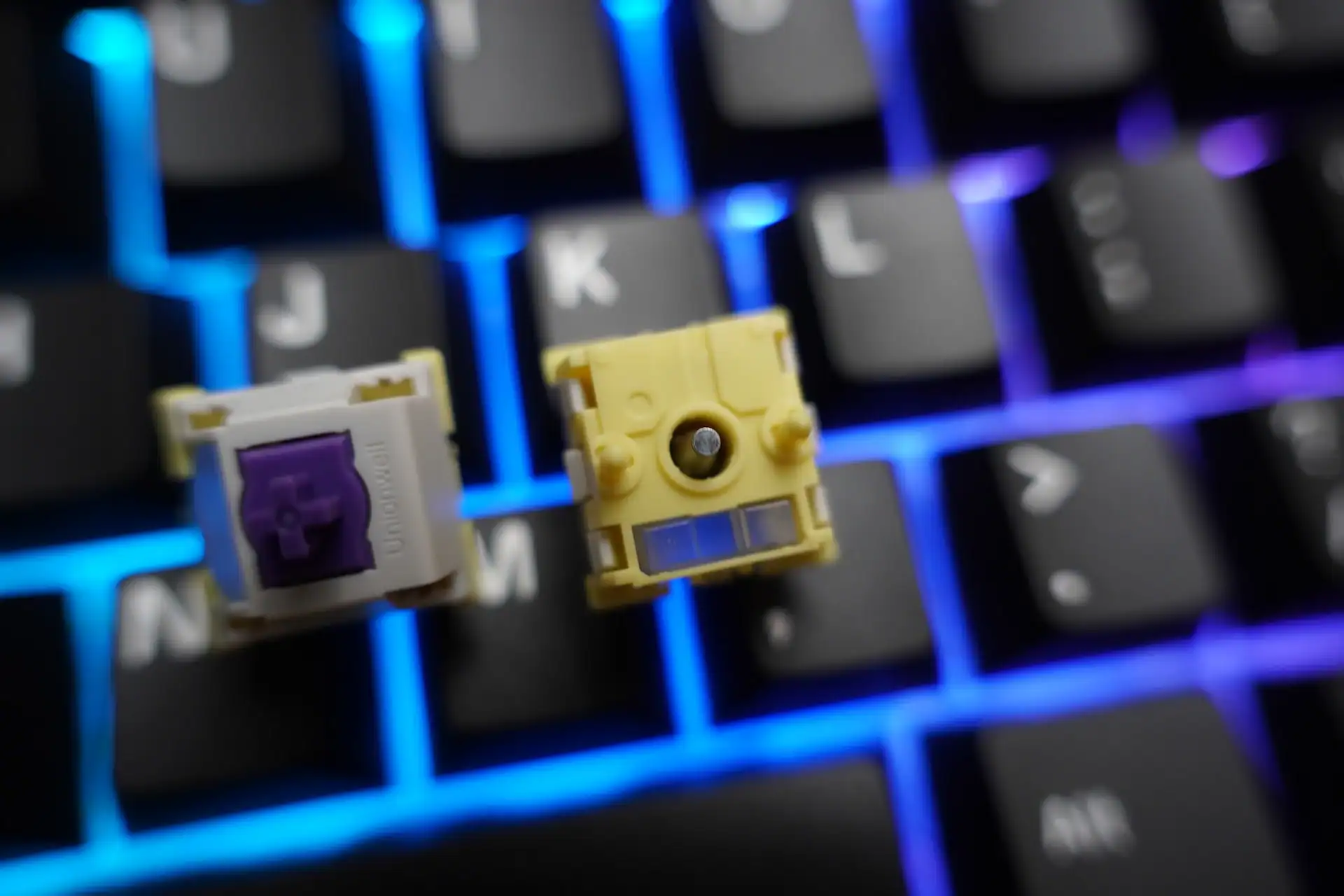
The result? There’s no physical actuation point. No tactile bump. No click. Just an infinitely smooth linear travel from top to bottom, with the keyboard reading exactly how far down the key is at any given moment — to within 0.01mm precision. That’s not a marketing number. In practice, it means you can configure a key to fire at 0.1mm (barely touching it) or 3.4mm (bottomed out), and everything in between. Per key. Individually.
The switch specs bear this out: 30±10gf initial force, 3.5mm total travel, POM housing and stem, SUS304 spring, and a rated lifespan of 80 million cycles minimum. For context, most mechanical switches are rated at 50–100 million, but those degrade at the actuation mechanism. With inductive switches, there’s no contact wear at the actuation point at all.
Build Quality — Plastic With Compromises
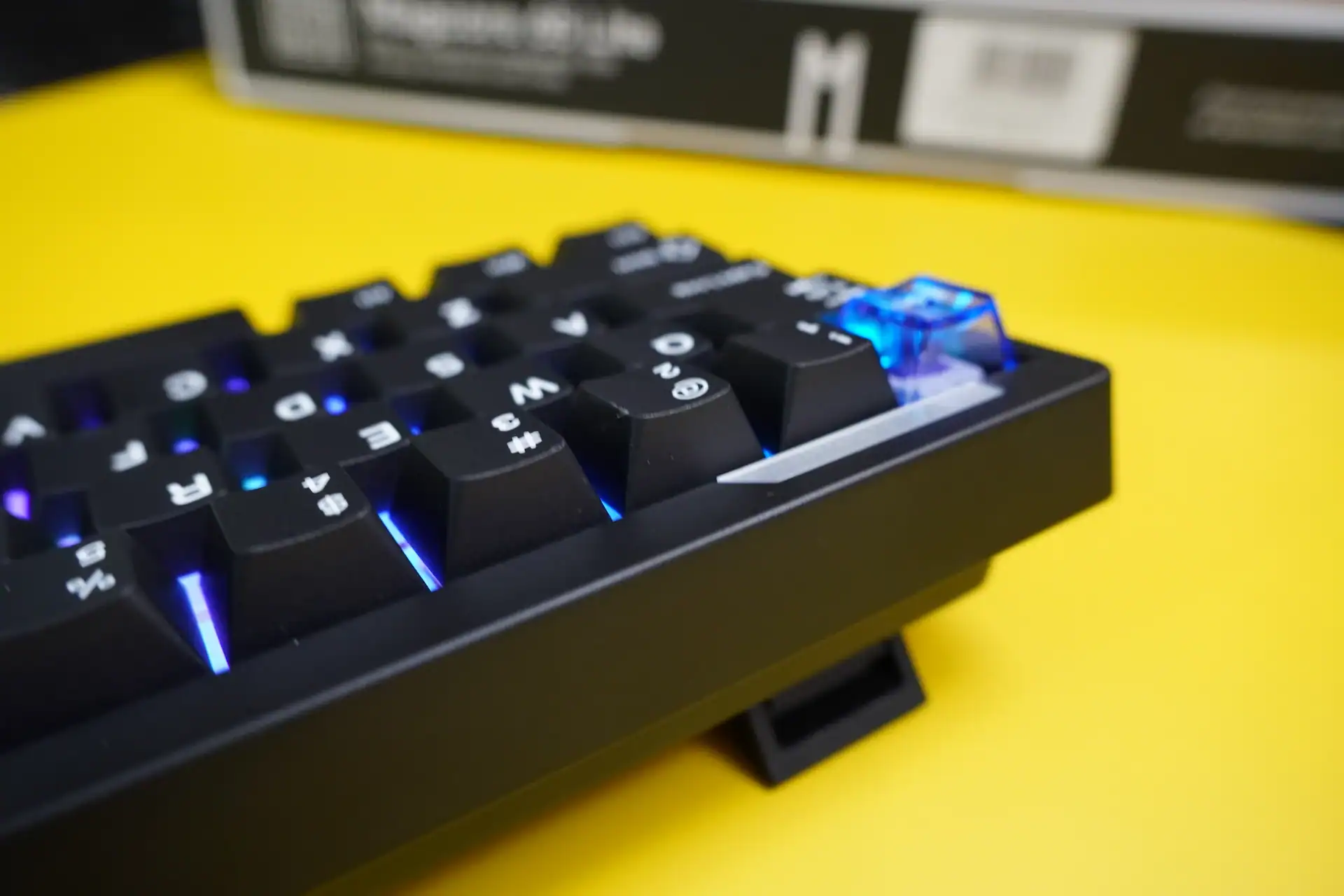
Let’s be direct: the Magcore65 Lite is an ABS plastic keyboard, and it shows. At $80, that’s not unexpected, but it does come with real trade-offs worth naming upfront. You can find solid aluminum-framed boards in the $90–110 range, and the premium feel gap is noticeable when you hold them side by side.
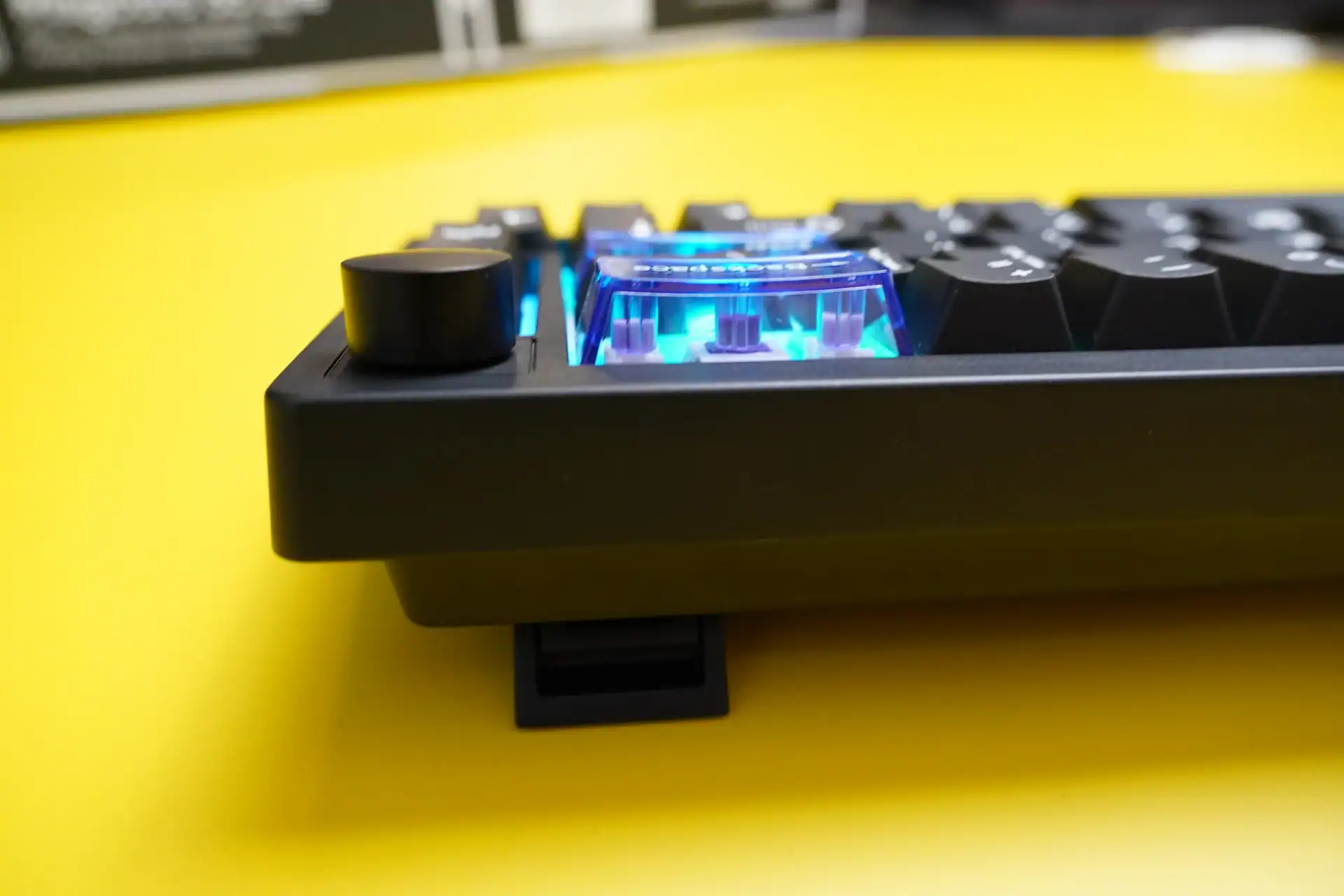
The case has a soft-touch matte finish that resists fingerprints well and feels slightly more premium than raw plastic. At 750g, it sits firmly on a desk — the rubber feet do an excellent job preventing lateral movement during even aggressive typing sessions. Two flip-out feet offer three typing angles (6°, 9.5°, and 13.5°), which covers most ergonomic preferences.
Opening the keyboard requires removing just four screws — the shell clips together without prying tools. Inside, the construction story improves. The FR4 plate suspends the PCB with silicone gaskets at each mount point, and the cavity is filled with a layered combination of sandwich latex foam, IXPE switch pad, PCB latex padding, and a bottom silicone layer. The internal engineering is more disciplined than the exterior suggests.
However, the gasket mount feels noticeably stiffer than other gasket keyboards at this price — the flex and bounce you might expect from the spec sheet isn’t really there. I’ve heard some units also exhibit a slight creak on the right side under heavy use, which is fixable with foam tape after opening it up, but it shouldn’t be necessary on a new keyboard. My unit didn’t have this issue.
Build Score: 4/5 — The plastic chassis, stiff gasket implementation, and occasional unit-level creak hold it back. The internal dampening work is a genuine bright spot, but the overall build doesn’t fully match the ambition of the feature set.
Keycaps — Better Than the Box Suggests
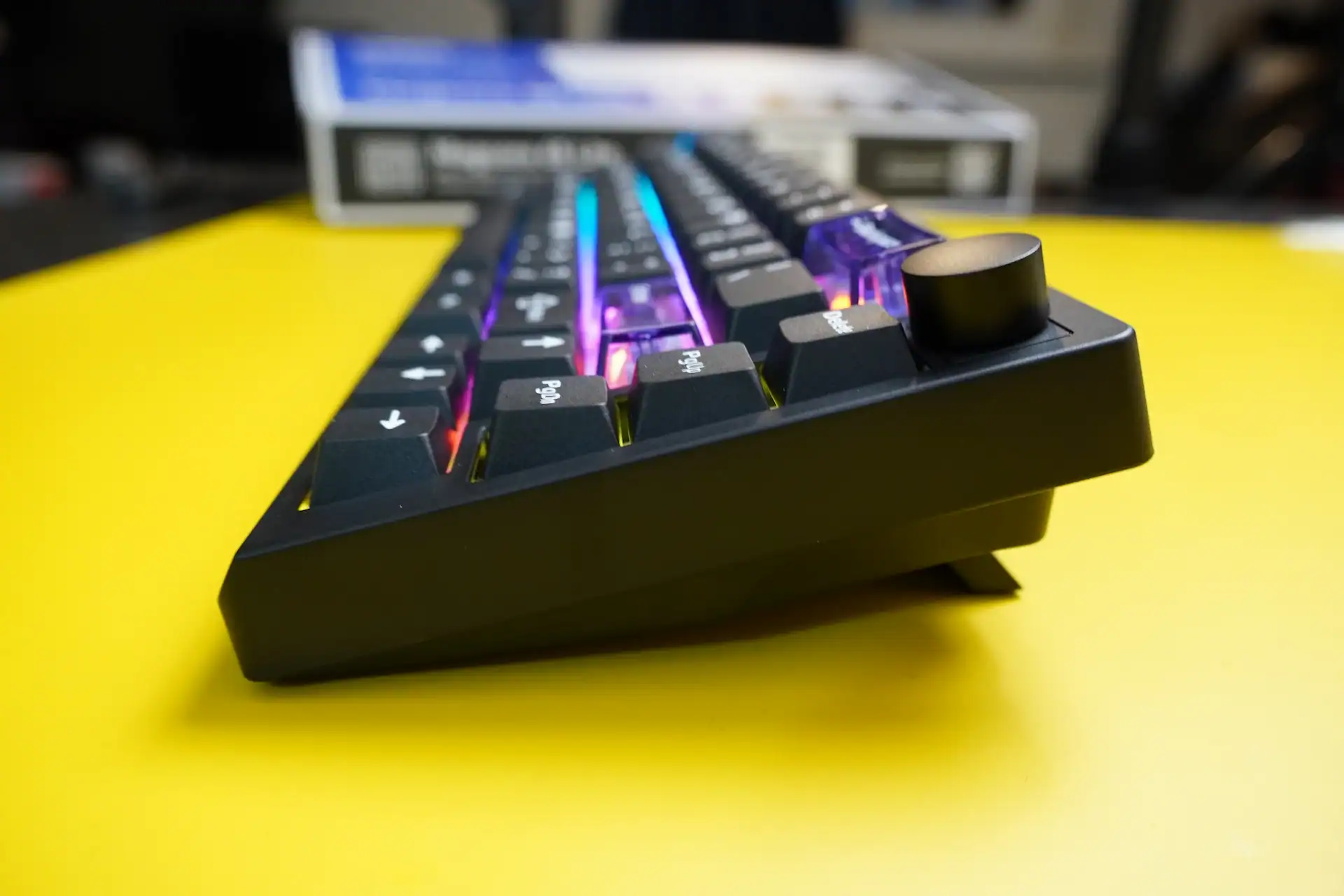
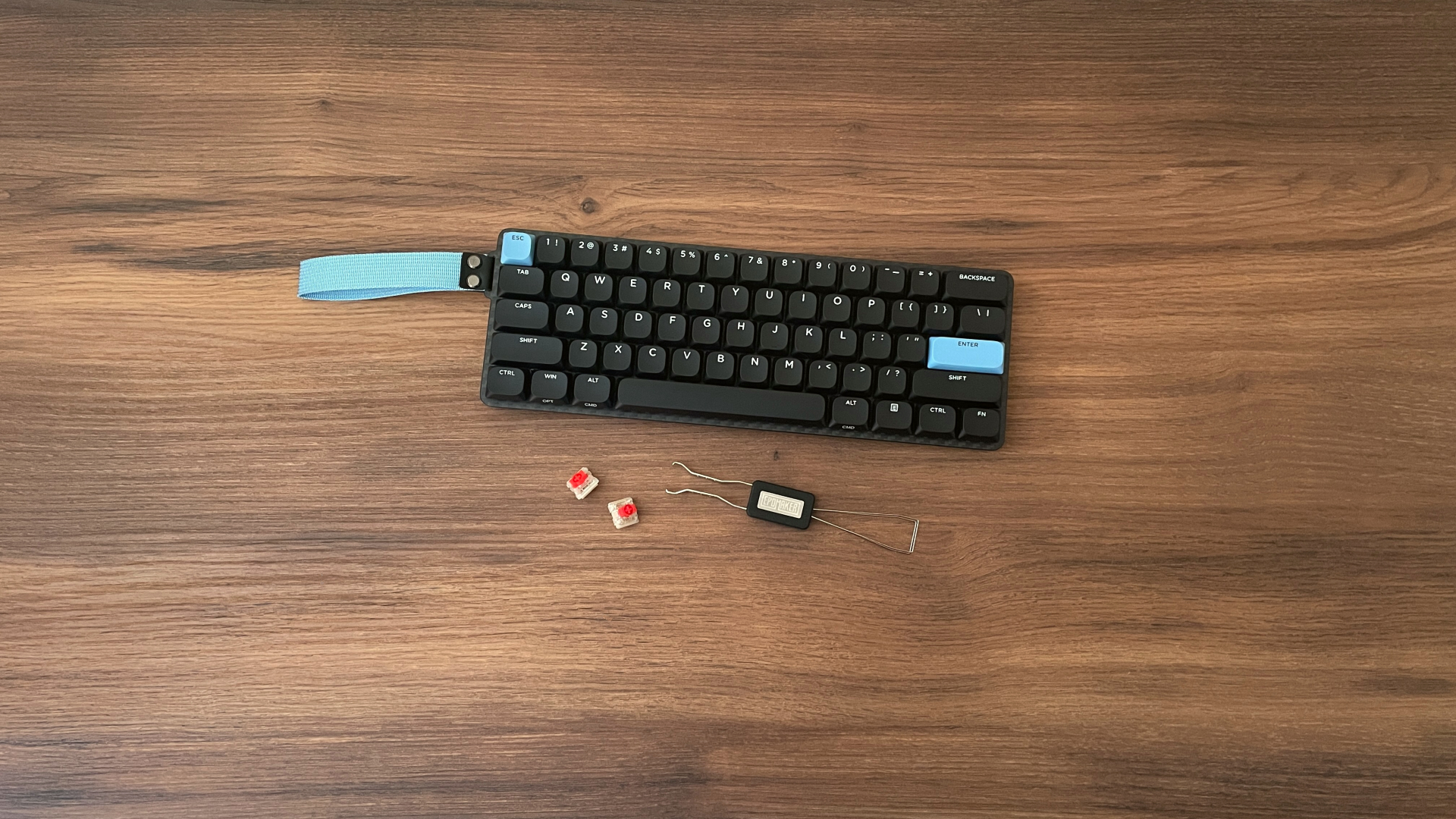
The included keycaps are Cherry profile PBT, manufactured using a combination of double-shot (for the black legends) and silk screen (for the blue accent legends). The surface texture is notably pleasant — a fine matte coating that provides just enough grip without feeling rough. It’s reminiscent of the coating found on some higher-end 60% keyboards, which is a genuine compliment at this price.
The legends are crisp and well-aligned. Double-shot legends won’t fade over time, which matters for longevity — a keyboard with inductive switches rated at 80 million cycles deserves keycaps that can keep pace.
The default colorway is black with white legends, accented by purple/blue modifier keys on certain positions. Epomaker includes an extra set of accent keycaps if the purple isn’t your preference — a thoughtful inclusion. The switches use standard MX-style stems, meaning the entire aftermarket keycap ecosystem is available to you. This keyboard is an excellent base for customization.
One caveat: the PC (polycarbonate) accent caps allow more light through than the PBT main keys, creating a subtle two-tone lighting effect. Whether that looks intentional or inconsistent depends on your lighting setup and color choices.
Keycap Score: 4/5 — Punch above their price bracket. The coating quality and double-shot construction are genuinely good, and the included extras add real value.
Typing & Gaming Experience — The Whole Point
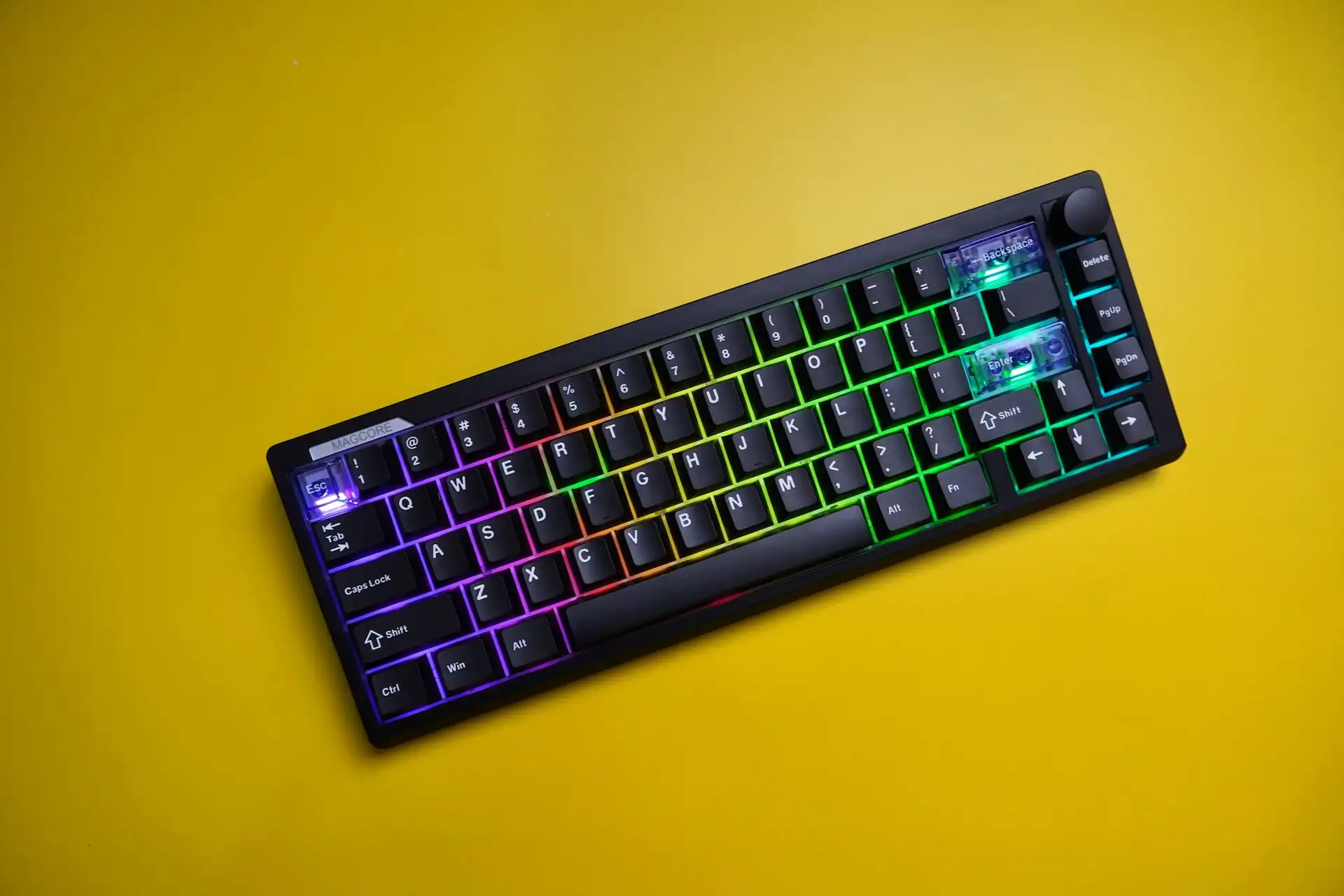
This is where the Magcore65 Lite either justifies its existence or doesn’t. The answer is: it does.
The Core Inductive switches feel light but grounded. There’s a smoothness to the travel that linear mechanical switches at this price simply don’t match — partly because POM-on-POM contact (both housing and stem are POM) is inherently slicker than the nylon or PC composites most budget switches use, and partly because there’s no internal latch mechanism creating any mid-travel resistance. The spring weight of 30±10gf keeps things effortless without feeling completely uncontrolled.
Out of the box at the default 1.5mm actuation point, the keyboard feels responsive without being twitchy. Dropping to 0.1mm is a novelty that becomes a liability quickly — feather-light keystrokes become accidental keypresses. The sweet spot for heavy typists tends to be around 1.8–2.2mm; for FPS gaming, many users will gravitate toward 0.4–0.8mm for WASD and leave the rest at default. This kind of per-key precision tuning is unprecedented at $80.
Sound-wise, the keyboard produces a soft, medium-pitched thud. Not clacky, not poppy — closer to a dampened thock. The layered internal foam does meaningful work here. It won’t satisfy audiophiles chasing a specific sound signature, but it won’t embarrass you on a work call either. For tinkerers: the springs have minimal lubrication, and the POM parts would benefit from additional lubing — a straightforward project that meaningfully improves the already-pleasant sound.
Typing & Gaming Score: 4.5/5 — The inductive switch advantage is real and tangible. This is the reason to buy this keyboard, and it delivers.
Connectivity — Tri-Mode Done Right
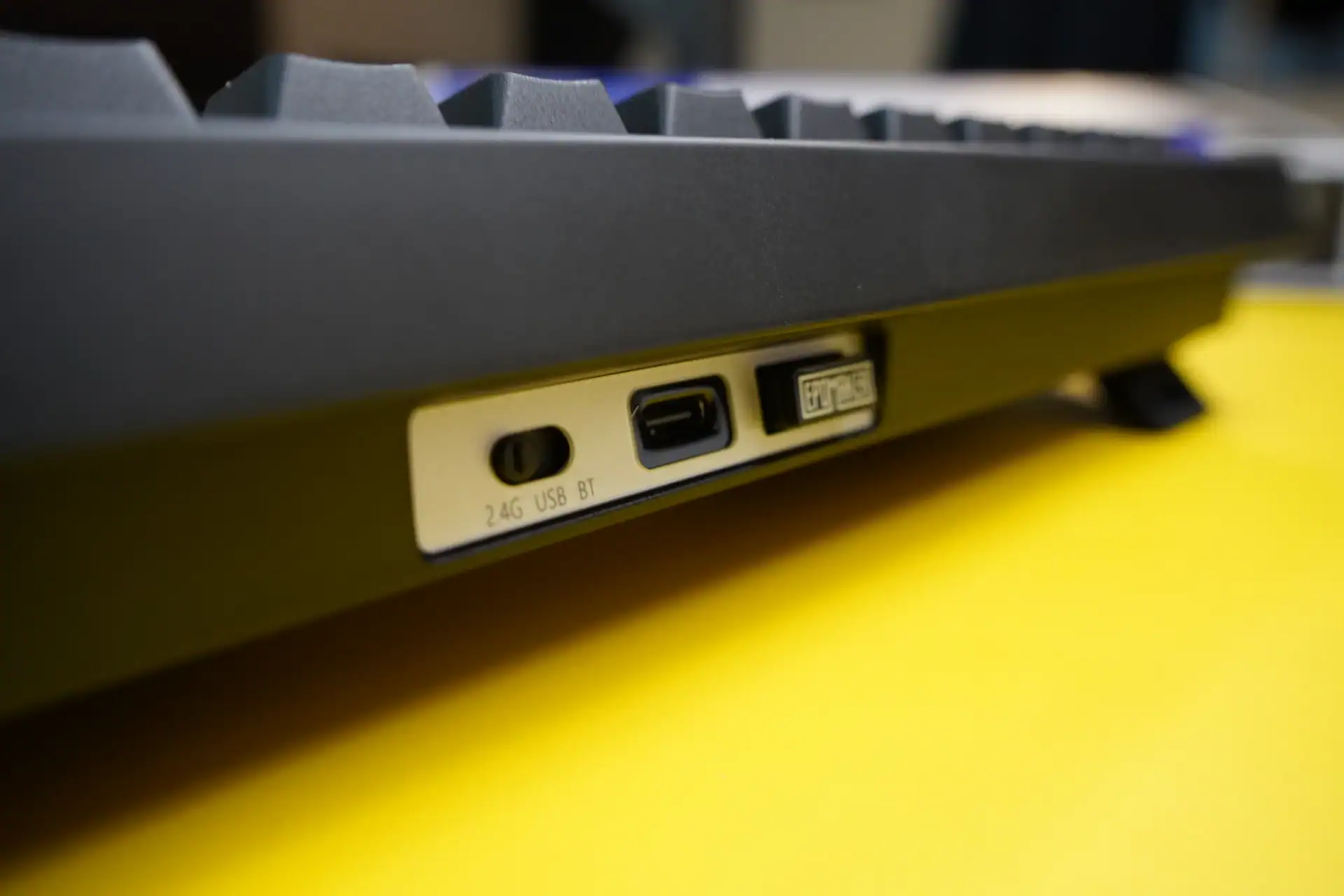
The Magcore65 Lite supports USB-C wired, 2.4GHz wireless via an included dongle (stored in a slot on the keyboard’s underside), and Bluetooth. The three-way toggle switch on the back requires deliberate force to move — not a flaw, but a feature that prevents accidental mode switching mid-session.
Measured latency numbers are pretty good: under 1ms wired at 8K polling, 6 ms at 1K polling over 2.4GHz, and 15 ms over Bluetooth. For competitive gaming, wired or 2.4GHz are the only real options. Bluetooth’s 125Hz polling rate is strictly for casual or productivity use. The keyboard switches cleanly between three saved Bluetooth device pairings via function key combinations, which is practical for multi-device users.
OS compatibility is seamless — Fn+A for Windows mode, Fn+S for macOS mode. No driver installation required for basic use on any platform. Battery status is a quick Fn+B away, with the number row LEDs indicating charge level. The 4000mAh dual battery setup delivers approximately a week of use with RGB enabled at moderate brightness (roughly 3 hours daily). Disabling lighting extends that substantially.
The volume knob is worth a separate mention: it mutes on press regardless of OS, which is genuinely useful. However it’s smooth to the point of being slightly too smooth — precise volume adjustments require more care than they should. A more tactile encoder would improve the experience noticeably.
Connectivity Score: 4/5 — Well implemented tri-mode with thoughtful dongle storage and clean OS switching. The volume knob’s lack of tactile feedback is a minor but consistent annoyance.
Software
Epomaker’s Keyboard Web Driver is browser-based — no installation needed, works on any OS. That’s the right call philosophically. The execution, however, has a significant flaw: it’s slow. Initial loading times are noticeably sluggish, and navigating between tabs takes longer than it should. This isn’t a dealbreaker, but the friction is real enough that many users will configure it once and never return — which is a shame, because the feature set inside is genuinely impressive.
- KeyMapping — Clean interface for remapping any key. Straightforward and reliable.
- LightEffect — Per-key RGB control with multiple modes.
- QuickTrigger — Set actuation depth per key in 0.01mm increments, with RapidTrigger for reset-speed customization. The standout feature, and it works beautifully.
- AdvancedKey — Houses DKS (up to four actions per key based on press depth and direction), SOCD resolution priority, MT (Mod Tap with configurable long-press threshold), TGL (Toggle Key for sustained inputs like crouching), MPT (Multi-Point Trigger for up to three depth-based actions), and END (trigger on key release).
The one significant missing feature is profile switching. There’s no way to quickly toggle between a gaming layout and a typing layout — you can export and import configurations, but switching mid-session is impractical. For a keyboard with this level of per-key customization, profile support feels like an obvious omission.
Software Score: 3.5/5 — The advanced feature set is impressive and competes with keyboards at twice the price. But slow load times and the absence of profile switching create enough friction to prevent it from scoring higher. Better than most budget keyboard software once you’re inside it — getting there is the hurdle.
RGB Lighting — Solid Without Being Spectacular
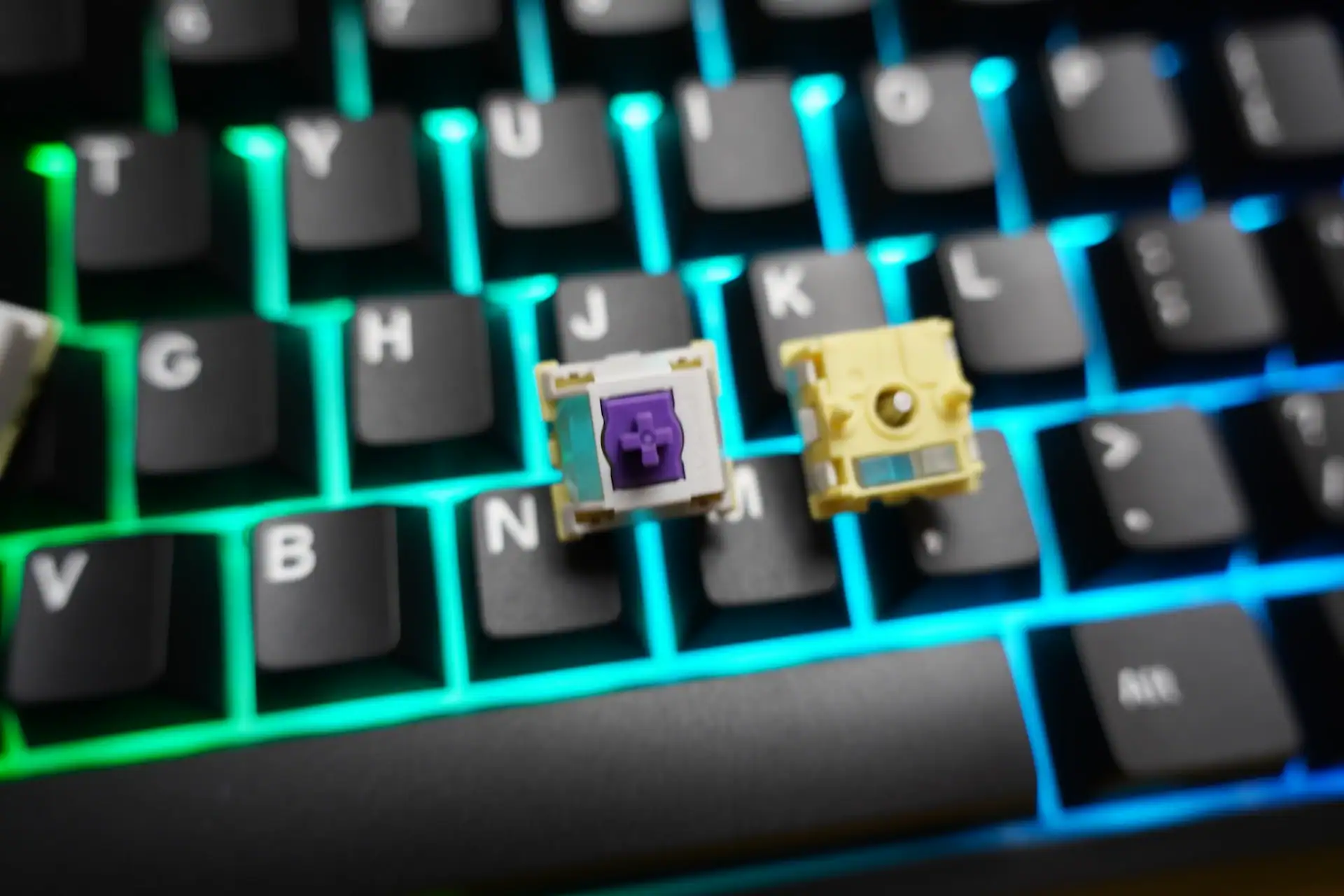
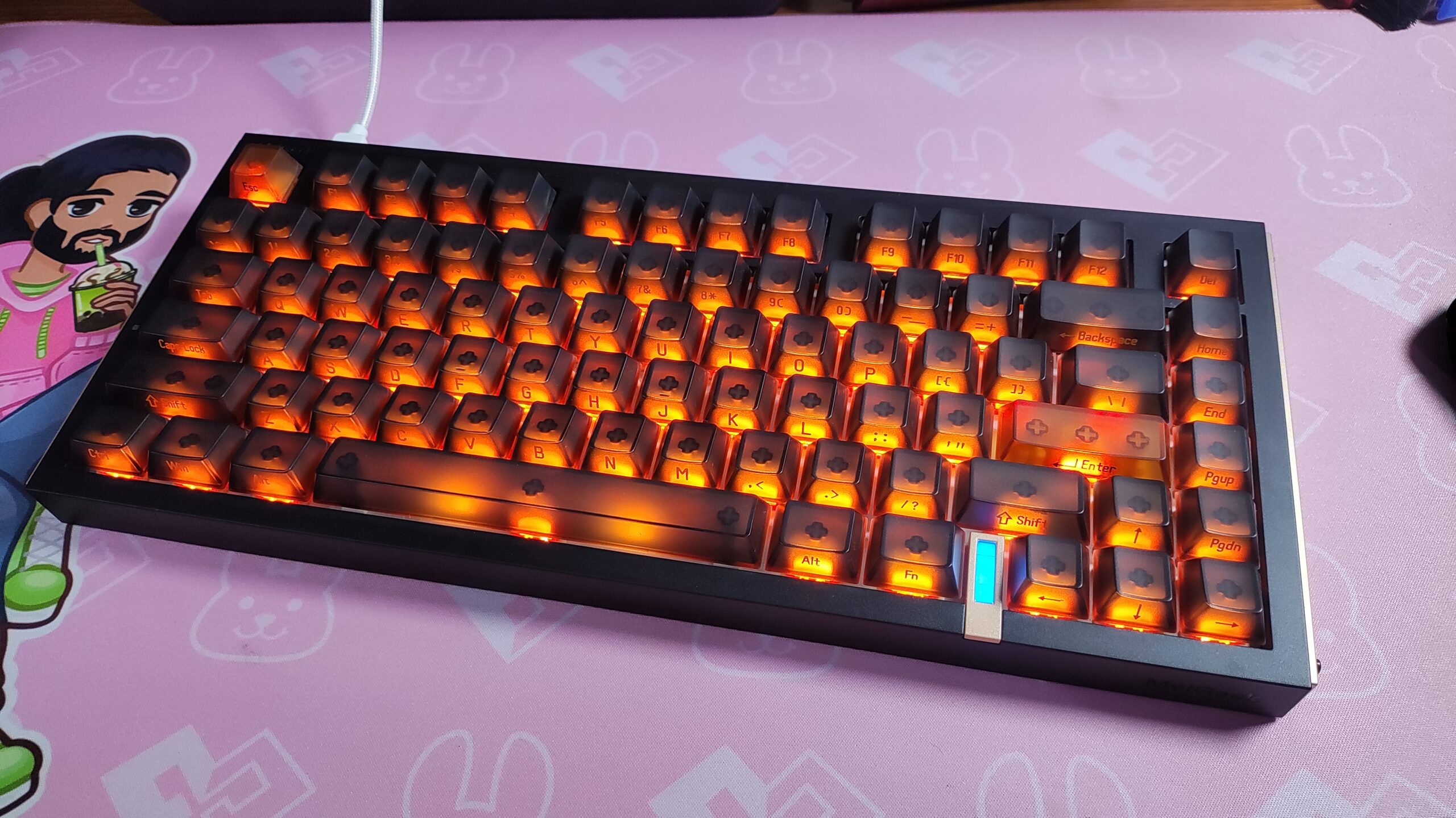
Per-key RGB with south-facing LEDs, fully configurable via the web driver. The non-shine-through PBT keycaps mean the lighting effect comes primarily from between and around the keys rather than through them — producing a more subdued, atmospheric look rather than the bright legend-glow you’d get with POM or PC keycaps. Whether that’s a positive depends on your preference.
The PC accent keycaps allow more light through, creating a subtle two-tone lighting effect when the right colors are selected. The underglow lightbars add depth to the desk setup aesthetic. At full brightness, battery life takes a predictable hit — but at 40–60% brightness the balance between visual impact and longevity is manageable.
RGB Score: 3.5/5 — Competent and customizable. The south-facing LED choice and opaque PBT keycaps limit the visual impact compared to shine-through alternatives, but the underglow effect partly compensates.
Value
At $80, the Magcore65 Lite sits in a genuinely competitive segment of the keyboard market. What sets it apart from every other option at this price is the inductive switch technology — RapidTrigger, per-key actuation tuning to 0.01mm, DKS, SOCD, MT, TGL, and MPT are features you typically find on $150–200 gaming keyboards. Getting them at $80 is a real value proposition, even accounting for the plastic build and software friction.
The included accessories sweeten the deal further: stored 2.4GHz dongle, extra accent keycaps, USB-C cable, and a switch puller. The 4000mAh battery and MX-stem hot-swap compatibility add long-term value. If the inductive switch feature set aligns with your needs, you’re getting considerably more than $80 worth of functionality.
Value Score: 4.5/5 — The hardware and feature set punch well above the price point. The build quality and software experience prevent it from being an outright steal, but the value case is strong for the right buyer.
The 65% Layout
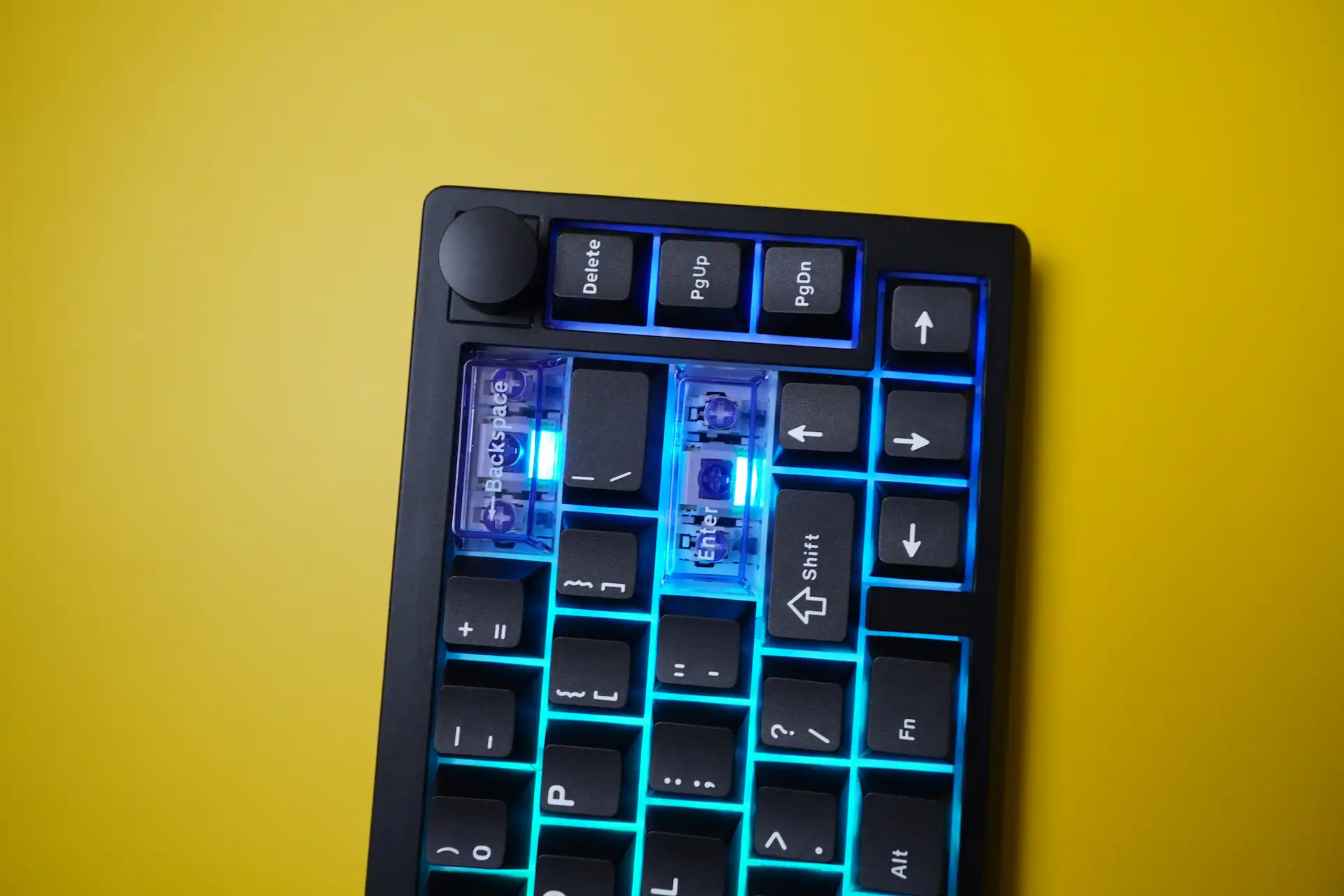
The compact layout will be either a feature or a dealbreaker depending on your workflow. Losing the function row, numpad, and navigation cluster in exchange for desk space is a tradeoff the 65% format makes deliberately. The Magcore65 Lite does this with 66 keys, meaning some functions are buried under Fn combinations.
The arrow key cluster sits tight against the main alphanumeric block — muscle memory errors are common in the first week, particularly accidentally hitting Page Down when reaching for the right arrow. This is a 65% format problem, not an Epomaker-specific one, and it resolves with time. If you need a larger layout, the Epomaker Magcore 87 covers the same inductive switch technology in a tenkeyless form factor, though at a significantly higher price point.
Who Is This Keyboard For?
- Competitive FPS or tactical game players who want per-key actuation tuning, RapidTrigger, and SOCD resolution without spending $150+
- Customization enthusiasts on a budget — MX-stem hot-swap and layered foam internals make this an excellent modding base
- Multi-device users who need clean tri-mode switching and long battery life
- Newcomers to inductive switch technology who don’t want to pay premium prices to experiment
It’s less ideal for users who prioritize a premium physical build, need fast profile switching between use cases, or find browser-based software frustrating.
Final Verdict
The Epomaker Magcore65 Lite is a genuinely interesting product in a market that needed one. The inductive switch technology isn’t a gimmick — it’s a meaningful functional advantage that changes how you interact with a keyboard at a fundamental level. Per-key actuation tuning to 0.01mm precision, RapidTrigger, and a full suite of advanced input modes (DKS, SOCD, MT, TGL, MPT) simply don’t exist elsewhere at $80.
The plastic chassis, stiff gasket, occasional unit creak, and sluggish browser software are real limitations that the score reflects honestly. But none of them undermine what the keyboard fundamentally does well. If you’re buying a keyboard for what it can do rather than how it feels as an object, the Magcore65 Lite makes a strong case that inductive switches are where budget keyboards are heading — and right now, Epomaker is ahead of the curve.
✅ Pros
- Inductive switches with 0.01mm actuation precision — genuine competitive advantage
- RapidTrigger, DKS, SOCD, MT, TGL, MPT all included at $80
- 8K polling rate in wired mode
- Excellent PBT keycaps with double-shot legends
- MX-stem hot-swap for full aftermarket compatibility
- Strong layered sound dampening for the price
- Clean tri-mode connectivity with stored dongle
- Strong battery life (~1 week typical use)
- No software installation required
❌ Cons
- ABS plastic chassis with a stiffer-than-expected gasket mount
- Browser software has slow, frustrating load times
- No profile switching — export/import only
- Volume knob lacks tactile feedback
- Not compatible with standard mechanical or magnetic switches
Epomaker Magcore65 Lite is available for purchase from Epomaker official store for $79.99.

I love testing and writing about new tech. I focus on keyboards and controllers. I'm also a gamer and an engineer. Check out my Twitter for keyboard and controller news and reviews.