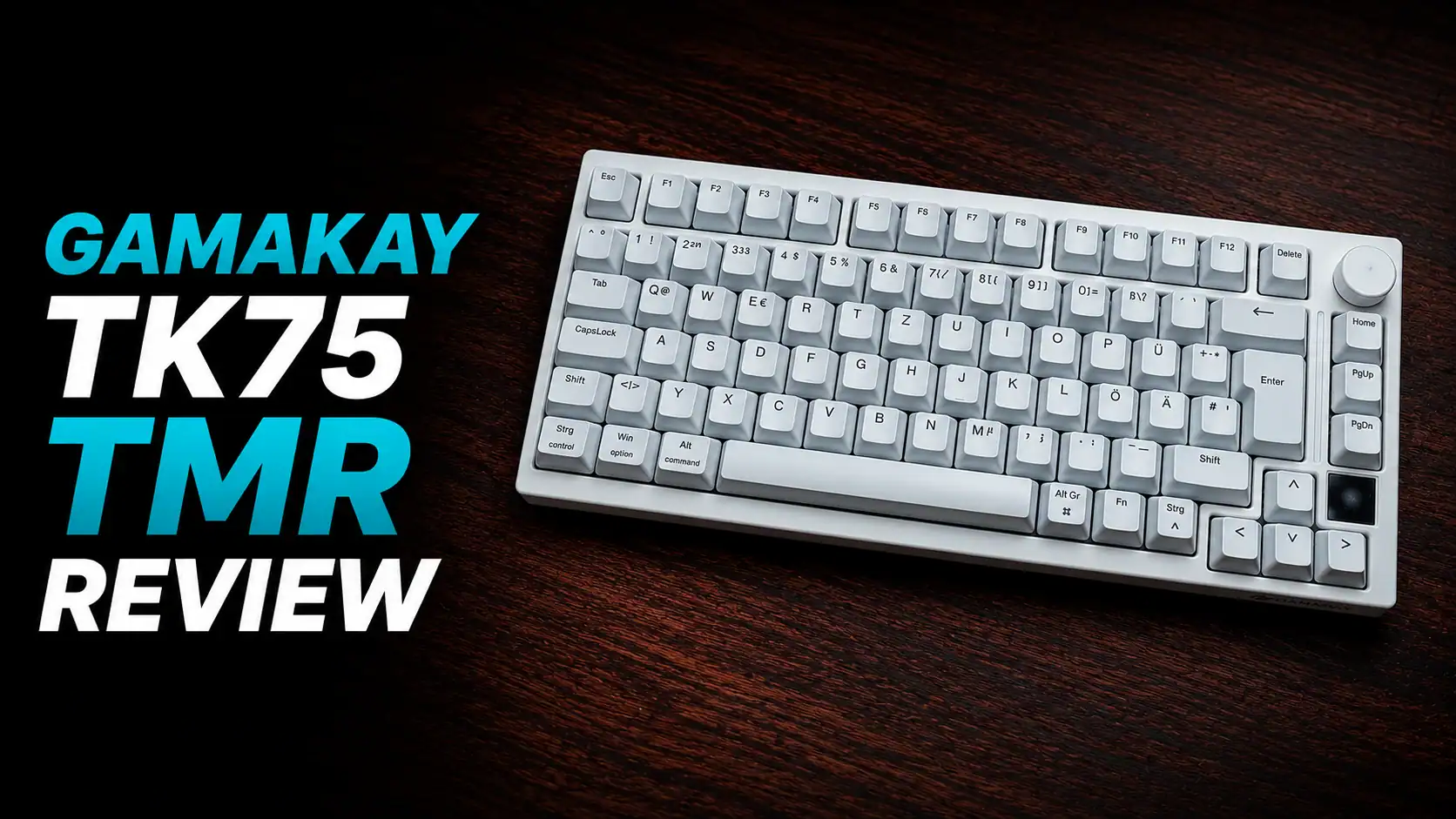
I have reviewed a couple of NuPhy’s keyboards in the past, including NuPhy Air75 V3 which is quite similar to this one, except for the layout. This time I’m reviewing the Air100 V3 with Blush switches which are the most silent switch option NuPhy is offering with this keyboard.
This is a quite compact 100% keyboard — it’s only a bit (1–3 cm) wider than some of the 75% layout keyboards I’ve reviewed over the years. I really like silent mechanical keyboards, and as my day to day keyboard I’m currently using Varmilo VA80. The Air100 V3 seems to be a tiny bit more muted than that one.
Air100 v3 Features and Specifications

- Compact 100% layout with full numpad in a surprisingly small footprint
- Swappable rotary knob — both high-profile and low-profile versions included in the box
- Aluminium top case with polycarbonate bottom
- Gasket mount with hot-swappable low-profile switches
- Up to 1000 hours of battery life with RGB off
Brief technical specifications:
- Layout: ANSI 100%, 99 keys
- Case: Aluminium top / Polycarbonate bottom
- Plate: PC (Polycarbonate)
- Keycaps: Double-shot PBT, nSA profile
- Switches: Blush Nano / Red Nano / Brown Nano (low-profile 3.0, hot-swappable)
- Stabilizers: Plate mounted
- Mount: Gasket
- Backlight: North-facing RGB LED, 20 modes
- Connectivity: Bluetooth 5.0 / 2.4 GHz / USB-C wired
- Polling rate: 1000 Hz (2.4 GHz & wired), 125 Hz (Bluetooth)
- Anti-ghosting: N-key rollover
- Battery: 4000 mAh, up to 1000 h (RGB off) / 24–73 h (RGB on)
- Dimensions: 380.6 × 133.6 × 13.2 mm
- Weight: 950 g
- Typing angles: 4° / 8° / 10°
- Compatible: macOS / Windows / Android / iOS
- Available colors: Nebula Dark, Nova White
- Price: $149.95
Design and Build Quality

The Air100 V3 feels premium in hand, largely thanks to the aluminium top case. It gives the keyboard a solid, sturdy feel that you don’t always get at this price point, and it looks clean too — no unnecessary design flourishes, just a minimal and professional appearance. The polycarbonate bottom keeps the weight in check, though at 950 g it’s still noticeably heavier than a fully plastic alternative like the Node100.
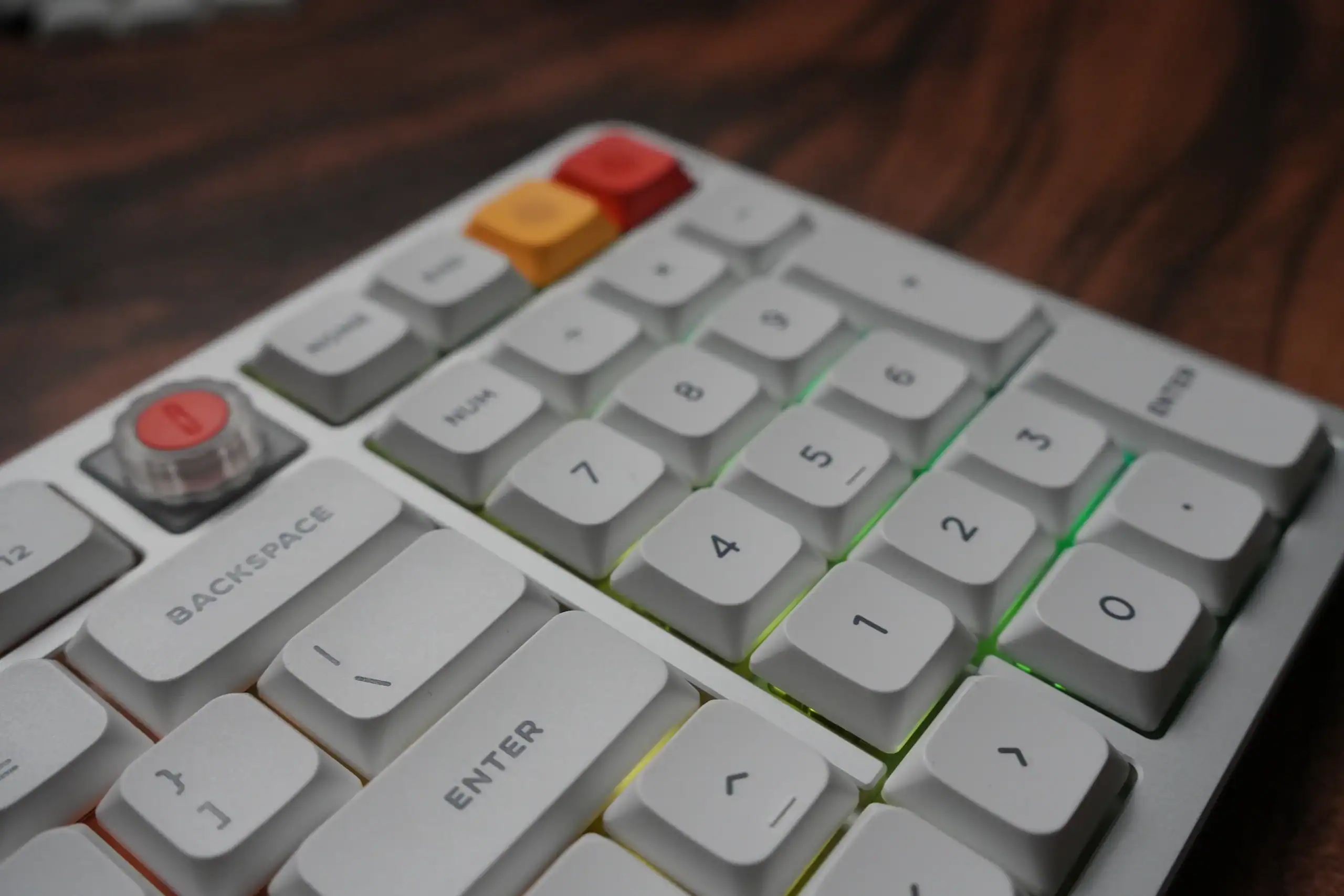
The compact 100% layout is one of the things that makes this keyboard interesting. You get a full numpad, F-row, and navigation cluster without the keyboard taking over your entire desk. Compared to a traditional full-size board, the Air100 V3 shaves off space around the clusters and keeps everything tight. If you’re used to 75% keyboards, the adjustment isn’t as dramatic as you might expect.

One thing that’s worth mentioning: the knob placement on the 100% layout sits slightly more centered than on the 65 or 75, because the numpad occupies the far right corner. It takes a little getting used to, but after a short while it becomes second nature. The good news is that the knob swap mechanism on the 100 uses a simple pull-out design rather than the Torx screw found on the smaller variants, which actually makes swapping between the included high-profile and low-profile knobs quicker and easier.
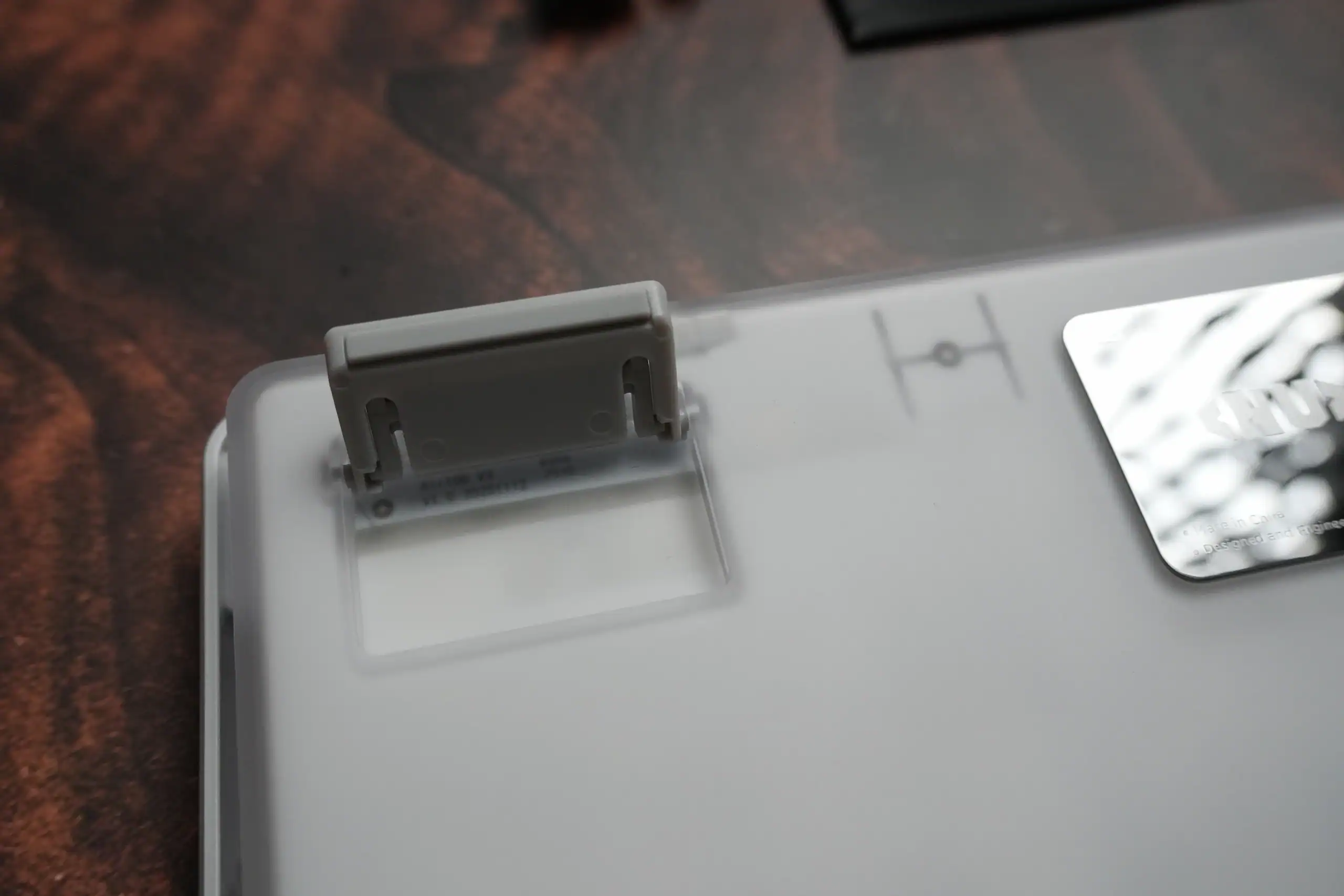
The keyboard has a 3-stage adjustable kickstand that lets you switch between 4°, 8°, and 10° typing angles depending on your preference. The rubber feet on the bottom are NuPhy’s AirFeet design, which are specifically shaped to sit stably on top of a MacBook or most laptops — a nice touch if you want a proper mechanical keyboard experience while still using your laptop screen. On the 65 and 75 this works for almost all laptops, but on the larger 100 it’s naturally more limited.
Typing Feel and Sound
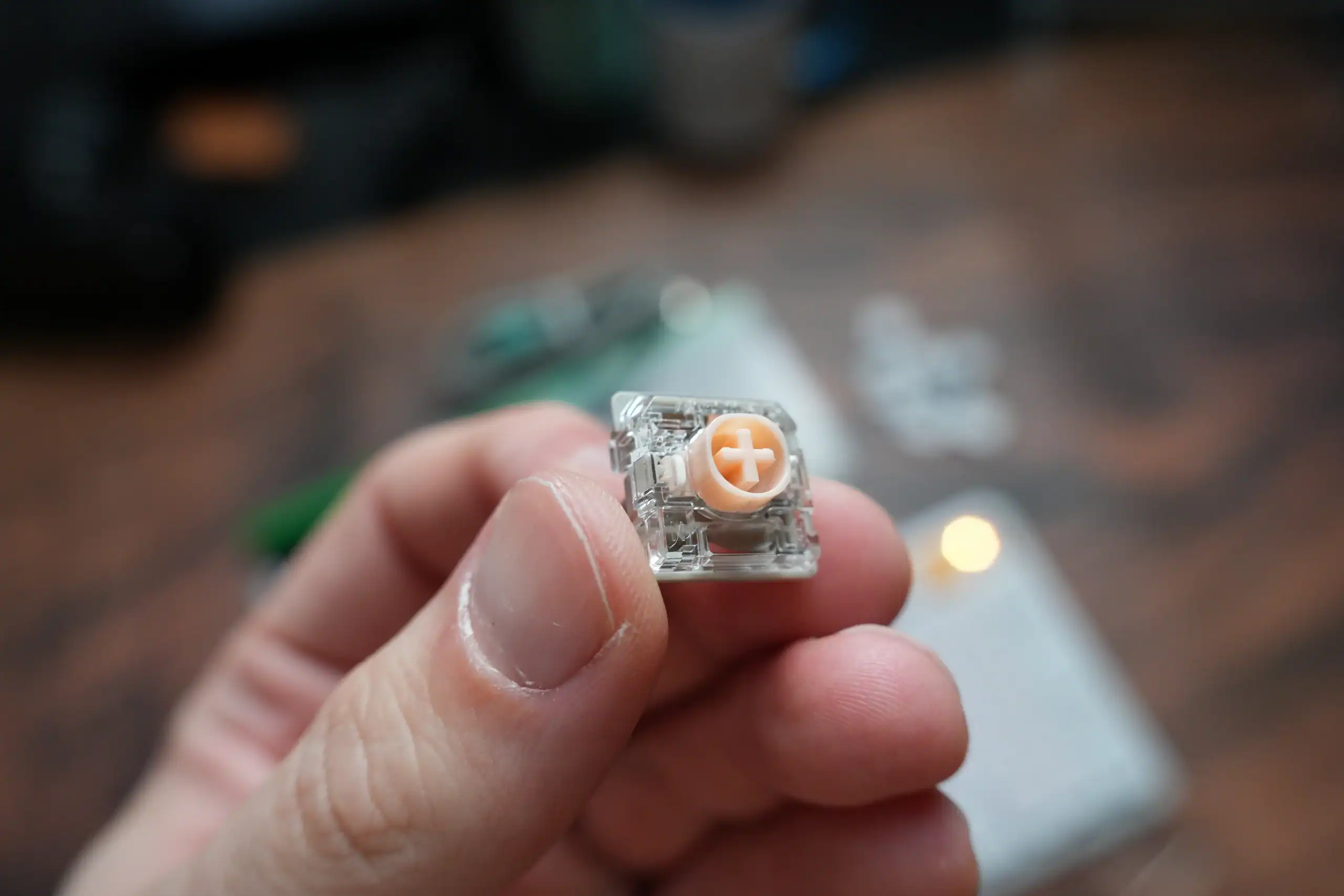
I tested this with Blush Nano switches — the silent linear option — and the sound is genuinely impressive for a mechanical keyboard. It’s slightly more muted than my daily Varmilo VA80, which is already on the quieter side. If you’re working in a shared space or office, Blush Nano is comfortably the right call.
The keycaps use NuPhy’s own nSA profile — a low-profile sculpted design that sits closer to the desk than standard MX profiles. It works well with the overall thin form factor and feels natural to type on, though if you’re coming from a traditional keycap profile it might take a day or two to fully adjust. The double-shot PBT construction means the legends won’t fade over time.

One honest note: the typing feel is a bit mushy. The gasket mount adds flexibility and softness, which reduces noise and fatigue, but it also means the keyboard has more give than you might expect coming from something firmer. Bottoming out feels cushioned rather than crisp. Whether that’s a positive or a negative comes down to personal preference — if you like a bouncy, soft feel, you’ll enjoy it. If you prefer a more planted, direct keystroke, it might take some adjustment.
The good news is that NuPhyIO has an Anti-Wobbliness setting under Mode Settings that lets you tune the stabilization level between Low, Intermediate, and High. Dialing this up does tighten the feel somewhat and reduces any wobble-related mushiness. It’s a useful option that not many keyboards at this price offer at all.
I also ran a latency test using OSLTT and got 3.5 ms — a very solid result even for a gaming keyboard.
Software – NuPhyIO


NuPhyIO is available both as a desktop app (Windows and macOS) and as a web-based version, which is convenient. The interface is clean and well organized across five main tabs: Key Bindings, Advanced Functions, Lighting Effects, Macro Recording, and Mode Settings.
Key remapping is straightforward — you click a key on the virtual keyboard layout and assign it from a categorized list of Basic, Media, RGB, Special, or Macro inputs. Advanced Functions covers things like Toggle Key, SOCD, and Tap Dance, which are genuinely useful features you don’t often see outside of gaming-focused keyboards.
The Lighting Effects tab gives you 20 backlight modes — Ray, Stair, Static, Breath, Flower, Wave, Ripple, Spout, Galaxy, Rotation, Ripple, Point, Grid, Time, Rain, Ribbon, Gaming, Identify, Windmill, and Diagonal — along with full custom color support via a hex color picker. You can also control side light settings separately. It’s one of the more complete lighting customization tools I’ve seen in this category.


Macro Recording supports up to 11 macros with configurable time intervals and key bindings — enough for most productivity workflows. Mode Settings rounds things out with options to disable Win, Alt+F4, and Alt+Tab, plus the Anti-Wobbliness level mentioned above. Auto sleep is also configurable with two levels: Level 1 turns off the lights after 6 minutes of idle, Level 2 disables lighting and communication after 24 minutes. Both are adjustable.
Mac users get some extra attention here — NuPhy has included dedicated multimedia shortcut keys for macOS, covering things like dispatch center, focus mode, dictation, and full-screen screenshots. It’s a small detail but it shows the keyboard was genuinely designed with Mac in mind, not just slapped with a Mac mode as an afterthought.
Overall, NuPhyIO is one of the better companion apps in the low-profile keyboard space. It’s not as open as QMK/VIA, but for most users it covers everything you’d need.
Battery Life and Connectivity
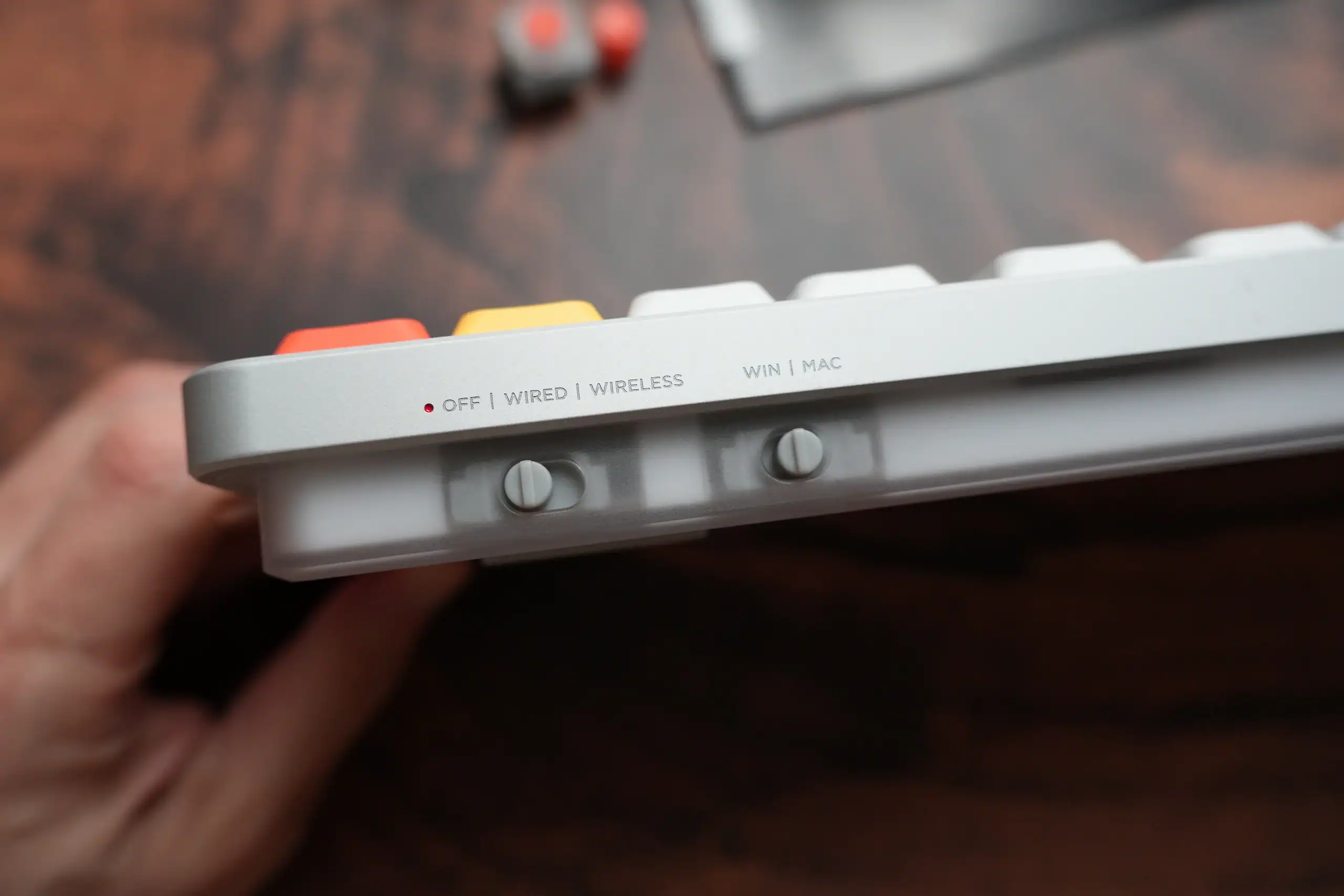
The 4000 mAh battery is shared with the Air75 V3, but since the 100% layout has more LEDs to power, battery life with RGB on is lower — rated at 24–73 hours depending on brightness and effects used. With RGB off you’re looking at up to 1000 hours, which is comfortably in the “charge it once a month and forget about it” territory for typical office use.

Connectivity is tri-mode: Bluetooth 5.0 for up to five paired devices, a 2.4 GHz dongle for 1000 Hz low-latency wireless, and USB-C wired. Switching between devices is smooth. The 2.4 GHz connection in particular felt completely seamless in use — no noticeable lag compared to wired.
Air100 v3 vs Node100 low profile
If you’re shopping for that 100% low profile keyboard from Nuphy then these are the two options right now. Air100 v3 is the more premium one with a higher price tag, a knob, aluminium case and bigger battery. But Node100 is also a decent keyboard with a lower price and the same switches selection to choose from.
| Air100 V3 | Node100 LP | |
|---|---|---|
| Overview | ||
| Price | $149.95 | $99.95 |
| Keys | 99 | 103 (1800 layout) |
| Colors | Nebula Dark, Nova White | Ink Gray, Lunar White, Pink |
| Build | ||
| Top case | Aluminium alloy | ABS plastic |
| Bottom case | Polycarbonate | ABS plastic |
| Weight | 950 g | 787 g |
| Dimensions | 380.6 × 133.6 × 13.2 mm | 398.6 × 141.1 × 13.2 mm |
| Typing angles | 4° / 8° / 10° | 4° / 8° / 11° |
| Battery | ||
| Capacity | 4000 mAh | 3000 mAh |
| Life — RGB on | 24–73 h | 60–100 h |
| Life — RGB off | Up to 1000 h (both) | |
| Features | ||
| Media control | Rotary knob (included) | Touch bar |
| Indicators | Rhythm light bar | Dot-matrix LEDs |
| Linux support | Yes | No |
Pros and Cons
Pros:
- Compact footprint for a full 100% layout
- Premium aluminium top case
- Blush Nano switches are genuinely quiet — great for office use
- Both knob profiles included, easy to swap on the 100 layout
- Excellent NuPhyIO software with Anti-Wobbliness tuning
- 3.5 ms measured latency — solid for wireless
- Outstanding battery life with RGB off
Cons:
- Mushy typing feel out of the box — not for everyone
- Battery life with RGB on is lower than the Air75 V3
- No Linux support listed
- Slightly centered knob placement takes getting used to
Final Verdict

For a silent keyboard with a 100% layout, the NuPhy Air100 V3 is an extremely solid recommendation. The combination of Blush Nano switches, a well-built aluminium chassis, and a genuinely capable software suite puts it ahead of most alternatives in this category. The mushy typing feel is the main thing to be aware of — but with the Anti-Wobbliness setting in NuPhyIO and a gasket mount that most people actually enjoy, it’s hardly a dealbreaker. If you need a numpad and want to keep things quiet, this is one of the better options on the market right now.
You can get Air100 v3 from official Nuphy store for $149.95 and you can use our coupon code HLPLANET for additional $10 off.
Tech reviewer, engineer and videographer.