MCHOSE Ace 68 GT is the newest magnetic switch keyboard from MCHOSE. I really appreciate their lineup as it consists of a few very affordable gaming keyboards with low latency such as the MCHOSE Jet75 and a couple others. This time they are going with something more expensive — a $149 aluminium case wired keyboard paired with the new Mount Tai HE GT magnetic switches.
Disclosure: this keyboard was sent to me for review, but that does not affect my opinion.
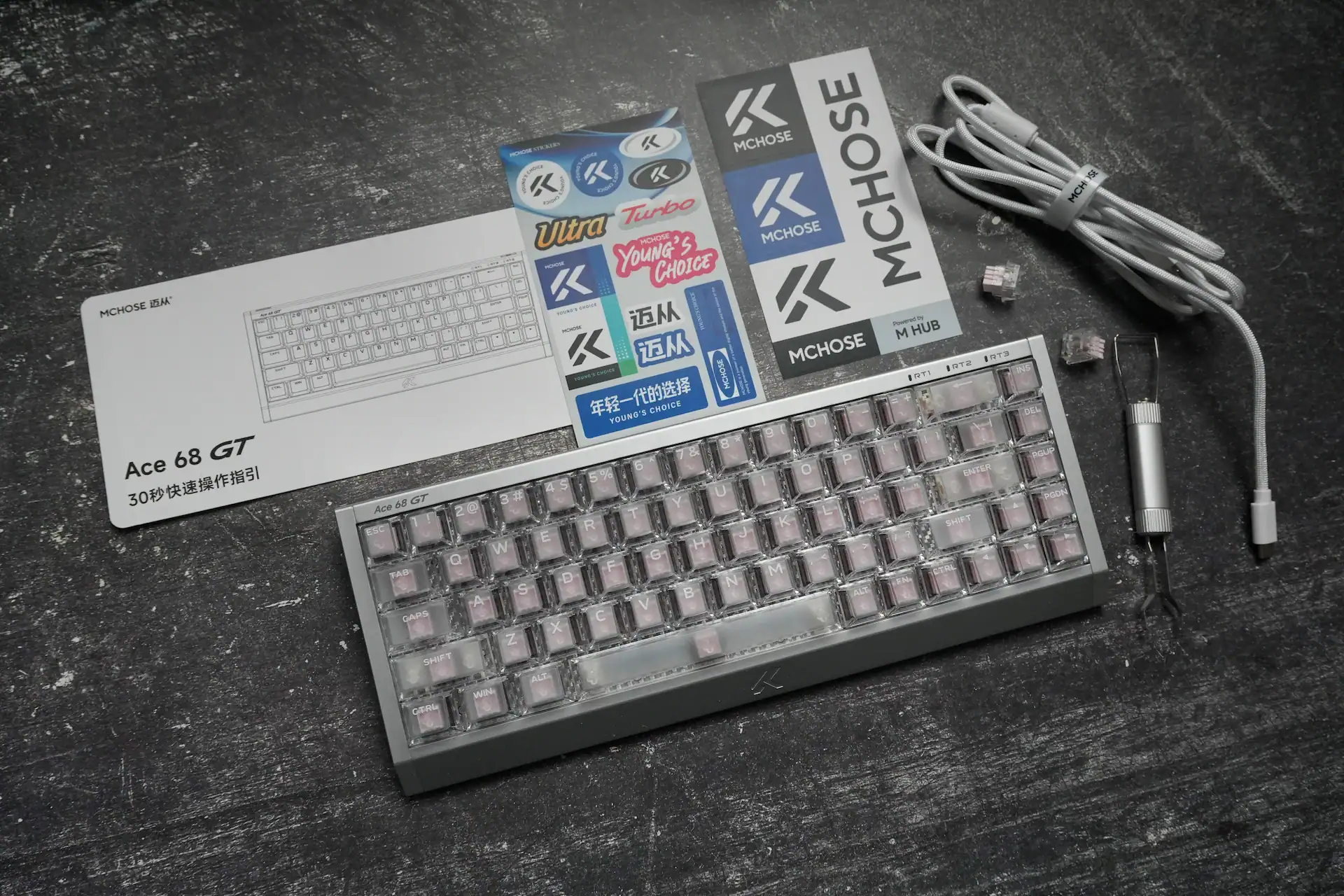
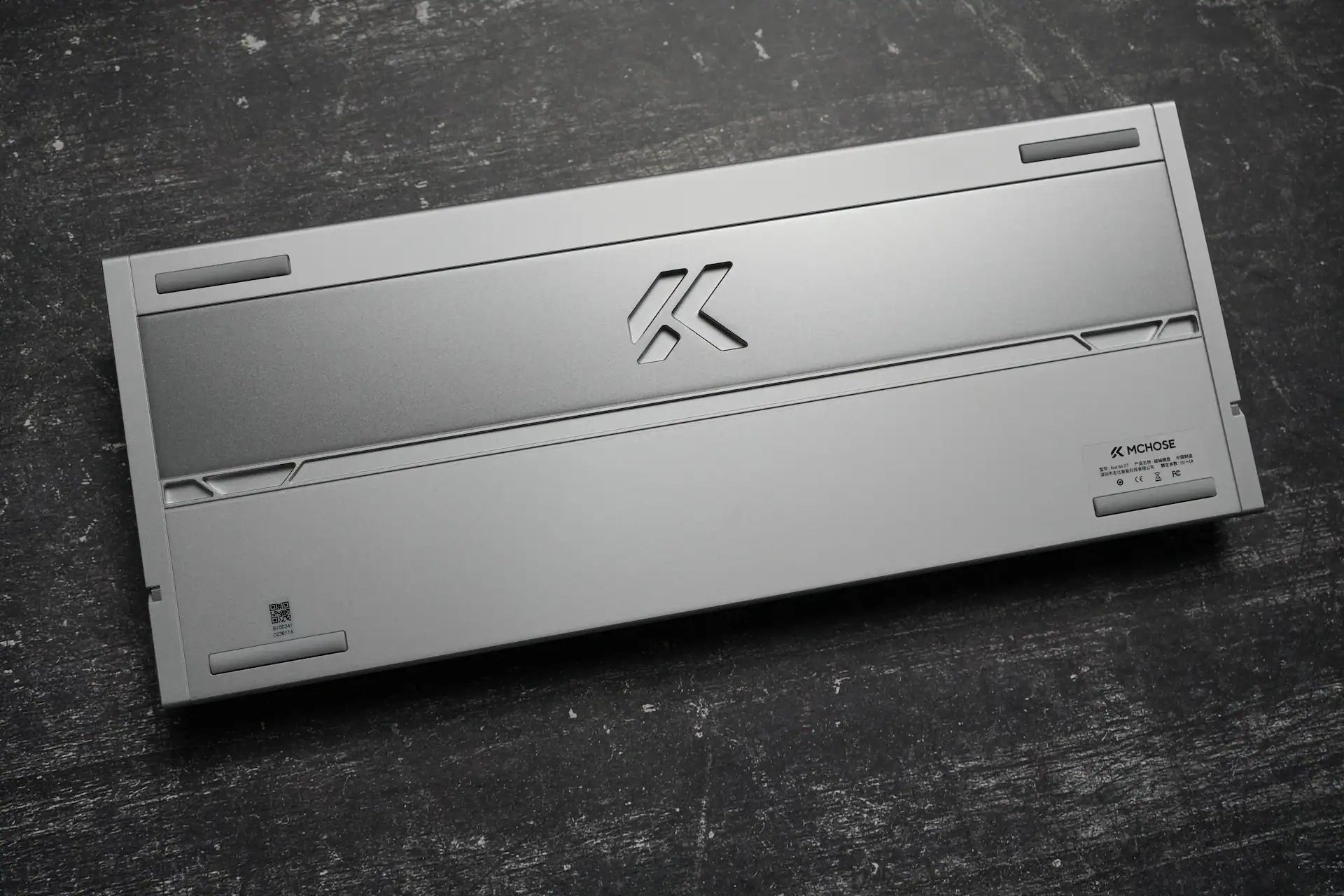
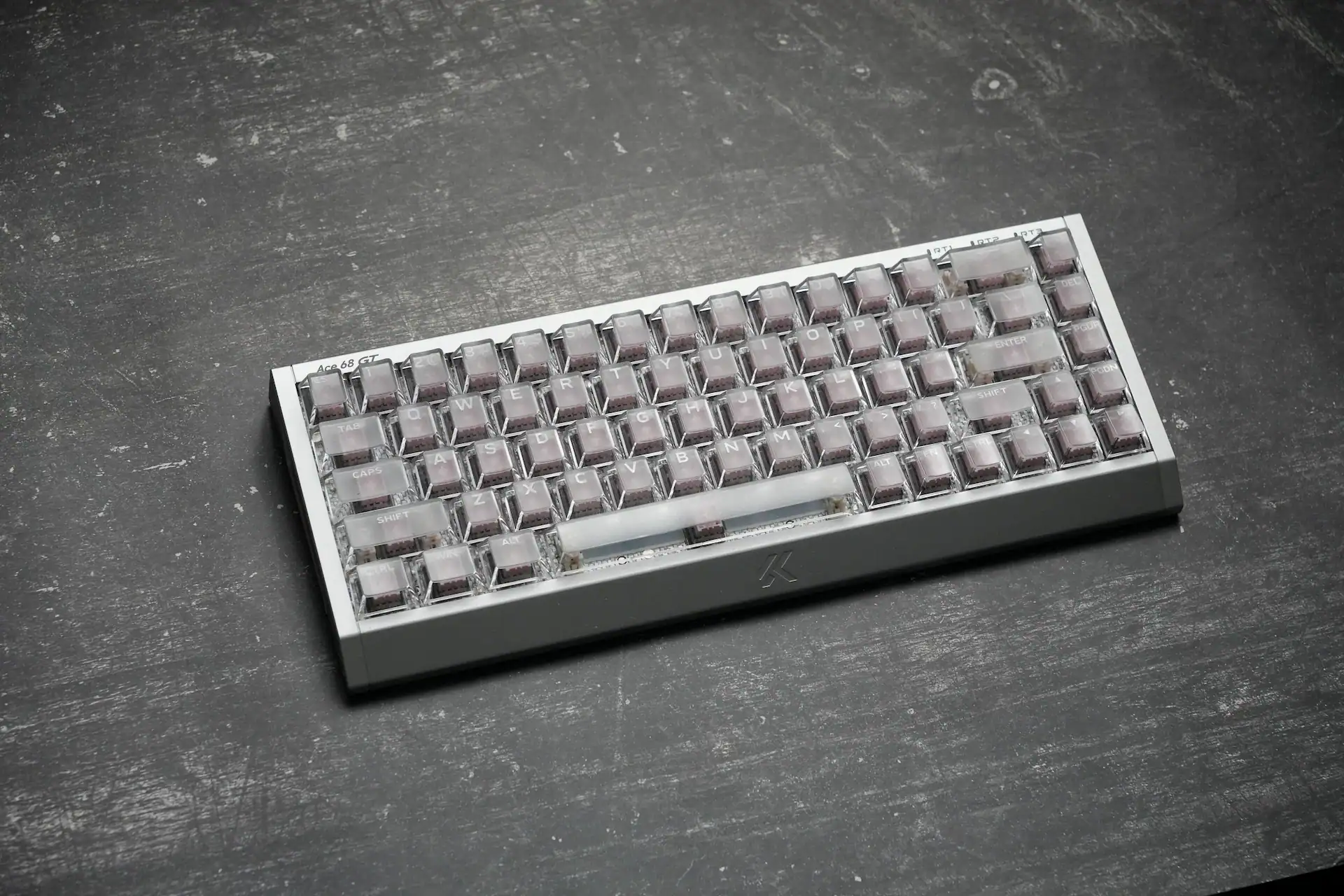
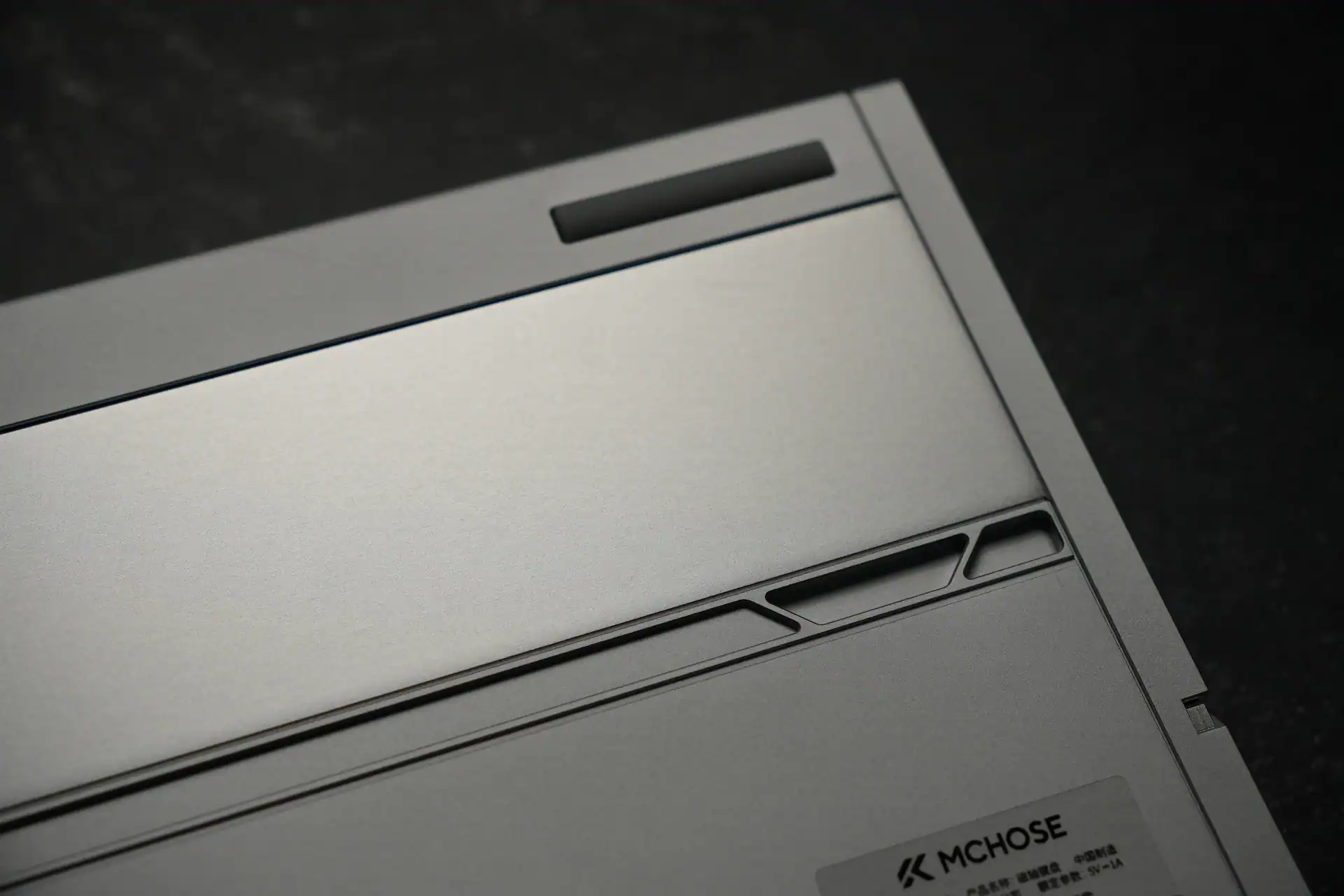
There are a few color versions available — Black Gold with anodized aluminium shell, and Aero Silver, Cyber Violet and Champagne with polymer coating. I got the Aero Silver transparent version. This is a very heavy keyboard. My scale recorded 1,462g, which is 22g over the official spec. For context, that is heavier than many full-size keyboards. It does not move on the desk, but it is worth knowing before you buy.
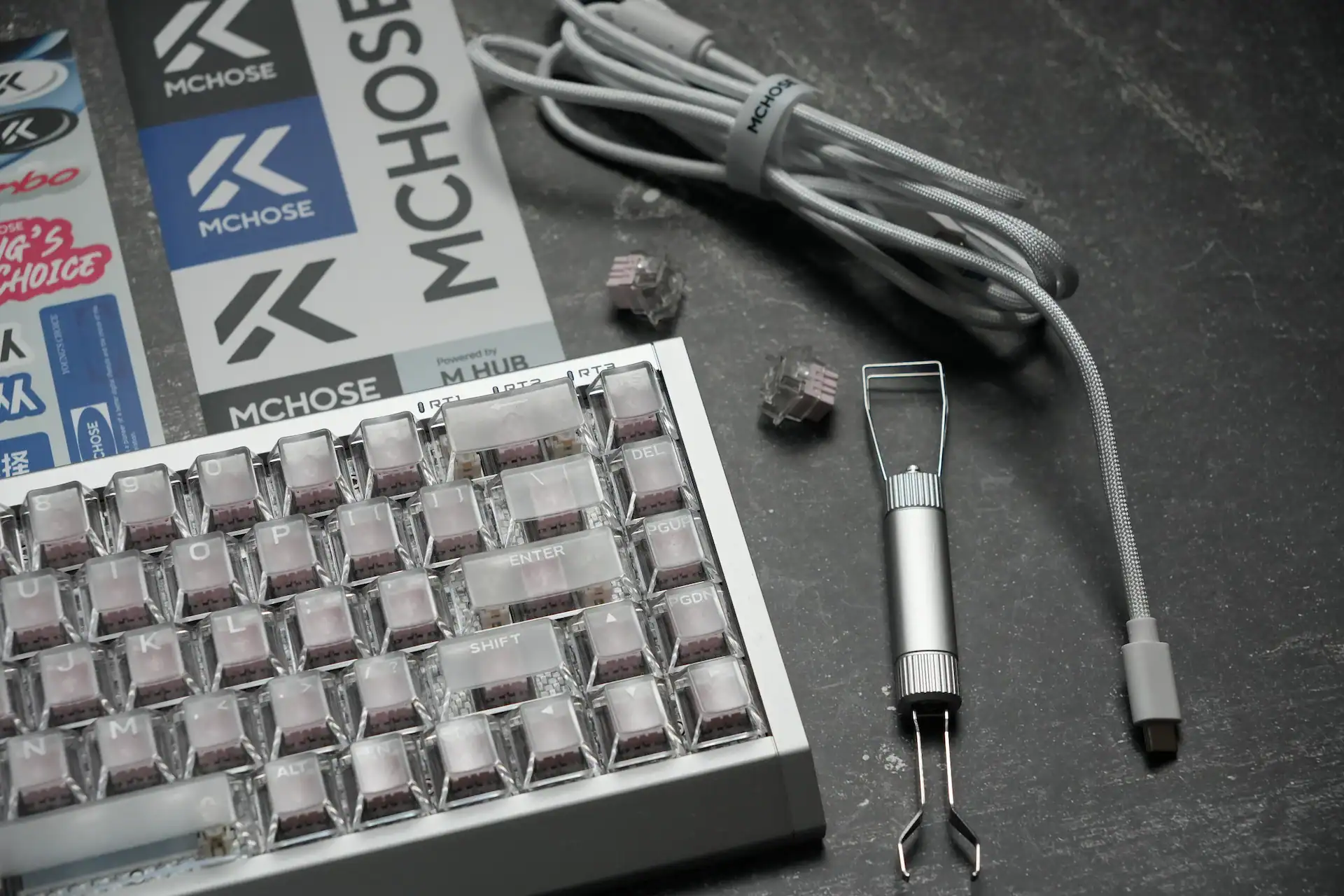
In the box: the keyboard, a cable, a switch and keycap puller, 2 spare switches, and a dust cover.
MCHOSE Ace 68 GT Specifications
| Spec | MCHOSE Ace 68 GT |
|---|---|
| Layout | 65% ANSI |
| Switch | Mount Tai Pink Magnetic Switch GT |
| Sensor | Hall Effect |
| Precision | 0.001 mm |
| Polling rate | 16,000 Hz (USB 3.0 required) |
| Scanning rate | 256,000 Hz |
| Actuation range | 0.1 mm – 3.4 mm |
| Rapid Trigger range | 0.001 mm – 3.4 mm |
| MCU | Dual-Core 512 MHz |
| Platform | Tianwen custom in-house |
| Plate | Carbon fiber (Black or Silver) |
| Keycaps | Cherry profile PBT shine-through / Frosted translucent (selected colors) |
| RGB | North-facing ARGB, 16M colors |
| Internal dampening | Carbon fiber plate + sandwich foam + fiber switch pad + PET sound-damping pad + bottom foam + PET base pad |
| Functions | SOCD / RS / DKS / MT / TGL / Macros |
| Software | MCHOSE Hub web driver + desktop driver |
| Connectivity | Wired only |
| Dimensions | 320.0 × 127.8 × 37.6 mm |
| Weight | 1,440g spec / 1,462g measured |
| Price | $149.00 USD |
Mount Tai Pink HE GT Switches
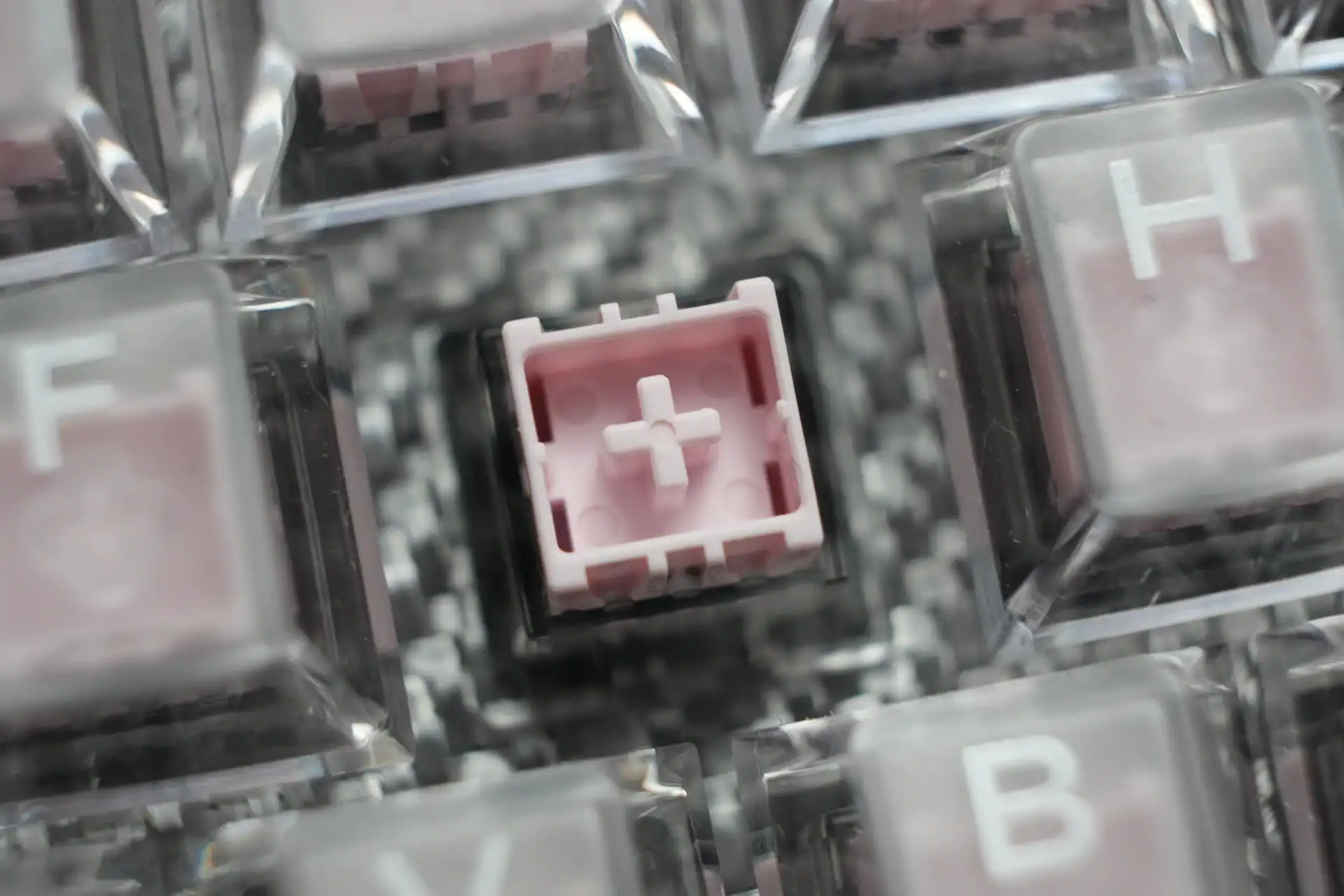
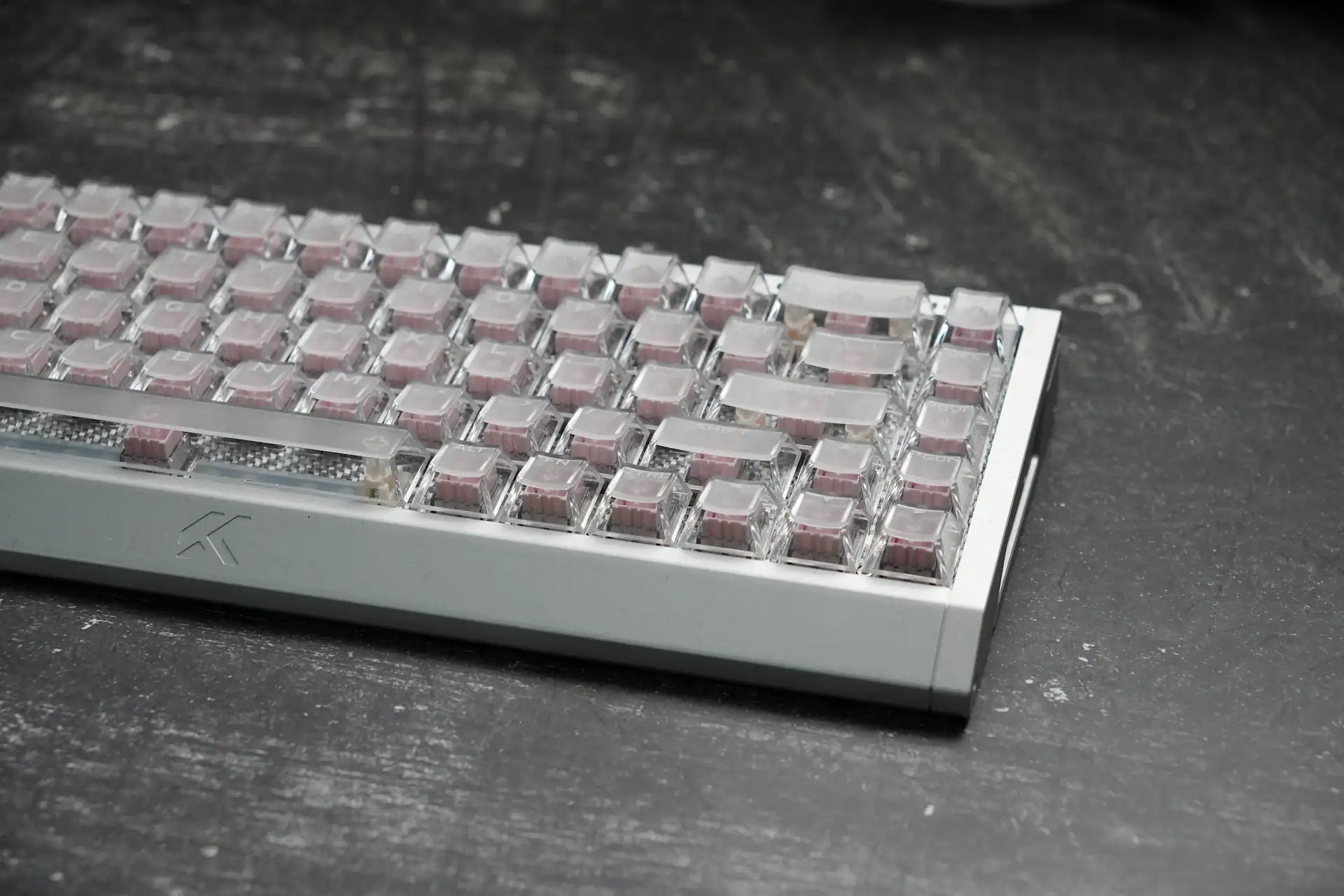
The Mount Tai Pink magnetic switches are the centerpiece of this keyboard and MCHOSE’s own design. They are a closed-bottom switch with a smooth keystroke and a muted sound profile that the enthusiast community often describes as thocky. They pair well with the carbon fiber plate and the layered internal dampening — the result is one of the better sounding aluminium case keyboards I have tested.
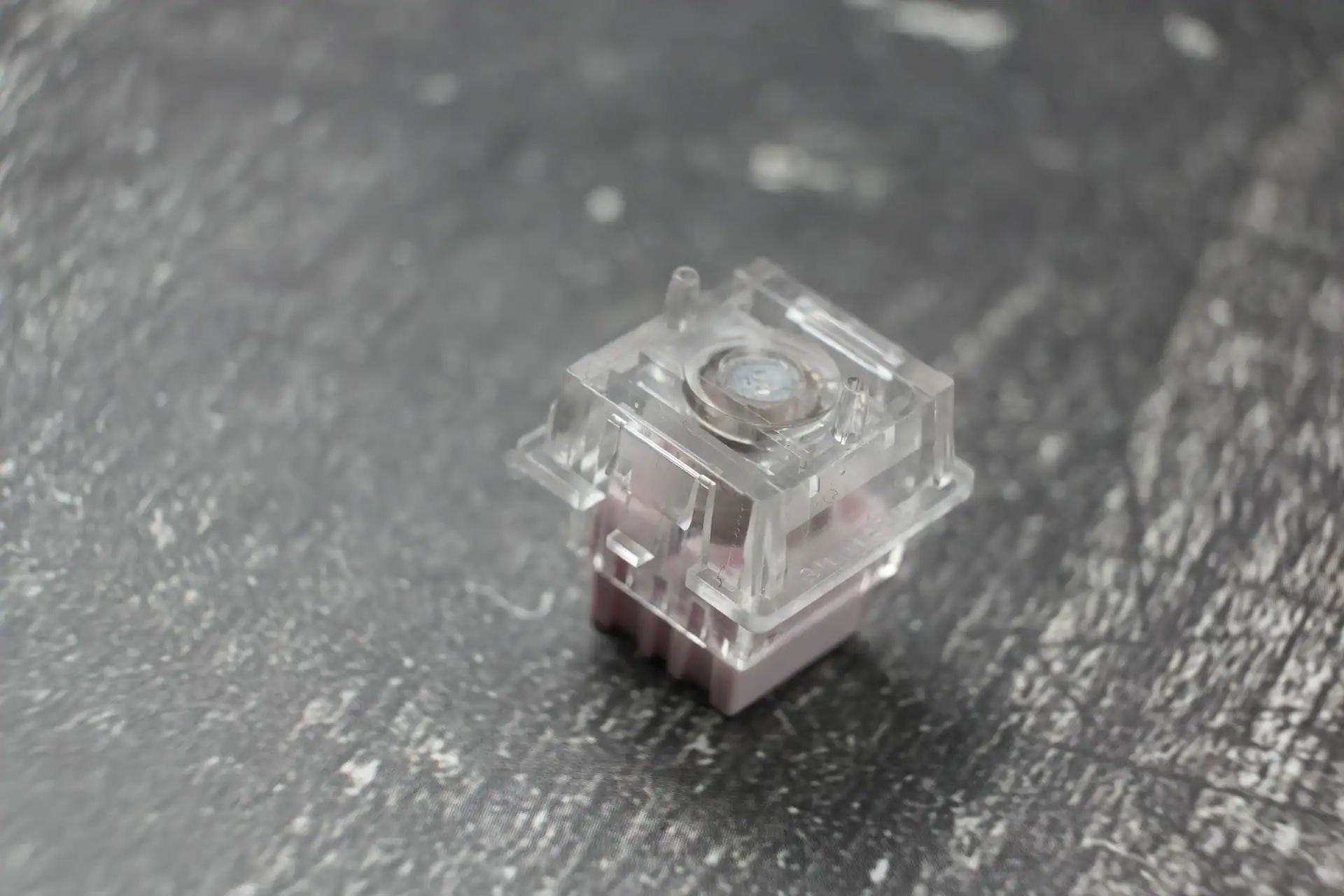
The switches are dual north and south facing RGB compatible and stable enough that you are unlikely to need dead zone adjustments to compensate for wobble. They also accept other centralized magnet magnetic switches such as TTC KO1s or Gateron Jade Pros if you want to experiment, though the Mount Tai Pinks are a good default choice.
One thing worth noting: at the time of writing these are the only switches listed for this keyboard. MCHOSE has not confirmed whether additional switch options will be offered in the future.
Build Quality
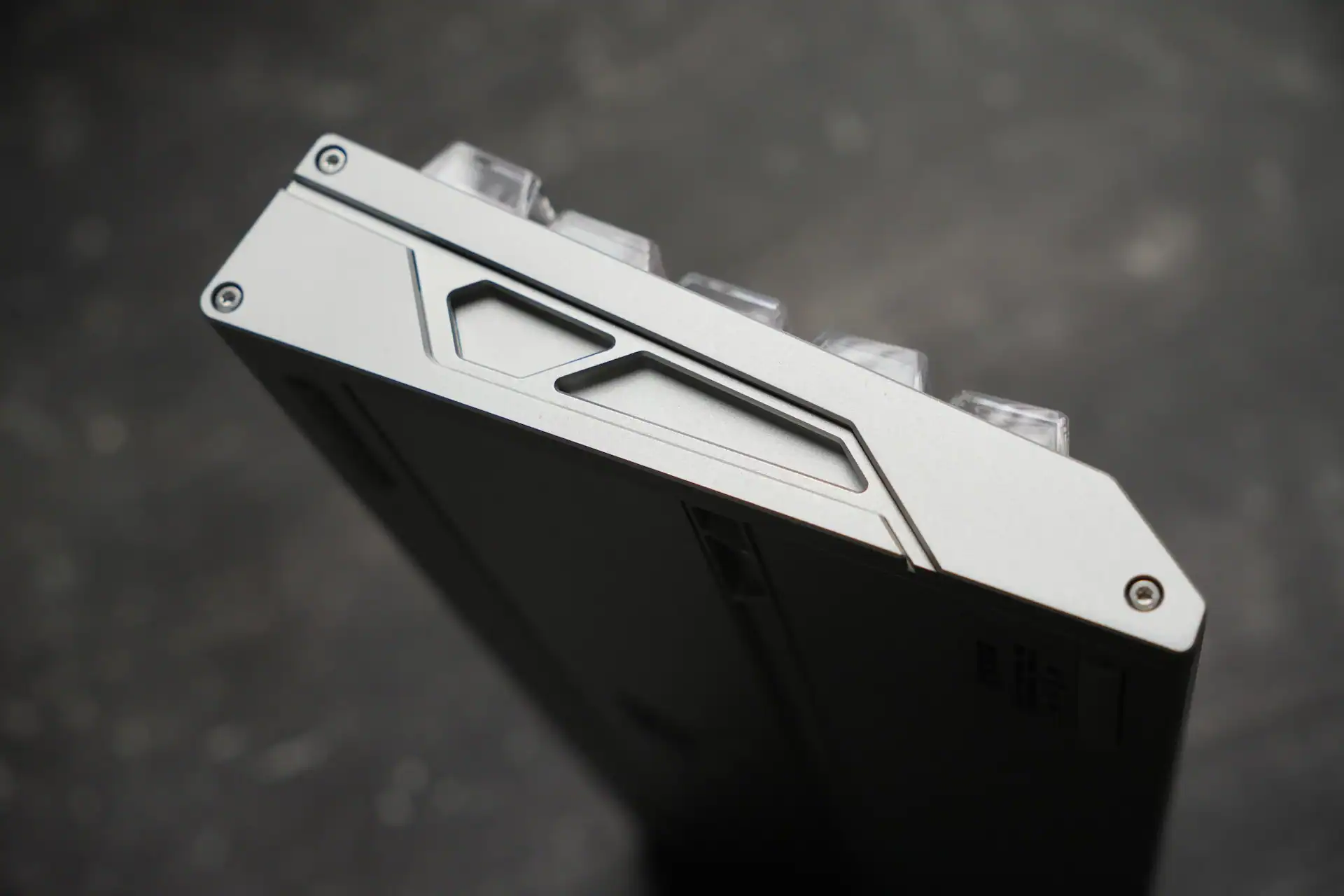
The Black Gold version uses an anodized aluminium shell. The Aero Silver, Cyber Violet and Champagne versions use a premium polymer coating. I tested the Aero Silver, which has a smooth texture and holds up well to handling. The design is clean and unified — no unnecessary seams or joints — and it looks equally appropriate in a work or gaming context.
The carbon fiber plate is a deliberate choice over aluminium or steel. Carbon fiber offers a degree of flex that softens the typing feel while maintaining structural rigidity, and it contributes meaningfully to the acoustic character of the board. The metallic resonance that plagues many aluminium case keyboards is effectively absent here, thanks to the combination of the carbon fiber plate and the six-layer internal dampening stack.
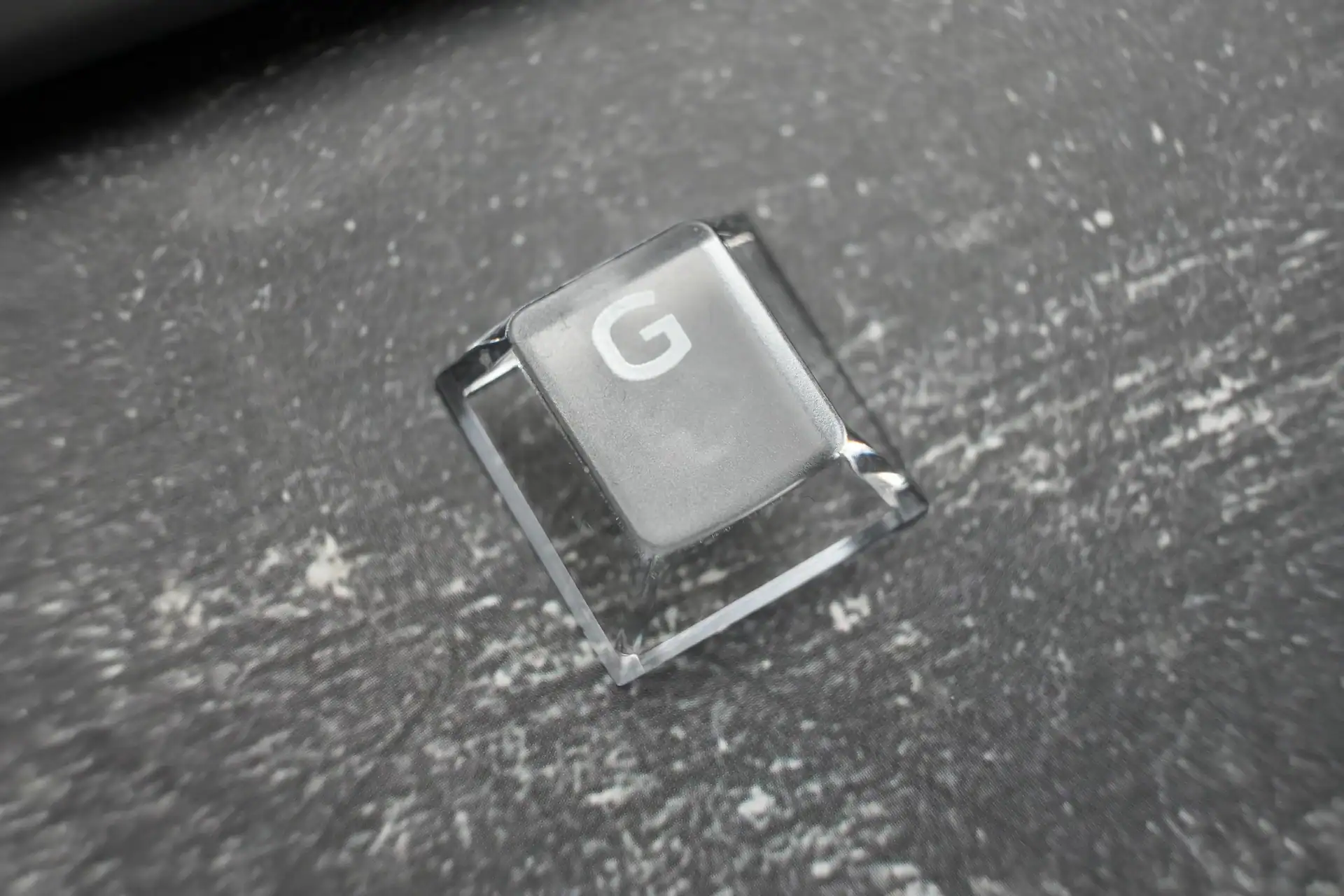
The keycaps on the Aero Silver version are frosted translucent, which lets the north-facing RGB through well. PBT shine-through keycaps are available on other color variants.
Latency
Tested with OSLTT (OS Latency Testing Tool), which measures the time between physical keycap contact and signal receipt by the computer.
| Connection | Latency |
|---|---|
| Wired (16K polling) | 1.35 ms |
| Typical Logitech / Razer | 2 – 10 ms |
The result of 1.35ms is good and well ahead of mainstream brand keyboards, but it was higher than I expected given the 16K polling rate. The A68 Turbo, which also runs 16K polling, came in lower. The difference is not something you will perceive in use — you would need roughly a 5ms gap to notice — but it is worth noting if you are comparing spec sheets closely.
One practical requirement: 16K polling rate only works on USB 3.0 ports. On USB 2.0 you are capped at 8K. You also need to install a small driver — not the full software, just a one-time driver file — before Windows recognises the 16K polling rate. It is a minor step but worth knowing upfront.
Software – Mchose Hub


MCHOSE Hub is web-based, which means no installation required. You navigate to the website, connect the keyboard, and you are in. It also works as a desktop download if you prefer that. The interface is clean and genuinely easy to use — among the better software experiences in this category, roughly comparable to what Razer and Wooting offer.

Key features in the software:
- Trigger settings — actuation point adjustable per key from 0.1mm to 3.4mm. Rapid Trigger runs from 0.001mm with Berserk Mode 2.0 enabled, which unlocks the full 0.001mm precision. Separate press and release sensitivity settings are available. Dead zone configuration is also present — the reviewer notes 0.15mm as a reasonable floor before keys become overly sensitive. You can also set different RT profiles for WASD versus all other keys, which is a genuinely useful option that not many keyboards offer.
- Key remapping — full remapping with mouse functions, media functions, lighting functions and macros.
- Advanced keys — SOCD with last-input priority, DKS, and other advanced key modes. SOCD works as expected for rapid strafing in FPS games. Worth noting: SOCD is banned in Counter-Strike competitive play.
- Performance tab — polling rate selection up to 16K, Windows key lock, Mac mode (confirmed working on MacBook Pro M3 Pro).
- Lighting — multiple RGB effects including some unusual options such as game-style effects (Snake, Brick Breaker). Brightness is not reduced at 16K polling rate, which was a known issue with some competing keyboards.


The RT button on the side of the keyboard is a physical shortcut to toggle between performance profiles without touching the software, which is a practical addition for users who switch between gaming and typing setups.
If you connect the keyboard using a different cable then you’ll get a notification that 16k Hz polling rate is not supported using USB 2.0 for instance. There are also RT1, RT2, RT3 indicators on the keyboard which tell you what onboard config you are using.
Acoustics
This is one of the better sounding aluminium case keyboards in this price range. The combination of the Mount Tai Pink switches, the carbon fiber plate and the six-layer internal dampening stack produces a muted, thocky sound that avoids the metallic ping that aluminium cases often introduce. The spacebar could be slightly improved but is not problematic. Stabilizers are pre-lubed from the factory.
Verdict
The MCHOSE Ace 68 GT is a well-executed premium 65% keyboard for users who want a high-spec wired board with serious build quality. The aluminium case, carbon fiber plate, 16K polling rate, 0.001mm Rapid Trigger precision and web-based software all land well. The acoustics are genuinely good for an aluminium case keyboard.
The main things to weigh before buying: it is heavy at 1,462g, it is wired only, and the measured latency of 1.49ms — while competitive — did not reflect the spec advantage of 16K polling as clearly as expected. At $149 full price it faces real competition. If you can catch it during a pre-order window at a lower price, the value proposition improves considerably.
Mchose Ace 68 GT is available on official Mchose store for $149. You can use our code “HLPLANET” for additional 3% off.

I love testing and writing about new tech. I focus on keyboards and controllers. I'm also a gamer and an engineer. Check out my Twitter for keyboard and controller news and reviews.