
Gamesir has been killing it lately with their controller releases in every price segment. We got the Cyclone 2 for the mid range gamers, the G7 Pro for the gamers with deeper pockets, and the Nova Lite for budget gamers. Now we have a sequel to the budget controller, the Gamesir Nova 2 Lite! It’s always nice to see new controllers from reputed brands like gamesir in the budget segment. At the price the Gamesir Nova 2 Lite comes at ($29.99), it offers a great balance of features.

- Multi-Platform PC Gaming Controller: Working with Switch, PC, Android, and iOS devices via Bluetooth, wired, and wireless dongle connections.No Xbox

PACKAGING
The Gamesir Nova 2 Lite comes in a nice medium sized box, with a lot of the notable features listed on the box itself.


The first thing we see in the box is a hardshell case for the controller, with the controller inside it.
Under the controller, we get a small cardboard box which contains the user manual and the USB A to USB C cable. The cable is 1.8m long and has gamesir branding on both the ends.
The hardshell plastic case is built quite well, but the hinges look like they won’t last many open and shut cycles. So I would recommend using the case sparingly. It has space for the analog sticks and buttons on the front and on the back… oh? What’s this? An extra chamber on the inside? I wonder what that’s for. Let’s open the case and have a look.
On opening the case we’re greeted with the controller, which doesn’t have any plastic packaing or anything that we see in a lot of controllers. Perhaps it doesn’t need it because it comes in a case as is. Under the controller, we see what the chamber was for. In the centre, it houses the 2.4ghz wireless dongle, and and on the sides, it has space for the rear paddles on the controller.
The dongle has gamesir branding and what looks like a pairing button accompanied by an LED. I like the little grooves at the back which will make it a lot easier to pull this tiny dongle out with your nails. I sometimes struggle with this because of just how tiny these receivers have been getting lately.


SPECIFICATIONS
Spec sheet [as per Gamesir website]
- Layout: Xbox
- Connectivity: Wired, 2.4G, BT
- Compatibility: PC, Android, iOS, Nintendo Switch
- Connectors: USB-C, for docking station
- Analogs: Hall Effect
- Triggers: Hall effect with trigger lock
- Main switches: mechanical D-Pad, membrane face buttons
- Additional switches: 2 back buttons
- Gyroscope: No
- Vibration motors: 2 Asymmetric motors
- Battery: 600mAh
- Polling rate: 1000Hz Xinput Wired and 2.4G, 1000 Hz Switch wired, 500Hz Switch 2.4ghz, 125Hz Switch BT
- Available colors: Black, white
- Docking station: Compatible with Gamesir Super Nova charging station, sold separately
- Software : Gamesir Connect PC app, Gamesir mobile app
- Price: Retails at $29.99, currently on Prime Day Deal for $23.99
BUILD & APPEARANCE
The Nova 2 Lite sports a clean look. It has a standard Xbox controller size and Xbox style grips. It comes in two colourways, the “midnight gray” and the “luminous white”.
The White colourway features a fully white shell, with a grey dpad and thumbsticks. The rest of the buttons share the white colour of the shell. The orange accented ABXY lettering, anti friction ring, and trigger stops look good (at least in the renders on the product page).
The grey variant especially looks pretty to me because of the sharp contrast of the orange highlights on the grey and black controller. The top shell is a dark grey colour and the bottom shell is black. This gives it a nice shadow look that I really like. All the buttons, sticks, dpad and shoulder buttons are black. The midnight grey variant also has the orange accents as seen in these photos

The gamesir logo button lights up on the side, and not the actual face of the button. This gives it a nice underglow look that’s quite sleek in my opinion. The gamesir branding right in your face in the centre of the controller is not my cup of tea. It’s not the worst thing I’ve ever seen but I would have preferred the branding to be on the handle or the back of the controller or something, especially since we already have the gamesir logo on the main button at the top. The RGB light is customizable fully with the software.

The build quality is quite nice for this price. The Nova 2 Lite comes in at a weight of 225 grams so it feels nice and substantial in your hands. The textured plastic on the back half of the handles provides a nice comfortable grip. Rubberized grips are a lot better but I mean for the price I’m happy with the amount of grip these provide.

ANALOG STICKS
The Nova 2 Lite has Hall Effect sticks, and they’re using improved, custom hall effect sticks from what I can see. It’s quite nice, and is a noticeable step up in performance and feel over the sticks in the original Nova Lite.
The thumb grip part is textured plastic and it doesn’t slip under my thumb at all. The centering is great. It could be a little snappier but that’s down to personal preference. I like sticks that recenter instantly but this also causes a loss of control if you’re not paying attention. There’s no significant center bump, and the stick tension is juuuust right in my opinion. The movement is linear and I don’t notice any weird stick curve when using this controller.

The sticks on the Nova 2 Lite are very smooth and the anti friction ring on the edge of the circle does its job well. There’s no audible scratchiness or anything.
Here is the circularity test results for the Nova 2 Lite in both modes. All seems to be in order 👍


BUTTONS & D-PAD
The ABXY buttons used in the Nova 2 Lite are regular rubber dome membrane buttons. They have a nice feedback to them and haven’t gotten stuck at all. I haven’t had any misinputs nor any missed inputs with these face buttons. As far as membrane buttons go, these are very good.

The D-PAD is where this controller shines. Gamesir has apparently partnered with a professional fighting game player to tune the feel of this d-pad. And I gotta say, this is the best d-pad I have used in this price range. This is a disc style, mechanical d-pad with a central pivot point. This comes down to preference again, since some people dislike a disc style dpad and instead prefer a cross style dpad. I like both myself.
I love this d-pad and using it has been a joy. I used it in Tekken 8, BlazBlue Central Fiction, Celeste, and Dead-Cells with the dpad and it was flawless
Initially, It felt really weird to have a mechanical dpad and membrane buttons but after about an hour of using this combination, I got used to it and it has been incredible. Super accurate, very tactile and responsive, and well balanced.
Sound test later in the review.

SHOULDER BUMPERS
The Nova 2 Lite uses mechanical, clicky shoulder buttons. They’re good. The buttons are a little small but it doesn’t cause any issues when using it. Very tactile, a little bit of pre-travel, a little bit of post-travel. Overall, it feels really nice. Not much else to say.
TRIGGERS
The Nova 2 Lite comes with Hall Effect Triggers. The implementation is quite good too. It’s very accurate and smooth. It doesn’t make any weird creaking noises or anything even when pressed hard (this has been an issue with some budget controllers I’ve used).
You get trigger locks on the back as well which is activated by flicking the orange switch on the back of the controller as shown in the image. This locks the triggers at about 40% travel and turns the input into a digital input instead of an analog input. This means that it basically acts as a button now, instead of acting as an analog input that goes from 0-100 depending on how much you press the trigger.
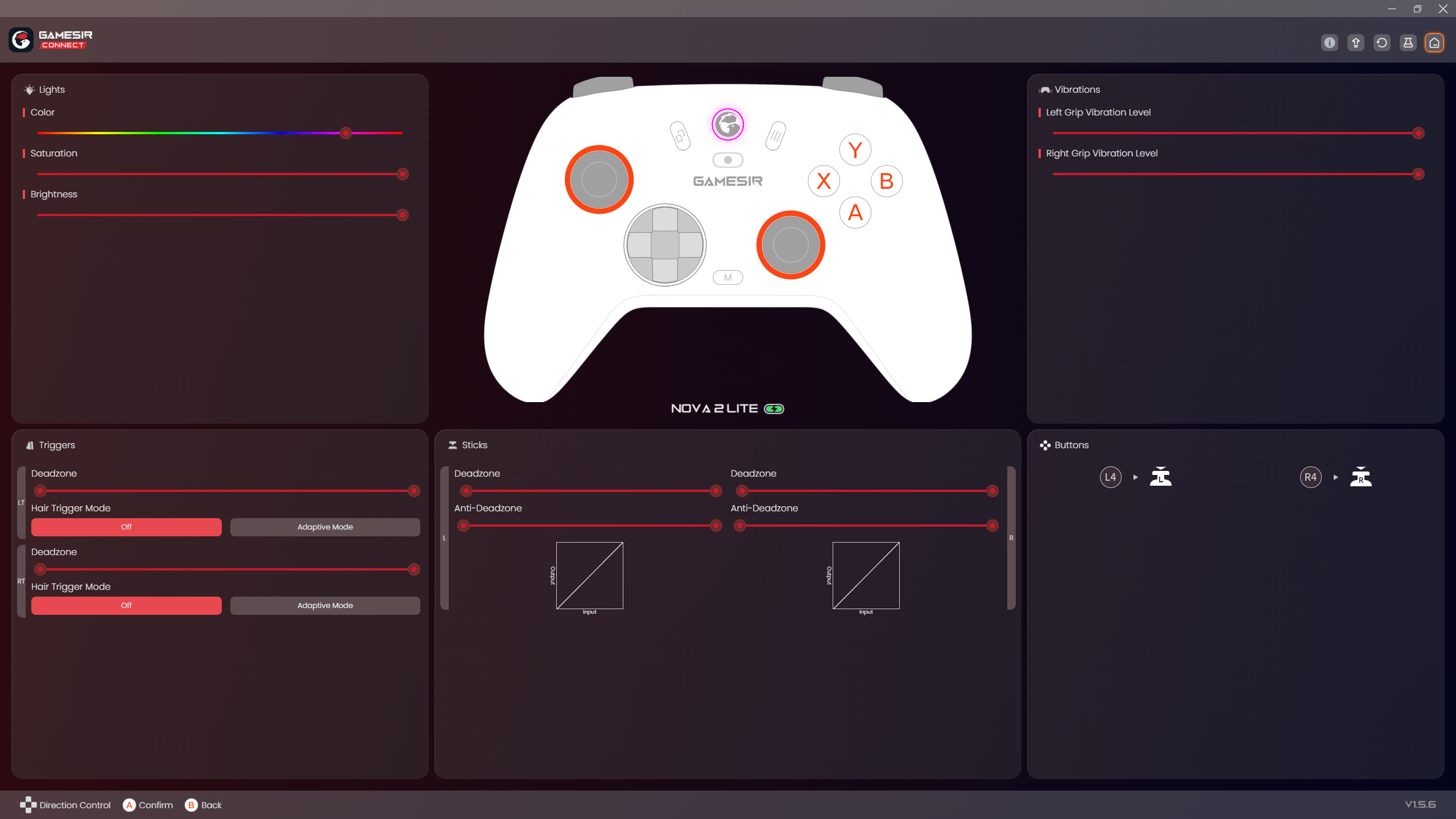
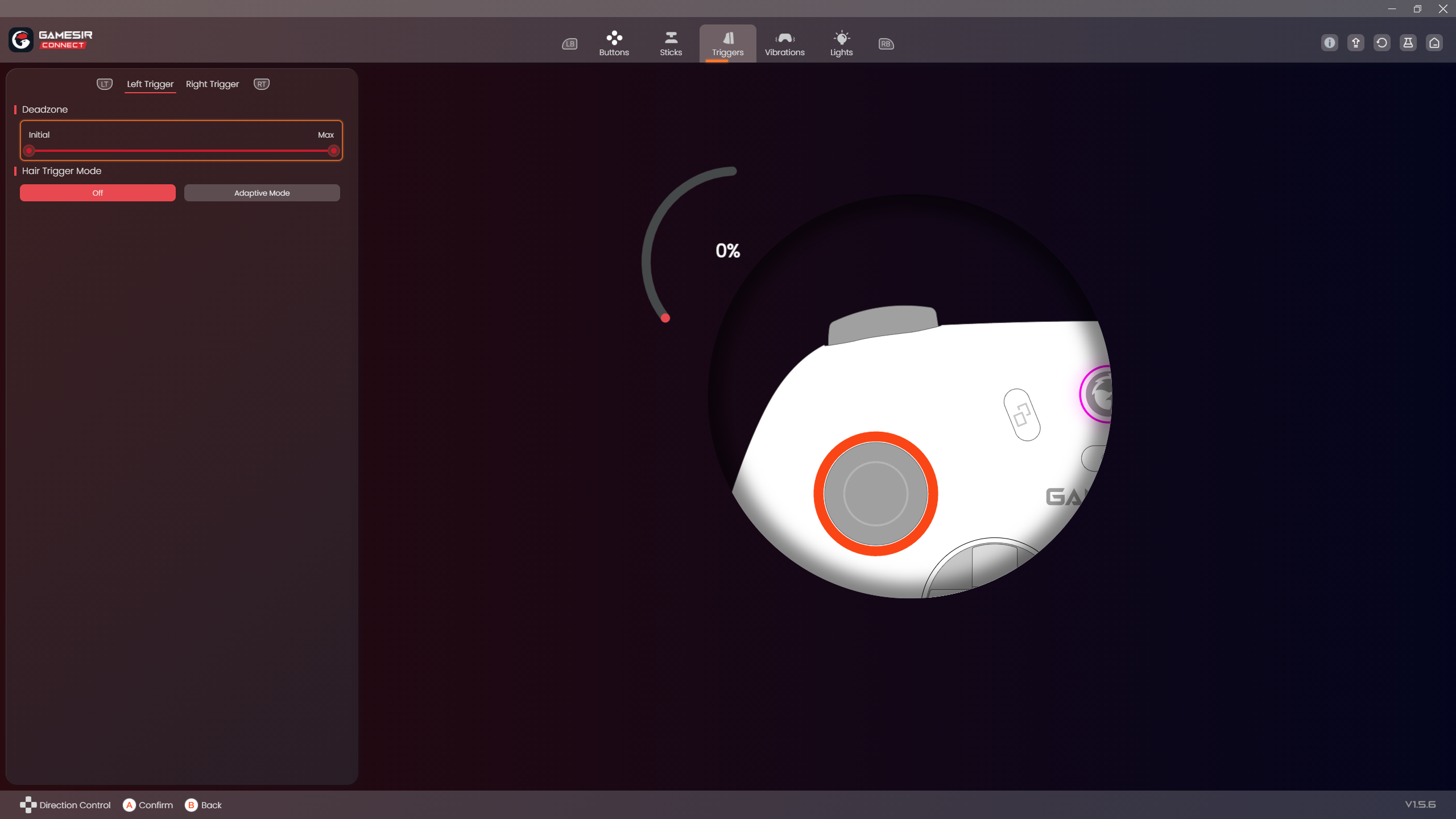
In the software, you can set the hair trigger mode to “adaptive mode” which I’m not exactly sure what it does. It seems to me that it makes the point of activation a little further away so that the trigger activates when you press almost all the way to the locked orientation. But I can’t say for sure. I’ll need to verify this with gamesir.

BACK BUTTONS
There’s 2 back buttons which are placed in a comfortable position. They’re like paddles but not exactly paddles. See image for reference. I haven’t pressed them accidentally much, and I haven’t missed them at all when I want to press them. They’re nice and tactile mechanical buttons. There’s textured plastic where the actual button is.

GYROSCOPE
There’s no gyroscope.
HAPTICS
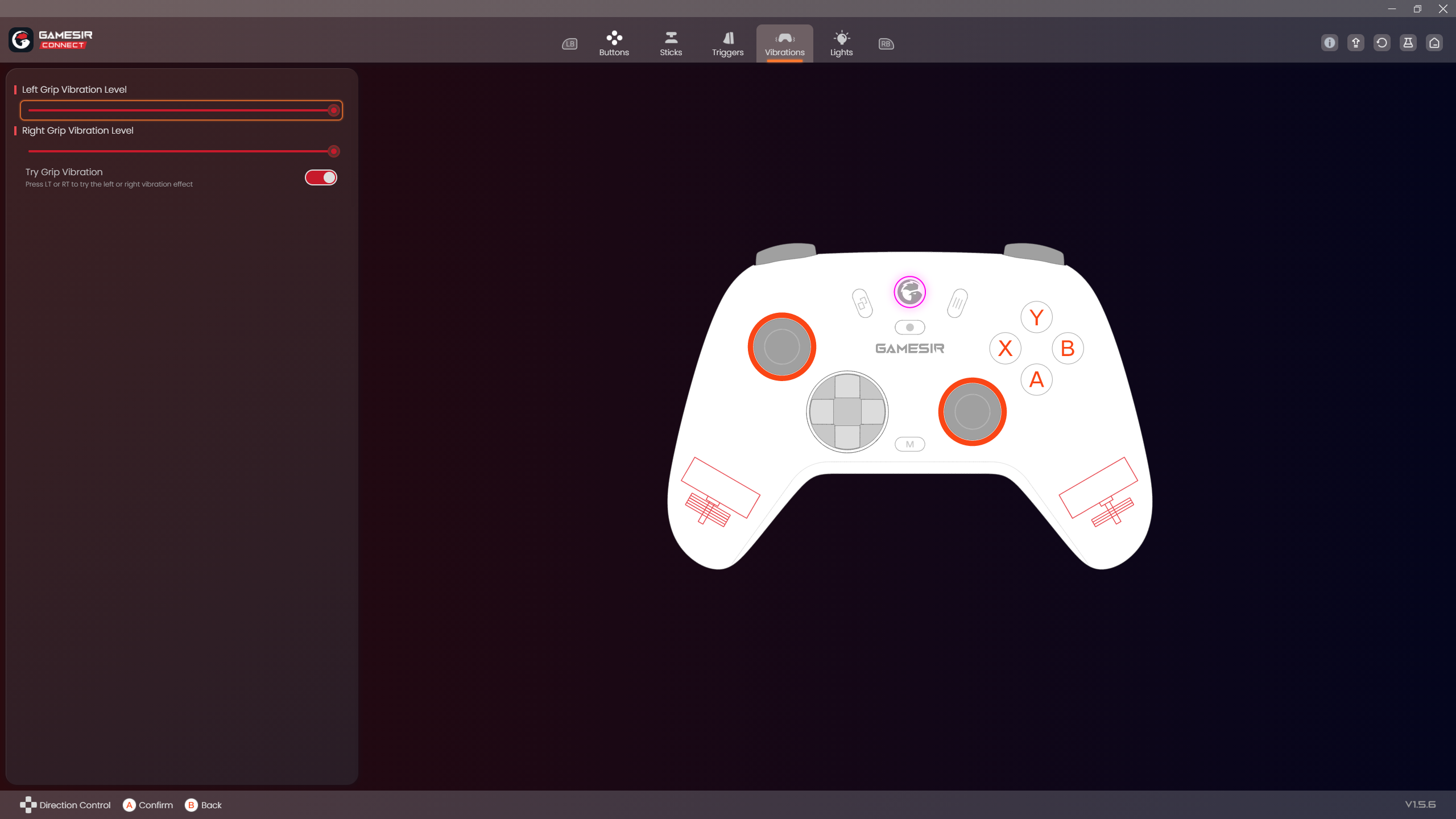
The Nova 2 Lite has 2 rumble motors that make up an asymmetric vibration system. A heavy, low frequency rumbler in the left handle, and a lighter, high frequency rumbler in the right handle make for a nice, detailed haptic experience when gaming.
The vibration intensity could have been a bit higher in my opinion, but the haptic experience is definitely sufficient. I always use it at the highest vibration setting out of the three levels that you can use.
SOFTWARE
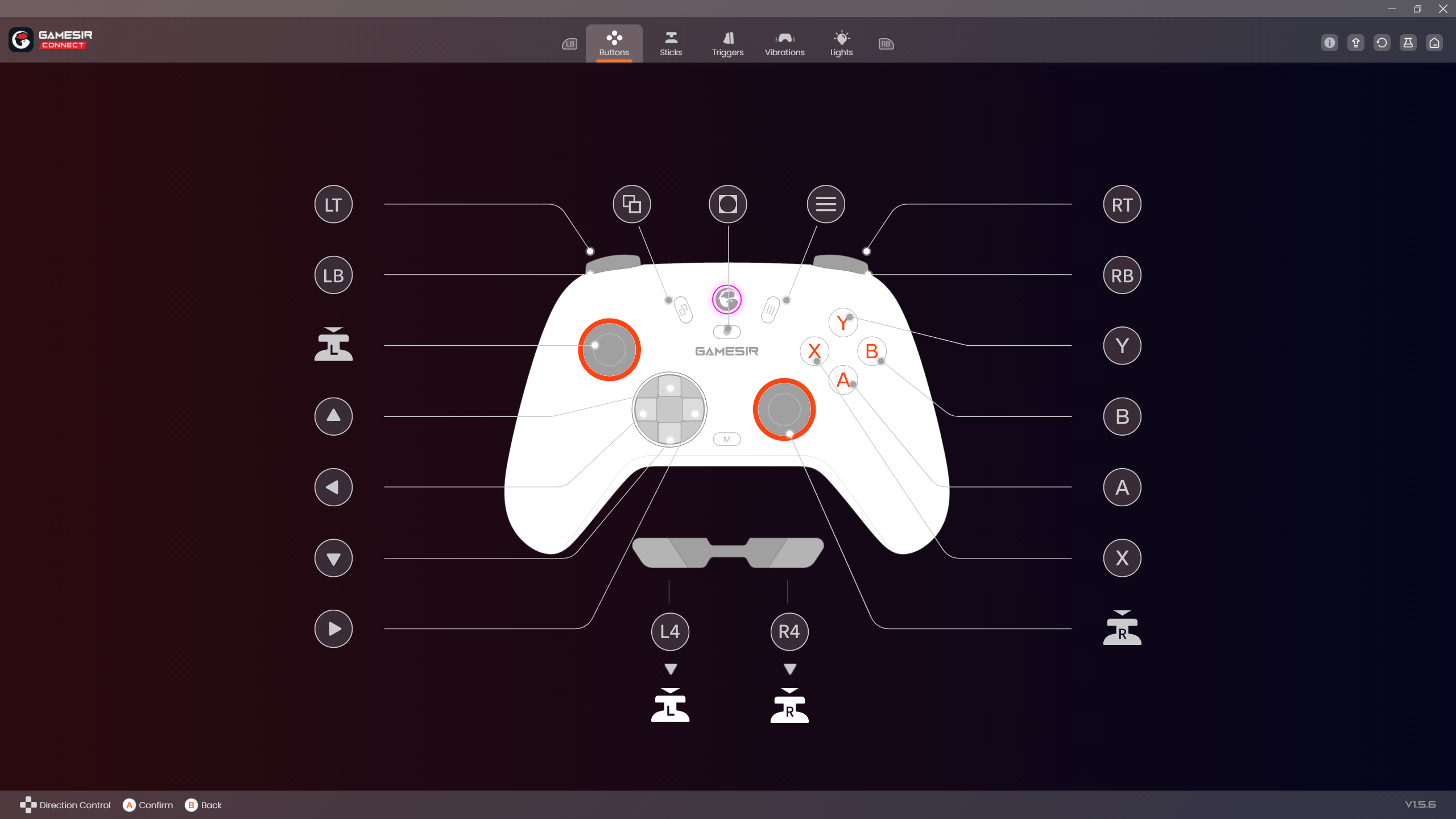
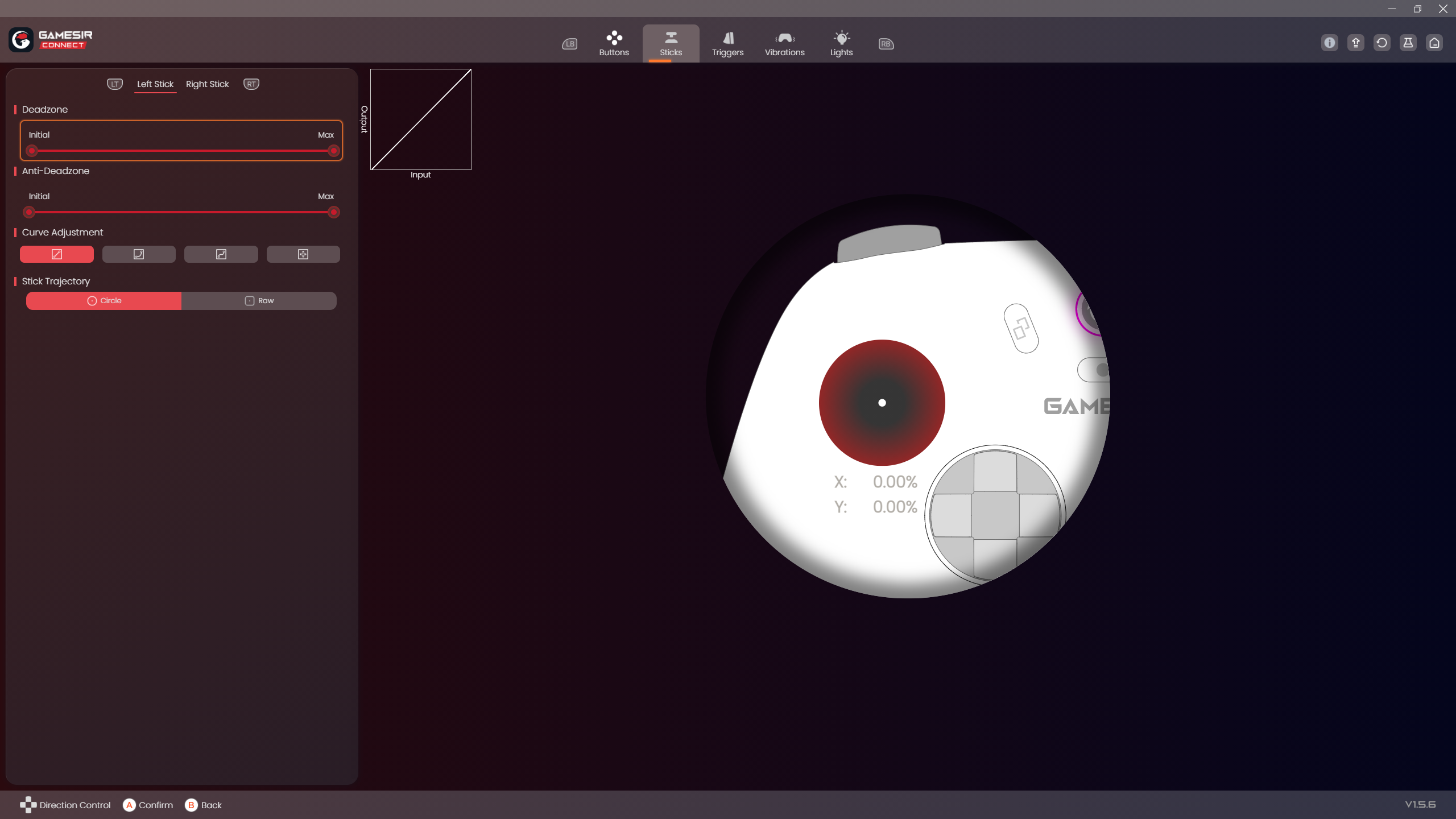
Unlike the original Nova Lite, the Nova 2 Lite is supported by the GameSir Connect PC app. This is really good because I like this app’s interface and responsiveness.
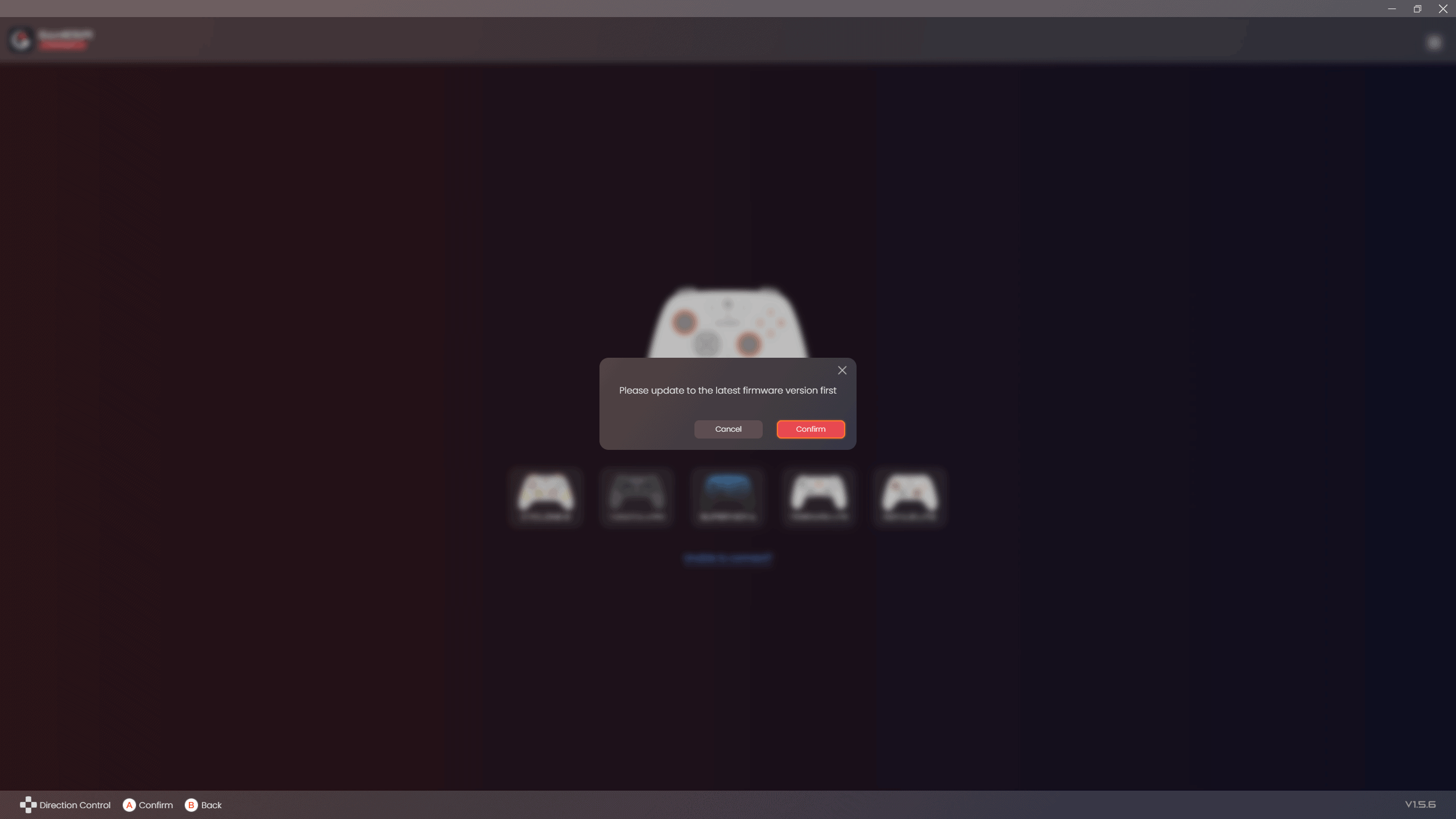
As soon as I connected the controller to the app, it prompted me to do a one-click firmware update, and the update was done in like 10 seconds. (I connected the controller via a cable so it might take longer when connected wirelessly.)
The Nova 2 Lite also connects to GameSir’s mobile app which is just as robust as the PC connect app.
I am impressed by how seamless everything was.
(I did actually had a little hiccup when I tried updating the firmware with the mobile app where I got scared that my controller has bricked. BUT I was scared for no reason as the app clearly says that the update can take a few minutes. The controller started working like normal when I tried it after a few hours.)
CONNECTION
You can use the Nova 2 Lite in wired, bluetooth or 2.4ghz dongle mode.
The Nova 2 Lite can be used in multiple operating modes: Xinput, DS4, Switch, Android, Dinput and gamesir’s “G-touch” mode (which is just hardware touch mapping).
Everything worked flawlessly for me on windows and android. I haven’t tested the controller with linux, macOS or iOS.
There was no wireless interference issues in my use case, which was at a distance of 3 feet from the 2.4ghz receiver, and in the presence of 5 other 2.4ghz signals (2 keyboards, 2 mice, 1 other controller)
LATENCY
I haven’t had any issues with latency at all. Proper latency numbers are not available yet on gamepadla my beloved, since this is a new release. But from the way it feels, I’d say the numbers will be close to the 8bitdo 2c numbers in wired and 2.4ghz mode. Just a feeling though so take that with a grain of salt.
BATTERY LIFE
The 600mah battery lasts a good while, but this could definitely have been better. At maximum vibration intensity, in 2.4ghz mode, the controller lasted about 10 hours in my use case in games that basically set the controller vibrating constantly like Forza Horizon 5 and Tekken 8.
CHARGING DOCK
The Nova 2 Lite is compatible with Gamesir’s Supernova dock (sold separately).
SOUND TEST
GAMEPLAY
Some Forza Horizon 5 Drifiting to showcase the controller’s sticks and triggers being nice to use – https://youtu.be/CziHPLPWfQU
CONCLUSION
The GameSir Nova 2 Lite provides an incredible value for the price and is definitely a top contender.
What could have been better?
- Battery capacity could have been higher.
- Plastic case could have a better hinge.
- They could have used TMR sticks instead of Hall Effect sticks to increase battery life.
- Rubberised grips would be nice.
- Vibration intensity could have been higher
So yeah those are some relatively minor nitpicks. This is a great controller for the price. Definitely recommend it. It Trumps over the original Nova Lite in every aspect.

Hello! 🥰 I'm Fang.
I like gaming and related tech. I enjoy learning more, and sharing my experiences through my review videos and blog posts. Have fun! 💖