




The GameSir Pocket Taco is a unique, specialized accessory designed for a specific user in mind: people like me, who use (or want to use) their phones to play retro games.
I’ve always tried to use my phone to its full potential, and retro gaming via emulation is one of the major uses of my phone. Playing games like pokemon or street fighter just don’t feel the same on a touch screen. The lack of tactility and physical buttons just makes the experience a lot less satisfying. And the Pocket Taco fixes this issue!
What’s in the Box?

The Pocket Taco comes in a box smaller than most smartphone boxes. It’s a cute, compact package. GameSir’s logo is a rooster, so the mascot here is a small, cute chicken. Inside the box, you can find:
- the controller, in a hardshell carrying case
- A quickstart guide
- A short USB-A to USB-C cable
- A lanyard that attaches to the case
BUILD AND DESIGN: The “Taco” Shell

This double entendre of a name fits the controller’s form factor well. The Pocket Taco features a unique folding, clamp-style design that wraps around the bottom of your phone like a taco shell.
At just about 62g, it’s pretty damn light. You barely feel the weight in your pocket or when it’s attached to your phone.
Unlike popular mobile controllers like the GameSir G8 or the Razer Kishi, which sit on the sides for a landscape “switch-style” look, the GameSir Pocket Taco sits at the bottom. It turns your phone into a classic Game Boy-style handheld.
There’s a layer of soft silicone padding on the inside of the Taco to prevent any scratching or damage to your phone when clipping the controller on or off. This is a pretty thoughtful addition.

It comes with a hard-shell plastic storage case, making it easy to toss into a bag without worrying about the buttons snagging on anything on the controller getting scratched up.

The back of this controller has ridges that remind me of a GameBoy cartridge, and it also doubles as a texture to grip on to while holding your device.
The LED indicator lights on the right side of the Taco also have a nice retro feel to them, and they function as indicators for charging, connection, mode, pairing, etc

There’s a little empty spot on the underside of the controller that let’s you charge your phone through the controller while you’re playing. And the controller’s own charging slot is at the top on the back, so you can charge both your controller and phone at the same time. Or plug the controller into your phone with a USB-C to USB-C cable.
The hard shell is very handy, and protects the Taco during travel. So I feel comfortable just throwing it into my bag.
How Does it Feel?
Since this is aimed at retro enthusiasts, the button feel is a core aspect of the experience.
I played Pokemon Unbound (a custom RomHack of Pokemon FireRed), Legend of Zelda : Link’s awakening, Metal Gear Solid, Disney’s Tarzan, a few Mario games, Megaman games, and Super Monkey Ball to test all inputs.
ABXY Buttons

The Taco has smaller buttons than your regular controller. This looks pretty nice and maintains proportions that are easy on the eyes.
I thought it would feel sharp under my thumb but it actually doesn’t feel bad. This is probably due to the lower force needed to press the buttons down.
The buttons are fairly tactile, with a little bit of wobble which I’m not a fan of, but it’s not awful. It’s also fairly loud on the rebound, so if you’re in a sound sensitive environment like a library, this will become a source of annoyance. But on environments like public transport, this will be drowned out by ambient noises.
Overall, I like the ABXY buttons, but it could have been a little better in terms of wobble and nitpicks.
The D-Pad

The Pocket Taco has a cross shaped, membrane D-pad, with a central pivot. It’s tactile and feels nice when you’re pressing the 4 main directions. But the diagonals feel very mushy and pretty unsatisfactory. I haven’t had many missed inputs, so it’s not a deal breaker. But I’ve come to expect better from GameSir after using other controllers from them.
I think the buttons feel like this because of how thin of an area they have for their mechanism.
The Shoulder Buttons

The Pocket Taco has two shoulder buttons on each side. A large, curved L1/R1 button and a smaller, L2/R2 button in the same line.
These buttons are nice and tactile, without being super loud. In a very quiet environment, you can hear a slight pinging noise from the spring mechanism of the bumpers. It’s not bothersome at all and only audible in a quiet environment with your ear close to the bumpers.
They’re pretty ergonomic and easy to press. They get the job done well. It’s especially useful for PlayStation games.
Connectivity
The taco connects to your device via Bluetooth, making it compatible with both Android and iOS. Latency isn’t an issue here and my experience was great.
It also works on windows, but the lack of a joystick and other features that you would see on a regular controller makes this quite impractical for anything even remotely modern.
The Pocket Taco automatically powers on when you unfold/open it and turns off when you close it. This is quite nice and makes the user experience quite seamless.
Battery Life
The 600mAh battery is massive for a device this simple. It easily lasts through several days of heavy gaming sessions.
Software
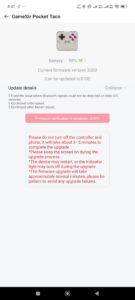
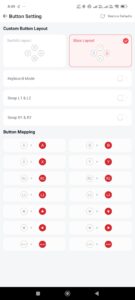
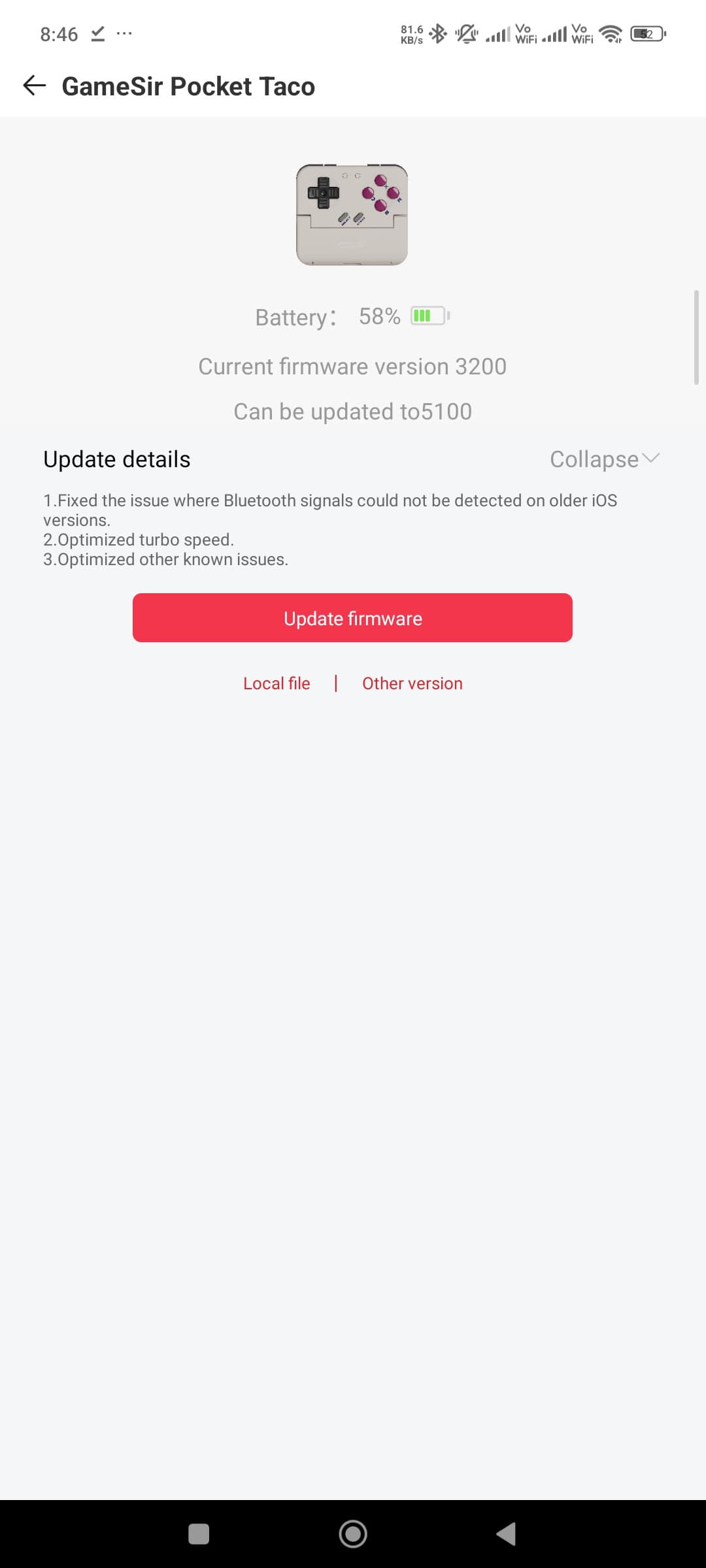
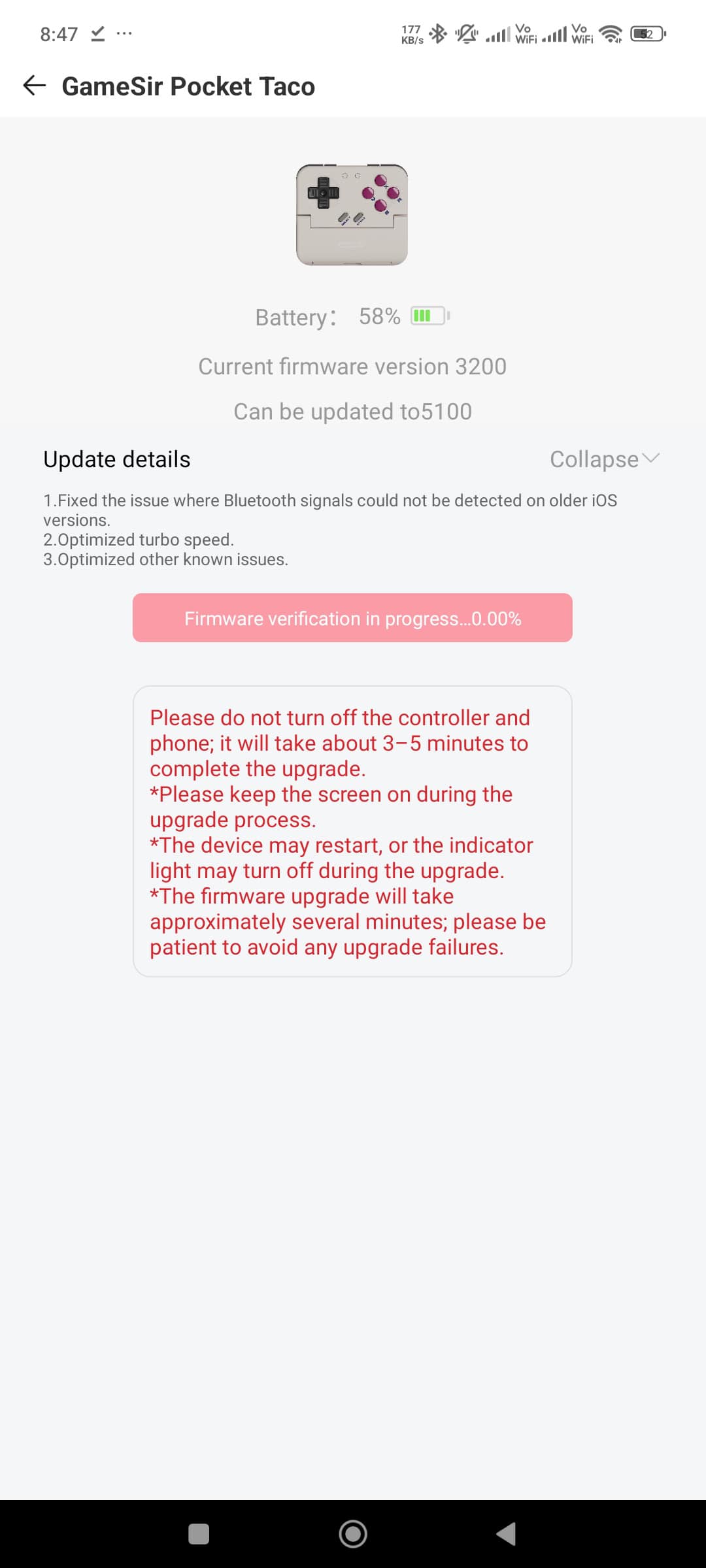
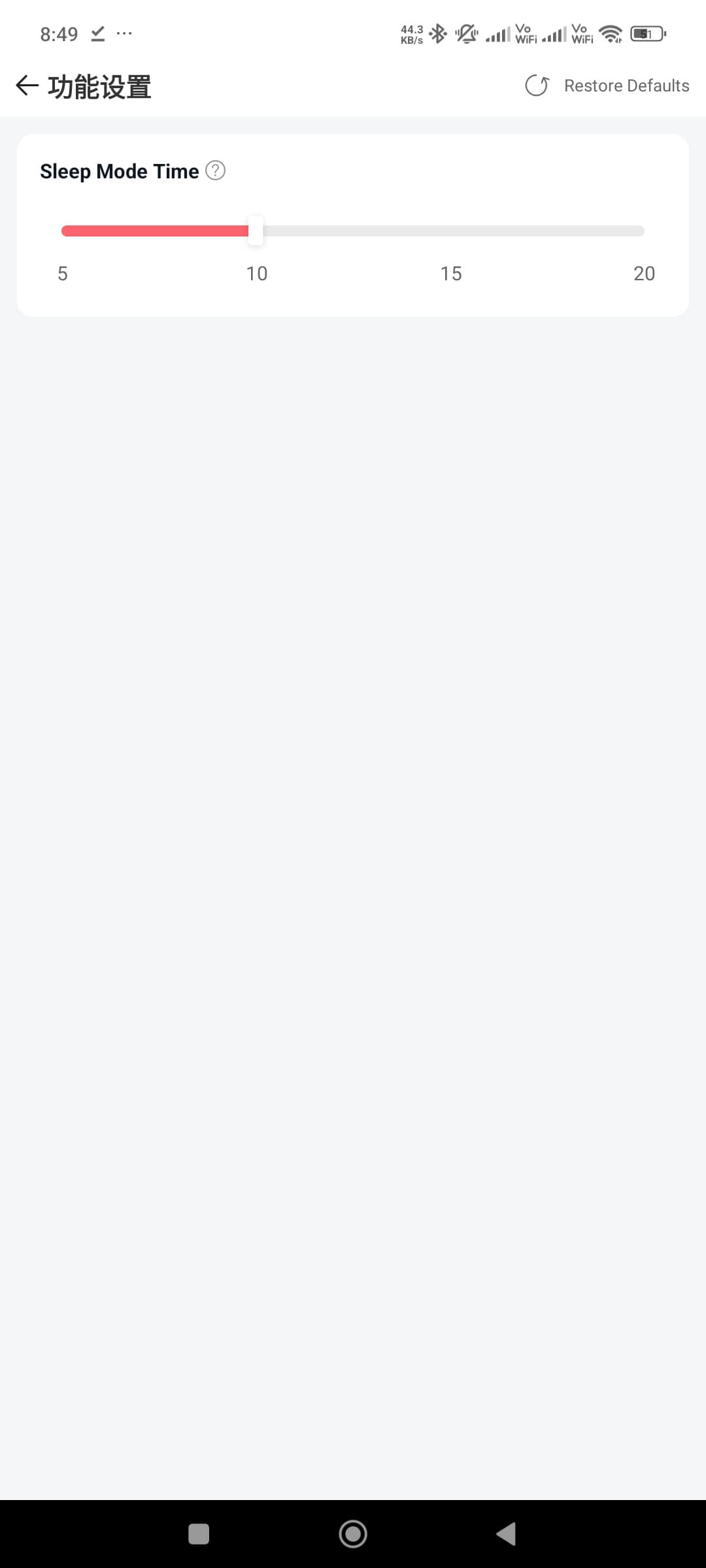
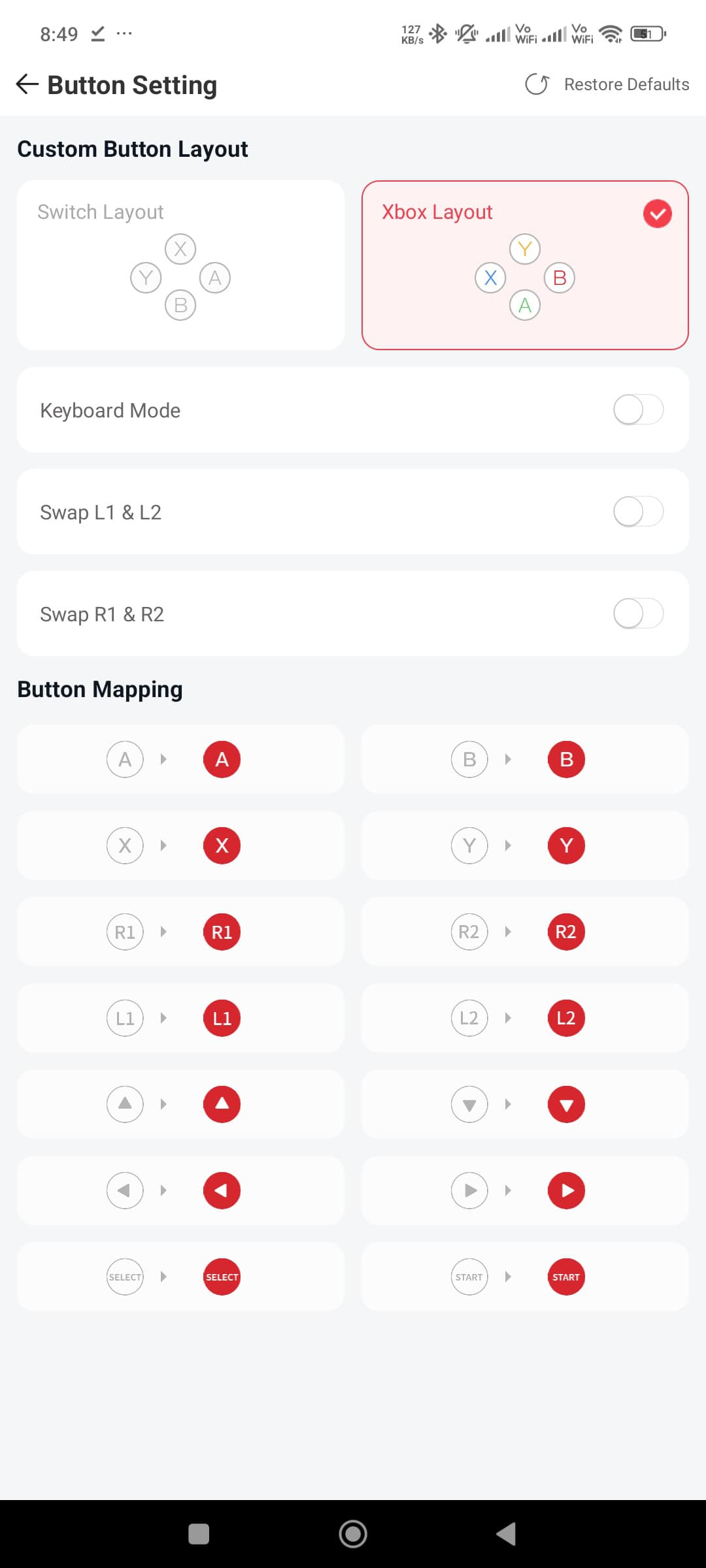
The GameSir mobile app is what you use to configure the pocket taco. It offers a good amount of customisation, which you can see in the attached screenies.


Final Thoughts
The GameSir Pocket Taco is a niche little controller. If you want to play Call of Duty: Mobile or Genshin Impact, this is the wrong tool for the job. But if your phone will be used for Delta, RetroArch, or arcade emulators, this is the most charming and functional way to play in my opinion. It’s a $34.99 piece of tech that is bound to draw eyes on the metro, and it converts your phone into a retro handheld.
It isn’t perfect though, and there are some things I would’ve liked to see here. The D-pad could have been a little nicer, especially the diagonal inputs. The way this controller sits on your phone means that the phone will be a little top heavy, as you’re holding the controller at the bottom of the phone. This leads to a little bit of fatigue on your fingers over long gaming sessions.
Other than these points, I’ve been enjoying my Pocket Taco thoroughly. It has alleviated one of my major gripes with emulation on a touch screen by providing me with nice tactile feedback.

Hello! 🥰 I'm Fang.
I like gaming and related tech. I enjoy learning more, and sharing my experiences through my review videos and blog posts. Have fun! 💖


