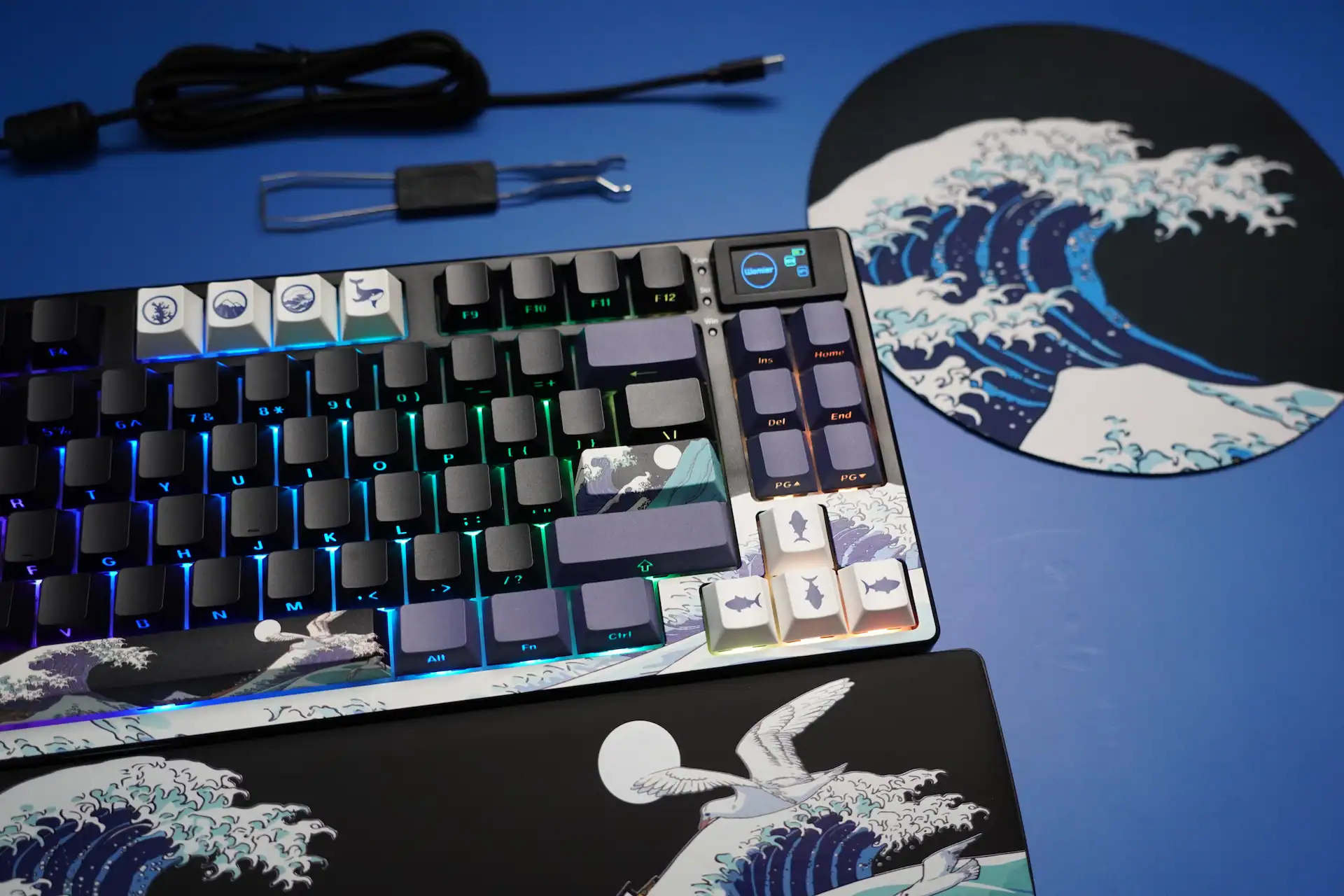
QwertyKeys has been on a roll lately, and after trying their TLK Hex80 HE a while back, I was really curious to see what they’d do with a smaller layout. This time they sent me their newest board — the Neo65 Sonic HE+, their first 65% Hall Effect keyboard. It’s basically the Neo65 we all know, but with a completely different brain inside.
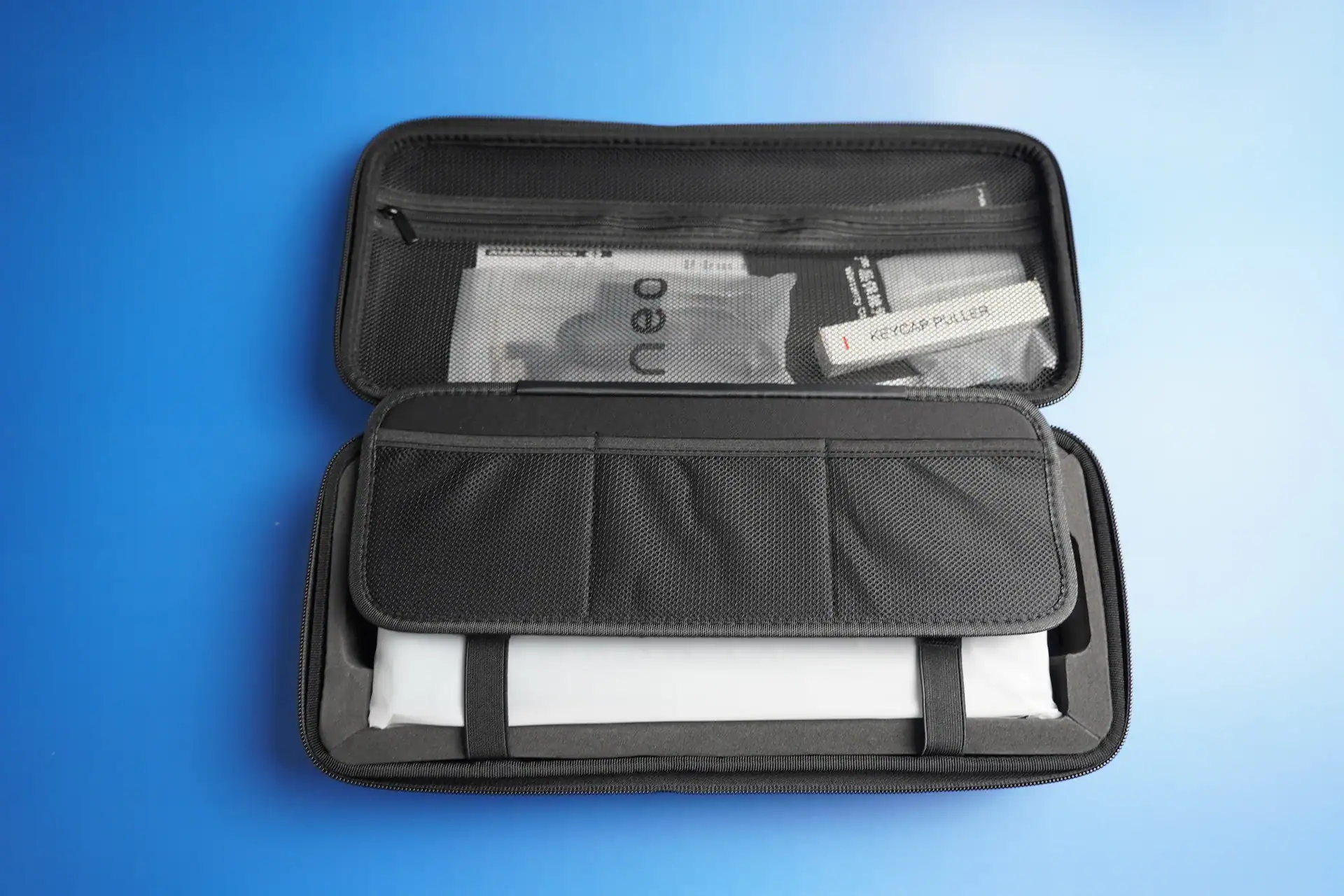
The box it comes in is premium as always — clean, minimal, and surprisingly heavy for a keyboard of this size. Inside you get:
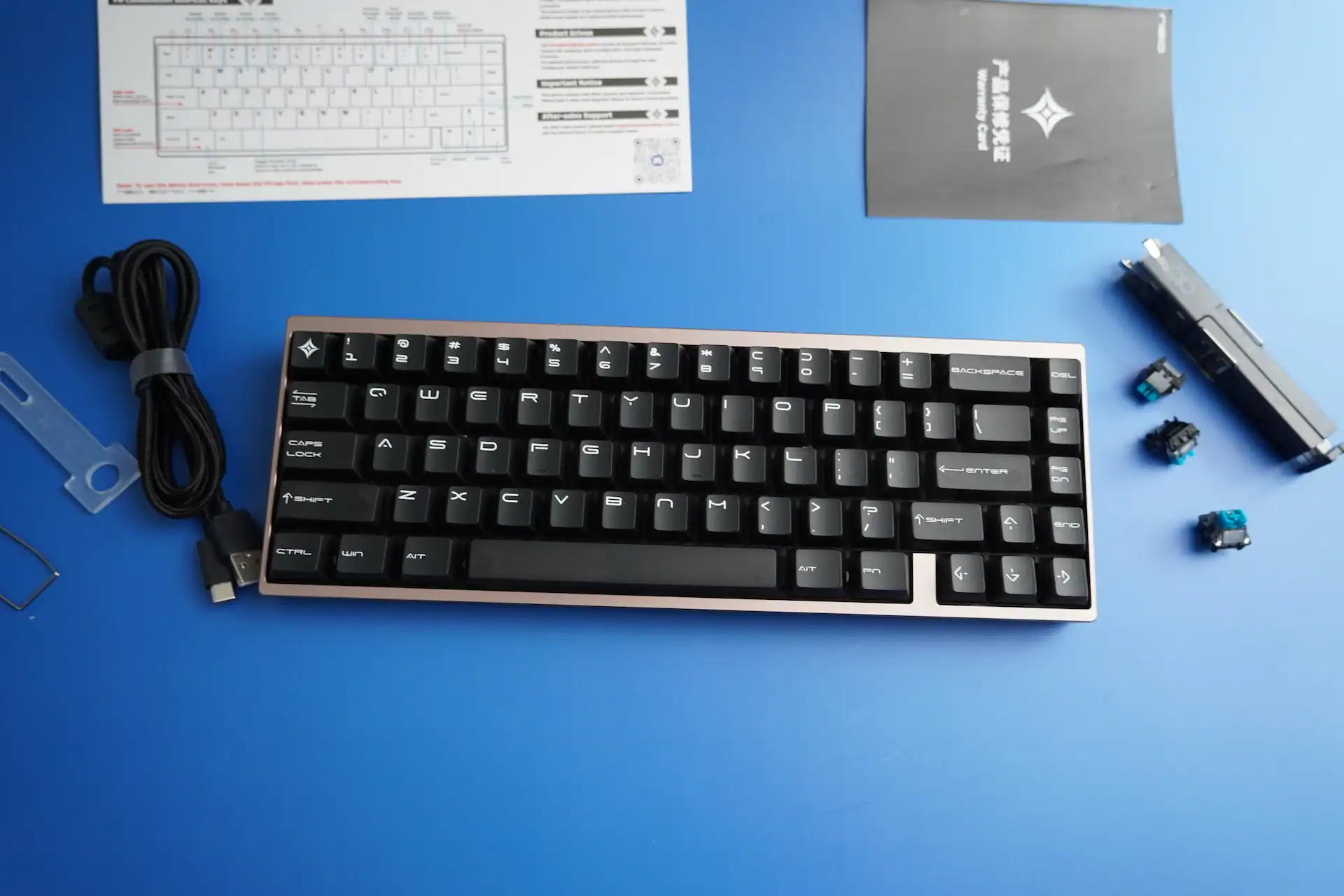
- Carrying case
- Braided USB-C cable
- Keycap and switch puller
- Three extra Nova switches
- Quick start card
- And a small plate puller with the Neo logo
The first thing I noticed after picking it up was the weight. This thing is heavy. Around 1.5 kg, which is a lot for a 65% board. The case is CNC-milled aluminum, and there are both external and internal stainless steel weights to keep it from sliding or flexing. Even when I was mashing keys during testing, it didn’t move an inch. It’s one of the most stable boards I’ve ever used.
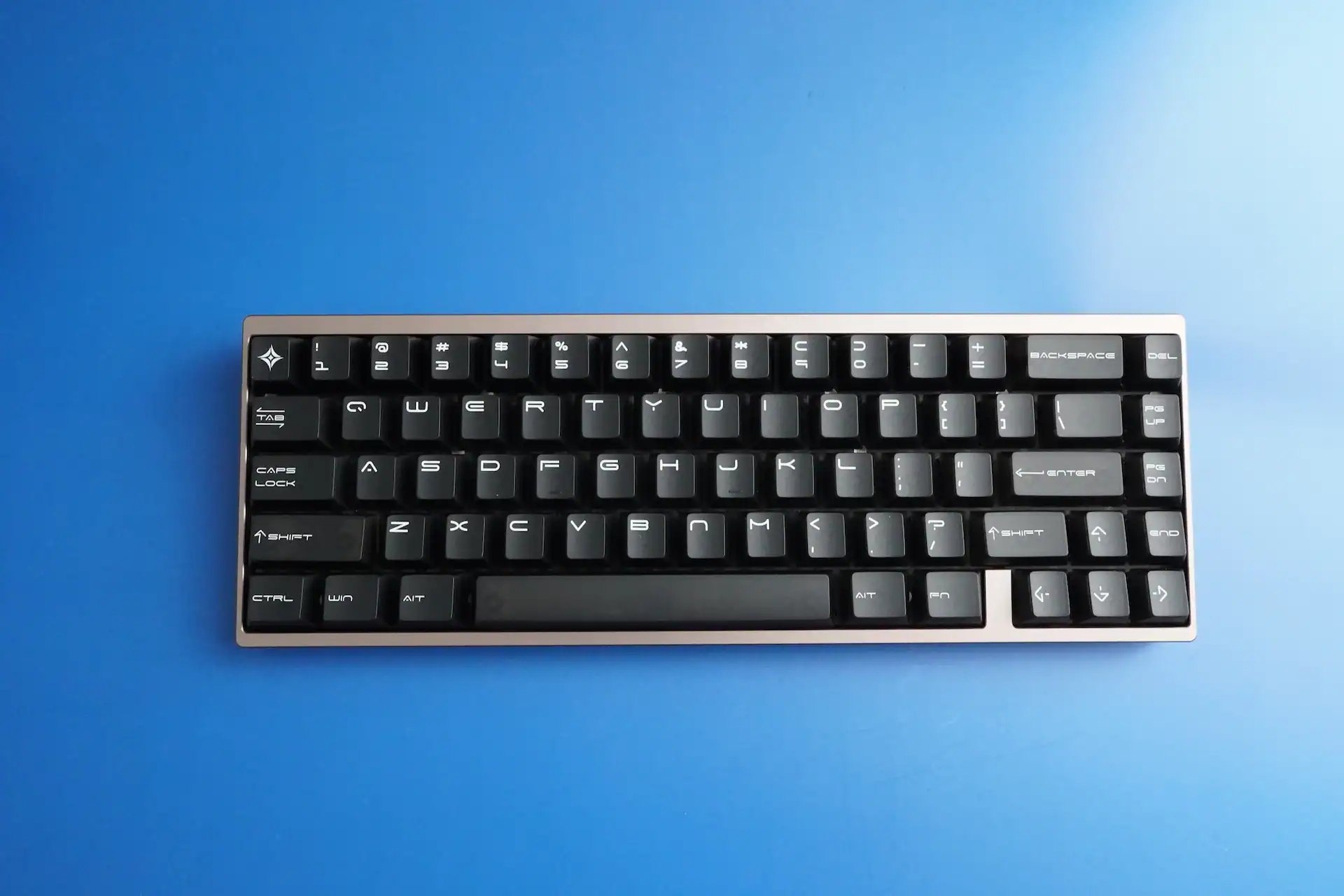
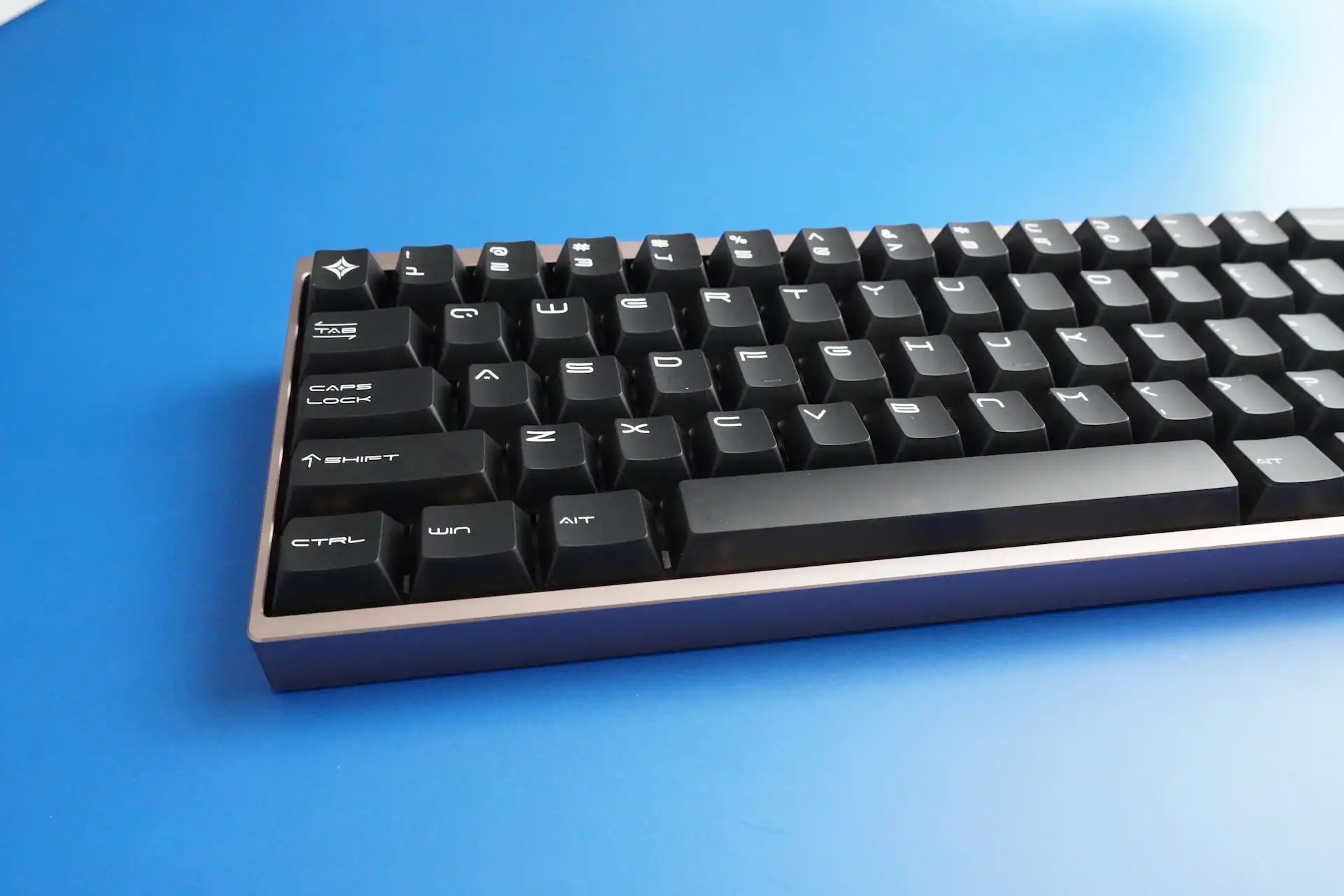
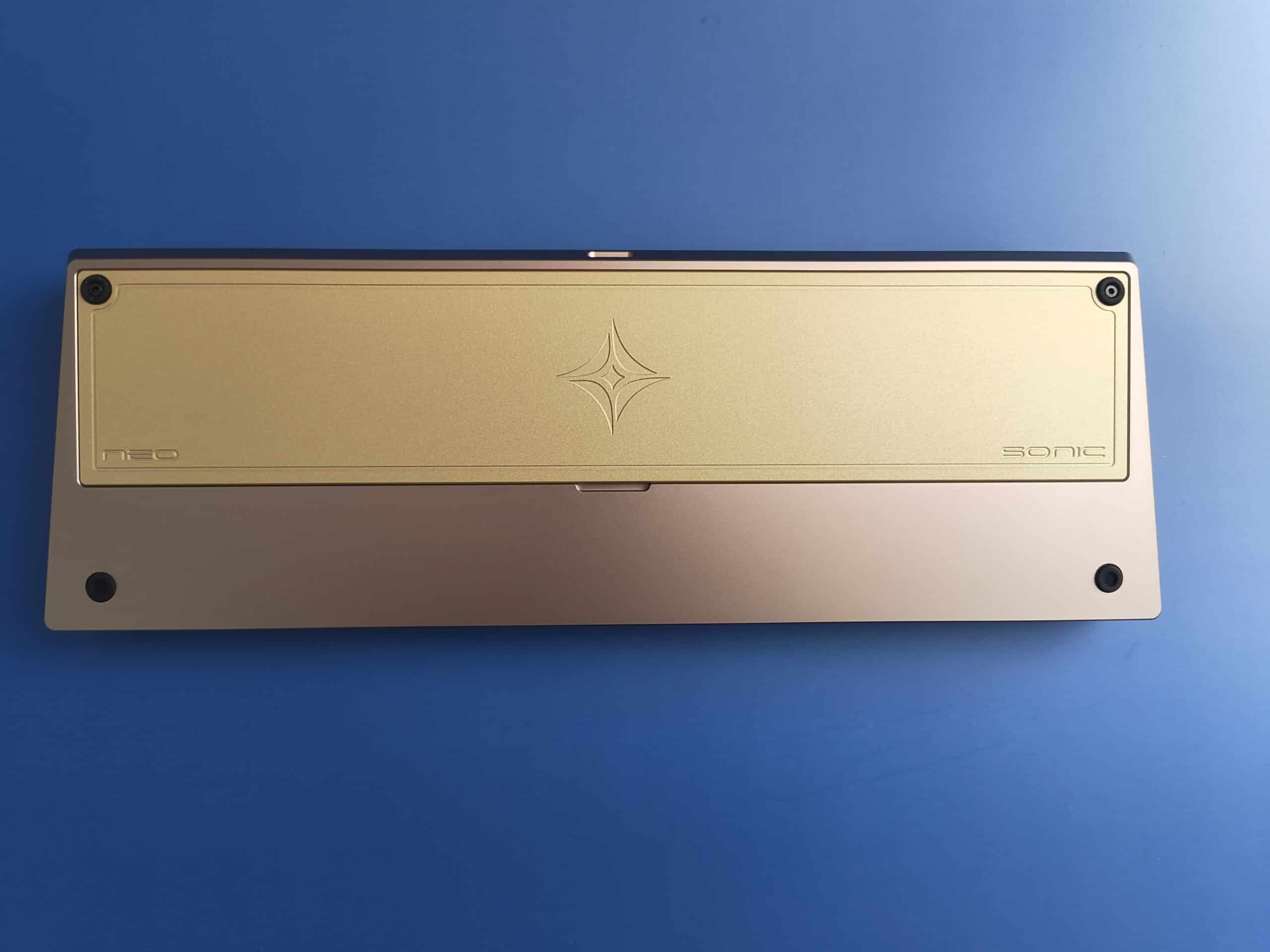
I got the Sand Gold version, and it looks fantastic in person. Subtle, premium, and definitely unique. The finish feels smooth and cold to the touch, and the “Neo Sonic” engraving on the back weight adds a nice touch. There are five other colors available — Grey, Green, Silver, Black, and Purple — and I’d honestly have a hard time picking just one.
No adjustable feet or mode switch here — just a single USB-C port and rubber pads on the bottom. Typing angle is set at 8°, which feels comfortable right away.
OwLab Nova magnetic switches
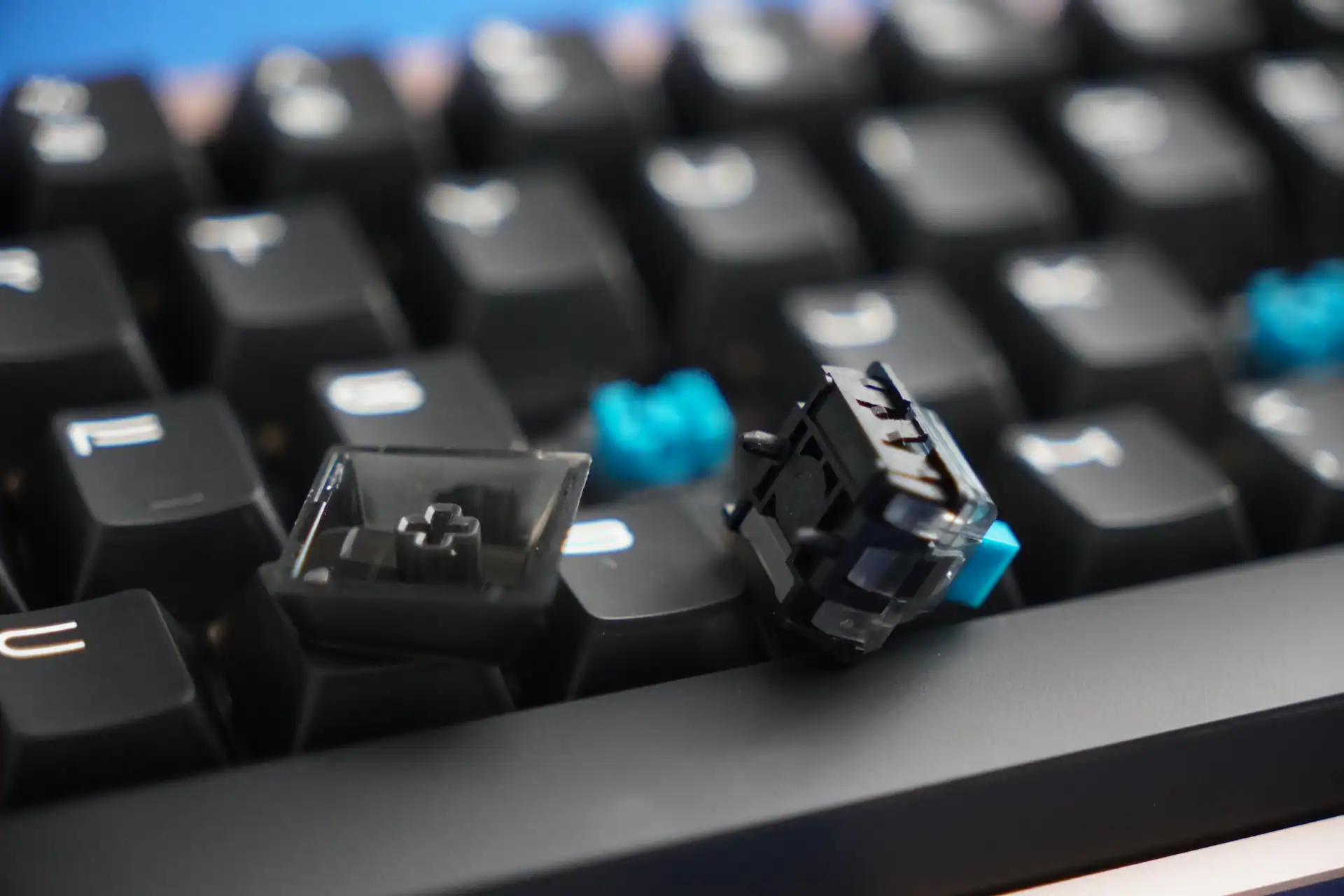
Let’s talk about the switches — these are OwLab Nova Hall Effect switches. They’re linear, pre-lubed, and use a box-style stem that keeps them stable with minimal wobble. The travel distance is short (around 3.3 mm), the return is snappy, and the bottom-out feels crisp and clean. The sound profile is more clacky than thocky, but still very satisfying. For more thock you can look at the Owlab Ti HE magnetic switches.

The board uses a carbon fiber plate and a silicone gasket mount, and that combo works really well here. The gasket absorbs impact nicely and keeps typing fatigue low, while the carbon plate keeps everything flat and consistent. The internal foam and PET pad layers add a bit of dampening, getting rid of the hollowness that many Hall Effect boards suffer from.
Overall sound is tight and clean — no ping, no rattle. Definitely a step above the average magnetic board.
| OwLab Nova Switch Feature | Details |
|---|---|
| Type | Linear |
| Bottom-Out Force | 50 ± 10 g |
| Total Travel | 3.3 ± 0.3 mm |
| Initial Magnetic Flux | 120 ± 20 Gs |
| Bottom-Out Magnetic Flux | 750 ± 50 Gs |
| Lubrication | Pre-lubed |
| Top Housing Material | PC |
| Stem Material | POM |
| Bottom Housing Material | PA (Closed-Bottom) |
| Stem Design | Box-styled for minimal travel deviation |
| Spring | 20 mm extended for snappy return |
| Acoustics | Magnet bottom-out for thocky, distinct sound |
Performance and features
Here’s where it gets interesting. The Sonic HE+ runs at 8000 Hz polling rate, with our tested 0.5 ms final latency and 0.01 mm sensitivity. Those numbers are impressive, but what really matters is how it feels in use – and it feels incredibly responsive.
Every press registers instantly. Whether I was tapping through rhythm games or spamming movement keys in shooters, it never missed a beat. The Rapid Trigger feature works perfectly — keys reset the moment you release them, so you can repeat actions much faster than on a traditional mechanical board.
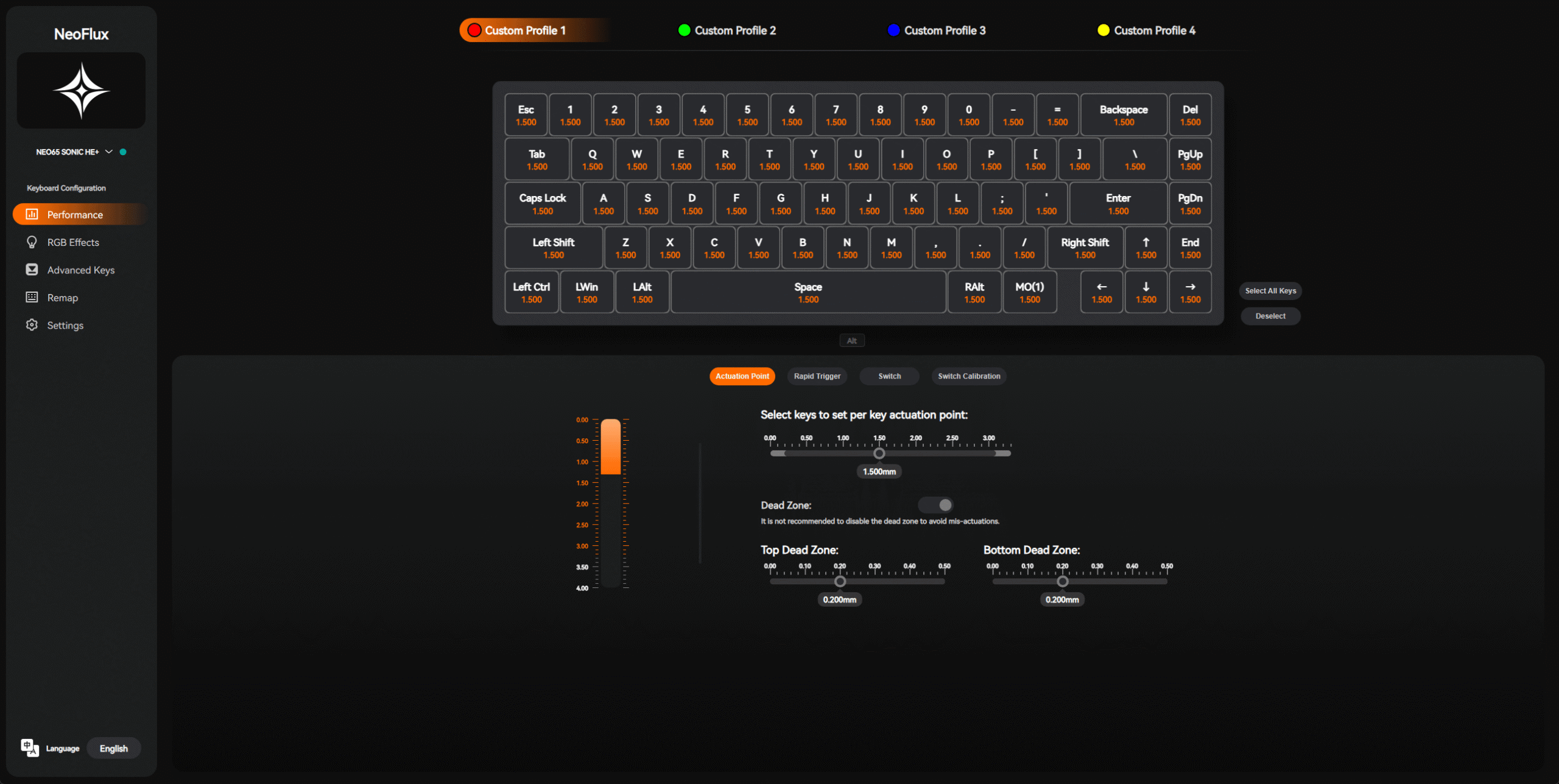
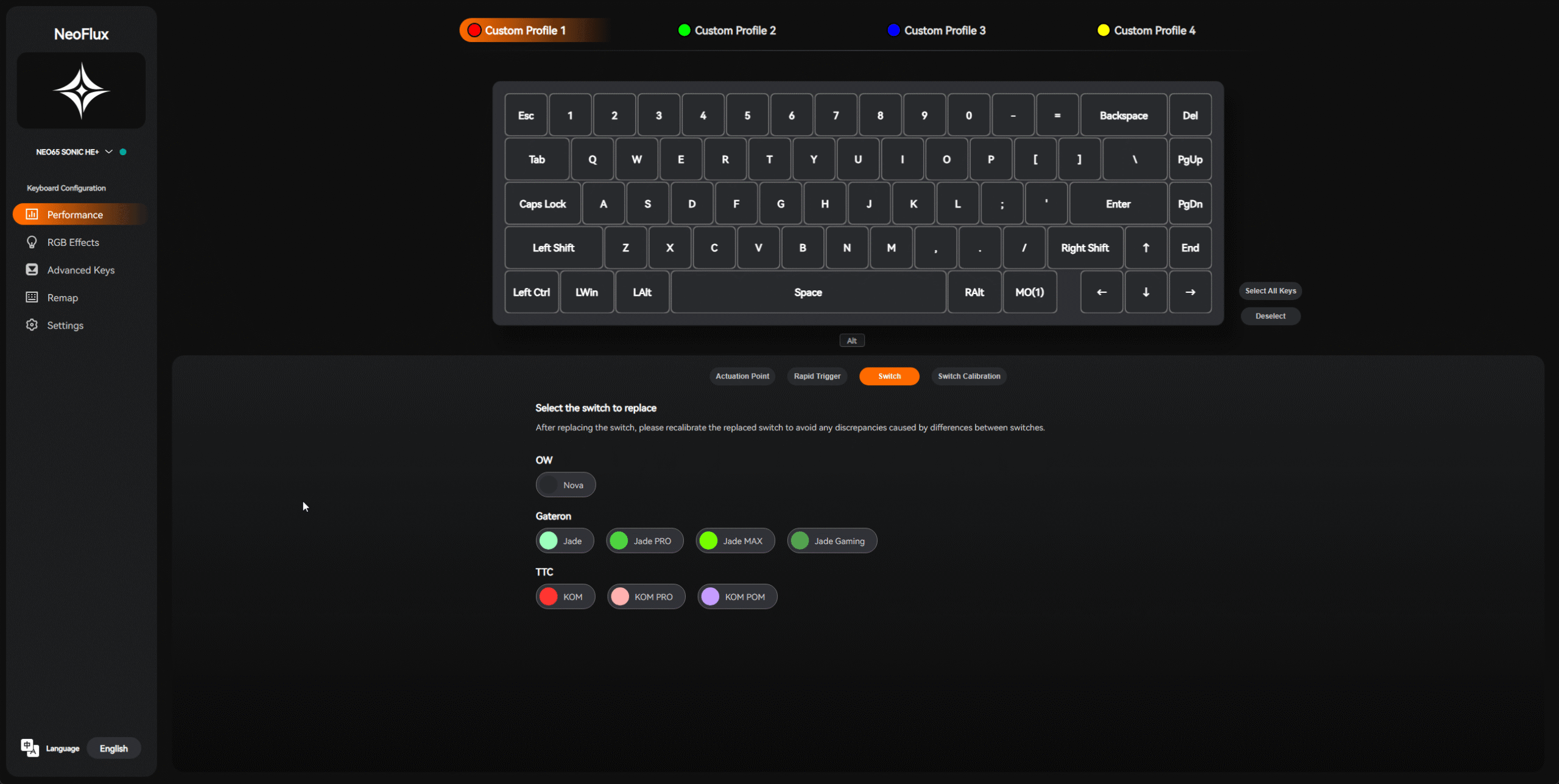
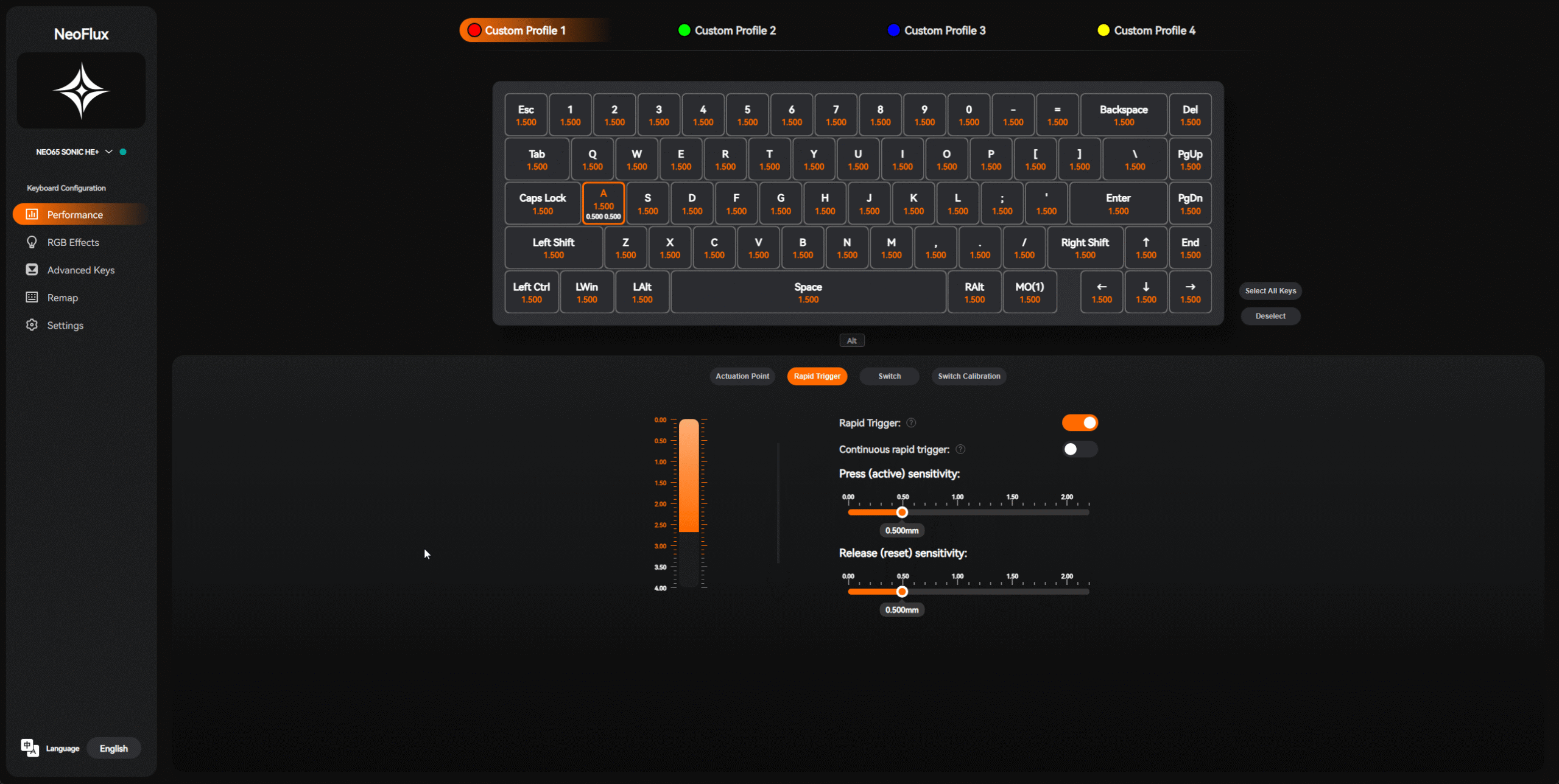
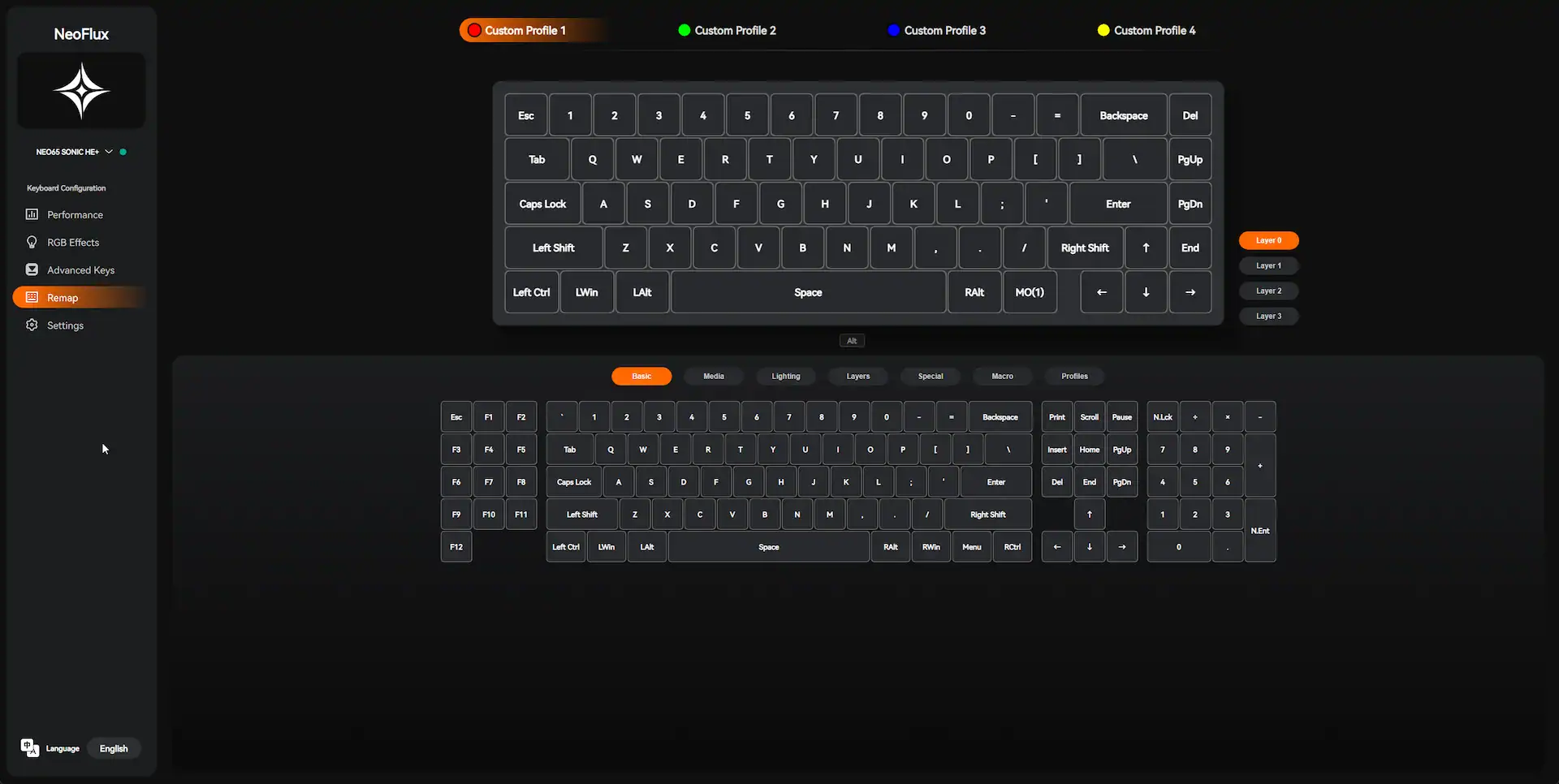
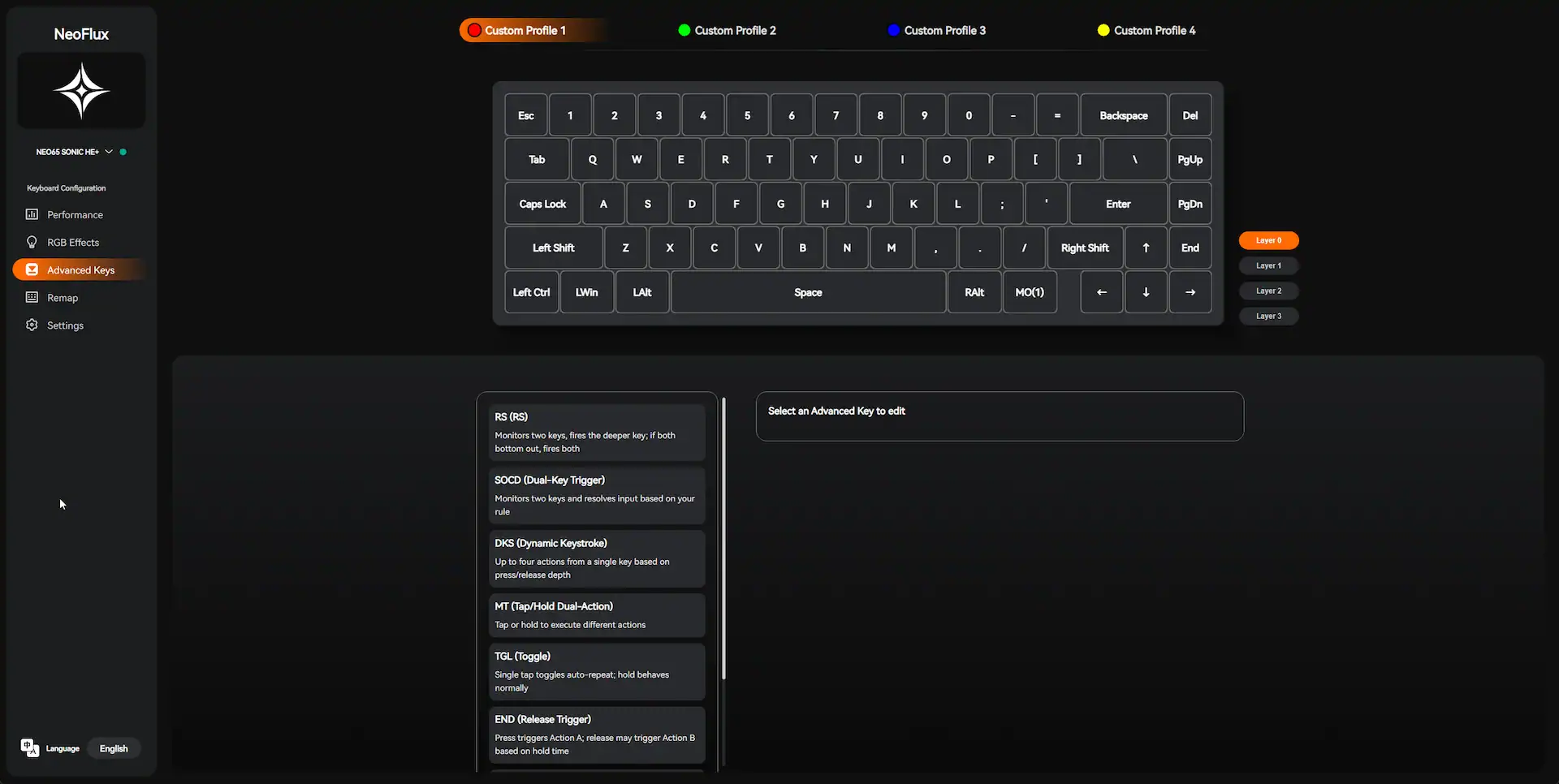
There’s also Rappy Snappy, Dynamic Keystroke, and SOCD options in the configurator. I mostly stuck with Rapid Trigger on, but all the extra features are there if you like tinkering or want to tailor actuation for different games.
Here’s all the gaming advanced key features:
- RS (Rappy Snappy) – Monitors two keys, fires the deeper key; if both bottom out, fires both
- SOCD (Dual-Key Trigger) – Monitors two keys and resolves input based on your rule
- DKS (Dynamic Keystroke) – Up to four actions from a single key based on press/release depth
- MT (Tap/Hold Dual-Action) – Tap or hold to execute different actions
- TGL (Toggle) – Single tap toggles auto–repeat; hold behaves normally
- END (Release Trigger) – Press triggers Action A; release may trigger Action B based on hold time
- AT (Alternating Trigger) – When two keys are held, outputs alternate between them
- MPT (Multi-Point Trigger) – Three actions based on press depth
You can access everything through their web configurator (https://he.qwertykeys.com/) – no software installation needed. It runs entirely in the browser and is honestly one of the best web tools I’ve seen for a keyboard. Clean interface, easy calibration, per-key actuation adjustment, RGB control, and key remapping. It even supports advanced modes like multi-point trigger and tap/hold dual actions.
RGB and aesthetics
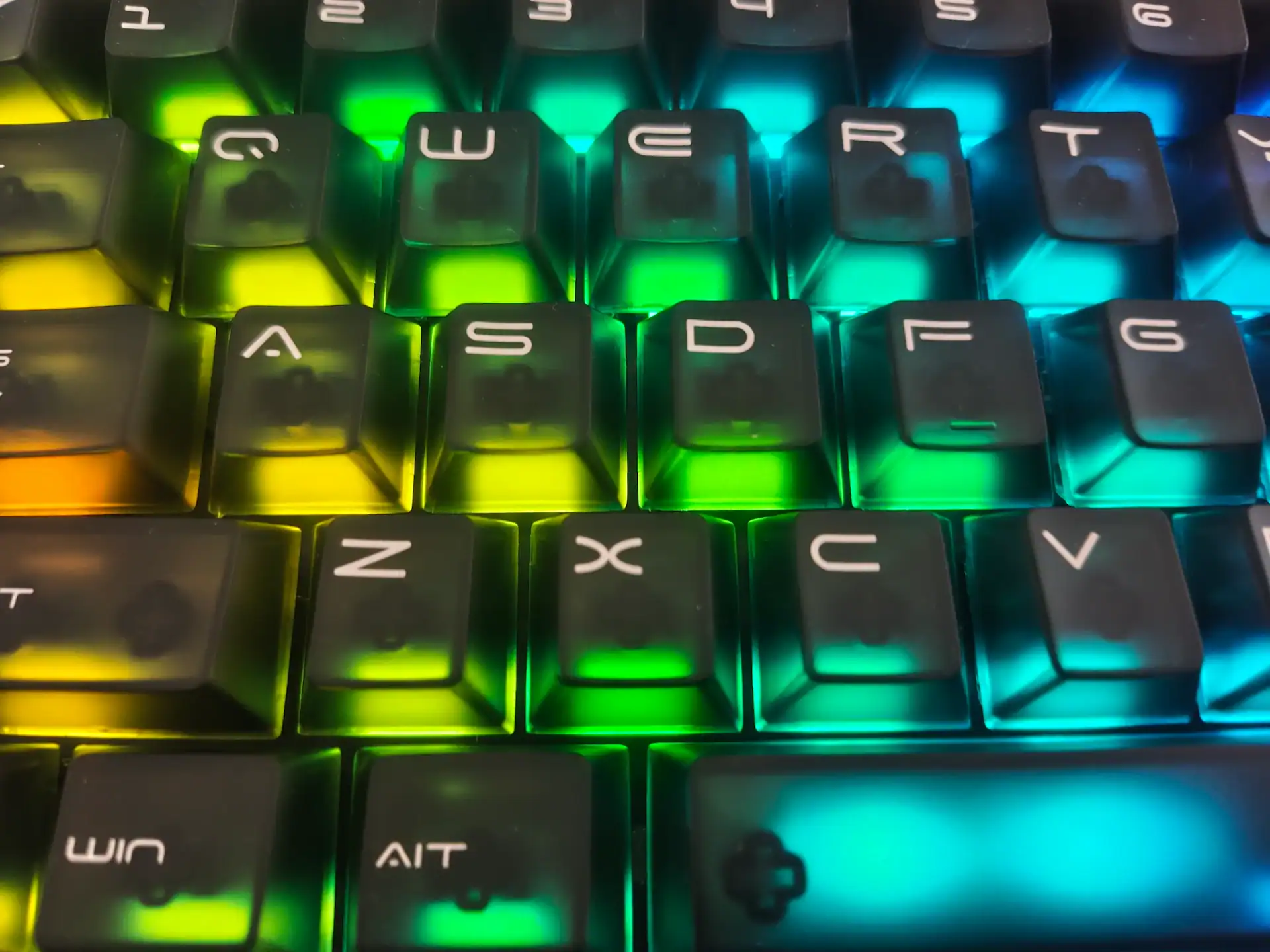
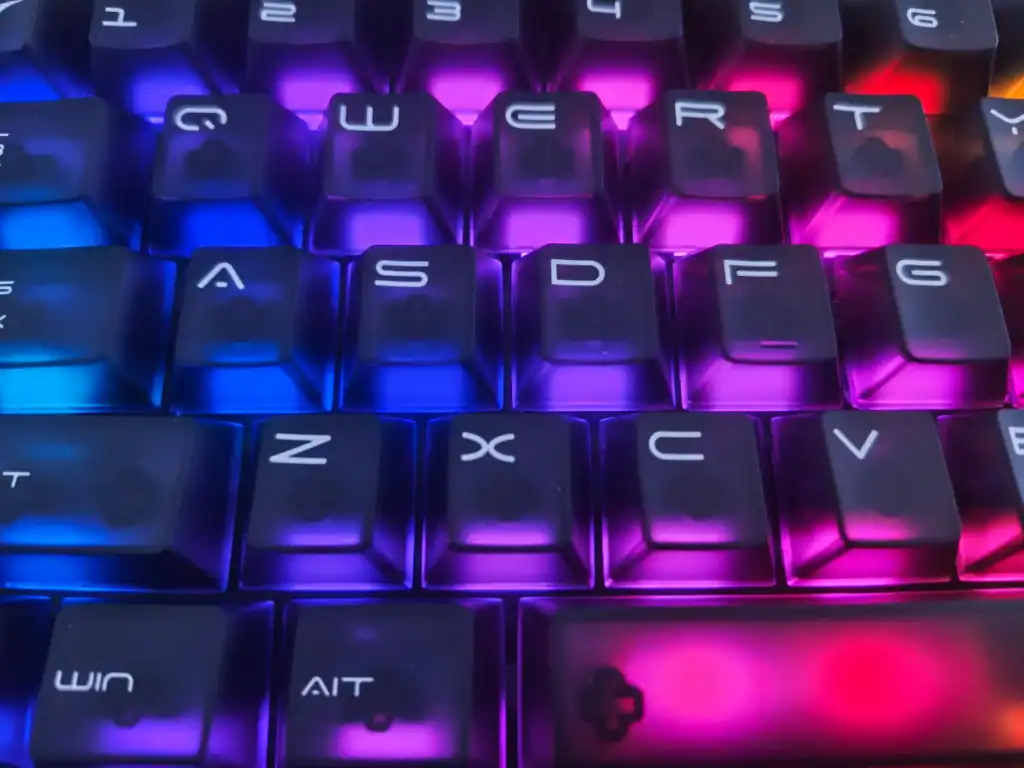
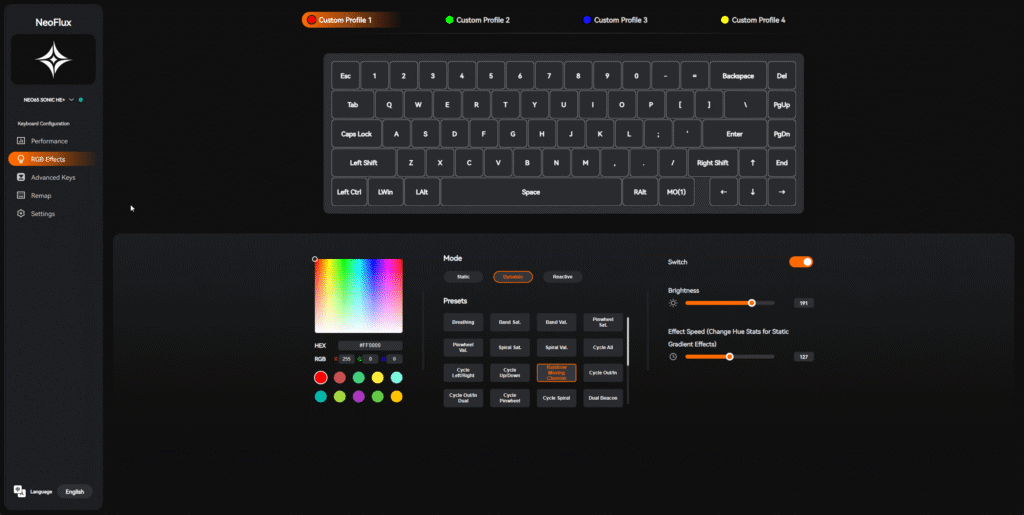
The keycaps are dark translucent ABS with stylized legends that glow beautifully when the lighting is on. RGB diffusion is excellent — smooth, not too bright, and looks premium, especially in darker setups. You can pick from tons of effects, but static colors look the best on this board. I went with a purple hue to match the case tone.
Gaming experience
I tested it across a few titles — Valorant, CS2, and DOOM Eternal. The difference compared to a regular mechanical keyboard is there. Movements feel sharper, aim correction faster, and button releases instant. It doesn’t make you a better player overnight, but the responsiveness definitely gives you an edge.
The fact it’s a magnetic switch keyboard means that there’s Rapid Trigger, Rappy Snappy, adjustable actuation and few other cool features. It takes a bit to get into them, but if you set them right for your preferences – then it’s a nice edge.
And since this is a 65%, you still have arrow keys and a few handy buttons for everyday use, so it’s not sacrificing too much usability.
Small downsides
There are a few things worth noting. The case is sealed with internal screws and a tight gasket system, so modding isn’t encouraged. There’s also no VIA/QMK support — you’re limited to the web configurator, which thankfully covers most needs. The board’s sound profile, while nice, might be a bit thin for those who prefer very deep thocky acoustics. But still I would say it’s pretty thocky especially for a magnetic switch keyboard.
Verdict
At $125, the Neo65 Sonic HE+ is a very good value in the Hall Effect keyboards space. You get premium build quality, excellent performance, smart software, and a genuinely great typing feel — all in one package. It feels like a proper enthusiast board, not just a gaming toy with magnets inside.
If you’re new to Hall Effect or just want a 65% board that looks and feels high-end, this one is absolutely worth checking out.
✅ Pros
- Extremely stable 1.5 kg aluminum build
- Hall Effect performance with 8kHz polling and 0.01 mm sensitivity
- Rapid Trigger, Rappy Snappy, and Dynamic Keystroke all included
- Excellent typing feel and sound
- Nice RGB and clean design
- Browser-based software is intuitive and full-featured
- Fair $125 price
❌ Cons
- Slightly thin sound profile
- No VIA/QMK support
- Not meant for deep modding
Overall, this is one of those boards that instantly clicks — both literally and figuratively. Solid, responsive, and built like a tank. Neo65 Sonic HE+ easily earns a spot among the best Hall Effect keyboards you can buy right now.
Neo65 Sonic He+


I love testing and writing about new tech. I focus on keyboards and controllers. I'm also a gamer and an engineer. Check out my Twitter for keyboard and controller news and reviews.