


Introduction
I’ve been using the UPerfect UMax 27 Switches as my secondary monitor for the past 15 days — long enough to form a clear picture of where it excels and where it falls short. This is UPerfect’s first dual-mode monitor, and its headline feature is the ability to seamlessly switch between 4K at 144Hz and 1080P at 288Hz directly from the OSD menu.
At 27 inches, it sits at the very top of UPerfect’s portable monitor lineup, which ranges from 13 to 27 inches. The target audience is narrow but real: digital nomads, LAN party regulars, and desk-constrained users who want a large secondary display that handles both detailed work and gaming without needing two separate screens.
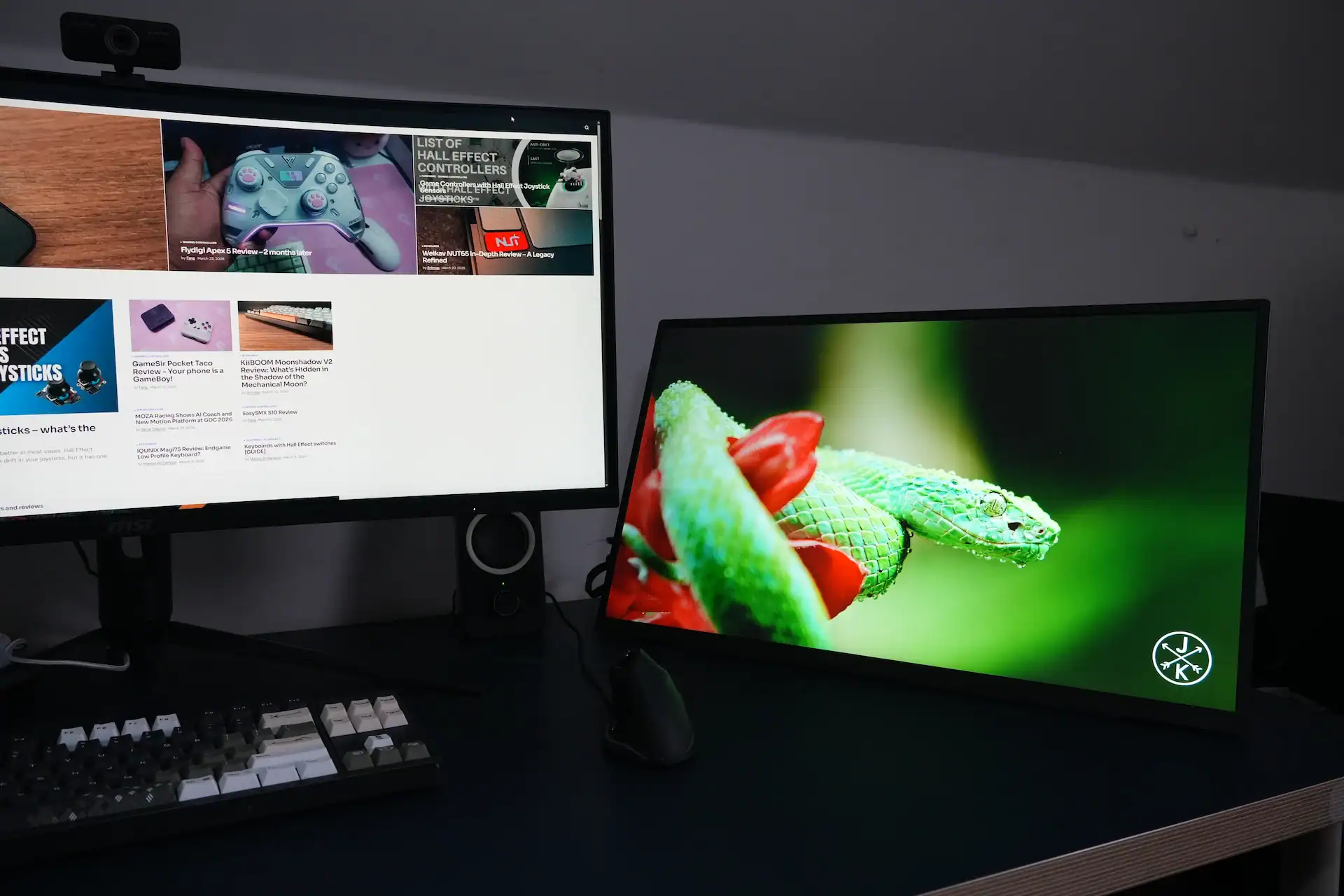
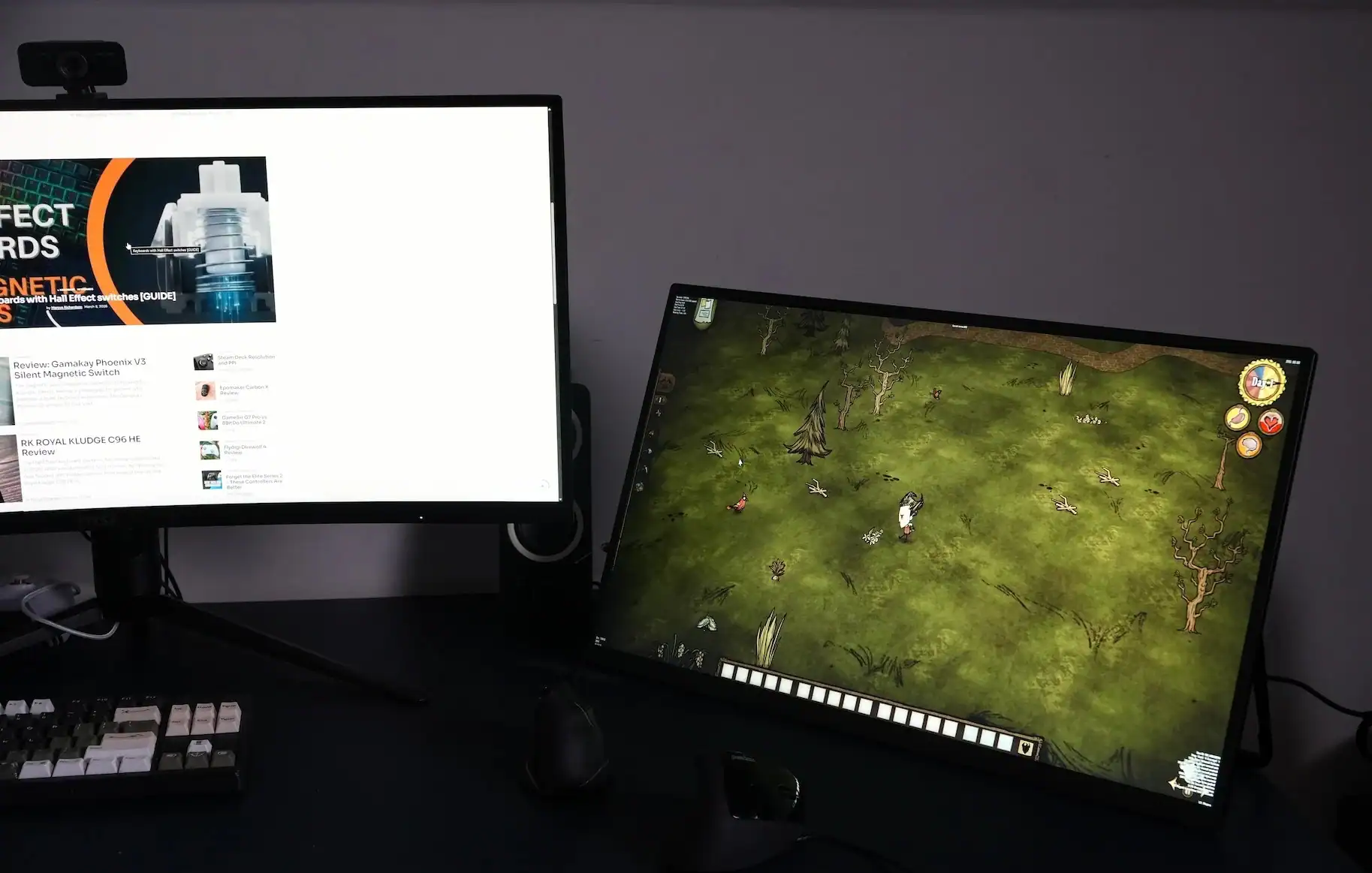
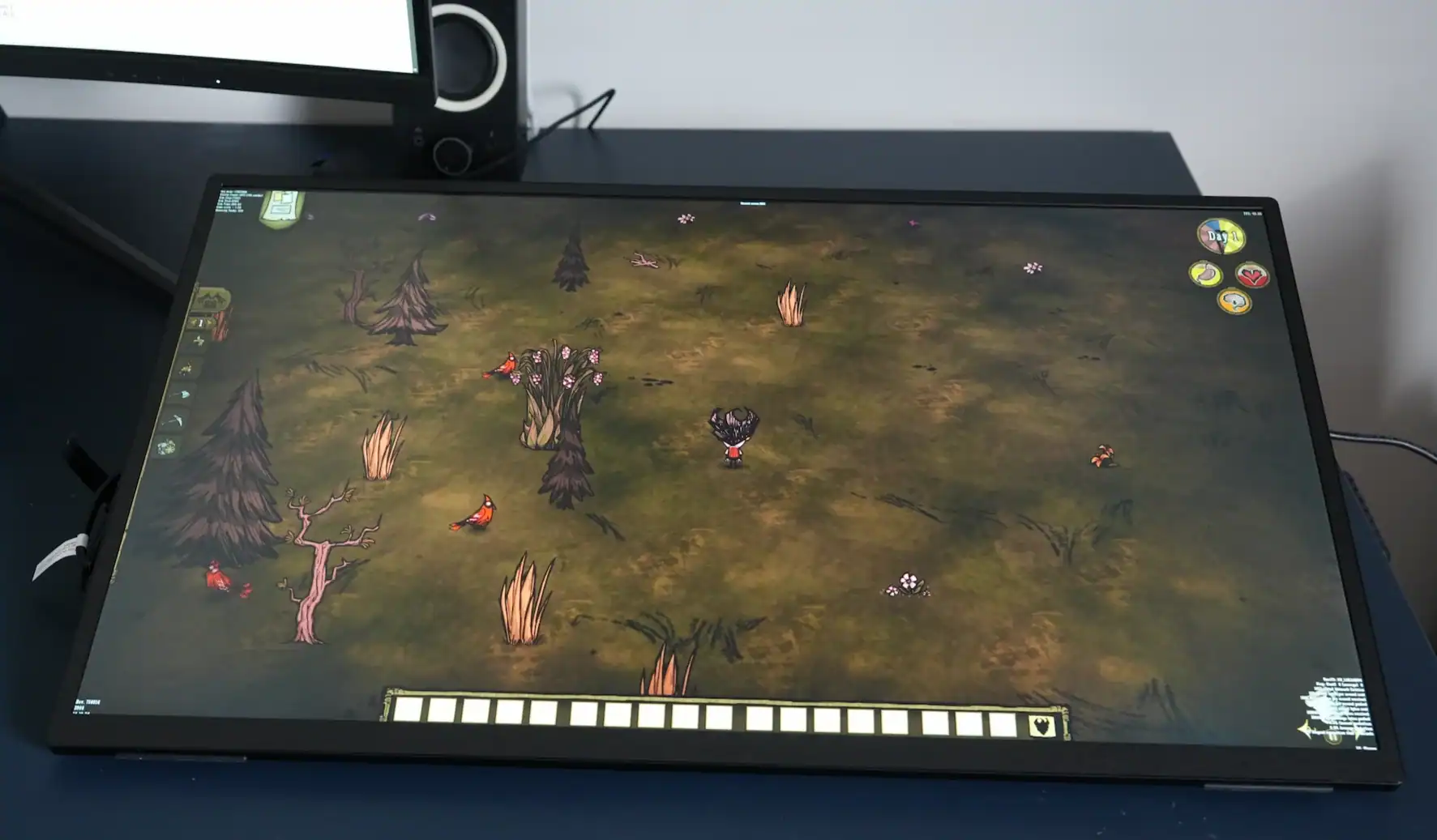
My reference monitor is the MSI MAG342CQPV — a 34-inch VA ultrawide running at 2K (DCI-P3 89%, sRGB 112%). I used both side by side throughout testing (as you can see in the photos above), so comparisons below are grounded in that context.
Full Specifications
| Display | |
| Screen Size | 27 inch |
| Panel Type | IPS |
| Screen Type | Matte (Anti-glare) |
| Resolution | 3840×2160 (4K) / 1920×1080 (1080P) |
| Refresh Rate | 144Hz (4K mode) / 288Hz (1080P mode) |
| Response Time | 15ms |
| Brightness | 530 cd/m² |
| Contrast Ratio | 1000:1 |
| Color Gamut | 100.4% sRGB |
| Color Depth | 16.7M colors (8-bit) |
| HDR | Yes |
| FreeSync | Yes |
| Viewing Angle | 178° (H/V) |
| Pixel Pitch | 0.1557mm |
| Pixels Per Inch (PPI) | 163.18 |
| Viewable Area | 597.9 × 336.3mm (23.54 × 13.24 inch) |
| Display Ratio | 16:9 |
| Connectivity | |
| USB-C (Full-Featured) | 1× — Video + Audio Input (144Hz / 288Hz) |
| USB-C (Power) | 1× — Power Input only |
| HDMI | 1× Full-size — max 120Hz |
| DisplayPort | 1× Full-size — max 120Hz |
| USB-A OTG | 1× — mouse / keyboard / USB drive |
| Audio Out | 1× 3.5mm AUX |
| Audio | |
| Built-in Speakers | Yes — 2 × 8Ω, 1W |
| Physical | |
| Material | Metal |
| Product Dimensions | 616 × 363 × 18mm (24.25 × 14.29 × 0.71 in) |
| Net Weight | 3.5 kg / 7.71 lbs |
| Package Weight | 5.05 kg / 11.13 lbs |
| Package Size | 705 × 425 × 120mm |
| VESA Mount | Yes — 100×100mm (M4×5mm) |
| Built-in Stand | Yes — adjustable kickstand |
| Rated Power | 21W |
| Touch Screen | No |
| Built-in Battery | No |
| Extras | |
| Low Blue Light | Yes |
| Driver Required | No (plug and play) |
| Warranty | 2 Years |
| Return Policy | 30-day risk-free trial |
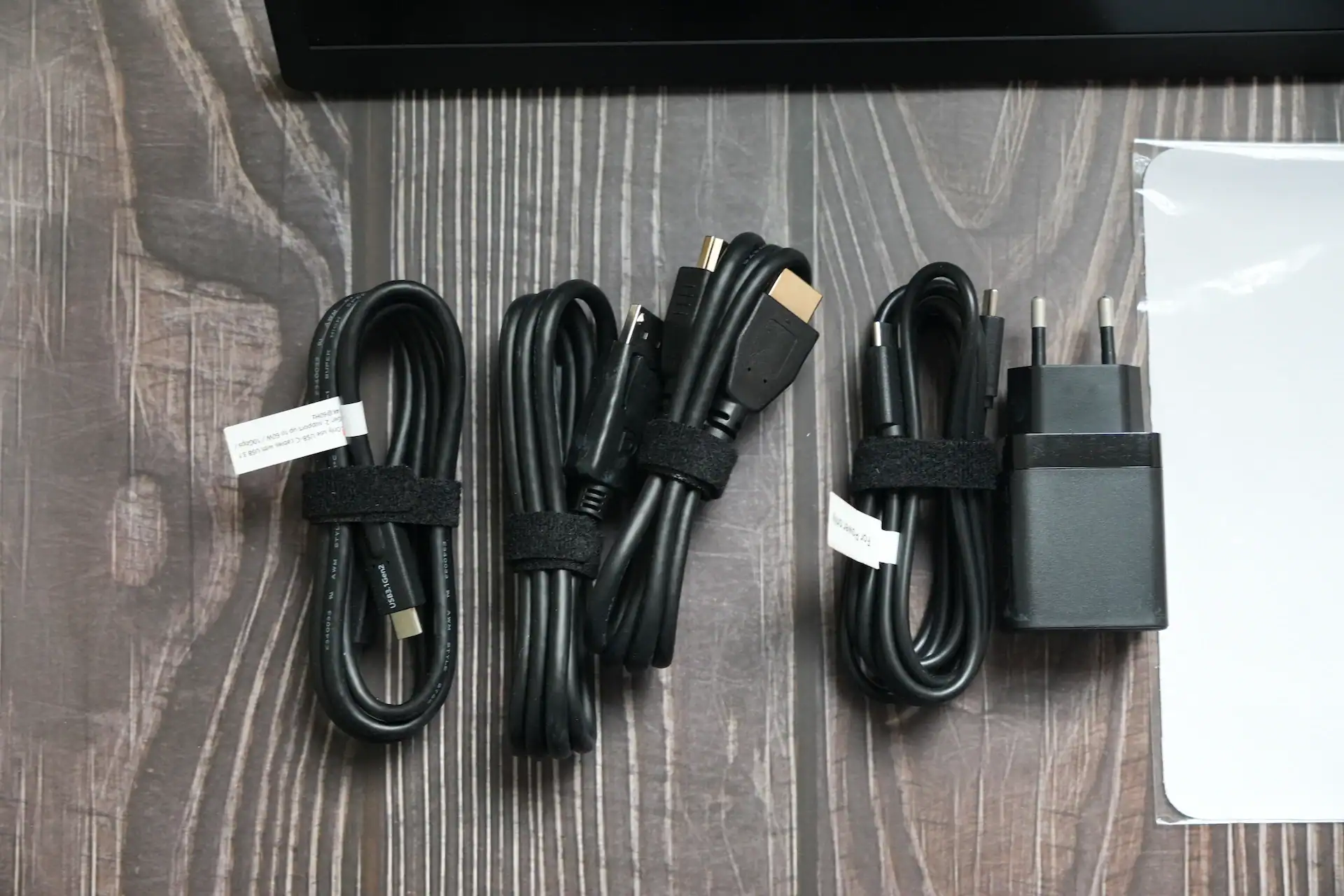
What’s in the Box
Cables are approximately 1–1.2 metres each. The monitor can also run from third-party chargers or power banks — just ensure they deliver at least 70W for stable operation.
Design & Build Quality
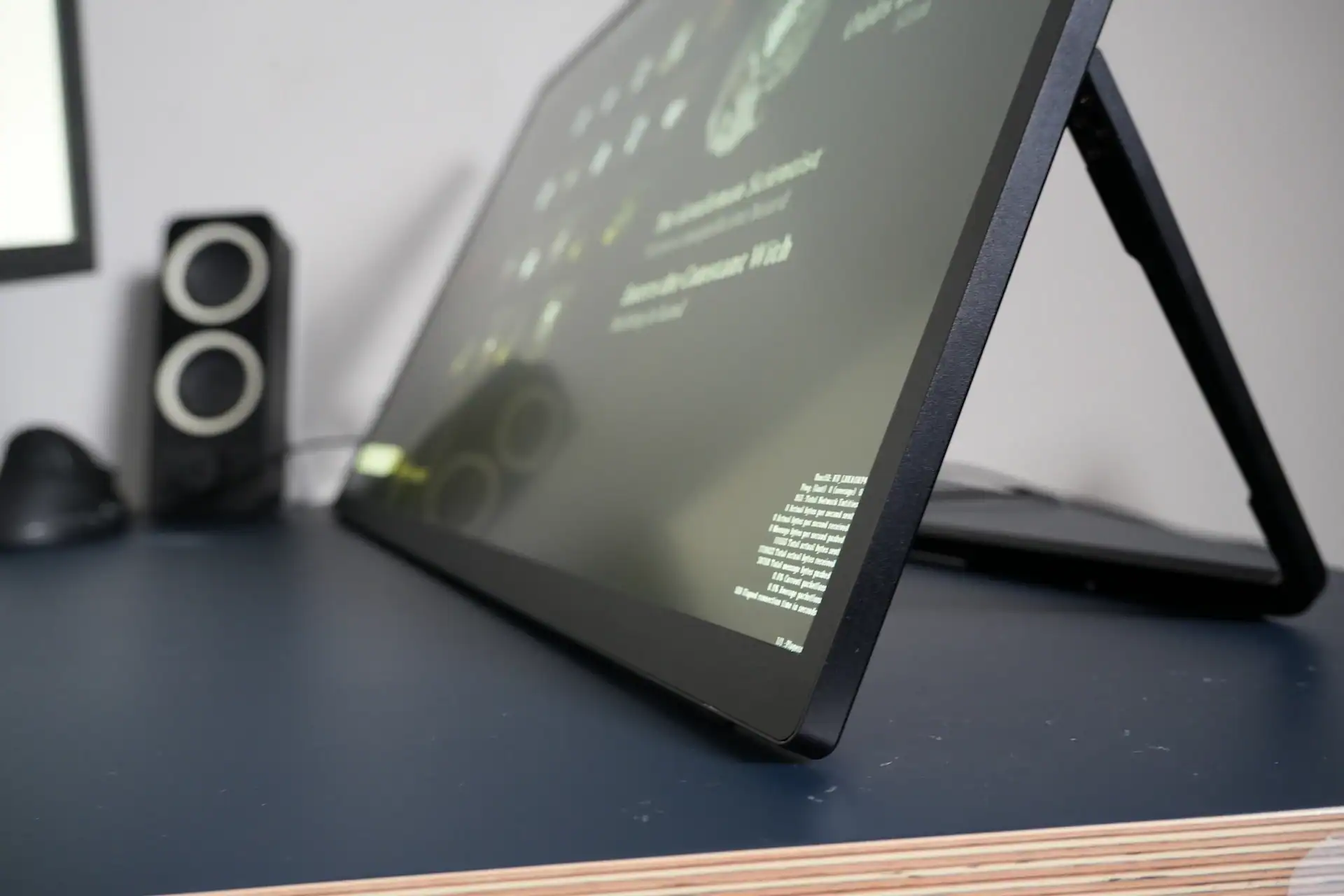
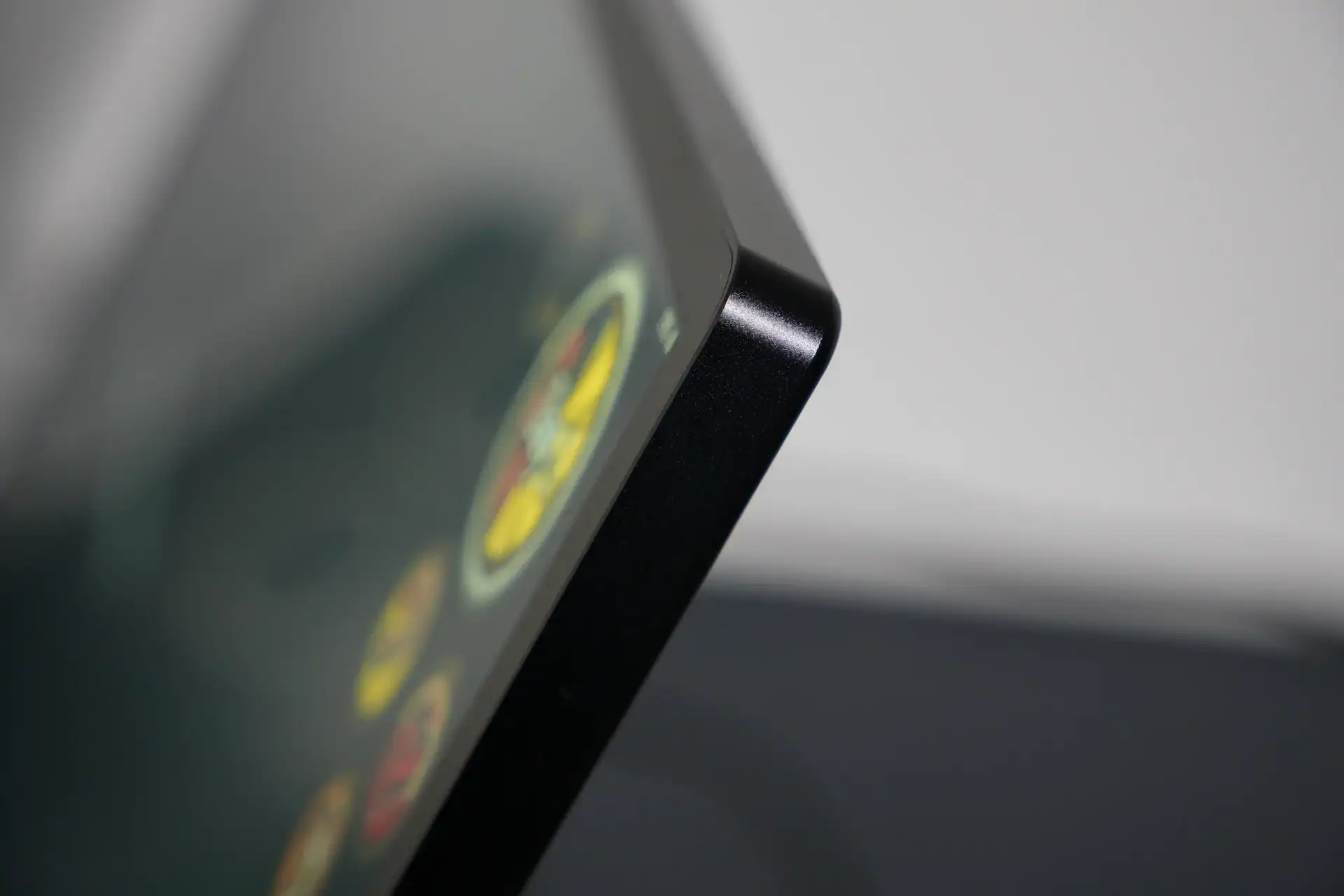
The UMax 27 follows UPerfect’s familiar aesthetic: clean, minimal, and functional. The metal chassis is a meaningful upgrade over plastic-bodied competitors — there’s no flex, no creaking, and the build inspires confidence for a 27-inch panel. At 18mm thin and 3.5kg, it’s not something you’d toss in a laptop bag, but manageable in a larger carry-on or suitcase.
The built-in kickstand holds the panel without drama, but leaves the screen sitting noticeably low on a desk — fine for short sessions, ergonomically problematic for full work days. I’d recommend pairing it with a dedicated stand. The 100×100mm VESA mount opens up wide third-party compatibility. If using a tablet clamp stand, make sure the hook accommodates at least 2cm of thickness, as most standard ones won’t fit.
Display Quality
At 163 PPI, the 4K panel on a 27-inch screen is noticeably sharper than a typical 1080P monitor at the same size (around 81 PPI). Text is crisp, fine UI detail is well-rendered, and 4K content looks excellent. You’ll want display scaling set to 150–175% in Windows to keep the taskbar and icons comfortable.
Brightness is rated at 530 cd/m² — notably higher than most portable monitors, which typically cap out around 300–400 cd/m². In practice it’s more than adequate indoors, and the matte coating controls glare well. Colours look solid out of the box. Versus my VA ultrawide (112% sRGB, 89% DCI-P3), the UMax 27 holds its own for content consumption; colour-critical professional work would still benefit from calibration.
IPS glow is present — when viewing from an angle, there’s a subtle shadowing effect at the far edges. Not severe, but visible once you know to look for it.
Performance — Dual Mode Deep Dive
Port-Specific Refresh Rate Limits
One detail many buyers will miss: 144Hz and 288Hz are only available via USB-C. HDMI and DisplayPort are capped at 120Hz regardless of mode. If max refresh rate is a priority, USB-C is the only viable input.
4K @ 144Hz — The Sweet Spot
This is where the UMax 27 shines. 4K at 144Hz over USB-C is demanding on your GPU, but most modern dedicated graphics cards handle it. Over 15 days on a Windows 11 laptop, everything worked without drama — mirroring, extended desktop, and mode switching all functioned correctly. With FreeSync active, tearing is a non-issue and motion is genuinely smooth.
1080P @ 288Hz — Tempting on Paper, Limited in Practice
The 15ms response time is fundamentally mismatched with 288Hz. At that refresh rate, each frame lasts approximately 3.5ms — pixel transitions are nearly four times slower than the frame interval. The result is potential ghosting in fast-paced scenes.
The 288Hz mode is best understood as a convenience feature for lower-powered hardware that can push high frame rates more easily at 1080P. 4K at 144Hz with FreeSync remains the day-to-day sweet spot.
Audio
The dual rear-mounted 1W/8Ω speakers deliver hollow, thin sound — expected at this price point. They’re a noticeable step up from typical laptop speakers for background audio, but the 3.5mm audio output is the practical choice for anything beyond quick convenience.
Pros & Cons
- Unique dual-mode switching (4K 144Hz / 1080P 288Hz)
- FreeSync support for tear-free gaming
- High 530 cd/m² brightness — above class average
- Solid metal build, matte anti-glare screen
- Full-size HDMI, DP, and dual USB-C inputs
- Sharp 163 PPI at 4K — genuinely crisp
- 100×100mm VESA mount support
- Plug-and-play on Windows 11
- OTG port for mouse/keyboard
- 2-year warranty & 30-day returns
- 15ms response time limits real 288Hz benefit
- 144Hz/288Hz only via USB-C — HDMI/DP capped at 120Hz
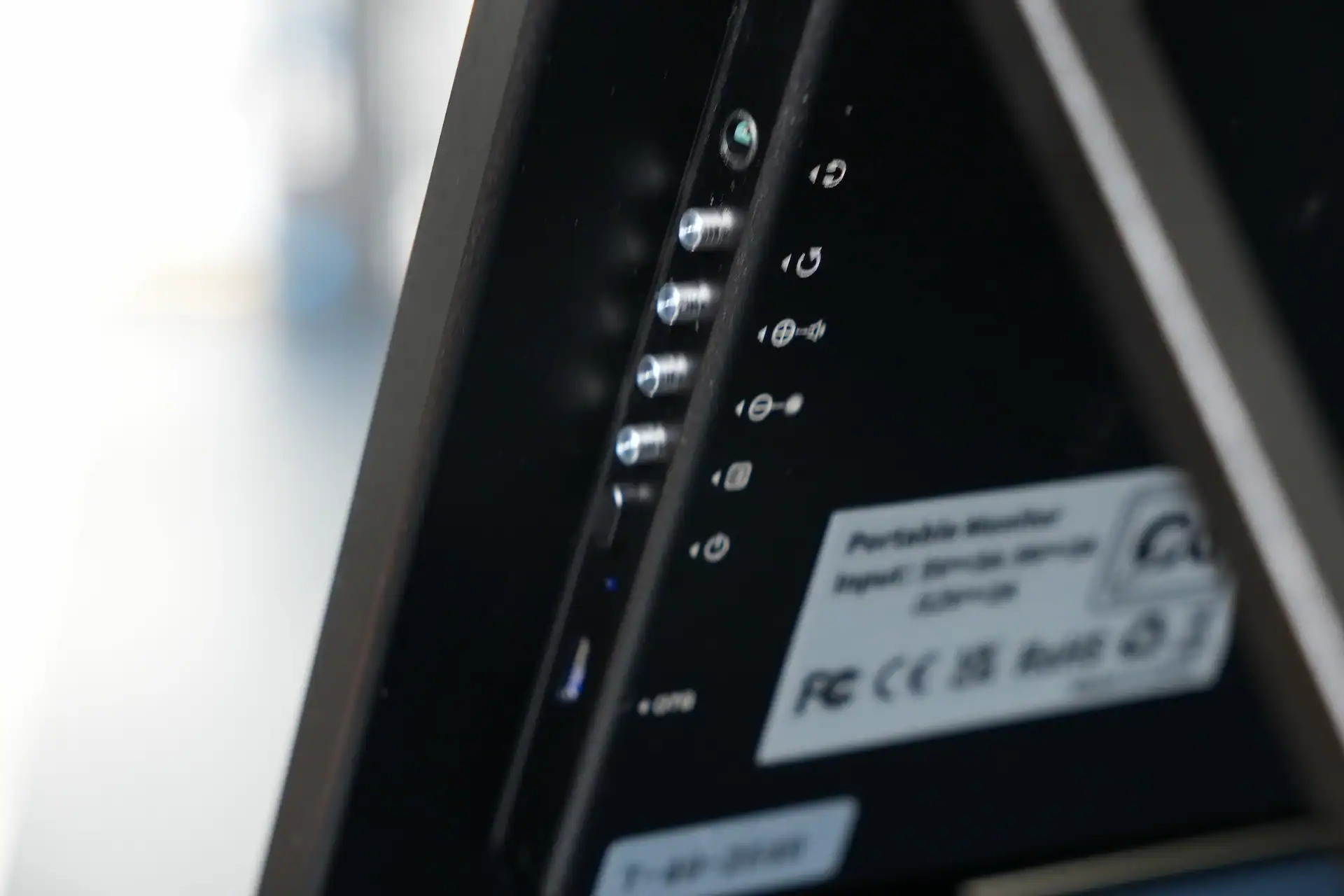
- All video ports on left side only
- Kickstand leaves screen sitting low
- 3.5kg — heavy for frequent travel
- Hollow-sounding built-in speakers
- OSD navigation takes getting used to
- High retail price at $669.99
A Genuinely Unique Monitor for a Specific Audience
The UMax 27 Switches earns its place as the only 27-inch dual-mode portable monitor on the market. The 4K/144Hz mode with FreeSync is the sweet spot — sharp, bright, and smooth. The 288Hz mode is hampered by the 15ms response time. If you need a large, versatile secondary display that handles work, content, and gaming without compromise, this is worth the premium. If competitive gaming is your primary focus, the response time is worth weighing carefully.
View on UPerfect →Uperfect Exclusive Discount Codes

I love testing and writing about new tech. I focus on keyboards and controllers. I'm also a gamer and an engineer. Check out my Twitter for keyboard and controller news and reviews.


