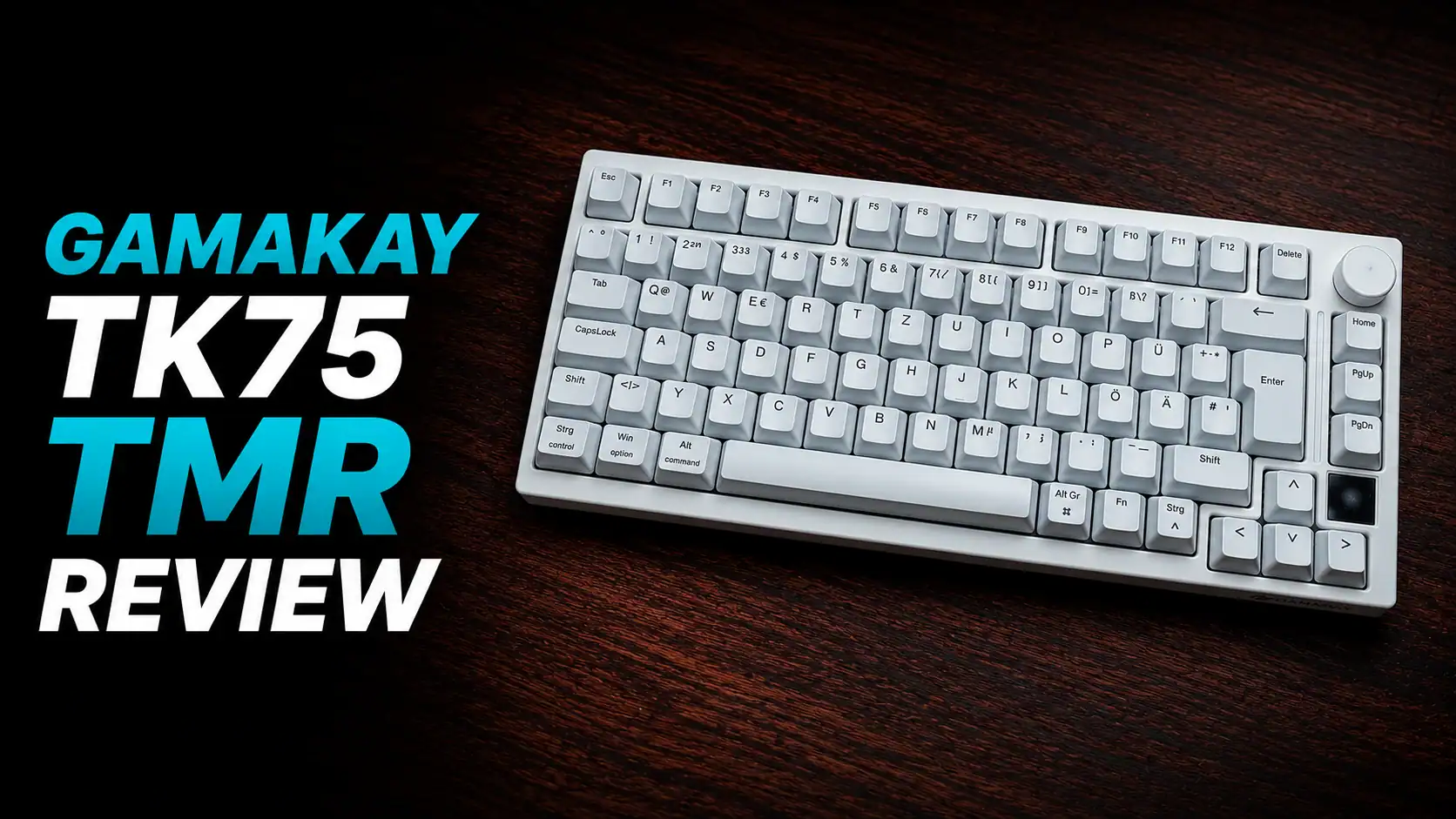
65% is a layout I find myself returning to constantly for its space efficiency, and it remains a staple in my rotation. I’m always on the hunt for keyboards that bring a premium feel and list of features down to a budget price point, and today, I’m looking at the Zuoya GMK67. At a price as low as $25 on a good day, this is a very interesting product.
I’ve been testing this board for about 2 months now, using it for gaming and work, and I wanted to break down the highs and lows so you can decide if this is the right foundation for your next build.
PACKAGING
It comes in pretty simple packaging. I lost the box while moving houses, but I do know that in the box, you’ll find:
- the barebones keyboard kit wrapped in a protective plastic sheath
- a manual
- a braided USB-A to USB-C cable
- a keycap and switch puller
- a 2.4GHz wireless dongle (in the slot at the back of the keyboard)

If you buy a version of the keyboard that has been fully built, you will also find a couple of extra switches and keycaps depending on the variant you buy.
FEATURES
Let’s look at the features of this board, and then I’ll talk about the actual typing experience.
The GMK67 is primarily sold as a barebones kit, and it comes in several case colorways:
- White
- Black
- Blue
- Pink
- Burgundy
The list of colours this comes in goes on and on, because the GMK67 has been in production for several years now. So you’ll even find obscure colours like maroon for it if you look hard enough. I picked white for the versatility it offers with various keycap sets.
Hot-swappable PCB: The GMK67 features a hot-swappable PCB, which allows you to easily change out the switches without any complicated work like de-soldering and soldering new switches. You also don’t have to open the keyboard. This makes it easy to experiment with different switches and find the perfect feel for you. All you need is the included switch puller.
Tri-mode connectivity: The GMK67 can be used in wired, Bluetooth 5.0, or 2.4G wireless. This gives you the flexibility to use the keyboard in any situation. The keyboard feels responsive and any latency is unnoticeable. It has a 1000Hz polling rate with a wired or 2.4gHz connection. It also has a Mac mode toggle, which turns the keyboard into mac inputs such as command button.

RGB backlighting: It features RGB backlighting that can be customized to your liking. You can choose from a variety of colors and effects to create the perfect look for your keyboard. The RGB is pretty bright and shines well even through switches without a light diffuser.

Gasket mount: GMK67 uses a gasket mount design, which provides a comfortable and responsive typing experience. The gaskets help to dampen the sound of the keyboard and create a bouncy, comfortable feel and prevents fatigue over long periods of use. Do note that the gaskets here are a simple silicone sleeve type, so the gasket performance, while sufficient, isn’t as good as some premium keyboards.
Volume Knob: The volume knob is a welcome addition. It adds the one shortcut that I use on a keyboard with a function row – volume control. It’s also fairly tactile and nice feeling. And it doesn’t have an ugly logo like some brands (*cough* leobog *cough* Hi75 *cough*)
Battery Life: The battery life is quite good. It lasts about a week of heavy use without RGB. It has a 3000mAh battery.
Height adjustment feet: Good to have. You have three different heights you can set.

Typing Experience
As stated before, the gasket mount helps a lot with the typing feel. Since GMK67 is a hotswap, barebones kit, your typing experience will vary a lot depending on the switches and keycaps you use with this keyboard. You can opt for an ultra budget friendly build and use something like Outemu switches, or you can build it with a premium set of switches from something like HMX.
I went midway between these two extremes and opted for Akko Piano Pro V3 switches. Akko offers a ton of great, bang-for-your-buck options in switches. If you don’t want your keyboard to sound loud, I recommend the Akko Fairy Switches or the Akko Penguin switches, depending on whether you want a smooth linear experience or a tactile experience.

As for the keycaps, I used these Ginkgo Keycaps that my girlfriend got me on my birthday. You can use any MX compatible keycap set that you like (which is most of them)

Anyways, I got side tracked there. The GMK67 feels nice to type on. It has a flex cut PCB and plate combined with multiple layers of dampening materials inside. This leads to a deep sounding keyboard. All these layers and cuts do make the sound rather “generic” sounding and removes a lot of the character from the sound, but a keyboard that doesn’t do that is nigh impossible to find at this price range. It does sound good though. Deep and thocky. Of course, the exact sound profile depends on the switches and keycaps you use.
The stock stabilizers are quite good. I haven’t had any rattle or ticking in two months of rough use. The lubricant used here also doesn’t dry out easily.

Other Points to Note
You can feel the cheapness of this keyboard if you do anything to it other than type on it. Lift it up? It’s lighter than other modern mechanical keyboards. Squeeze on it? The plastic top case and bottom case rub together to make this funny creaking noise, and the keyboard flexes too. All this is to say that this keyboard is pretty good if you just use it like a normal keyboard on your desk.
The 65% layout is a nice, comfortable layout. I’ve never had issues with it as you can use all the function keys with just the press of the fn button.
There’s a little storage spot for the dongle when you’re not using the keyboard. It’s a small thing, but you’d be surprised by how many “expensive” keyboards skip out on this little QOL feature.
The V2 of this keyboard which I have here supports via as well. It’s a good feature to have, and makes life a lot easier when trying to remap anything.
CONCLUSION

The GMK67 by Zuoya/Boyi is a budget keyboard through and through. It may have cut corners in places like build integrity and aesthetics, but in return it offers a typing experience that you would have difficulty in finding at a price this low. The fact that it’s barebones is a boon. You can customise it in any way you want.
I like it. I recommend it. It won’t get the Editor’s Choice stamp from me, but I don’t think any other keyboard at this price range will do that. This is probably the best you can get at this range, and if you want better, you’ll probably have to spend a good amount more.

Hello! 🥰 I'm Fang.
I like gaming and related tech. I enjoy learning more, and sharing my experiences through my review videos and blog posts. Have fun! 💖