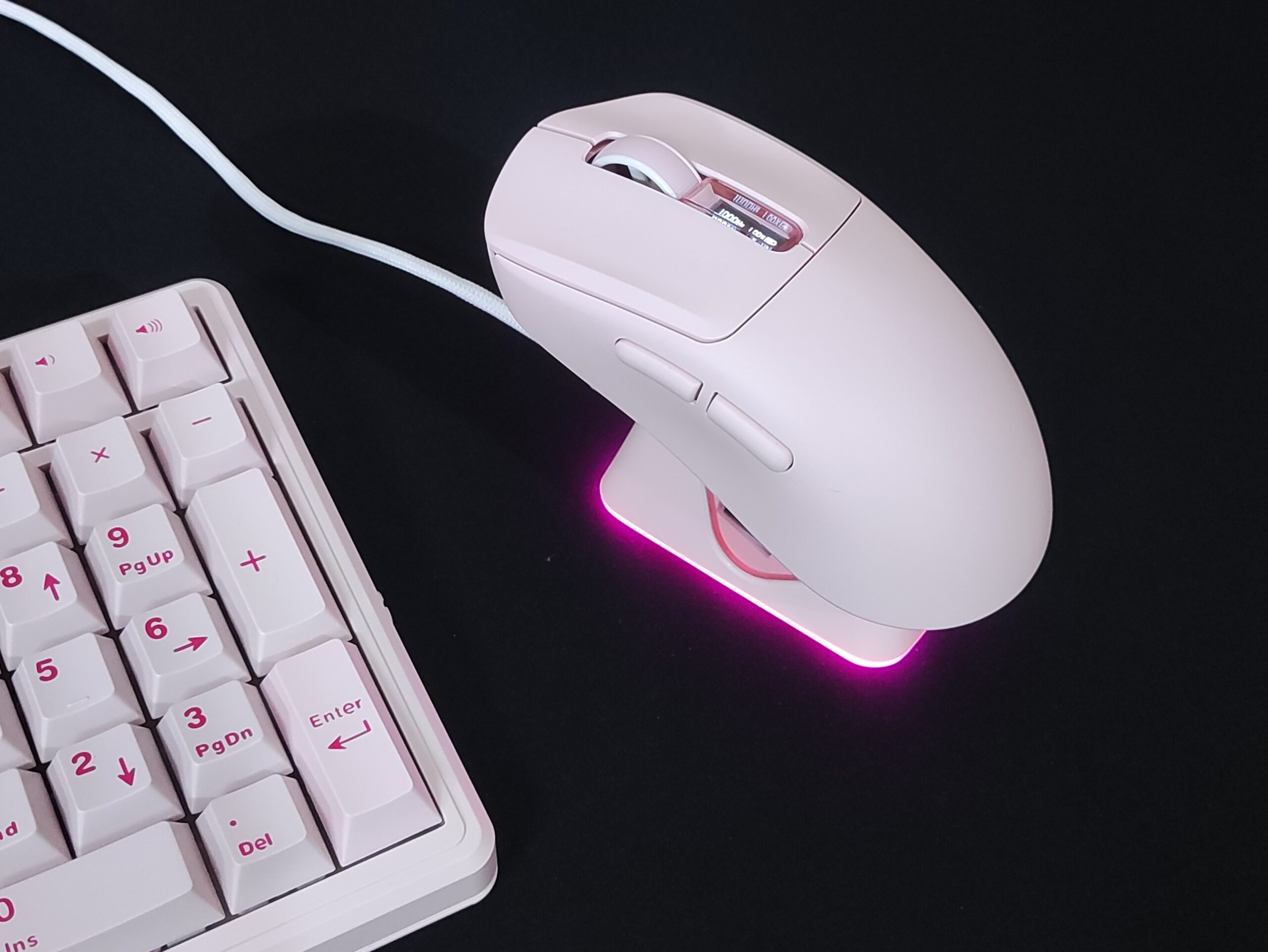
Royal Kludge is mostly known for keyboards (check out our RK C96 HE 96% Hall effect keyboard review), but the MG5 is a serious attempt at the wireless gaming mouse market. It pairs the very popular and reliable PixArt PAW3950 sensor with an 8,000 Hz polling rate, tri-mode connectivity and a lightweight ergonomic shell — all at a price point that undercuts most competitors with similar specs. I tested the white Panda version.
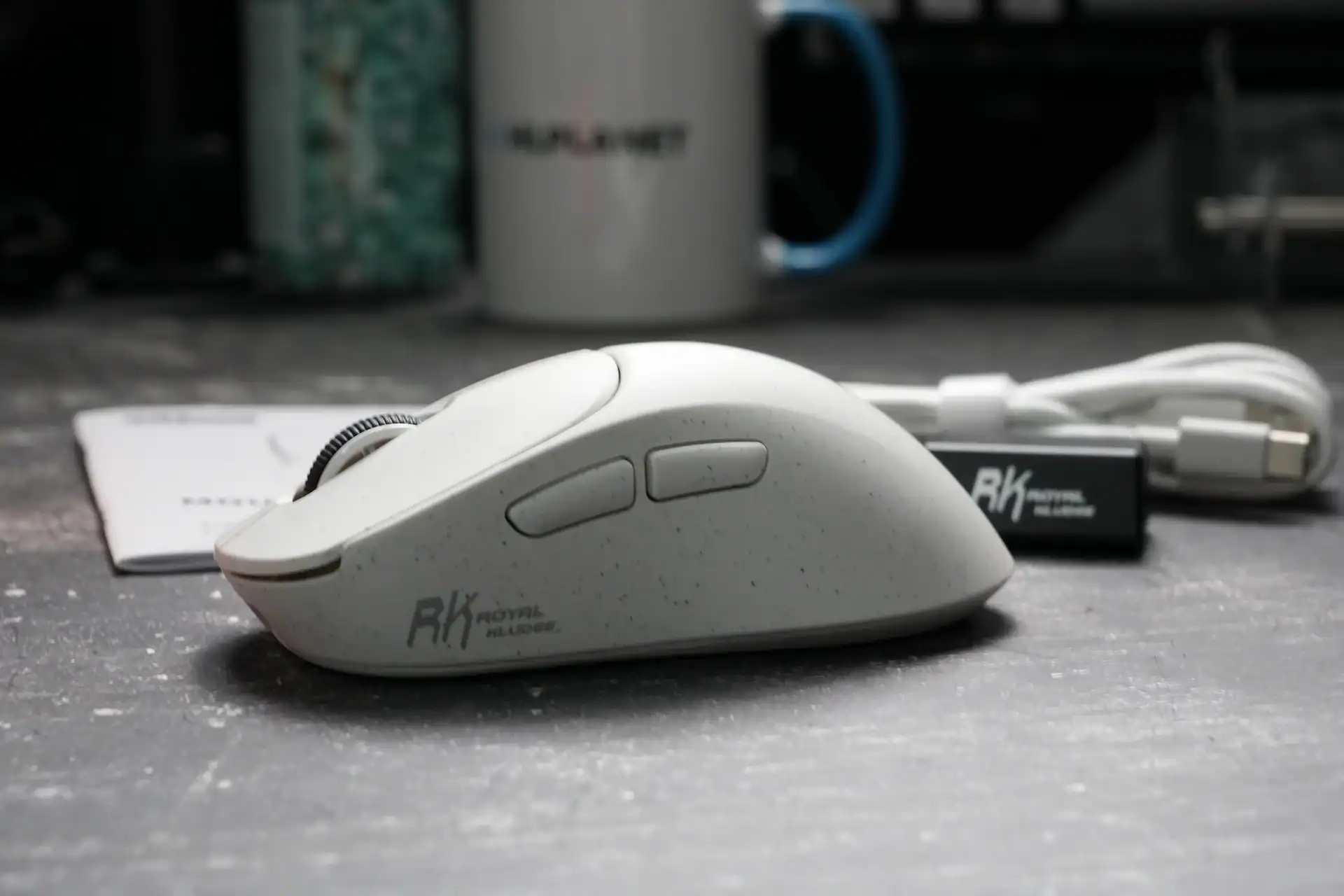
What stands out immediately is that this does not feel like a budget mouse in hand. The coating has a smooth, almost silicone-like quality, the buttons have minimal pre-travel, and the shape is genuinely comfortable across a long session. The weight came in at 55g on my scale, undercutting the official spec by one gram.
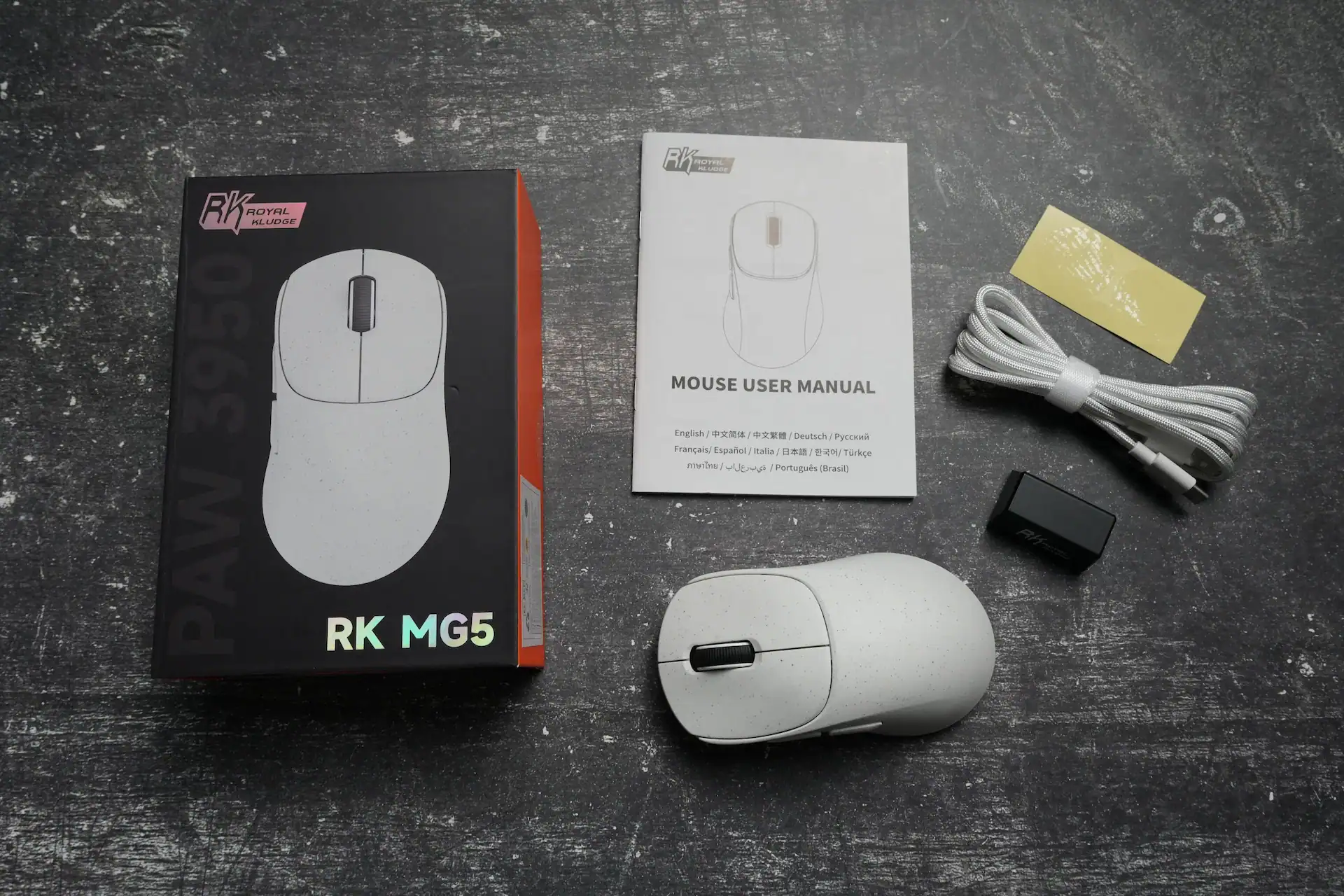
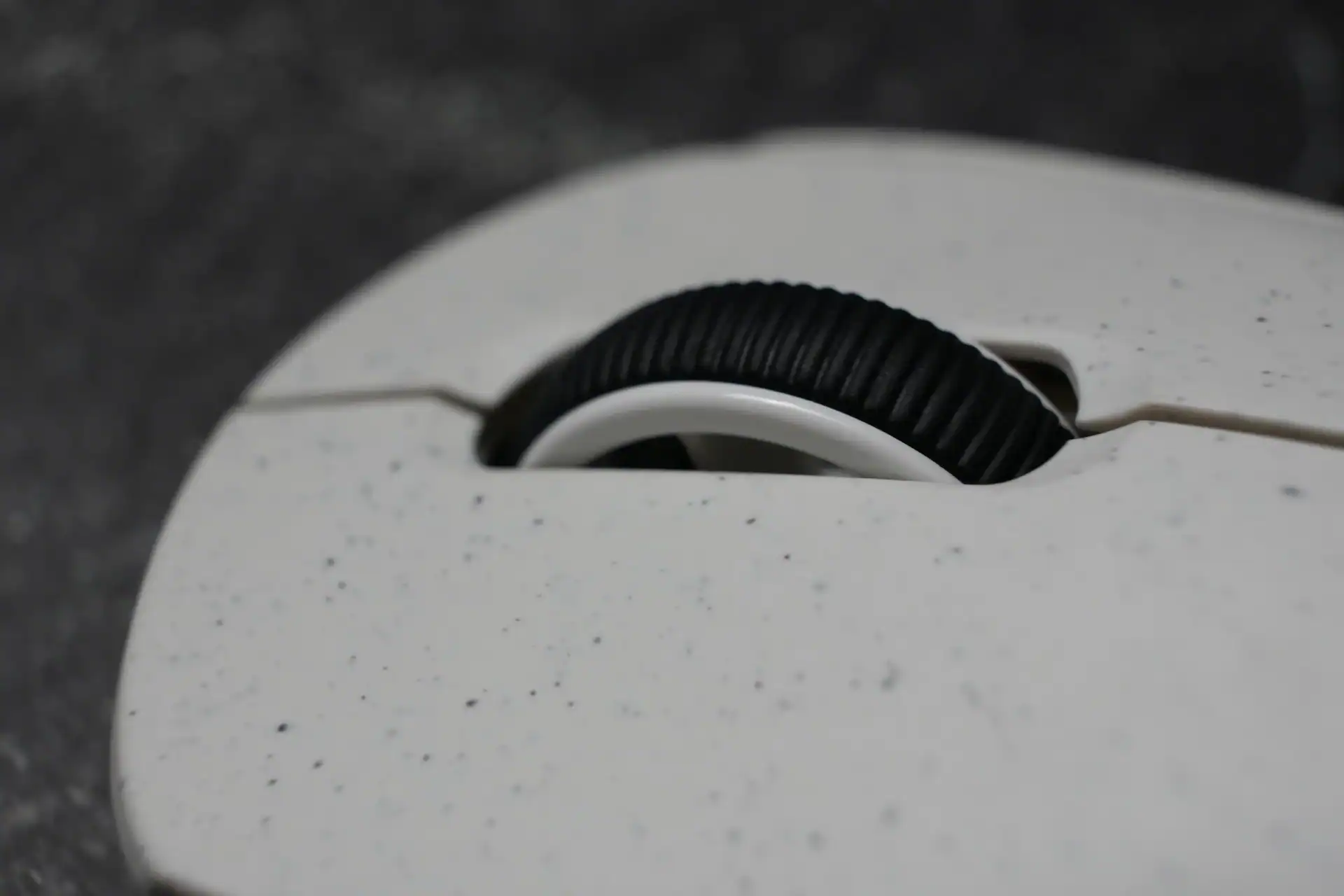
In the box: the mouse, a paracord-style USB-C cable, the 8K receiver dongle, and a user manual.
Specifications
| Sensor | PixArt PAW3950 |
| DPI range | 800 / 1600 / 3200 / 6400 / 12800 / 26000 (hardware) / up to 42,000 via software |
| DPI indicator | Color-coded LED: green / red / cyan / purple / blue / white |
| Polling rate | 125 / 500 / 1000 / 4000 / 8000 Hz |
| Acceleration | Up to 50G |
| Tracking speed | Up to 750 IPS |
| Connectivity | 2.4GHz wireless / Bluetooth / USB-C wired |
| Battery | 650 mAh — up to 31h continuous use |
| Weight | 56g |
| Buttons | 5 programmable |
| Lift-off distance | 0.7 / 1 / 2 mm adjustable |
| Compatibility | PC / Mac |
| Software | Web driver + downloadable version |
| Dimensions | 4.71 × 2.55 × 1.65 inches |
| Colors | Panda (white) / Dark Knight (black) |
| In the box | Mouse, 8K receiver dongle, USB-C cable, user manual |
Sensor & Tracking
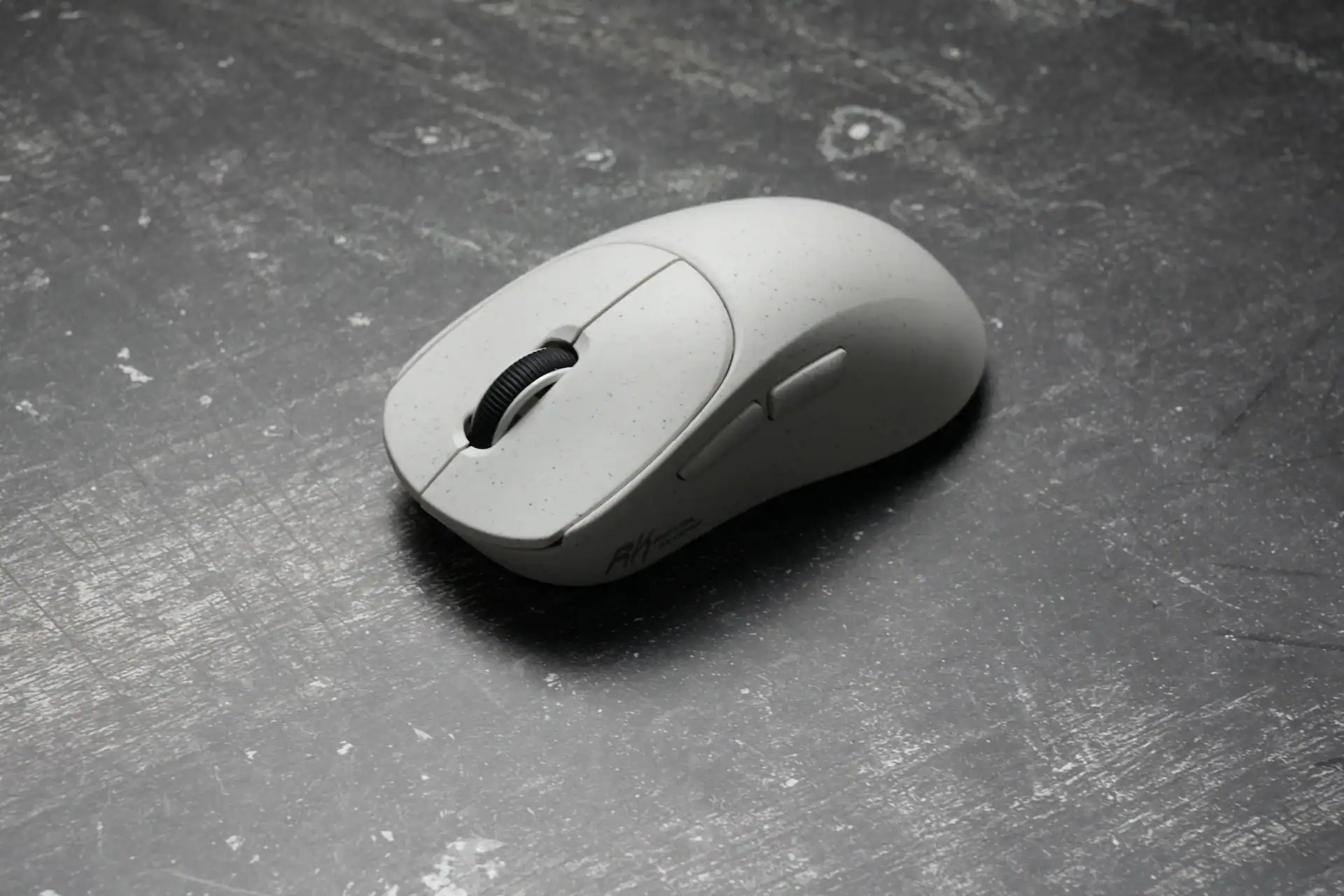
The PAW3950 is a high-end sensor and it performs like one. During testing across multiple surface types including a glass pad — which is notoriously unforgiving — tracking was consistent throughout. No spinouts, no jitter on lift, and micro-movements registered accurately. Fast flicks tracked without hesitation. For both gaming and precision work like photo or video editing, the sensor gives you nothing to complain about.
The maximum hardware DPI of 26,000 across six steps is more than enough for any realistic use case. The software unlocks up to 42,000 DPI if you need it, though anything beyond 3,200 is mostly useful for very high-resolution multi-monitor setups.
Design & Shape
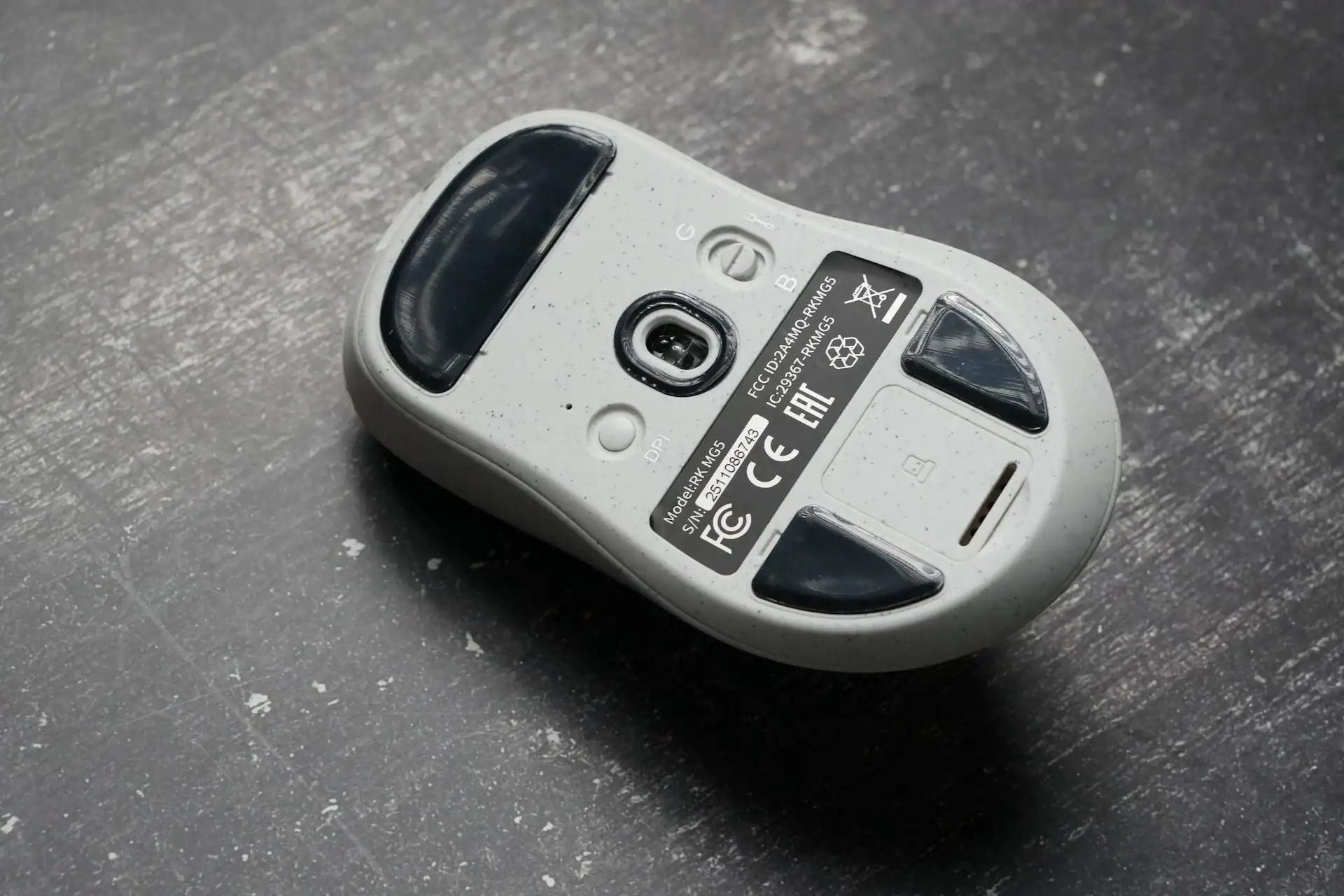
The MG5 uses a right-handed ergonomic shell with a moderate — not aggressive — slope. The left side sits taller than the right, positioning your hand more naturally when gripping. The palm support is taller than average which works well for palm grip users in particular.
This is a medium-sized mouse that accommodates smaller hands without issue. The side buttons are positioned within easy reach even for short thumbs. It suits palm and claw grip comfortably. Fingertip grip is possible but not what this shape is optimised for.
The white Panda version has a smooth eggshell-like coating. It feels high quality out of the box and grips well without tape. The honest caveat is that this type of coating tends to develop shine in the most-touched areas over time. Grip tape will slow that process if coating longevity matters to you.
Connectivity & Battery
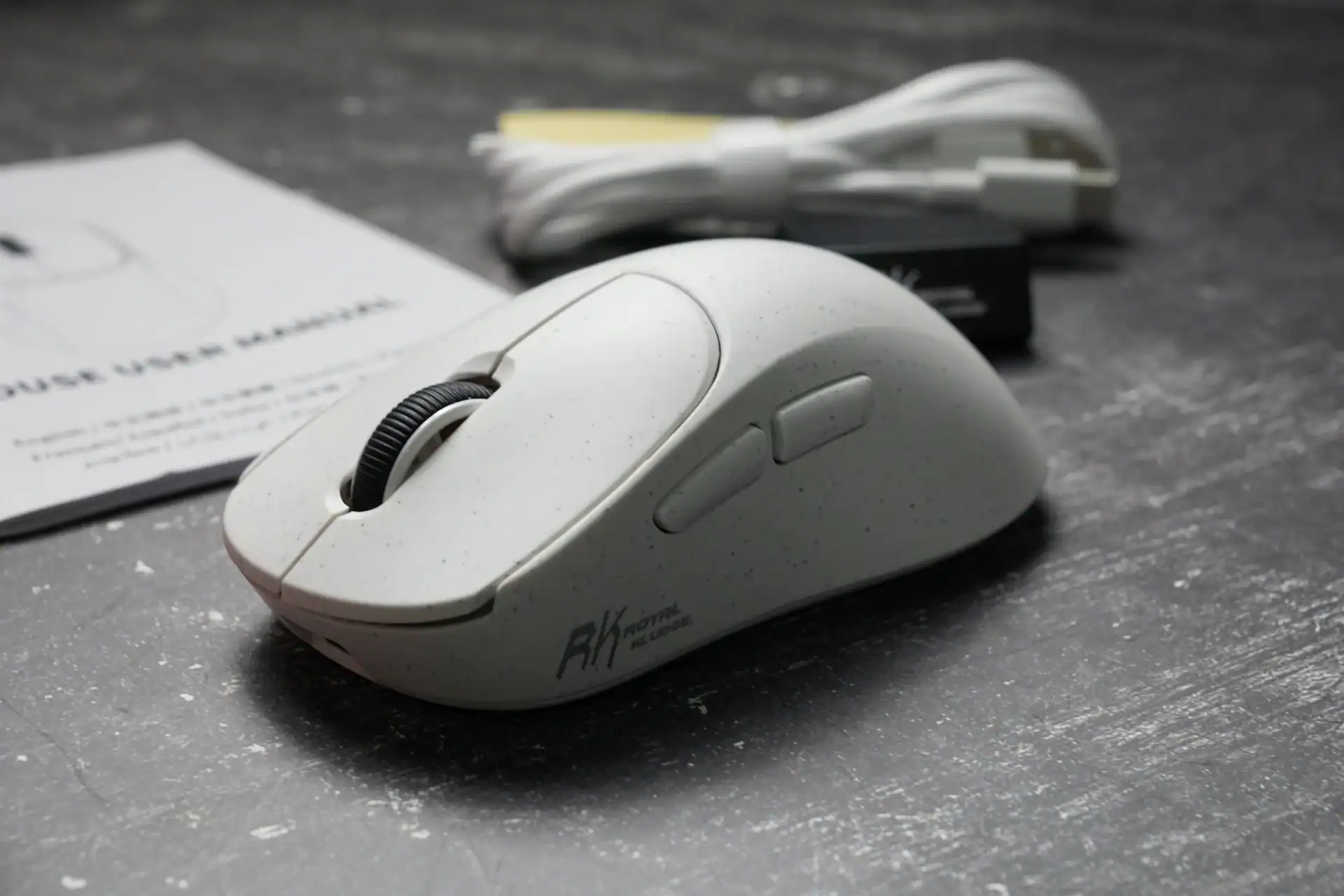
Tri-mode connectivity covers the main use cases. Switching between modes is done via a toggle on the underside of the mouse — middle position for wired, G for 2.4GHz, B for Bluetooth.
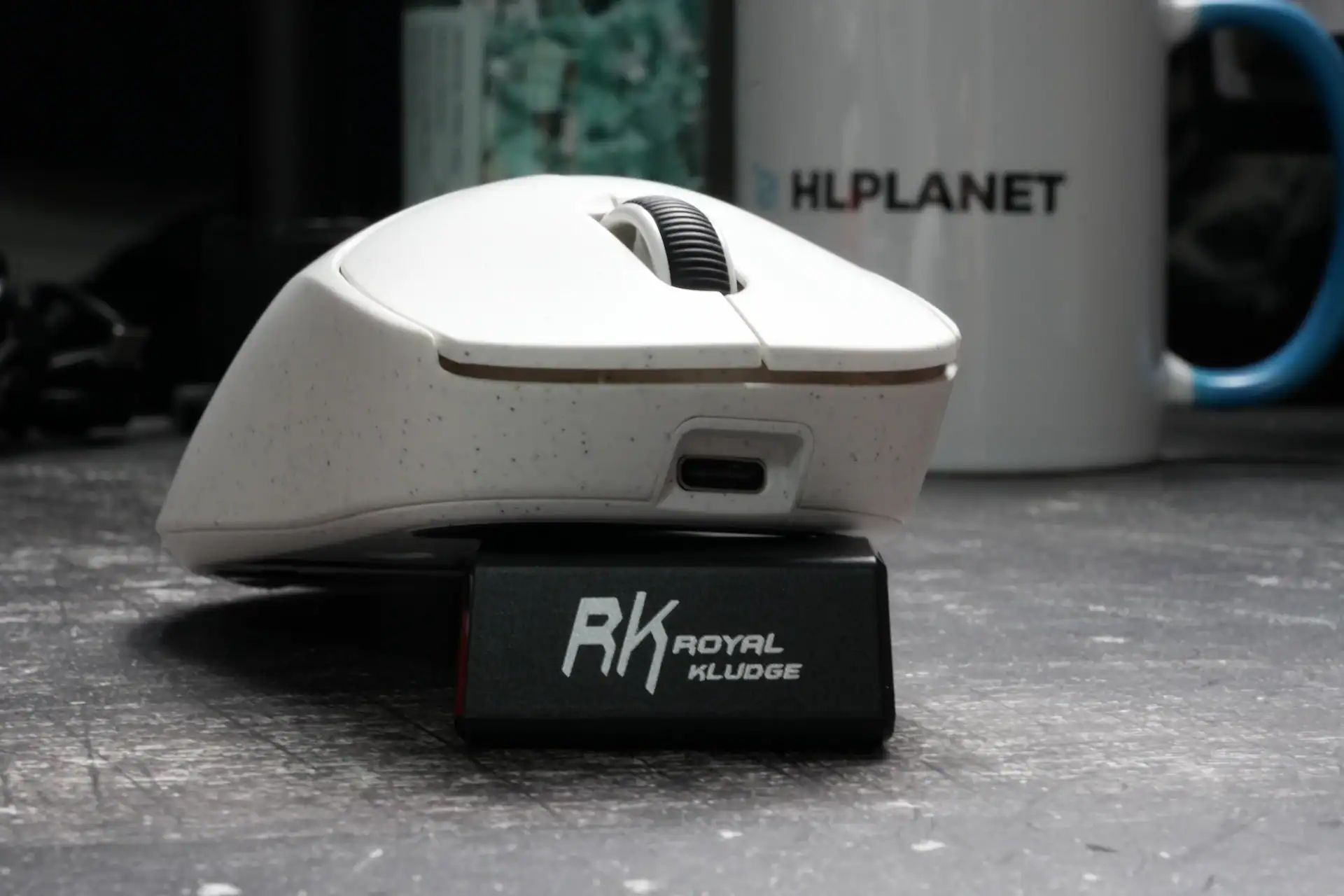
For the 8K polling rate you need to use the included 8K receiver dongle via the USB-C cable. The dongle comes pre-paired from the factory so there is no setup process — plug it in and it works. To enter Bluetooth or 2.4G pairing mode you long-press the DPI button on the underside.
The 650mAh battery is large by wireless mouse standards and rated for up to 31 hours of continuous use. In practice wireless mice at this weight tend to deliver on those claims reasonably well, and the larger battery capacity gives you a meaningful buffer compared to lighter competitors running smaller cells.
There is no dongle storage slot in the mouse body, which is a minor inconvenience for travel.
Software


Royal Kludge offers both a web-based driver at drive.rkgaming.com and a downloadable desktop version. The web version covers key binding, DPI configuration, polling rate selection, sleep time, debounce time, and lift-off distance adjustment. It is straightforward and requires no installation.
Macro recording is available in the downloadable desktop version and captures both keyboard and mouse inputs. The web version received macro recording in an update after launch. Either way, the software is simple, functional, and not something you will find yourself fighting against — which is more than can be said for a lot of mice in this category.
Is it worth a buy?
The Royal Kludge MG5 is a well-rounded wireless gaming mouse that delivers genuine high-end sensor performance and 8K polling at a price most competitors cannot match. The PAW3950 tracks flawlessly, the shape is comfortable for most hand sizes and grip styles, the battery is large, and the software does the job without friction.
The main limitations are minor: the coating will show wear over time, there is no dongle storage, and the shape is better suited to palm and claw than fingertip grip. None of these are deal-breakers at this price.
If you want a lightweight ergonomic wireless mouse with a top-tier sensor and do not want to pay flagship prices, the MG5 is a straightforward recommendation.
- PAW3950 sensor — flawless tracking, no spinouts
- 8K polling rate with low latency
- 55g weight — lightweight without feeling cheap
- Comfortable ergonomic shape that works for multiple grip styles
- 650mAh battery is large enough for a wireless mouse
- Paracord-style cable included
- Coating may develop shine with extended use
- No dongle storage in the mouse body
- Fingertip grip might not be well suited to this shape
RK MG5 Wireless Mouse

RK MG5 is available for purchase from:
- Amazon.com
- RKGamingStore.com (with code HLPLANET you’ll get 10% off, but there might be better sitewide discounts)

I love testing and writing about new tech. I focus on keyboards and controllers. I'm also a gamer and an engineer. Check out my Twitter for keyboard and controller news and reviews.