


There are very little low profile hall effect keyboards – it’s a niche market and low profile makes the adjustable actuation a bit worse due to the smaller range. Your typical magnetic switch keyboard will have 0.1 to 4.0mm range and a low profile keyboard is usually 0.1 to 3.3mm.

But! Some people just love low profile keyboards (I’m one of them) and all the magnetic switch benefits can make it a great gaming keyboard. So now Keydous AJ68-CP comes in – it’s a 65% layout, uses Gateron low profile magnetic switches, has 8000 Hz polling rate, RGB and a solid build.
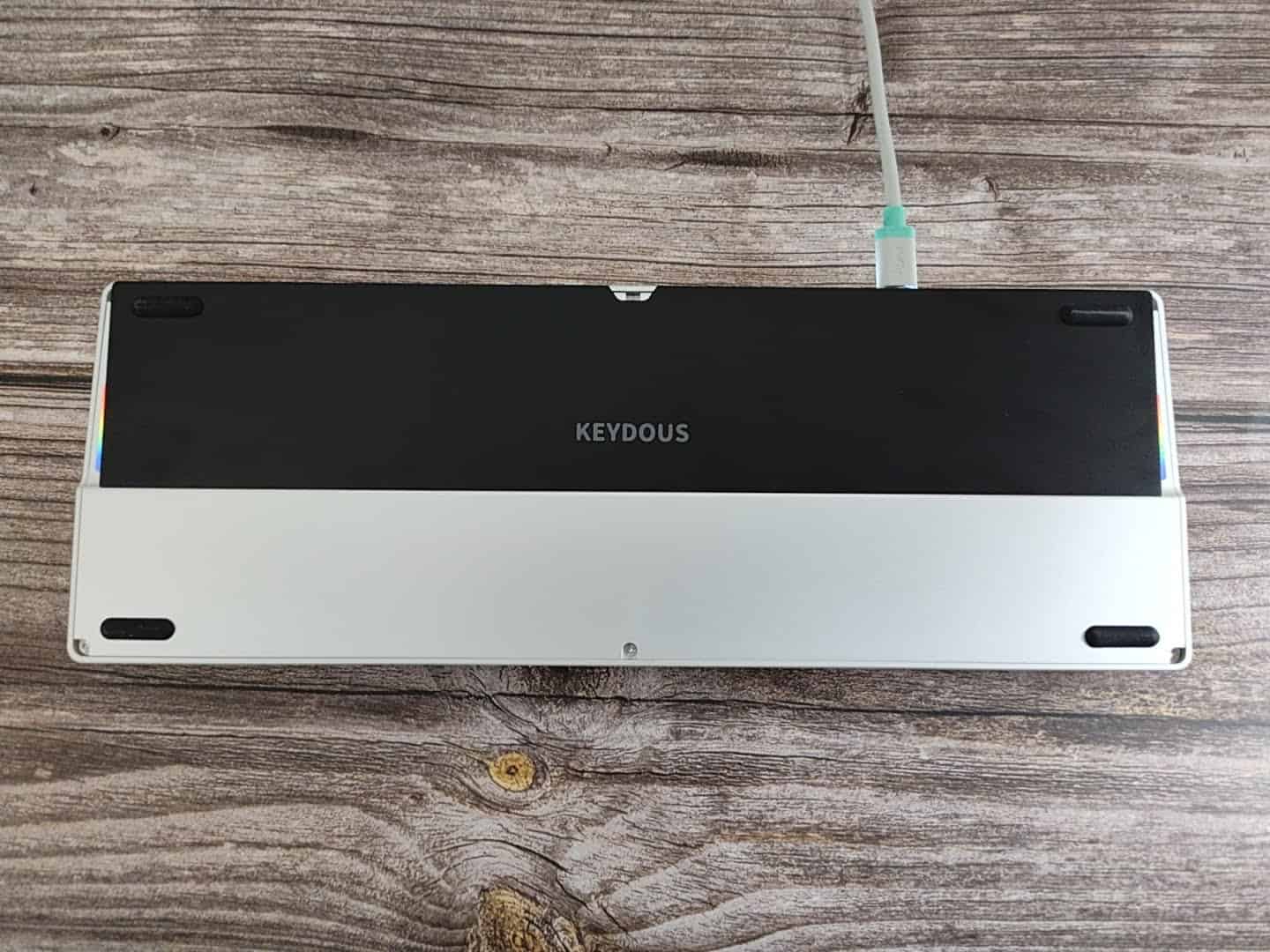
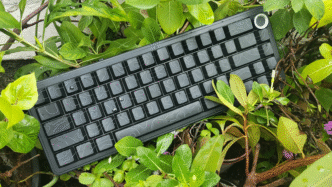
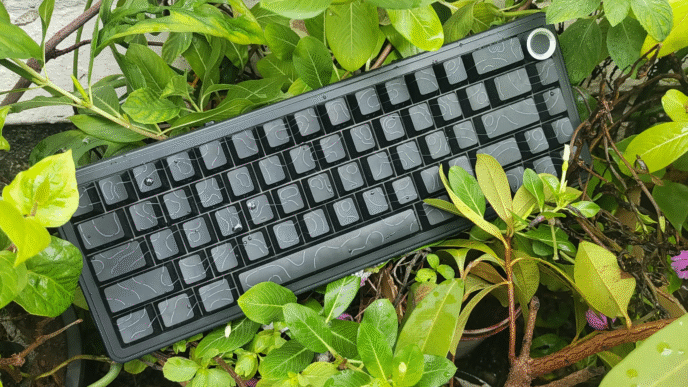
AJ68-CP is priced at $135 which is very similar to Nuphy Air60HE and Melgeek Made68 Air. It comes in black or silver case and in the top right corner instead of a knob. I’m not sure what it’s for, it looks like a place to put a dongle in, but this keyboard is wired only. There’a also a caps lock indicator light in there.
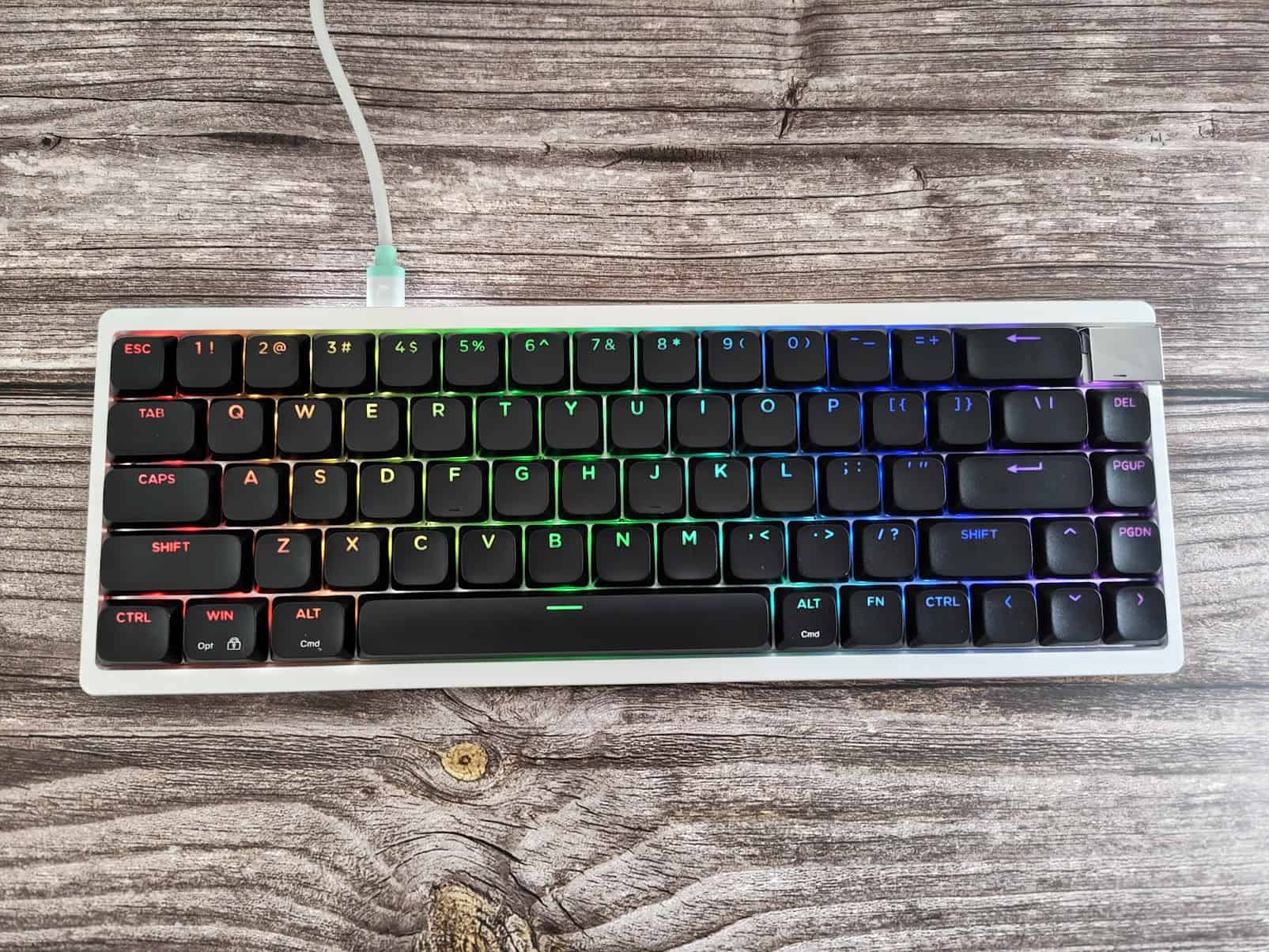
The build quality is really good. It has RGB and the keycaps are shine through. As I mentioned before the switches are hotswappable Gateron low-profile Jade ones and I quite like them. You could also switch them to low-profile Jade Pro, but for me they are very similar.
The sound is okay, but definitely could be improved if you want to mod it. Having recently reviewed the Nuphy Air75 v3 the sound of that low profile keyboard is much better, but here you get magnetic switches and a different look.
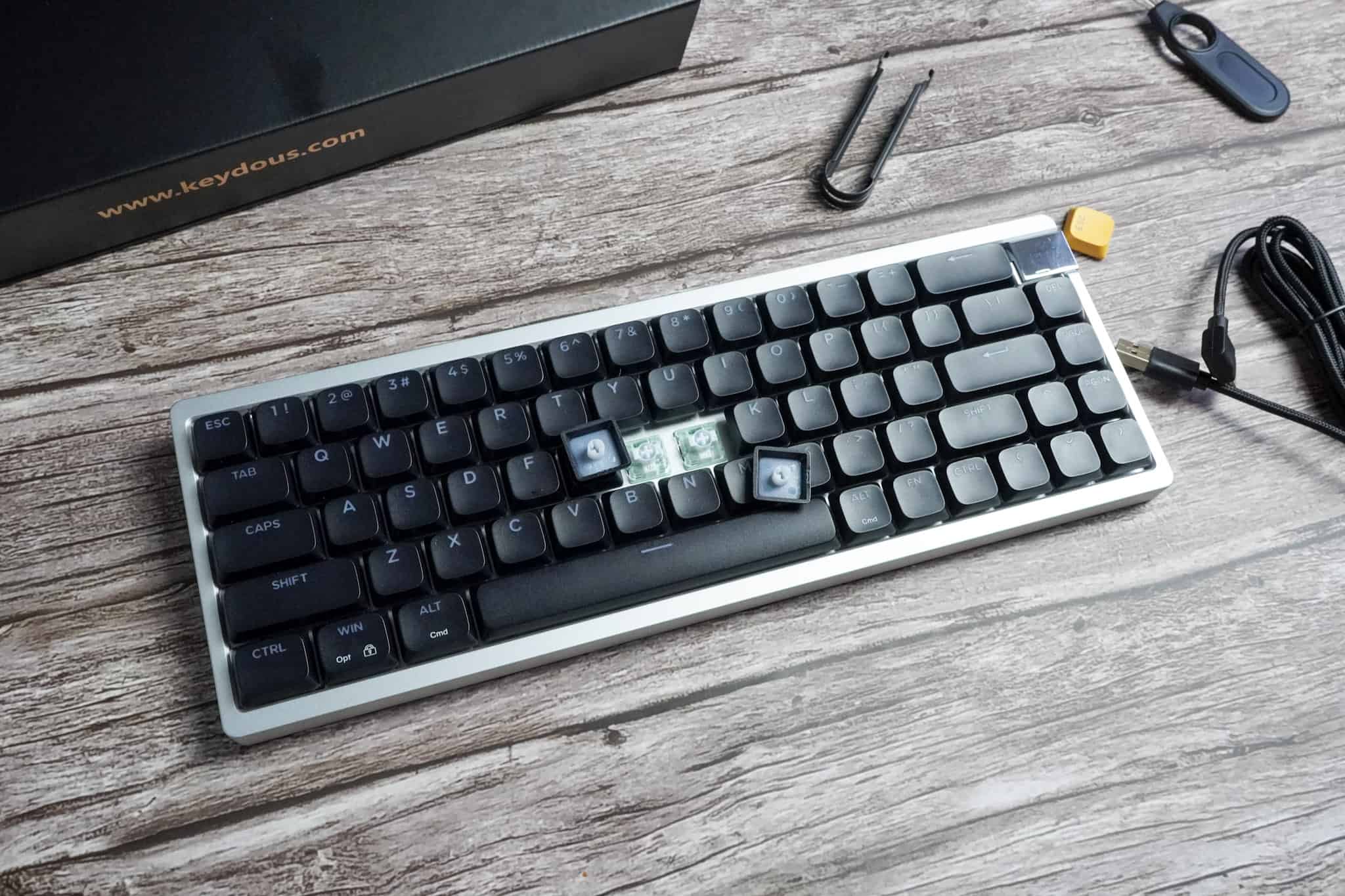
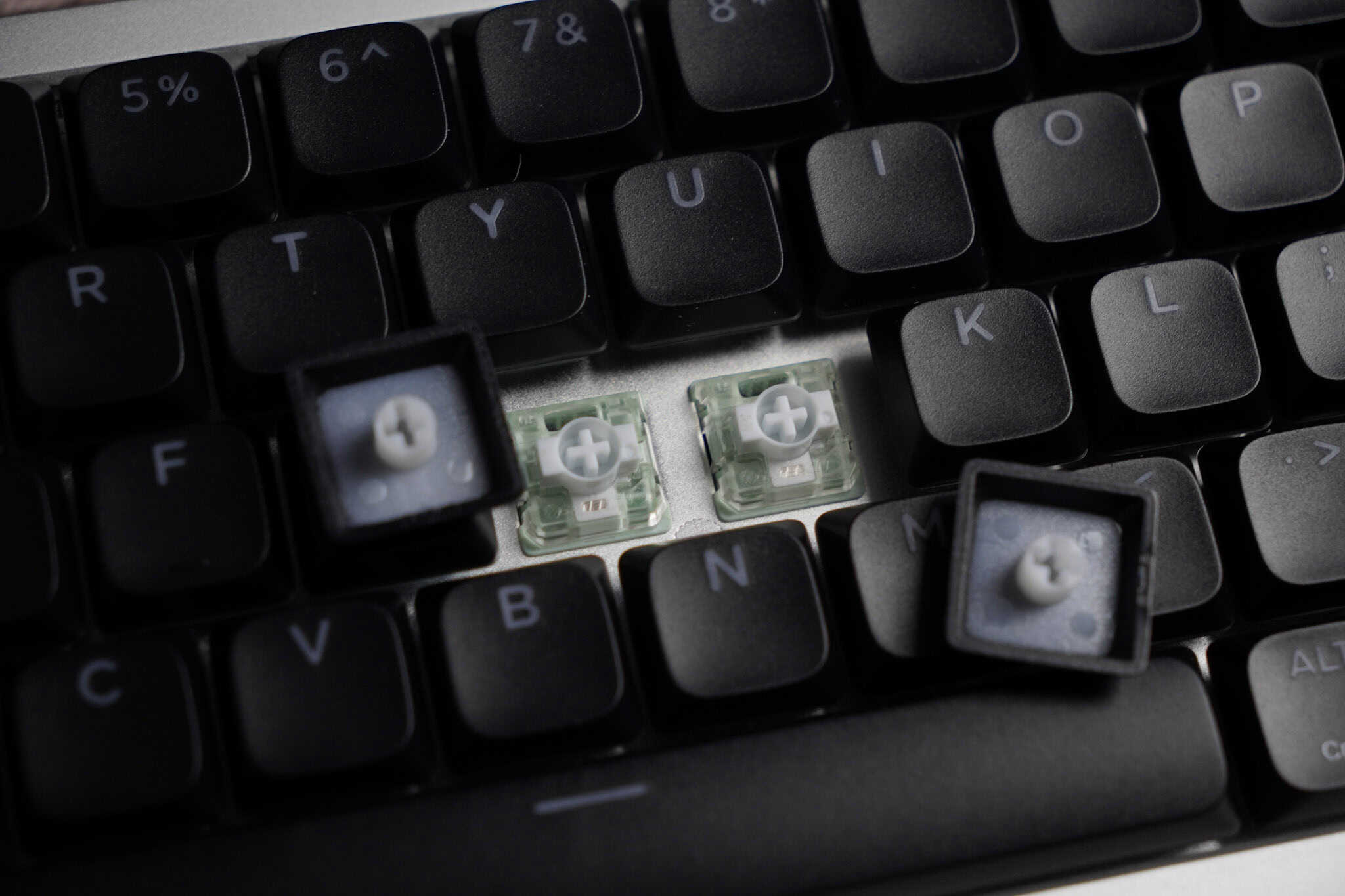
Typing and gaming feels good with it, key presses are snappy and there’s a polling rate of 8000 Hz which should translate to latency lower than 1 ms. Having played with similarly fast keyboards such as Wooting 60HE it definitely feels just as fast and responsive.
Software is a web based driver that you can access here: keydousnj.rongyuan.tech. It’s not as easy to use as Wootility or Nuphy.io unfortunately. The UI is pretty bad, but it works: I tested DKS, Rapid Trigger, Snap Key, ModTap and adjustable actuation (0.1mm to 3.0mm). You can set deadzones from 1.0mm to 0.01mm. Sometimes the values aren’t registered properly right away, but in the end it works. Hopefully they will improve on it.
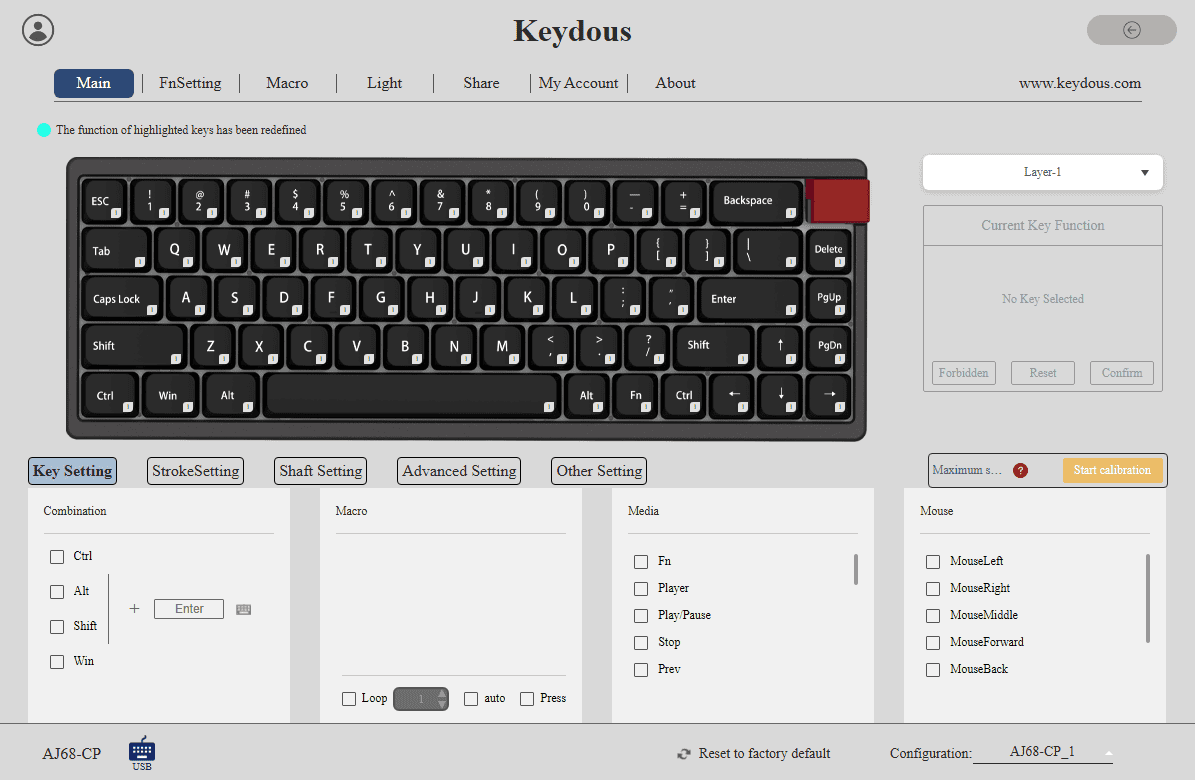
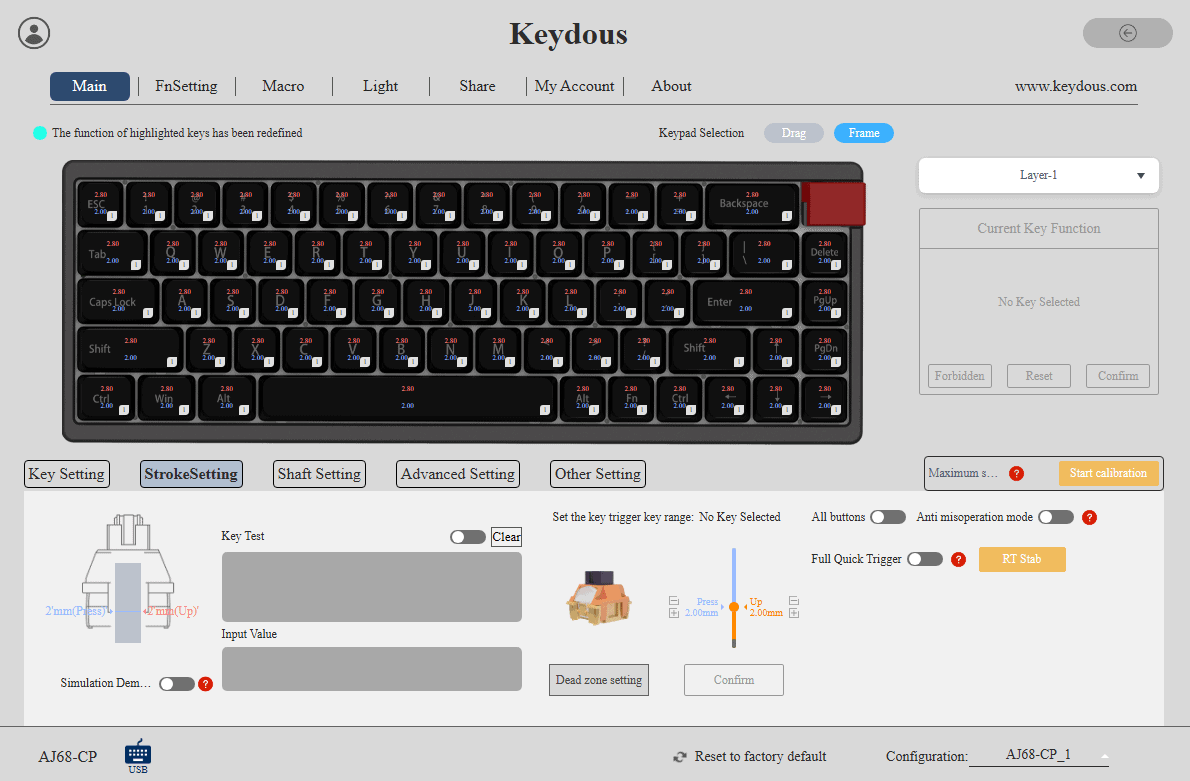
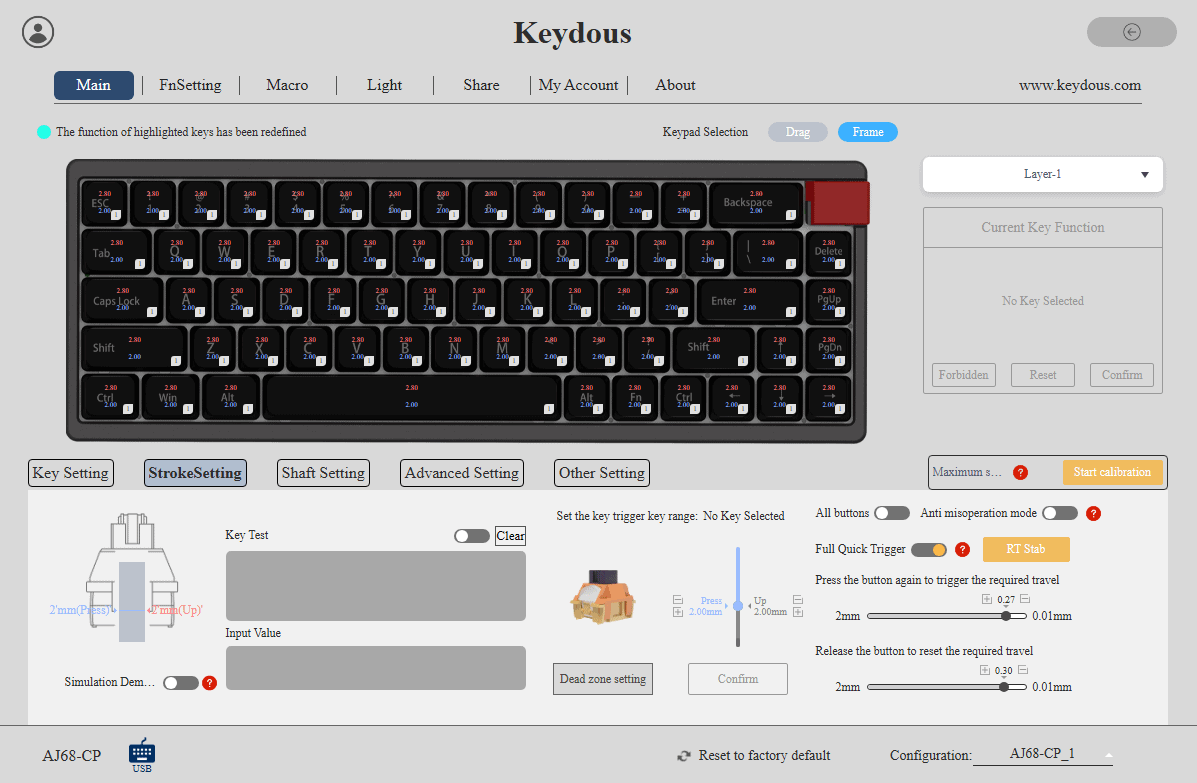
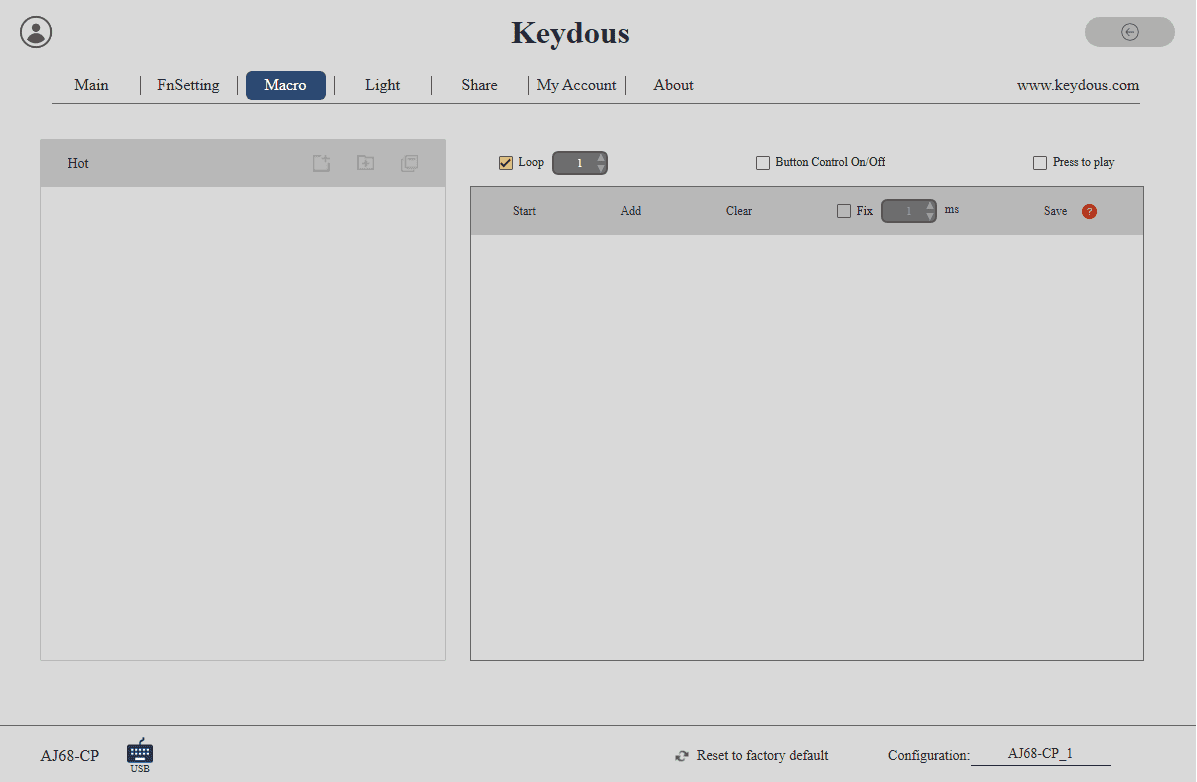
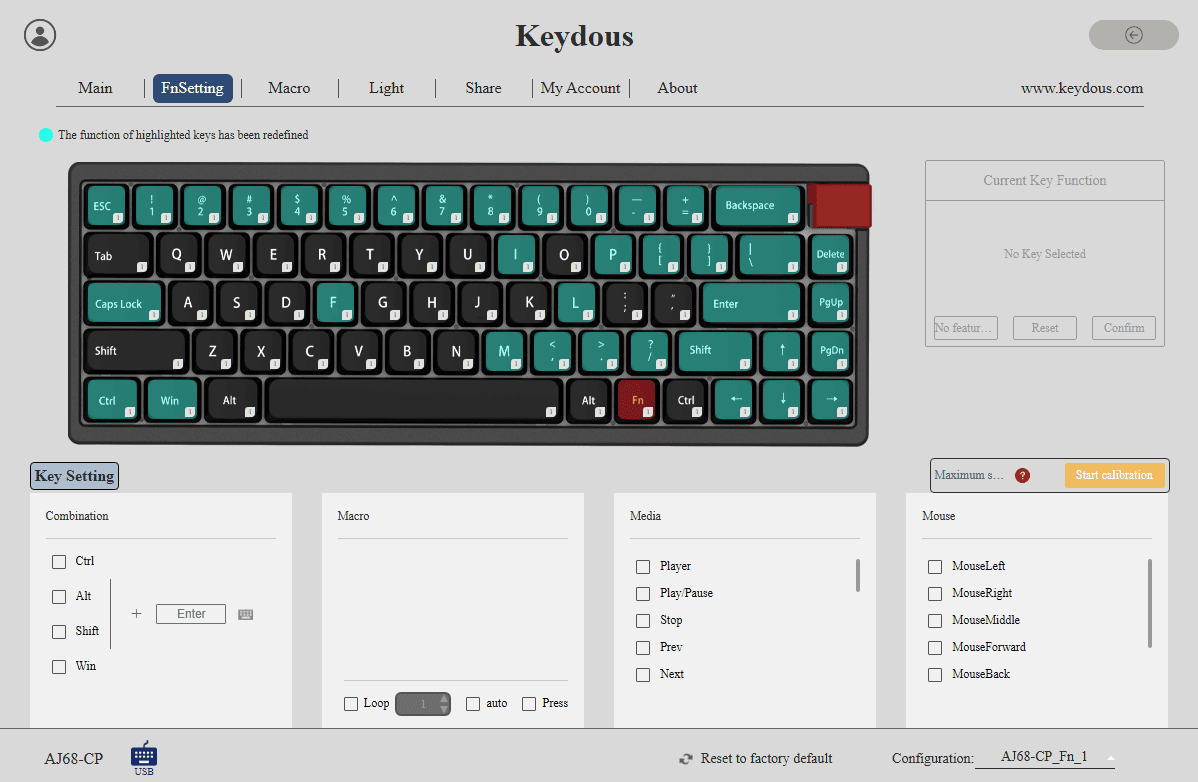
You can also set multiple macros, bind keys to mouse clicks and choose different RGB settings.
It’s pretty slim with 14mm front height and 21mm at the back. Unfortunately it doesn’t have adjustable feet, it has a rubber feet instead. The fixed angle is around 3.2 degrees which is pretty comfortable.
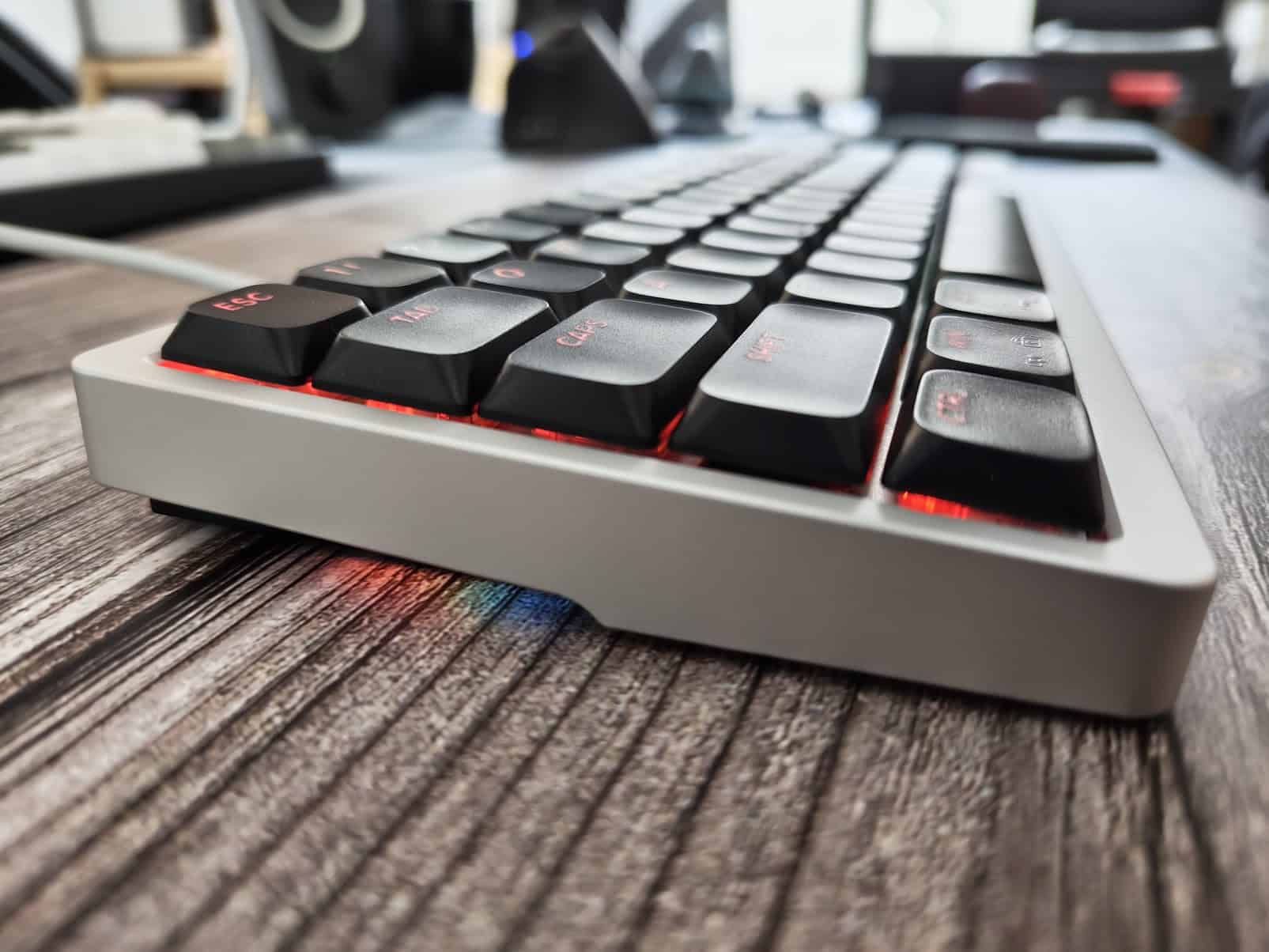
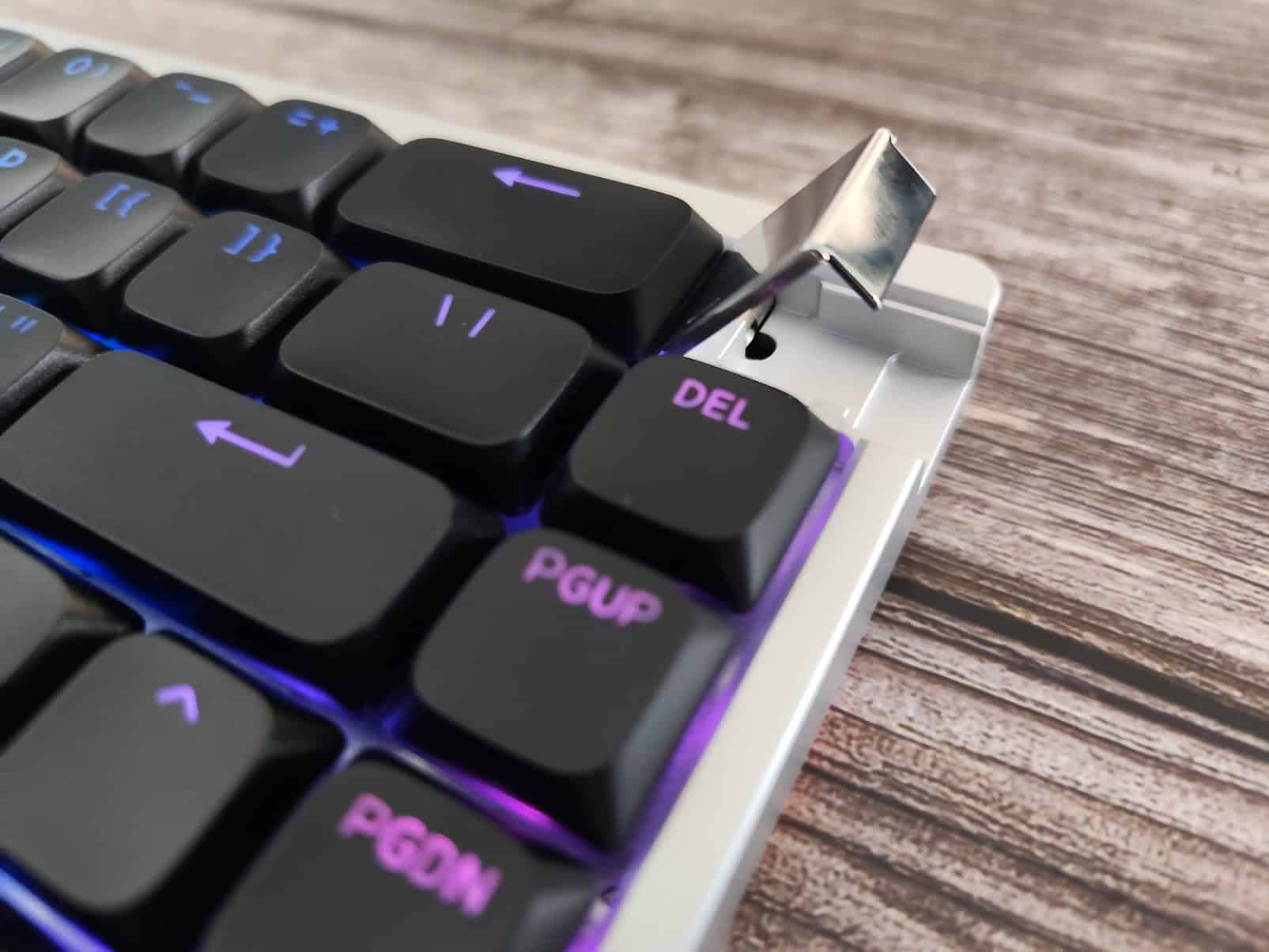
I haven’t had any issues with this keyboard, no double key presses or anything like that. I just wish the software was more intuitive and easier to use, but that is a common complaint with magnetic switch keyboards. They offer great gaming features such as Rapid trigger, DKS and Snap Tap, but the ease-of-use of the software left a lot to be desired.
It works with Windows, Mac and Linux. Weights 800 grams and the dimensions are 352×125 mm.
Overall, this is one is a neat little low profile keyboard, great for daily use and for gaming. It’s a good alternative to Nuphy Air60HE if you want that 65% layout and hall effect switch based features. The design is minimal and nice. Sound and software could be better.
You can purchase Keydous AJ68 CP HE Low Profile from their official store.
Keydous AJ68-CP


I love testing and writing about new tech. I focus on keyboards and controllers. I'm also a gamer and an engineer. Check out my Twitter for keyboard and controller news and reviews.




Does this keyboard have on board profiles, and does it have profile switching via keyboard shortcuts e.g with the function key and another key?