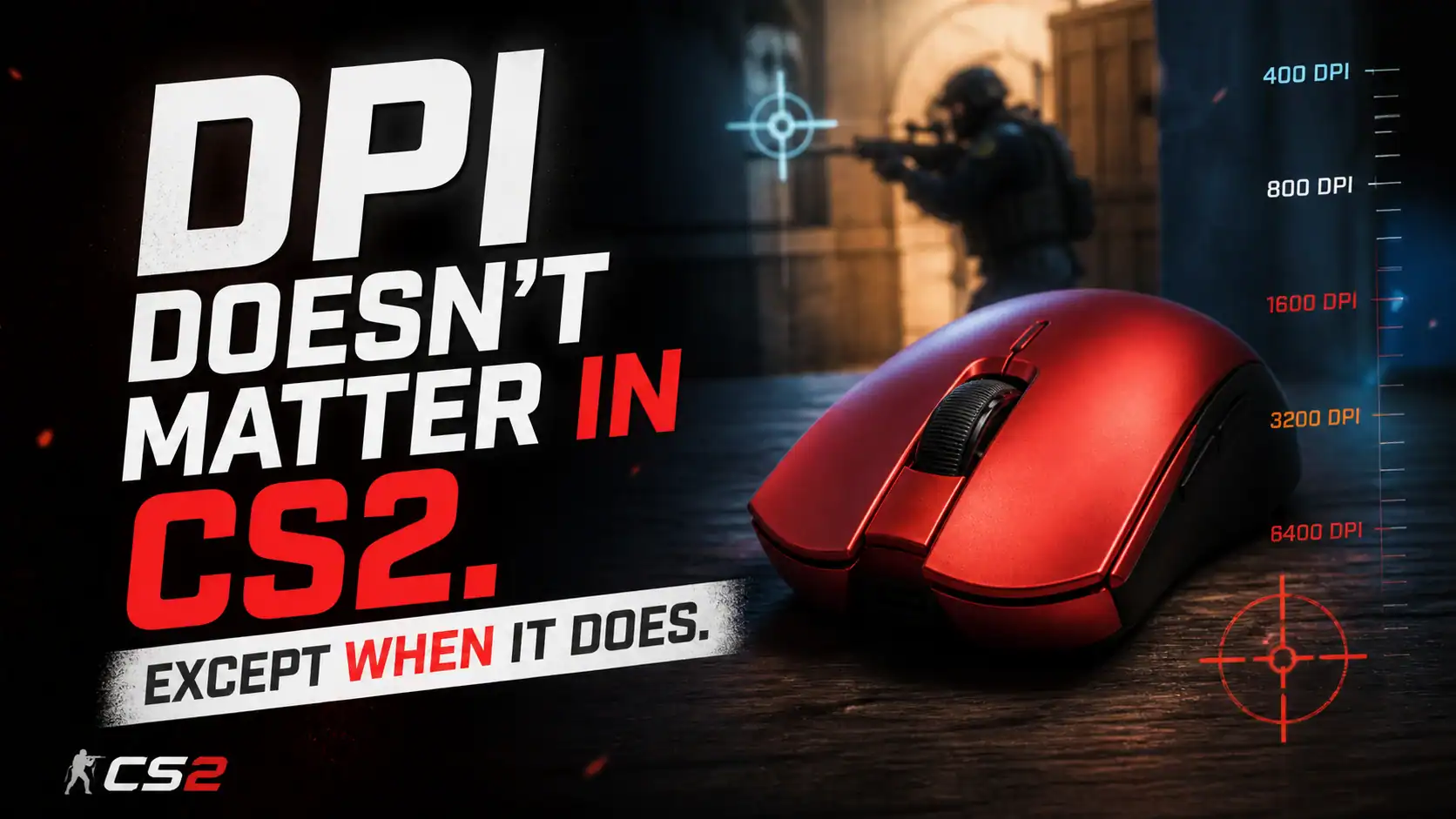
Here’s a conversation that plays out in every CS2 community, endlessly: someone posts their settings, someone else says their DPI is wrong, a third person links a pro config, and fifteen minutes later everyone has changed their sensitivity and nobody is playing better. The DPI debate is one of gaming’s most persistent rabbit holes — partly because it sounds technical enough to feel important, and partly because the numbers are easy to compare even when the comparison means nothing.
So let’s actually sort it out.
What DPI Is and Isn’t

DPI stands for dots per inch. It describes how far your cursor moves on screen for every inch you move your mouse on the desk. Higher DPI, faster cursor. Lower DPI, slower cursor. That’s the complete definition — there’s nothing else hidden in it.
The reason this matters is that marketing has spent years pretending DPI is a performance metric. Gaming mice now ship with 30,000 DPI capability as if that number means something for a game played at 1080p or 1440p, where the screen itself only has a few thousand pixels across it. The actual maximum useful DPI is bounded by your screen resolution and the distance your hand travels, and for most setups it tops out well below what modern sensors offer.
What DPI doesn’t affect: tracking accuracy, click latency, sensor quality, or your aim. It’s a speed multiplier, nothing more.
Your Sensitivity Across Every Game
Most players set their sensitivity once and never think about it again — until they install a new game and have no idea where to start. Every FPS uses a different internal multiplier, which means your CS2 sensitivity number means nothing in Valorant, and your Valorant number means nothing in Apex. The converter below does the math for you: enter your DPI and current sensitivity, pick your source game, and it’ll show you the equivalent setting in every other title — same eDPI, same feel, same muscle memory.
The Number That Actually Matters: eDPI

The reason the “what DPI should I use” question is usually the wrong question is that DPI doesn’t operate in isolation. It multiplies with your in-game sensitivity to produce what’s called effective DPI — eDPI.
400 DPI at 2.0 in-game sensitivity feels identical to 800 DPI at 1.0 sensitivity. The math is the same: 800 eDPI either way. This is why copying a pro’s DPI without copying their in-game sensitivity — or vice versa — means nothing. You can reach the same feel through dozens of different combinations. The number that actually captures how your mouse behaves is eDPI, not either component separately.
Most CS2 professionals sit somewhere between 600 and 1200 eDPI. That range gives enough speed to flick across the screen while leaving enough precision for fine adjustments. Go much lower and ordinary camera movements require exaggerated arm sweeps. Go much higher and small hand tremors translate into visible cursor wobble.
Why Pros Use Low DPI

The standard pro setup — 400 or 800 DPI with a low in-game sensitivity — isn’t arbitrary tradition. It reflects something genuine about how precision aiming works physically.
Low sensitivity forces you to aim with your arm rather than your wrist. Arm movements are slower and more deliberate, which sounds like a disadvantage until you realize that large, controlled movements build more consistent muscle memory than small, twitchy ones. When you’re holding an angle in CS2 and need to track a head that moves two pixels, the arm gives you a stable anchor. The wrist gives you speed but also variance.
High sensitivity flips this. You gain the ability to snap across the screen quickly, but small involuntary hand movements — the kind everyone has — translate directly into aim jitter. At 400 DPI those same micro-tremors are absorbed by the lower multiplier and never reach the cursor.
None of this makes low DPI objectively better for every player. Wrist aimers with good control genuinely function better at higher sensitivity. The point is that there’s a mechanical reason why most pros converge on lower numbers, and it’s about the physics of human movement, not brand loyalty or tradition.
What Actually Moves the Needle
DPI is usually the last thing worth adjusting. The things that matter more, in rough order:
Sensor quality. Modern sensors from reputable manufacturers are essentially flawless at 400–800 DPI — no acceleration, no jitter, no angle snapping. Older or budget mice can have sensor issues that no DPI adjustment will fix. If your tracking feels inconsistent and you haven’t replaced your mouse in several years, the sensor is the more likely culprit than your settings. If you’re looking for something tested and current, our ATK Dragonfly A9 review is worth a read — it covers one of the more interesting recent mice at a very reasonable price.
Polling rate. Polling rate is how frequently your mouse reports its position to your PC. Standard is 1000Hz — once per millisecond. Higher rates (4000Hz, 8000Hz) exist and do marginally reduce input lag, though the practical benefit in CS2 is small for most players. It’s the same principle as controller polling rates — the numbers sound significant but the felt difference is subtle. Worth knowing about, not worth obsessing over.
Mouse surface. This one is underrated. The same mouse at the same DPI will feel completely different on a cloth pad versus a hard pad. Cloth pads offer more friction and stopping power — better for lower sensitivity players who need to arrest arm movement precisely. Hard pads glide faster and suit players who prefer rapid direction changes. Getting this wrong can make your aim feel inconsistent regardless of your sensitivity settings.
Grip and posture. How you hold the mouse shapes which sensitivity range will feel natural. Palm grippers tend to do better at lower sensitivity because the whole hand moves as a unit. Claw and fingertip grippers often prefer slightly higher sensitivity because the movement radius is smaller. There’s no universal answer — the right DPI is partly a function of your anatomy. If you’re exploring unconventional grip setups, my piece on vertical gaming mice could be useful.
Consistency above everything. This is the part most guides mention and immediately underweight. Changing your sensitivity resets muscle memory. It doesn’t matter how theoretically optimal your new settings are — for the first week or two after changing, you’ll be worse. The players who improve fastest are often not the ones with the best settings but the ones who picked reasonable settings early and never touched them again. Calibrating your aim takes months of repetition. Resetting it every time you read a new guide is how people stay stuck.
The Actual Advice
Pick 400 or 800 DPI. Adjust your in-game sensitivity until an eDPI somewhere between 700 and 1100 feels natural for your grip style. Get a mouse pad that suits your playstyle — cloth for control, hard for speed. Then stop thinking about it for at least two months.
If your aim still feels wrong after two months of consistent practice, the problem almost certainly isn’t your DPI. It’s crosshair placement, pre-aim, or positioning — things that no sensitivity setting will fix but that practice will.
The gear conversation is seductive because gear is something you can change today. Skill takes longer. But within any reasonable DPI range, the settings stop being the limiting factor long before the practice does. And if after all this you do decide the keyboard or controller is what’s actually holding you back, that’s a different rabbit hole — one worth going down a little more carefully.
One Genuine Edge Case
The gear conversation is seductive because gear is something you can change today. Skill takes longer. But within any reasonable DPI range, the settings stop being the limiting factor long before the practice does. And if after all this you do decide the keyboard or controller is what’s actually holding you back, that’s a different rabbit hole — one worth going down a little more carefully. Once your setup is sorted, most CS2 players find themselves thinking less about hardware and more about the game itself — skins, cases, the occasional new title to decompress with. For that side of things, Eneba is worth bookmarking; a solid marketplace for games and in-game items without the usual storefront markup.
Gamer and tech reviewer in my spare time.