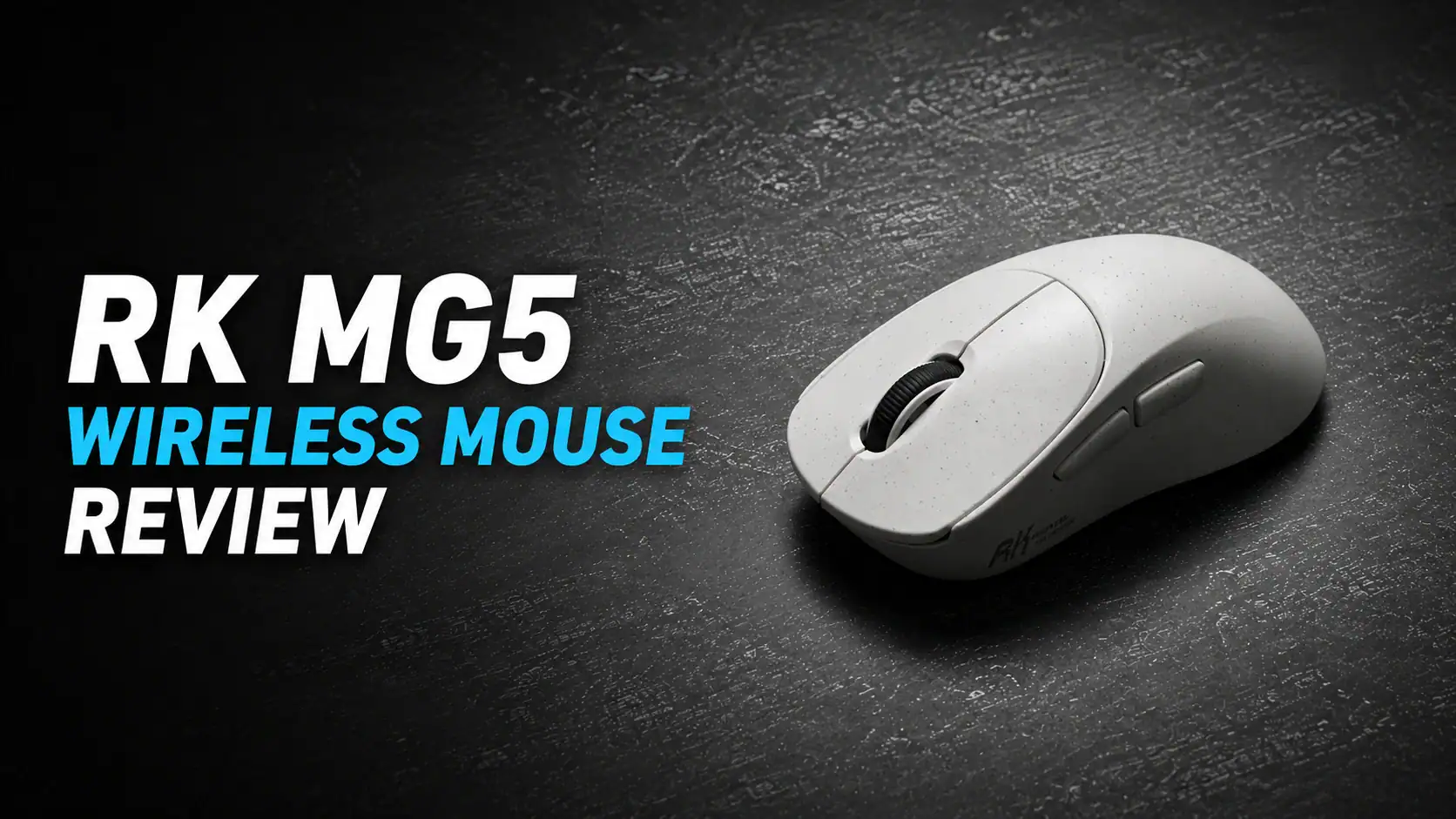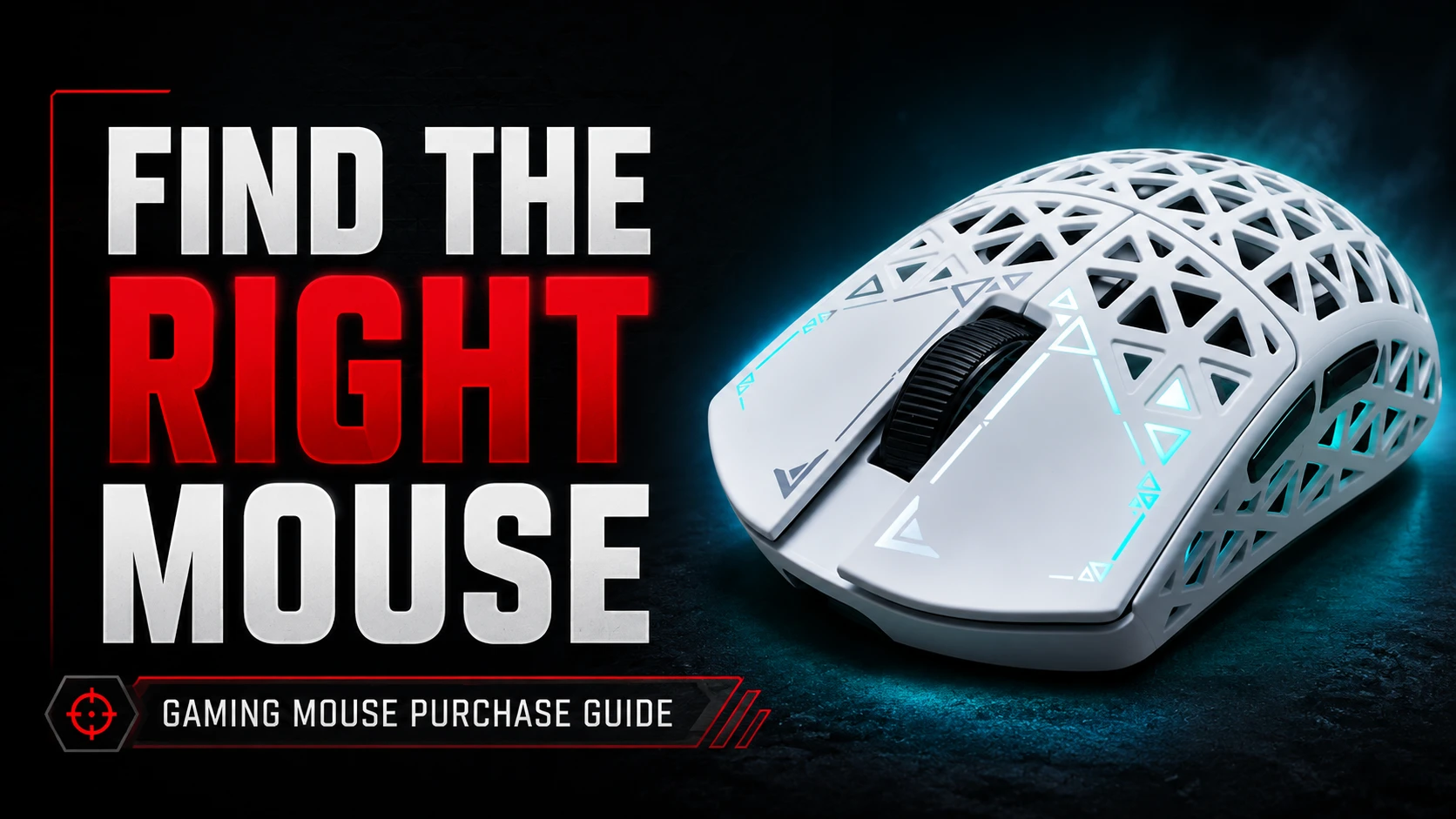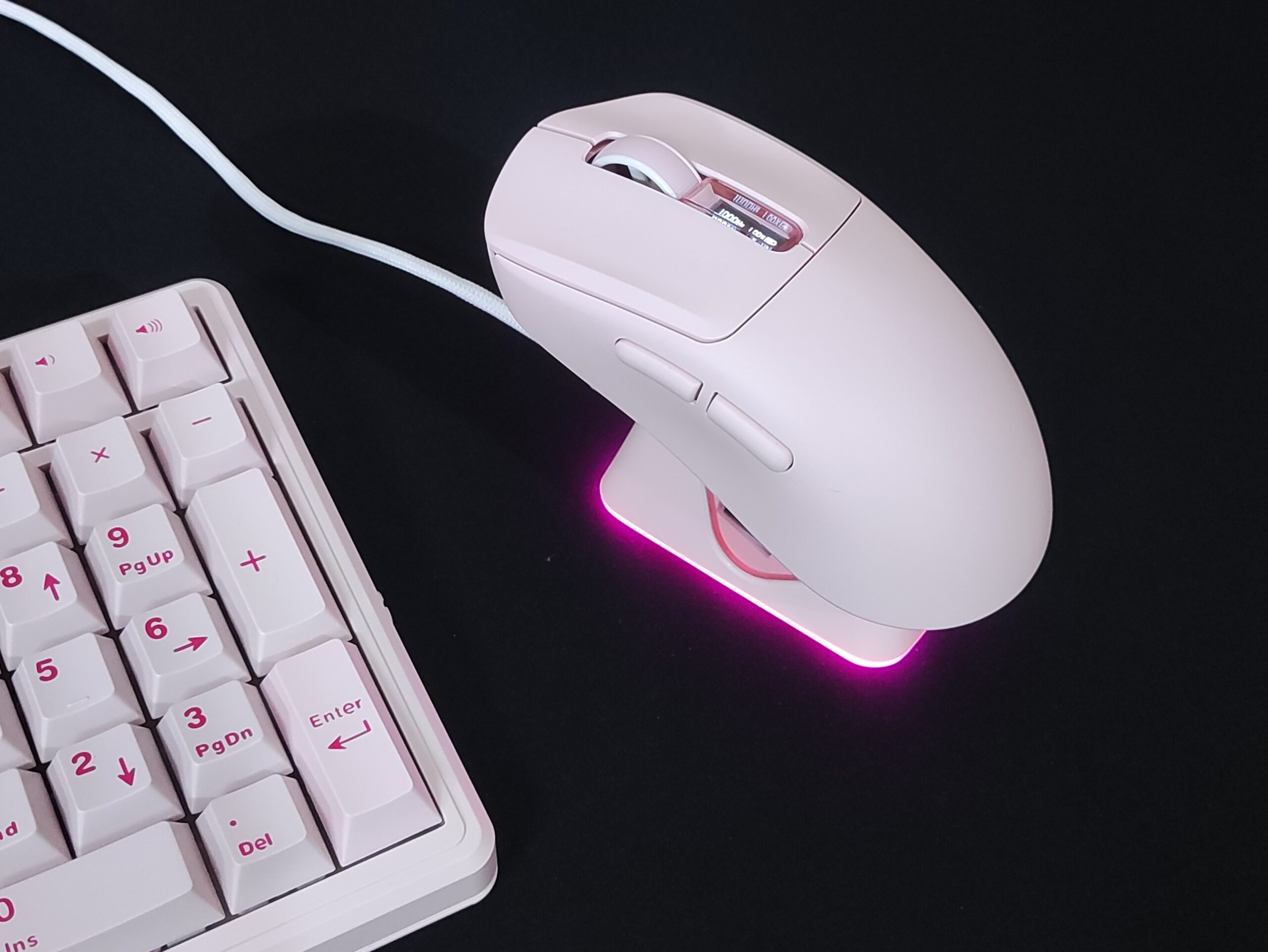
The Logitech G Pro X Superlight (and its successor, the Superlight 2) has been the undisputed “safe” recommendation for years – a $150 titan that defined the lightweight meta. But in 2026, the gap between a “premium flagship mouse” and a “budget clone” has practically evaporated. Enter the ATK Dragonfly A9.
The ATK A9 comes in multiple variants, with the lowest spec of them coming in at a mere $25, and the top model (the ATK A9 Air) costing about $80. Even the top model, which out-specs the Logitech G Pro Superlight by a significant margin costs significantly less than it.


The top spec model is great and all, but I wanted to try one of the cheaper options, and see if they’re as good as the top spec counterparts or not. So I got the ATK A9, which comes with all the “basic” features you expect from a mouse in 2026 at just under $25. I’ll add a table at the end of the review showing all the features of the various variants, so that you can easily compare and decide which one you want to get.
PACKAGING
The ATK A9 comes in a very basic box. It’s well designed and sports the signature ATK orange colour.

In the box, you will find:
- The Mouse
- The 2.4gHz adapter inside the mouse
- A braided USB-A to USB-C cable
- A user manual
- A warranty card
This is fine, but they should have included a USD extender too. That’s a basic thing to include with these high performance mice. In case you didn’t know, the closer your mouse is to the 2.4gHz receiver, the lower your latency will be. This is why most mice come with an extender as shown in the image here.


Higher variants of the A9 come with more stuff in the package.

Build Quality
The ATK A9 is an “ultralight” mouse, weighing just around 55g, making it about 10 grams lighter than the G Pro X Superlight (referred to as GPX from here onwards)

The build quality is excellent as well. It’s very solid, and feels great in the hands. There’s no creaking even when I squeeze it with a lot of strength. Which you shouldn’t be doing to mice anyways lol.
There’s no rattling or noise of any kind when I shake the mouse. You’ll see all this in the sound test later in the review.
The branding on this version of the A9 is minimal, with simple, clean text on either side of the mouse. On other top variants of the mouse, such as the Orange A9 Air, the branding is a little more prominent.


On the underside of the mouse, we see :
- The large, full size mouse skates
- A dpi button
- A switch to toggle between 2.4ghz mode, Bluetooth mode, and power off
- A storage space for the 2.4ghz adapter
- The sensor, which is placed at a fairly central point.

The Shape
The shape of the ATK A9 is an almost one-to-one clone of the GPX shape. It is an ambidextrous shape (but the thumb buttons are on the left so it’s made with right handed people in mind), suitable for a claw grip with medium to large sized hands, and a palm grip with small to medium sized hands.

There are some very slight differences between the ATK A9 and the GPX. The hump on the ATK A9 is ever so slightly backwards than the GPX’s so it fits more firmly in your palm, if you use a palm grip.
The comfort grooves on the clicks are also slightly deeper on the ATK A9 than the GPX. It’s just as comfortable if not better.
The Coating
The various variants of A9 come with different, or no coating. The base ATK A9 that I have with me today has no coating. But the plastic is textured such that there is ample grip as is. Your mileage may vary if you have extremely dry hands or extremely sweaty hands. You can always use aftermarket grips if the surface isn’t to your liking
PERFORMANCE
The Clicks

The ATK A9 series’ various variants use different switches for their clicks. The ATK A9, which I have, has Huano Blue shell Red dot switches. These are great switches with a nice, satisfactory click. They’re implemented really well in the A9. The clicks are light, but I’ve used lighter clicks. So they’re not the lightest. There’s basically zero pre and post travel, leading to a crisp feeling mouse click. There’s a minimal amount of side-to-side wobble, but that doesn’t affect you when using the mouse at all.


The side buttons are great too. There’s zero play on the buttons and they feel nice and comfortable to press. The position also lies reliably right above your thumb.
The Scroll Wheel

The scroll feels nice and soft, while maintaining tactility. The durability remains to be seen. A lot of scroll wheels of this type eventually develop issues. And that’s not just these cheaper mice. I’m talking mice from big brands like logitech and razer having the same issues.
The Sensor
All variants of the ATK A9 come with different sensors. You can get anywhere from a basic PAW 3311 to a cutting edge PAW 3950 Ultra. Technically, these do have different capabilities, but no sane person will use their mouse at the 5 gazillion DPI which is the maximum capability of these newer sensors.
The major difference between the sensors lies in four areas –
- The DPI – This essentially denotes how sensitive and accurate the mouse is
- The Polling Rate – This is how many times per second the mouse sends data to your PC
- The Power Consumption – Newer sensors are significantly more power efficient. This leads to either longer battery life, or the same battery life with a smaller, lighter battery.
- What surfaces it tracks properly on – Some sensors have trouble tracking on modern surfaces like glass mousepads. None of the sensors in the ATK A9 line-up have this issue, and they track well on all mousepad surfaces.
It is popular consensus that higher polling rate and DPI beyond a certain point doesn’t matter in the real world. Even the best of the best professional E-Sports athletes are unable to tell the difference between 2000Hz and 8000Hz, and this is on insane spec monitors that go upwards of 500Hz refresh rate. Most regular gamers such as you and I have at most 240Hz refresh rate monitors. For us, 1000Hz is more than sufficient. This is why these older sensors are actually excellent value.
And I’m not saying this from hearsay. I own several high performance mice with various flagship sensors, and the ATK A9’s sensor is literally indistinguishable while gaming.

The MCU (Micro Controller Unit)
This is a fairly important aspect of a gaming mouse. The MCU is essentially the brain of a gaming mouse.
A better, modern MCU can handle higher polling rates without any lag or stutter. The MCU is also what handles motion sync, which is an algorithm to make your cursor path more stable and jitter/noise free. A poor MCU can cause latency when doing all these processes.
ATK A9’s variants have different MCUs, depending on what sensor they have. None of the MCUs are under spec, and they all are good enough for the sensors they come with.
The Mouse Skates & Glide

The ATK A9 comes with large, flat, full sized PTFE skates by default. They’re pretty standard quality and work well on all surfaces.
Higher variants of the A9 come with dot skates included in the box if you want to replace the stock skates.

You can always swap out your skates and install dot skates if you want a different glide and feel. I prefer a super fast mouse, so I installed 4 UltraGlide Ice dots on my unit.
Connection & Latency
The A9 has all three modes of connectivity – 2.4gHz, bluetooth, and wired.
It works well in all modes, and there are no flaws or hiccups in my usage. Latency is a non-issue, as this mouse has 1ms latency in 2.4gHz mode and wired.
Battery Life
The A9’s battery life is excellent. I’ve gone over 2 weeks without charging it and it’s still at 45%. This is because the mouse can reduce it’s polling rate when it isn’t actively being used for gaming. You can change this setting in the software if you prefer having it blasting at maximum performance at all times.


500mAh is quite a lot for a mouse. Some people mod their mice to have a smaller battery, as low as 150mAh, to reduce the weight. I think the 500mAh battery here is a good balance between battery life and weight.
The Software
The ATK A9 works with the ATK hub, which is a web based driver. It doesn’t have a downloadable software. This is great because you don’t have to download any shady Chinese app to customise your mouse.
In the software, you can customise the following-
- Firmware updates
- Remap buttons on the mouse
- Set macros
- Change the DPI and set up to 8 DPI profiles to switch between on the fly (using DPI button on the bottom of the mouse)
- Set the polling rate from 125Hz to 1kHz (up to 8kHz in higher variants)
- Change between basic and competition mode for polling rate and battery life
- Toggle on/off features like motion sync, straight line correction, and ripple correction (refer to images below for details)
- Change the key debounce time (higher debounce prevents accidental double clicks, or set it to low debounce if you want to spam the buttons)
- Change the sleep timer
- Change the Lift Off Distance
- There are a total of 4 profiles you can save at a time. And you can have all the above settings set to different configurations for each profile


CONCLUSION
The ATK Dragonfly A9 is one of the best budget superlight clones I’ve ever used. It’s built well, costs a fraction of the price, and works just as well as the G Pro X Superlight.
This makes it difficult to NOT recommend the ATK A9 Series of mice. Which exact variant to pick, depends on your budget and your overall setup. Even the topmost variant, which outspecs the GPX, costs about half as much.
ATK Dragonfly A9

You can purchase ATK Dragonfly A9 from:

Hello! 🥰 I'm Fang.
I like gaming and related tech. I enjoy learning more, and sharing my experiences through my review videos and blog posts. Have fun! 💖