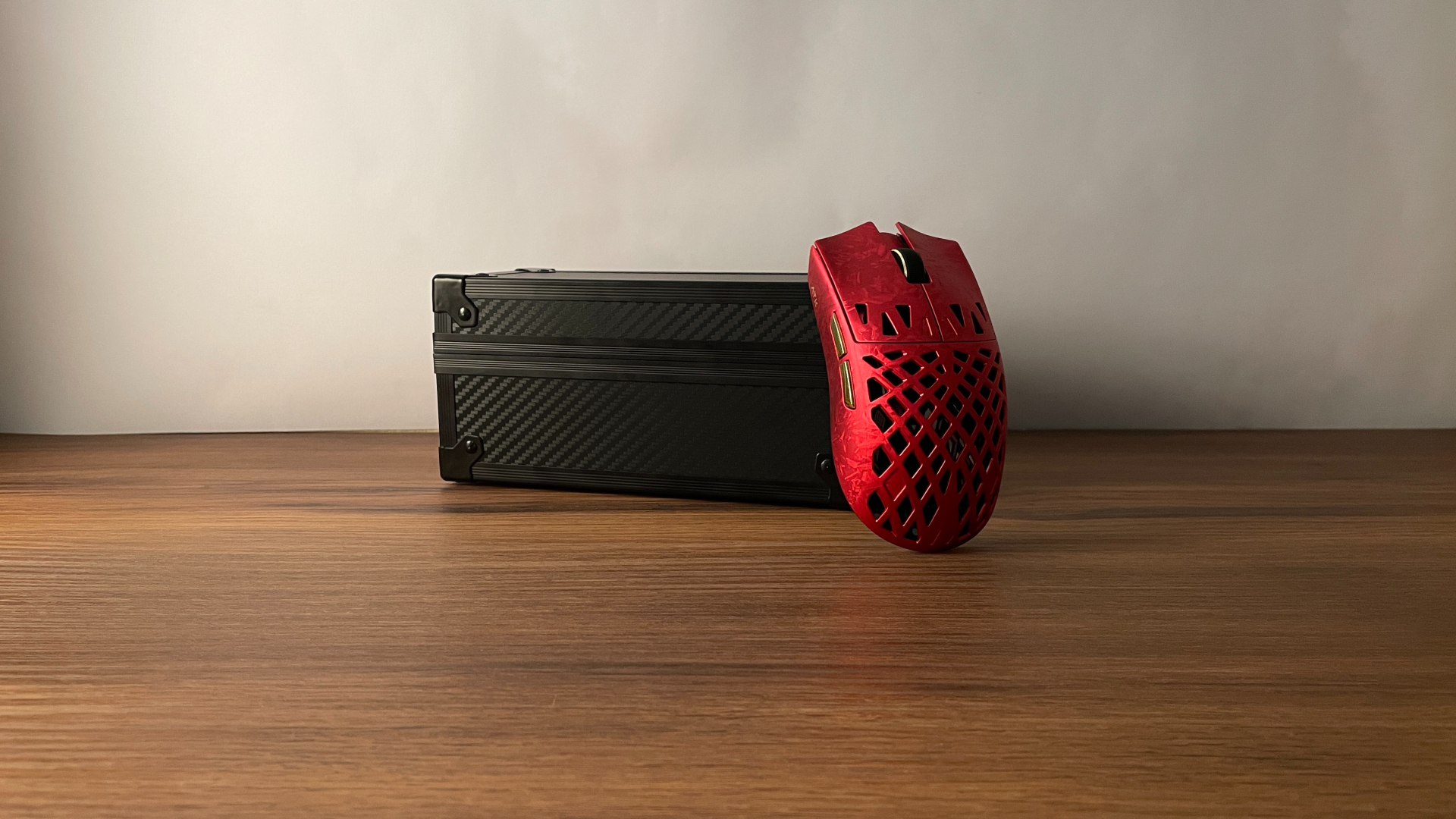
Specifications of the mouse
Brief technical specifications:
- Material: Carbon Fiber
- Number of buttons: 4
- Software: Web Software
- Main Switches: Omron Optical
- Sensor: PixArt PAW3950
- Controller: Nordic 52840
- Resolution: 30000 DPI
- Tracking speed: 750 IPS
- Acceleration: 50G
- LOD: 0.7 mm, 1 mm, 2 mm
- Connectivity: Wired, 2.4GHz, Bluetooth
- Polling Rate: Adjustable up to 8000 Hz (Wired & 2.4GHz), 125Hz (Bluetooth)
- Latency: 0.35ms (Wired), 0.4ms (2.4GHz), 10ms (Bluetooth)
- Battery: 300 mAh
- Weight: stated ~ 50g (measured – 46g)
- Dimensions: 118 x 62.2 х 39.6 mm
Available colors:
- Black
Unboxing: What’s Inside?
Inside the box you’ll find:
- Carbon X mouse itself
- Braided USB-A to C cable
- 2.4GHz wireless dongle
- Spare set of skates
- Manual
The included USB-A to USB-C cable is braided and feels fairly well made. It also features a ferrite core to help reduce signal interference. Since this is a wireless mouse, the cable will most likely be used mainly for connecting the dongle and charging, and for these purposes it is more than sufficient.
The dongle has a translucent ring around the body that serves two functions. First, it lights up when the mouse is active. Second, it acts as a battery indicator, showing different colors depending on the charge level – green, blue, yellow, and red, from full to low battery. This is a nice touch that makes it easy to keep an eye on the mouse’s charge.

Design & Build Quality
The Epomaker Carbon X features a symmetrical design. The number of buttons is standard for this type of mouse today – two main clicks, a scroll wheel, and two side buttons. On the bottom, there’s a connection mode toggle and a dedicated DPI button.
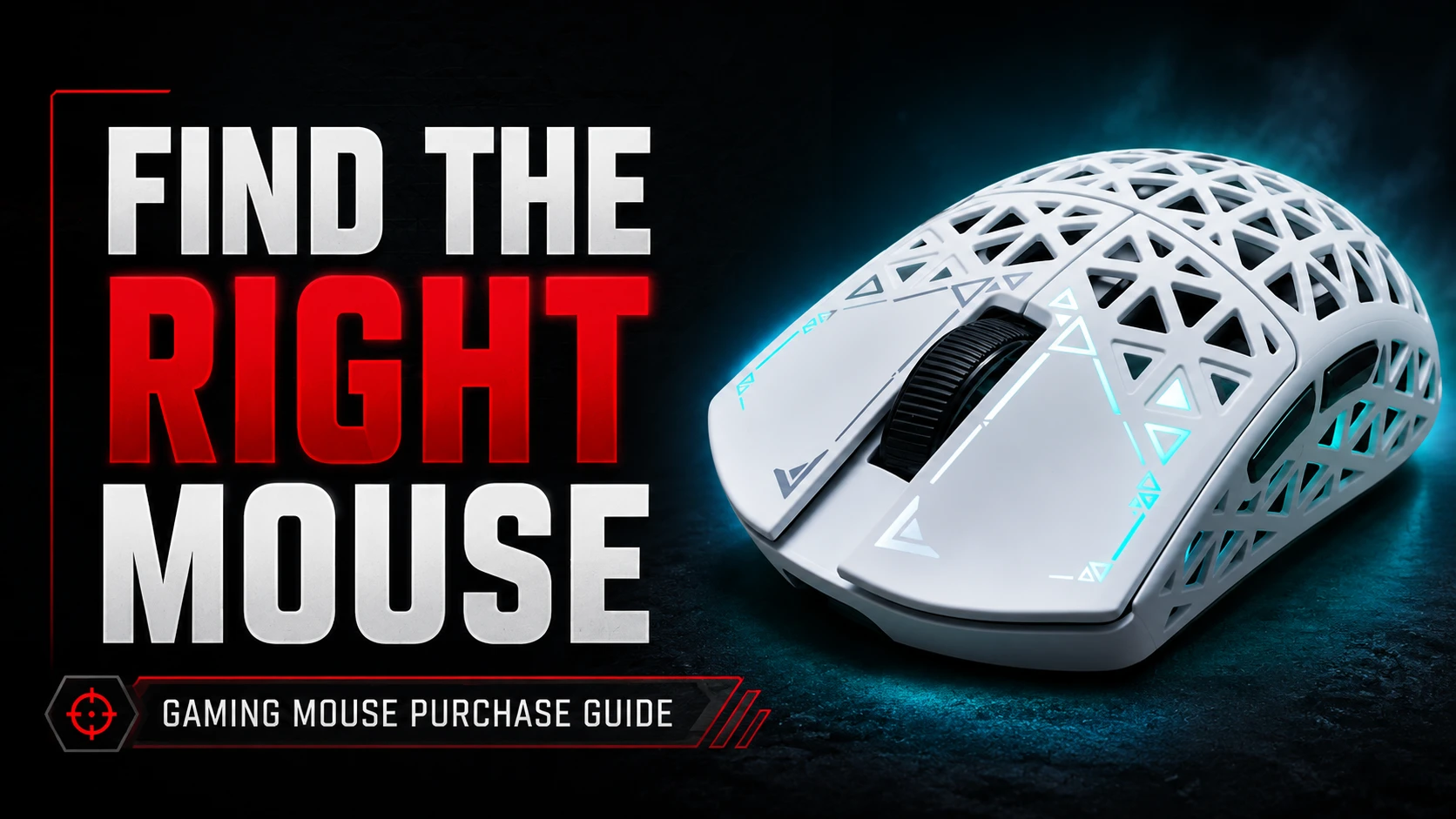
The mouse is made of carbon fiber and features a perforated shell design, including a perforated bottom, but with solid sides, which I personally appreciated. The perforations are not the tiny honeycomb-style holes you often see on lightweight mice – they are noticeably larger. When it comes to perforated designs, I think it really comes down to personal preference. The perforations serve three main purposes: reducing weight, improving airflow to help with sweaty palms, and acting as a design element. As for design, in my opinion, the larger holes look better than smaller ones. I also like that these holes form a certain pattern that reminds me of something, and this adds a bit of character to the overall look. This, combined with the matte black finish, makes the mouse look really premium. In general, the Carbon X looks quite minimalistic – there’s no RGB, no aggressive branding, and no bright colors – but it still hints at its gaming nature through the perforated shell.

As mentioned, there is no RGB lighting. The only light element is the DPI indicator, located in the gap between the two main buttons. It also serves as a battery status indicator. If the battery is low, it blinks yellow. While charging, it stays solid yellow, and it turns off once fully charged. In the software, you can disable the indicator completely if you prefer no lighting at all.
The advertised weight is 50 grams. Notably, this is probably the first time I’ve seen a mouse weigh less than its official specification. My unit weighs just 46 grams. In fact, all other reviews I’ve seen have also reported 46–47 grams. By the way, you can even reduce it to around 45 grams by installing dot skates instead of the stock PTFE feet.

When it comes to build quality, the Carbon X feels surprisingly solid. I was honestly not expecting that, since lightweight perforated mice don’t usually feel this sturdy. I believe the carbon fiber material plays a big role here. It’s significantly stronger than plastic while still being extremely lightweight. The shell doesn’t flex anywhere and feels very solid. Pressing on the sides produces no flexing or creaking at all. Even the thin bridges between the perforations feel solid and don’t bend, when I deliberately press on them with my finger. There is no sensor or lens rattle. When shaking the mouse, I couldn’t detect any internal noise – even the scroll wheel feels firmly secured and doesn’t make any unwanted sounds. Overall, the material and build quality are excellent.
The Carbon X has a coating that feels really nice in the hand, which was another point where this mouse managed to surprise me. It feels soft and very smooth, almost silky, and reminds me of silicone or rubber to the touch. At the same time, the coating provides enough traction to grip comfortably. I also noticed that it’s a bit resistant to fingerprints, which is a huge plus for me. Generally, the coating strikes a good balance between being grippy and comfortable for long sessions.
The stock skates aren’t the strongest point of the Carbon X. Don’t get me wrong – they’re not terrible, but they’re not great either, just fairly average. There are five black PTFE skates in total – four rounded ones at the corners of the mouse, and a small ring around the sensor. They provide decent glide, but I personally would have preferred larger and thicker skates. Even so, it’s not a big deal, since you can always replace the stock skates with your preferred ones.

Shape & Ergonomics
The Carbon X is a symmetrical, medium-sized mouse with a smooth, natural curve, for a comfortable grip. The hump is positioned directly in the middle, providing balanced support for various grip styles. Despite its perforated shell design, the mouse feels very natural and comfortable for me to hold.
In terms of overall shape – it’s quite unique. It reminds me of the Lamzu Maya – probably the closest shape for reference – but Carbon X is about 1 mm shorter and, what is more noticeable, it has a hump that is roughly 2 mm higher and a slightly narrower midsection.
I think for small and medium hands, the shape will be well-suited, especially if you prefer claw or fingertip grip. It also works well for palm grip. I mainly use a fingertip grip, and less often a palm grip, and the mouse feels very comfortable with both. Actually, I think it’s a strong choice for palm grip users with sweaty palms, as the large cutouts improve airflow, which helps keep hands cool. Those with larger hands may find claw or fingertip grip to be the most comfortable with this mouse.
The weight balance of the Carbon X is slightly shifted forward and I should note that the mass center is positioned directly above the mouse sensor, which is the correct way to implement weight distribution for optimal tracking and preventing rotational drift. This gives the mouse a subtle nose-heavy feel, which can make quick movements feel a bit more controlled, and aligns perfectly with claw and fingertip grips. Since, in these grip styles, the thumb naturally rests right at this point – slightly forward, between the side buttons.

Buttons & Wheel
The main buttons use Omron optical switches, which I think is great choice since Omron is known for their good quality. I really like that they decided to go with optical switches – because it eliminates the possibility of double-clicking issues over time.
The buttons themselves are made of carbon and are separated from the main body and from each other. There are also finger grooves on them, providing more comfort. Pre-travel is very, very minimal, and post-travel is almost nonexistent, which might be thanks to the carbon material, which is stiff and doesn’t flex, unlike plastic. There’s absolutely no side travel either.
Click feels snappy, fast, and provides crisp tactile feedback. What’s really unusual is that the clicks are fairly quiet and much less metallic-sounding than other optical switch implementations I’ve tried – which is nice. The actuation force is also noticeably lighter than on typical optical switches, making it easy to spam on the Carbon X.
Overall, the implementation of the main buttons is truly top-notch.
The side buttons use mechanical micro-switches. The buttons themselves have a slightly textured surface, which I actually like – it makes them easier to feel with my thumb. Pre-travel is minimal, so the click feels quite direct. There is some post-travel, but only if I press them unusually hard. In normal use, I barely notice any post-travel at all. What I especially like is that they don’t feel mushy – the click is crisp and defined. On the whole, they feel reliable and well-tuned in everyday use.
The scroll wheel has a rubberized texture that feels nice to the touch and adds a bit of grip. Scrolling feels smooth, and I didn’t notice any squeaking or unwanted noises. It’s very quiet in use – I barely hear it when scrolling. The scrolling force is moderate – not too light, not too stiff – and the steps are well-defined, which makes it easy to control. The middle click is a little bit on the heavier side.

Connectivity & Battery
Carbon X features modern tri-mode connectivity – 2.4GHz wireless via the included 8K dongle, Bluetooth, and a wired USB-C option. Switching between them is quick and intuitive. One thing worth mentioning is the design of the 2.4GHz receiver. The dongle is not a standard plug-in receiver. Instead, it connects via USB cable, allowing you to place it closer to the mouse for a more stable signal. This has become the standard approach for high-performance gaming mice, so it’s nice to see it included here. I used it in both wireless modes and never experienced any interference, dropouts, or noticeable lag.
It’s powered by a 300 mAh battery. I used the mouse with a 1,000 Hz polling rate, and it lasted me around 10 to 14 days on a single charge. I also ran it in a mixed usage style, switching to 2,000 Hz for a few hours of gaming each day. I didn’t track the exact numbers, but the battery still felt capable and held up well. Naturally, higher polling rates will drain the battery faster, so runtime may vary depending on your settings and usage.

Software: Unlocking the Potential
The Carbon X uses a web-based software, which includes all the settings you’d expect from a modern mouse. The software also shows a battery level indicator, though it doesn’t display the exact percentage.
The web-based driver is organized into four tabs:
- First tab:
- Button remapping (except the left click)
- Debounce time
- Profile management (import, export, restore to default)
- Second tab:
- DPI settings
- Polling rate
- LOD (lift-off distance)
- Ripple control
- Angle snap
- Motion sync
- Performance mode
- DPI indicator settings
- Third tab dedicated to macro creation and management
- Fourth tab:
- Long distance mode
- Sleep time settings
- Dongle pair tool
- Show firmware version of the dongle and the mouse
I’m quite satisfied with the software – using a web-based driver is always convenient for me, since I don’t like having a bunch of programs for computer peripherals installed on my PC. The only thing I wish for is the possibility to remap the DPI button on the bottom of the mouse to change profiles instead.

My Experience & Thoughts
From the moment I started using it, I didn’t run into any issues at all. The Epomaker CarbonX uses the PAW3950 sensor paired with the Nordic nRF52840 MCU – a combo that’s usually found in more expensive mice – and it works flawlessly. Tracking was accurate, smooth, and consistent the entire time, whether I was making small adjustments or faster swipes. I didn’t experience any spin-outs, jitter, or random hiccups. I never noticed any inconsistency in response time – it always felt quick and steady. It simply performs the way a high-end mouse should.
Pros and Cons
Good:
- Excellent main clicks implementation
- Build quality – very sturdy despite the light weight, thanks to carbon fiber
- Omron optical switches – immune to double-clicking issues over time
- Coating – pleasant-to-the-touch and fingerprint-resistant
- Top-tier hardware combo – PixArt PAW3950 sensor and Nordic 52840 MCU
- 8K polling rate
- Web-based software
Bad:
- Skates – the stock ones are decent, but more demanding users might prefer an upgrade for an even smoother glide.
Final Verdict
Epomaker CarbonX offers everything you’d expect to see in a modern performance-focused mouse – a PAW3950 sensor, reliable Nordic 52840 MCU, 8K polling rate – and combines them with Omron optical switches and a carbon fiber shell that maintains a rare balance between being lightweight and genuinely sturdy. Its minimalist, refined design adds a touch of elegance and complements its high-end components. Considering the build quality and hardware for the price, it’s a very solid, well-rounded choice for anyone looking for a lightweight, competitive-ready mouse.

Controller and mechanical keyboard enthusiast. Tech reviewer, regularly sharing thoughts about gadgets and computer peripherals.