




The budget controller market is always fascinating to me. A brand makes products with certain strengths and compromises which shine a light on what their priorities are and what their vision is.

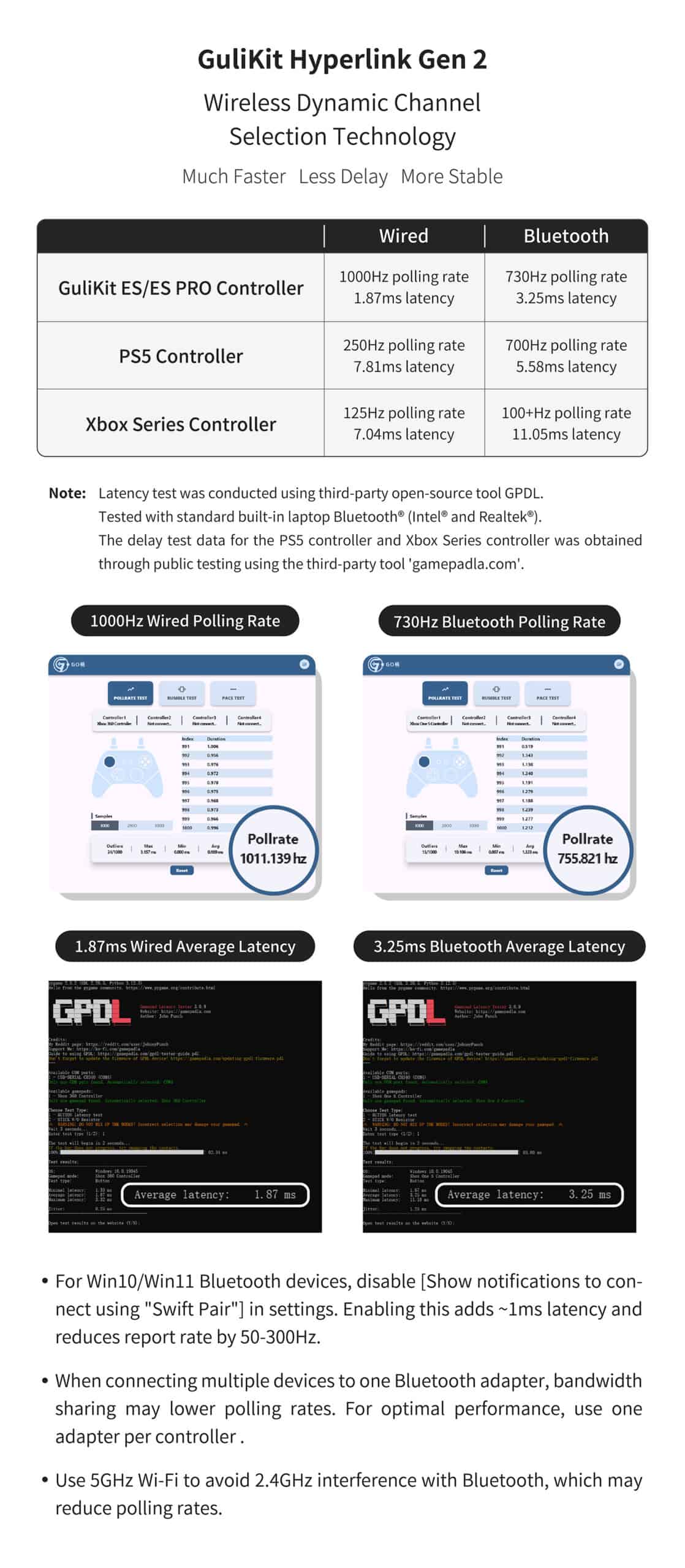
- 【𝐖𝐎𝐑𝐋𝐃’𝐒 𝐅𝐀𝐒𝐓𝐄𝐒𝐓 𝐖𝐈𝐑𝐄𝐋𝐄𝐒𝐒 𝐆𝐀𝐌𝐈𝐍𝐆 𝐂𝐎𝐍𝐓𝐑𝐎𝐋𝐋𝐄𝐑】: GuliKit ES PRO features revolutionary Hyperlink 2 wireless technology delivering world-record 3.25ms latency with 730Hz polling rate in Bluetooth mode and ultra-fast 1.87ms with 1000Hz in wired mode. This breakthrough wireless performance provides esports-level responsiveness that dominates competitive gaming across all platforms.
Today, we’ll be taking a look at Gulikit’s newest budget controller, the Gulikit ES Pro. Coming in at a price of just $25 for the Non-Pro and $30 for the Pro version, this is exciting. We’ll see in this review how it stacks up against other controllers in this price range like the GameSir Nova 2 Lite or the 8bitdo Ultimate 2C.
PACKAGING

The ES Pro comes in a pretty standard box. In the box, you get
- The Controller
- A USB-A to USB-C cable
- User Manual
SPECIFICATIONS
Specs list (from gulikit website and my observation)
- Layout: Xbox style
- Connectivity: Wired USB-C, Bluetooth
- Compatibility: PC, Switch, Switch 2, Android, iOS, SteamOS
- Analogs: Pro: TMR || Non-Pro: Hall Effect
- Triggers: Hall Effect, no trigger stops
- Main switches: Membrane
- Additional switches: None
- Extra features – Gyro
- Battery: 950mah
- Weight: ~220 g
- Colors: Black, White
- Price: Pro : $30 || Non-Pro : $25
BUILD & APPEARANCE
The Gulikit ES Pro feels really comfortable to hold and use. At a weight of about 220g, it’s easy to forget it’s in your hands when you’re gaming. The flared xbox controller shaped handles are also very comfortable.
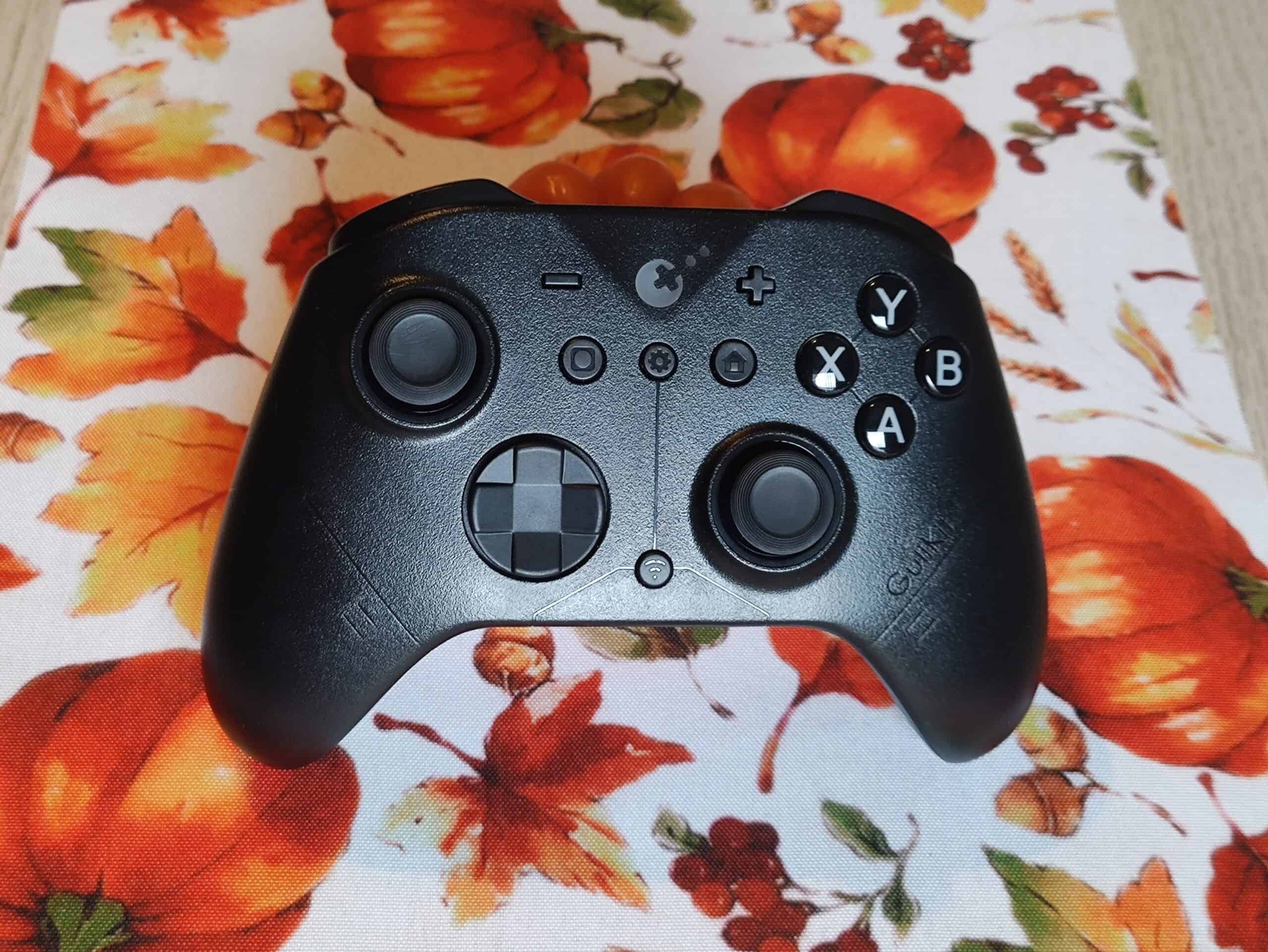
The entire controller has a textured finish on it which makes it easier to grip. There is stippled texture on the back half of the handles which provides sufficient grip. Rubber grips would have definitely been better, but this method is also sufficient to provide a comfortable experience.
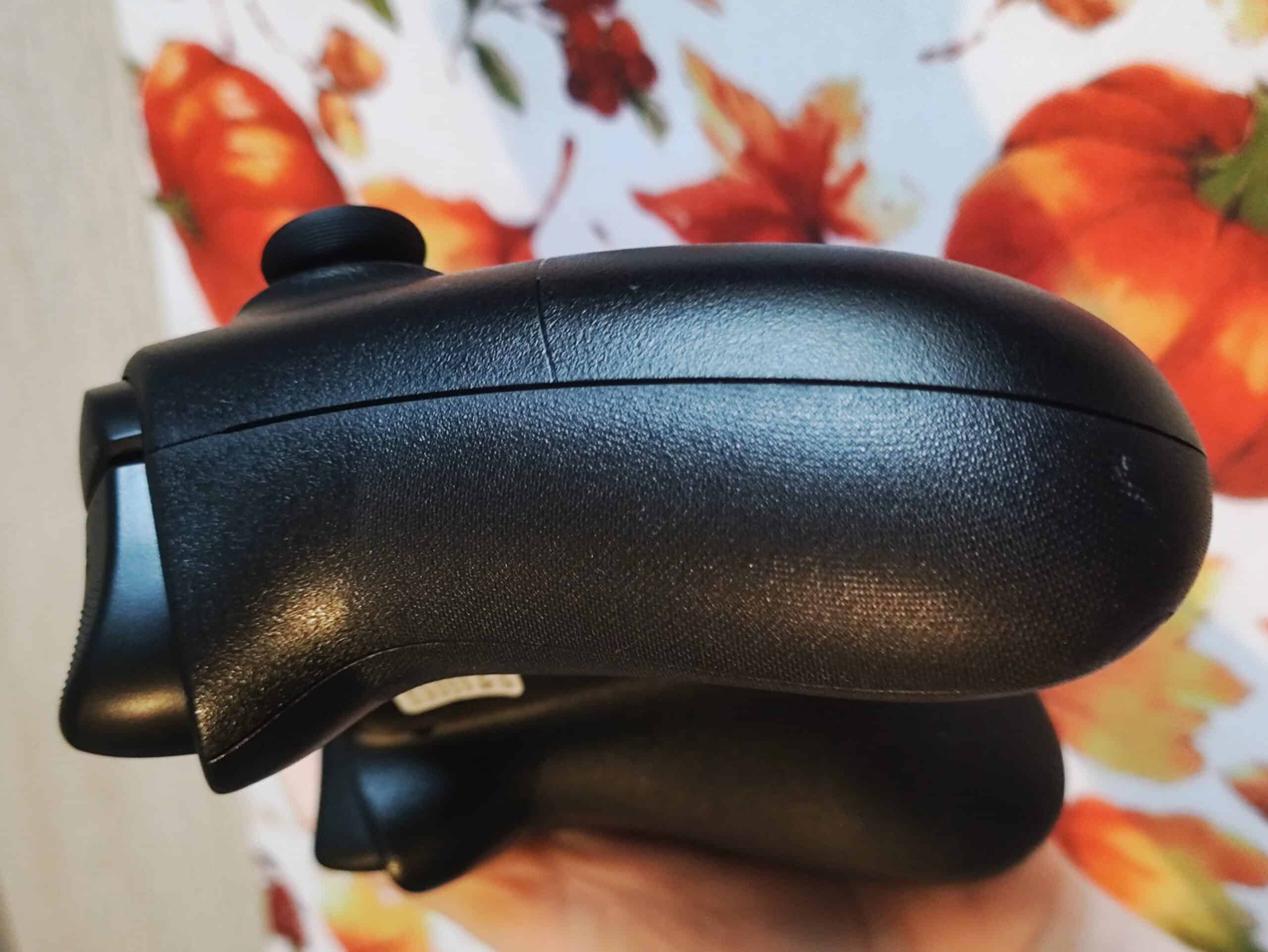
My unit of the ES Pro is black, with little glossy accents. I quite like this design language. It’s not in-your-face like other controllers that I’ve used. This honestly fits the overall vibe of this controller very well. You’ll see what I mean later in the review.
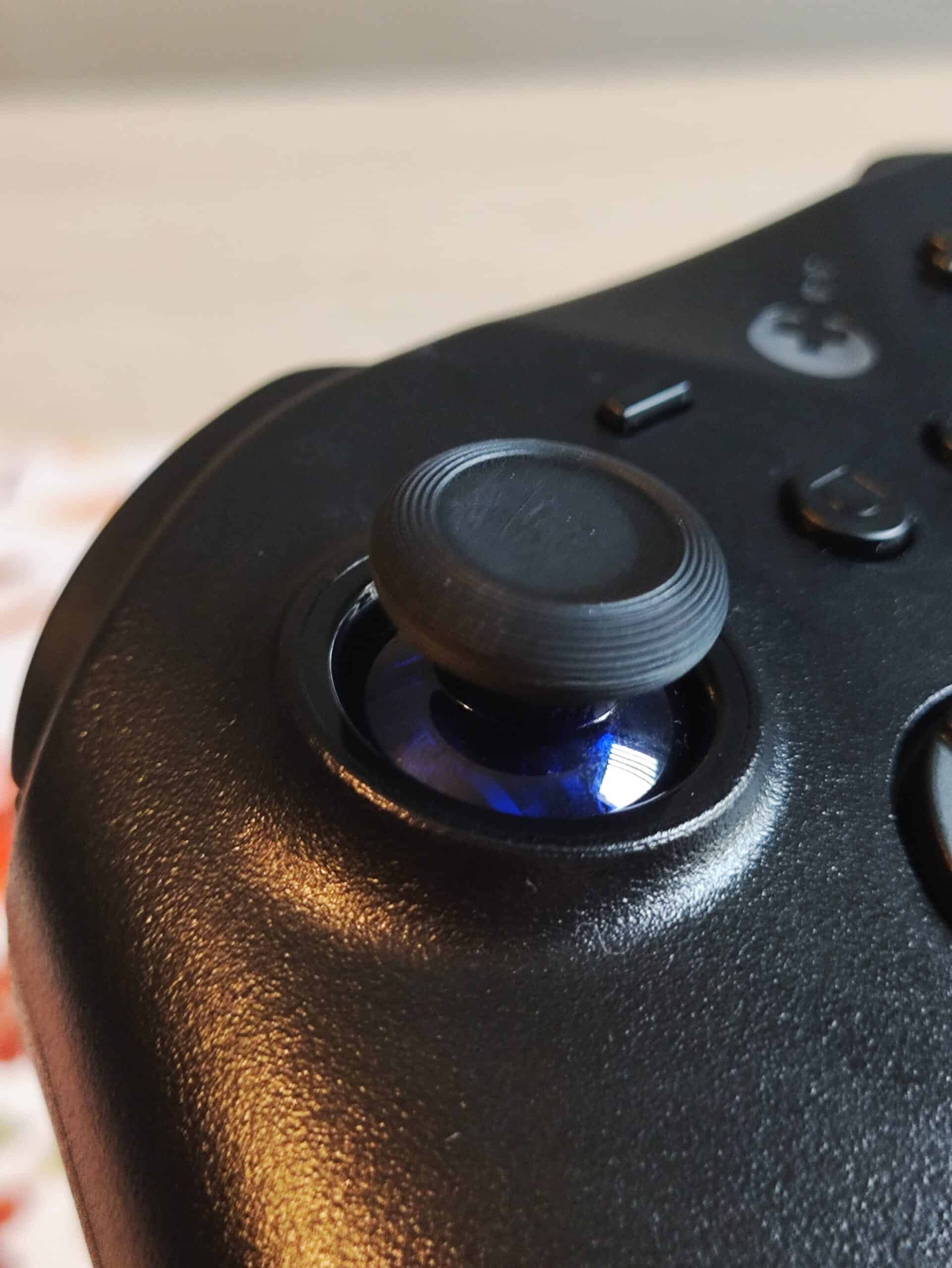
The blue transparent plastic around the sticks is a nice touch. It’s tough to see without moving the sticks.
ANALOG STICKS
The TMR stick implementation here is excellent. The TMR sticks are very smooth, linear, and comfortable to use. The tensioning and centering is perfect in my opinion. It’s very precise. I’m not sure if I feel the “4000 level high precision” but it’s definitely very accurate.
The anti-friction rings are great as well. There’s no scratchiness at all. This is quite silent when using.
BUTTONS
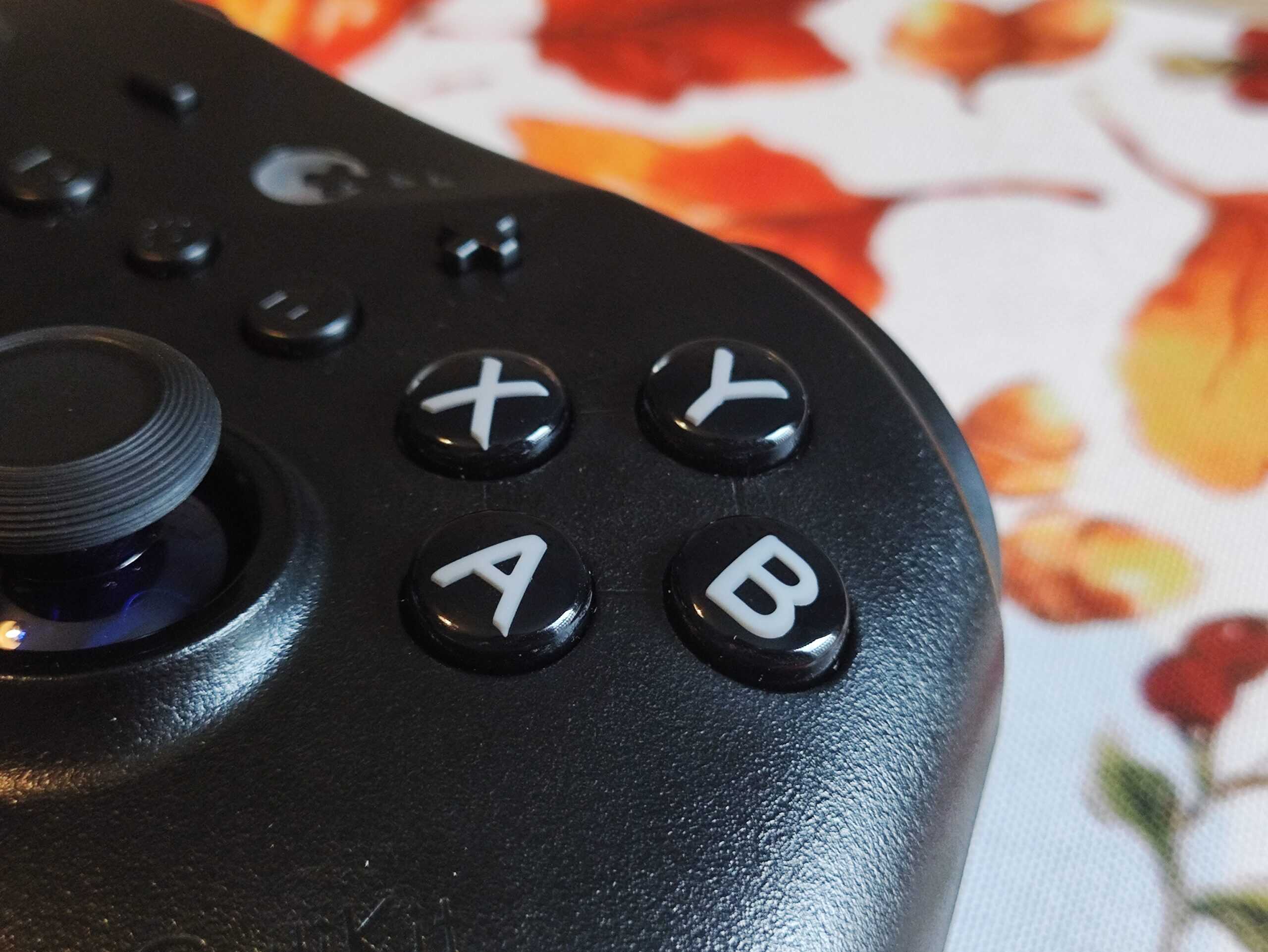
The ABXY buttons use Gulikit’s Second Gen Membrane Rubber Dome buttons and I gotta say, these are the best rubber domes I’ve ever used. They’re not noisy and they feel so soft. But they still maintain their tactility. If you’ve ever used a nice silent tactile keyboard switch like the Akko Penguin switches, then this feel is comparable to that. Very cool stuff.
The buttons are responsive and they don’t get stuck or cause any misinputs
D-PAD
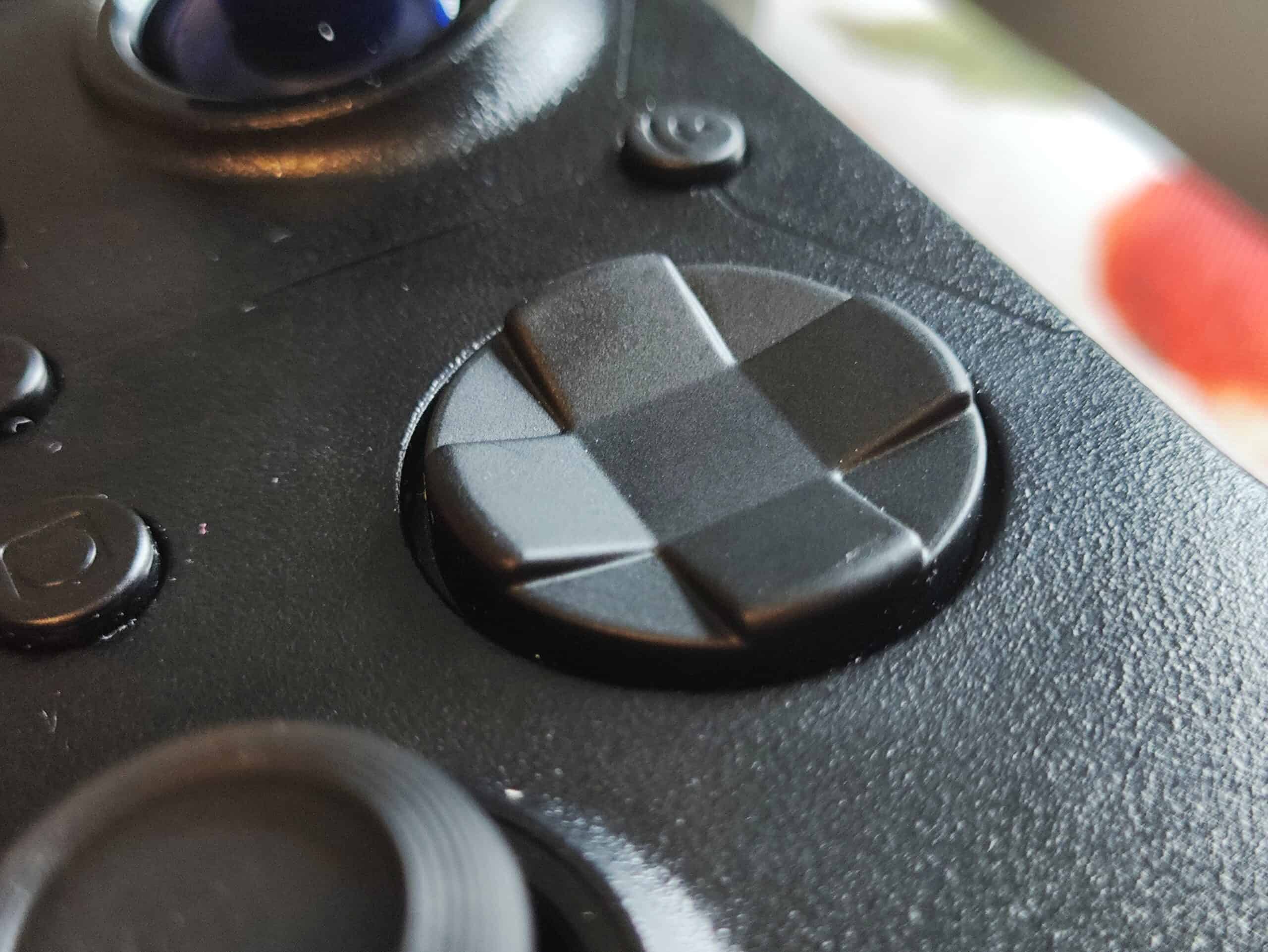
The dpad is nice. It’s tactile, and the central pivot is well balanced. Diagonals are easy to hit and I’ve had almost no mis-inputs. The ones I did get were my fault (skill issue). The dpad is also not noisy, even though it’s tactile.
You can even switch the dpad between an 8-direction and a 4-direction mode which is a very cool feature. I actually used this when playing COD to avoid accidentally swapping my weapon when I’m trying to change my equipped grenade.
SHOULDER BUTTONS & TRIGGERS
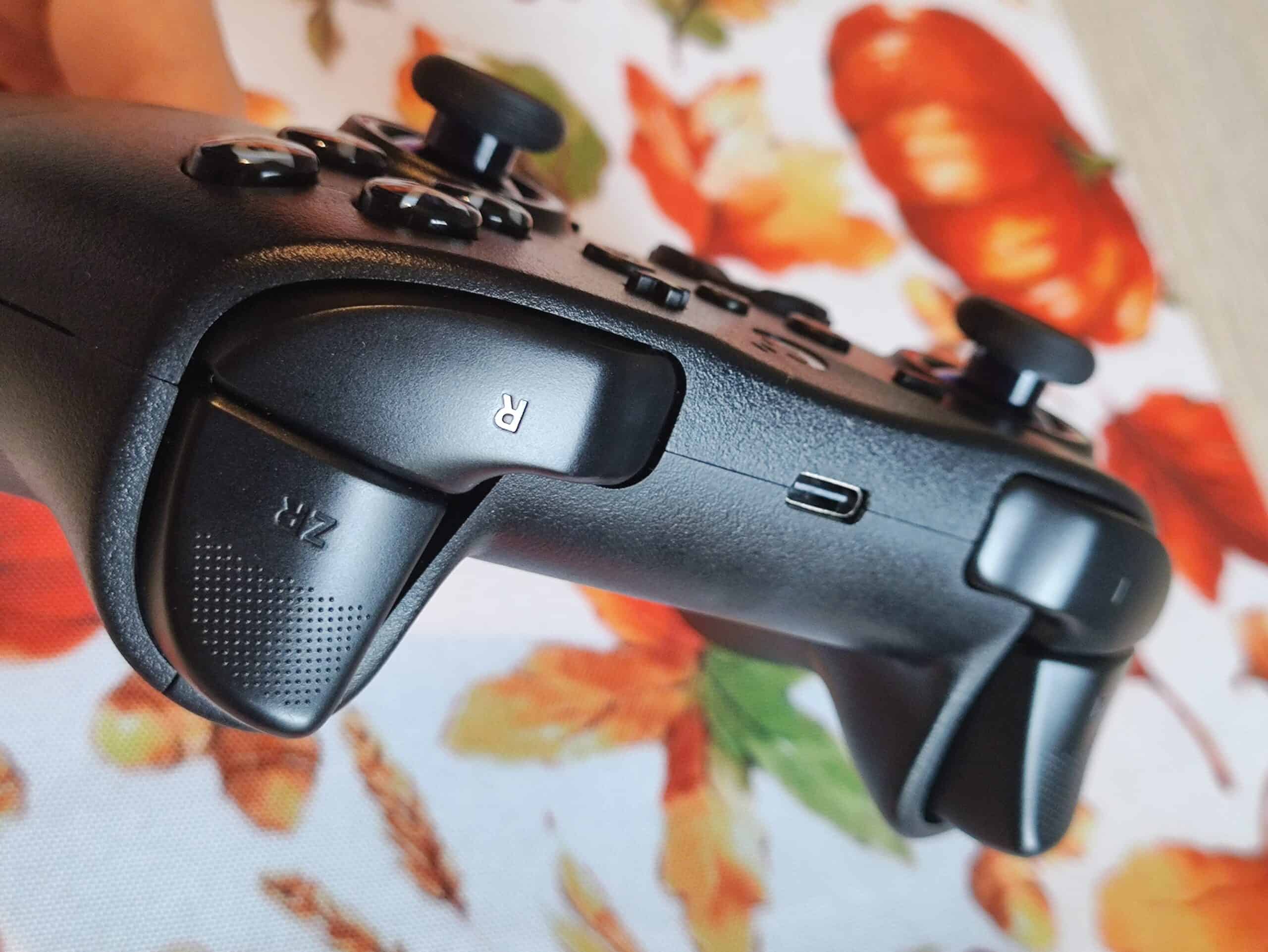
The shoulder bumpers are pretty silent and surprisingly tactile, with a little bit of pretravel and a little bit of post travel. I really like the shoulder buttons here. The shape is comfortable to use, and the bumper depresses quite uniformly.
The triggers are also nice. They’re precise and smooth. There isn’t much deadzone at the start and then end. I would have preferred a liiiittle more travel, but this isn’t insufficient by any means
There are no trigger vibrations (impulse triggers)
EXTRA BUTTONS
The ES Pro has no extra buttons, which in my opinion is the one and only dealbreaker of this controller.
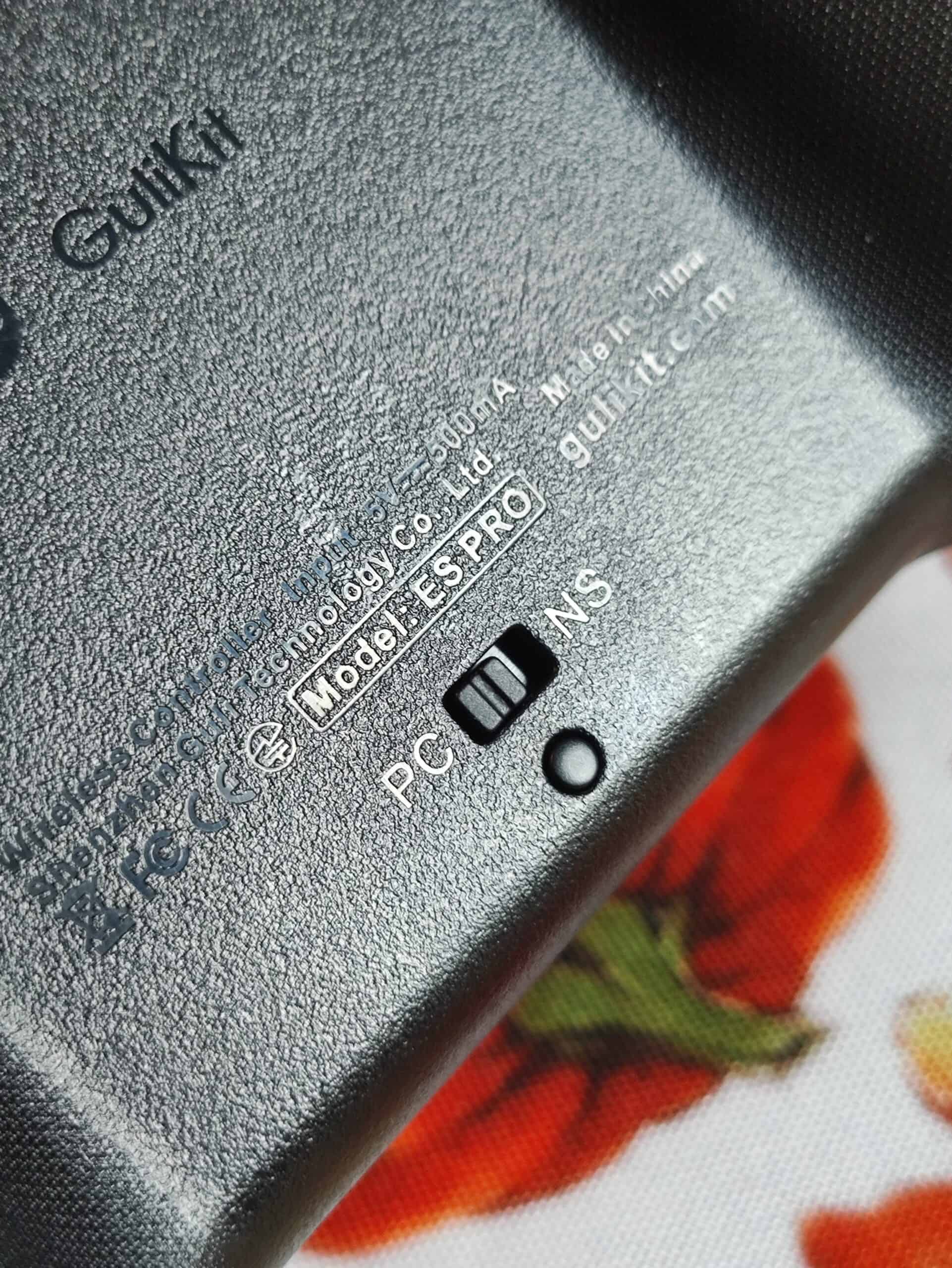
There’s a mode switching toggle switch at the back of the controller.
HAPTICS
The Gulikit ES Pro’s vibration system is smooth and strong. I use the vibration at medium intensity because high can get a little too strong for me.
The Asymmetrical motor system is well implemented here. The rumble is detailed and sharp.
GYROSCOPE
The ES Pro has a gyroscope. It works well and it’s accurate enough. I wouldn’t use it for fine aiming like COD, but it’s plenty good enough for Nintendo switch games and racing games.
SOFTWARE
The ES Pro doesn’t have a dedicated software for changing settings or configuration. But you can do firmware updates with the firmware update tool on the product page.
For any customisation and configuration, there are several on-board button combinations listed in the manual.
CONNECTION & LATENCY
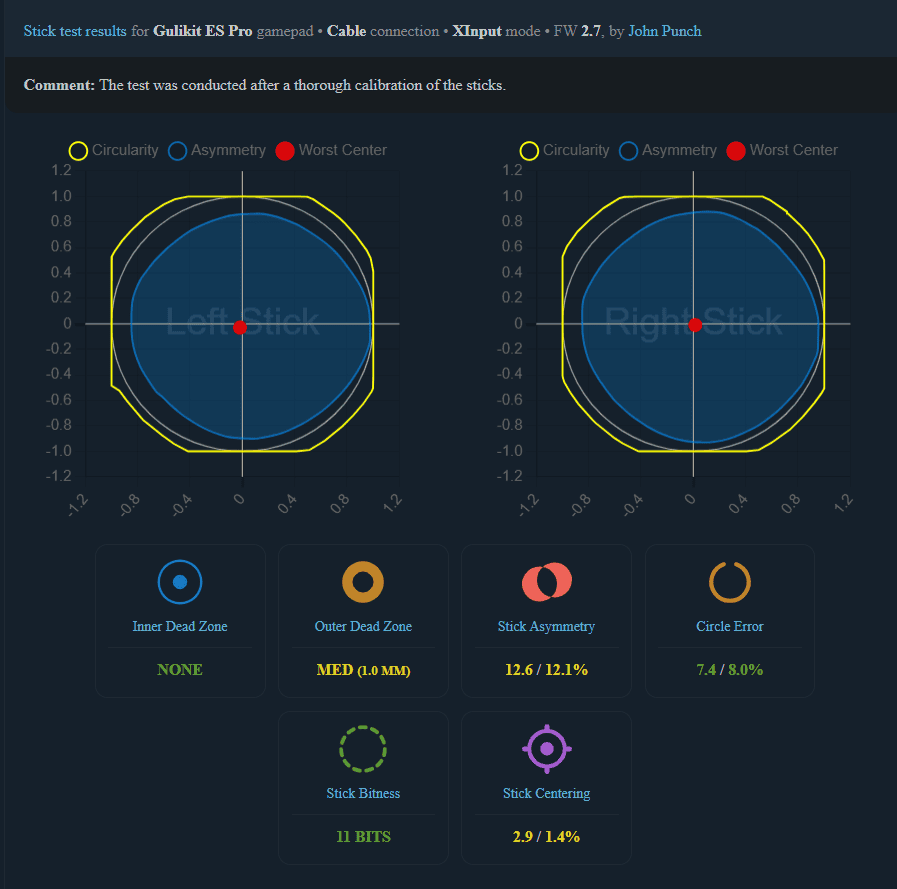
This is the biggest selling point of the Gulikit ES and ES Pro.
The ES Pro can be used in wired and bluetooth mode. But the bluetooth mode is actually good. On most controllers, bluetooth mode locks the controller at 125 or 250hz polling rate, but on the ES Pro, you still get over 700hz of polling rate on bluetooth, provided your system has good bluetooth capabilities. This is thanks to Gulikit’s “Hyperlink Gen 2” tech.
All things said and done though, I would have preferred a 2.4ghz mode connection. It’s more reliable and more universal, as it doesn’t rely on your system having proper hardware.
BATTERY LIFE
The 950 mAh battery gave me around 30 hours with rumble on max. Lower vibration levels or Bluetooth mode stretched this closer to 37-38 hours.
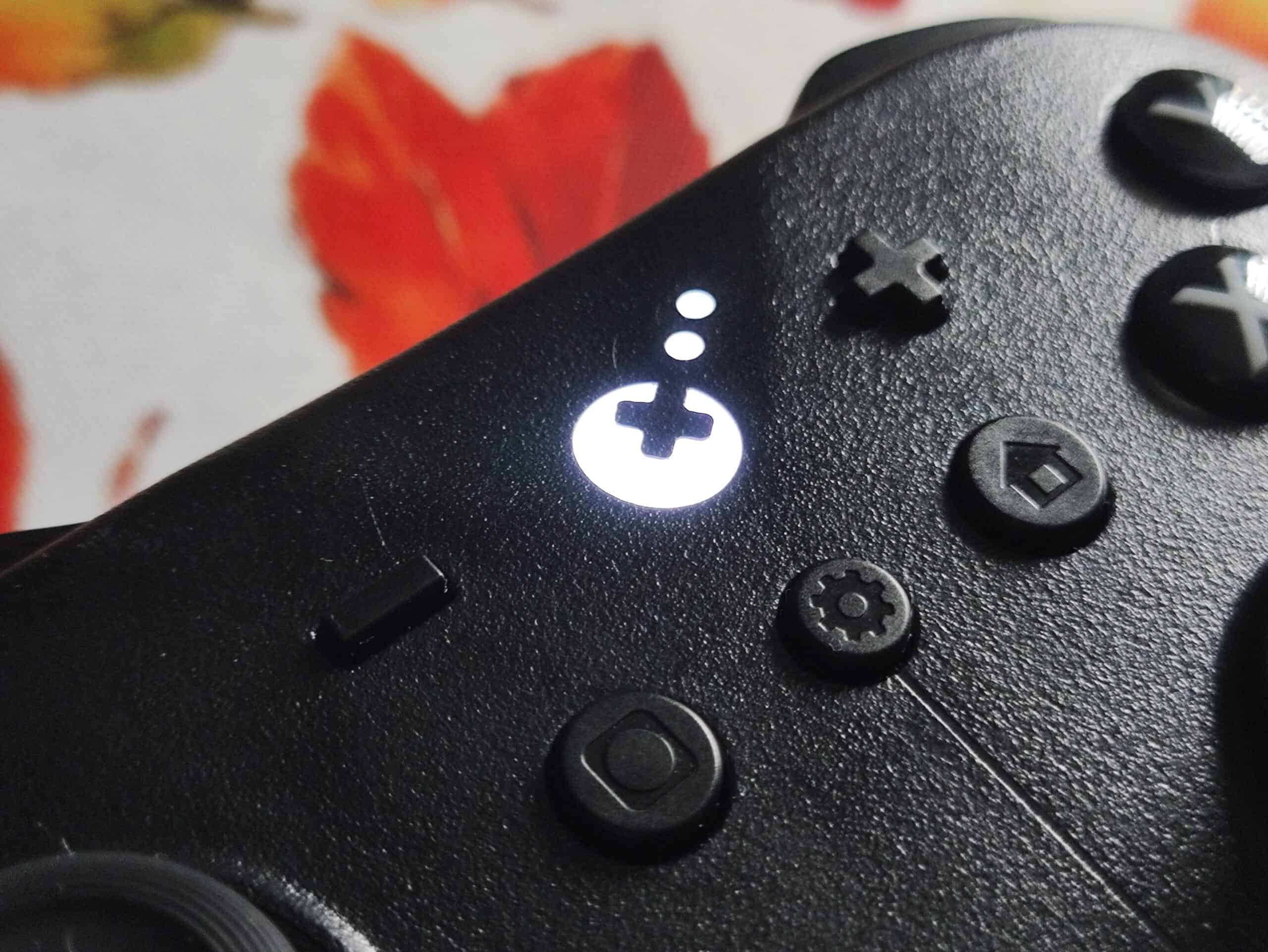
Low battery and charging status are indicated by the Gulikit logo which flashes white in low battery, and green when fully charged. It stays orange when the controller is charging.
CONCLUSION
The Gulikit ES Pro feels excellent to use. Everything feels soft, tactile, and refined on this budget piece of hardware.
The lack of extra buttons is truly a shame. If this has even 1 pair of extra buttons, it would beat out the Nova 2 Lite and 8bitdo 2c in my opinion. But for now, it still trades blows. Out of these three controllers, the ES Pro is the only one with gyro support.
And tbh, this controller feels incredibly comfortable to use because of how soft the entire experience is without sacrificing on tactility. Good job Gulikit.
If the lack of extra buttons isn’t a dealbreaker for you, the ES Pro is incredible. I can wholeheartedly recommend it. Especially for that low $29.99 price.

Hello! 🥰 I'm Fang.
I like gaming and related tech. I enjoy learning more, and sharing my experiences through my review videos and blog posts. Have fun! 💖


