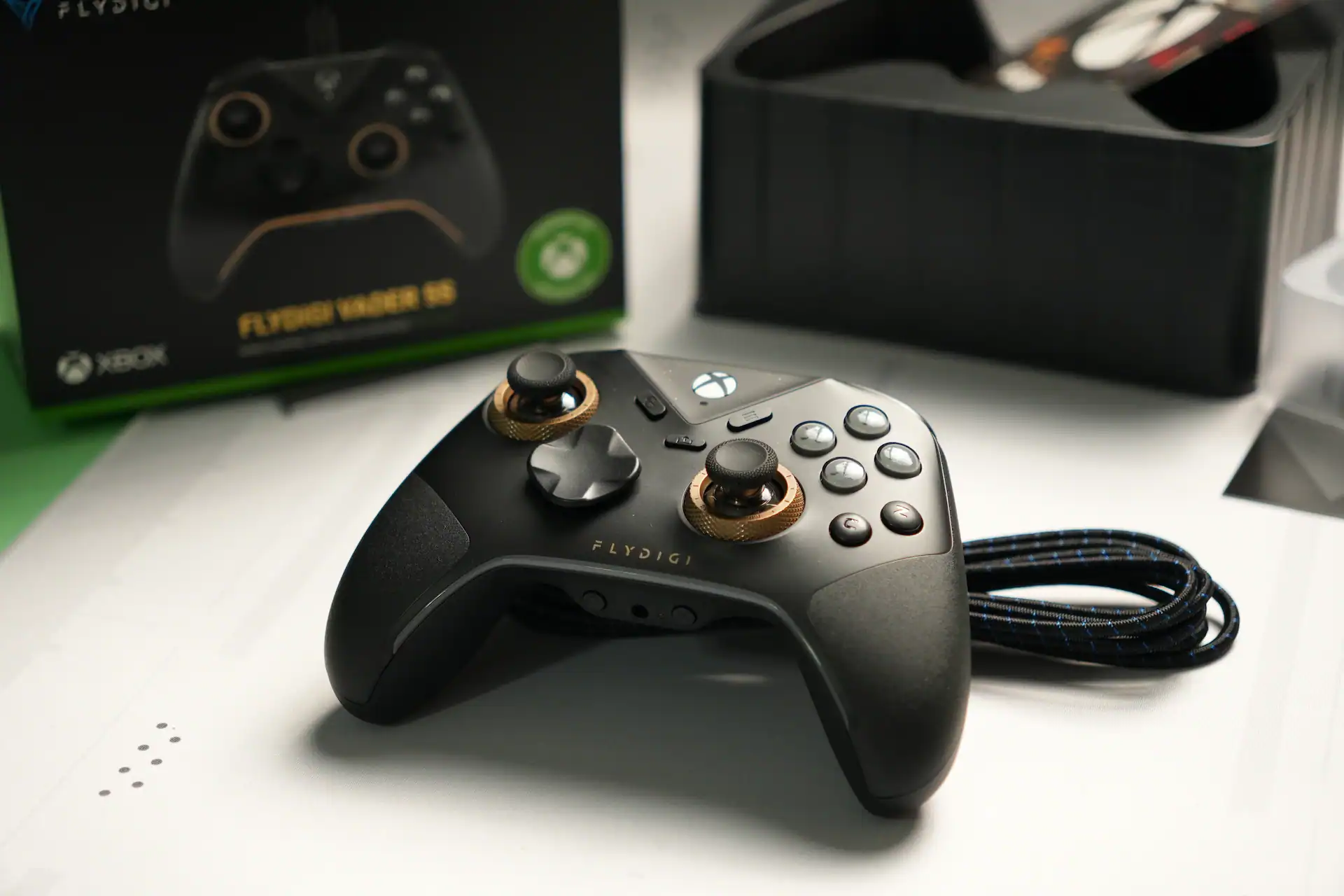
I’d never paid much attention to Mobapad. Their previous models simply never caught my eye, so I didn’t see much point in chasing them down. However, when they approached me to test their N1 HD model, I figured—well, why not? So, I invite you to read my review of the Mobapad N1 HD: a controller that is incredibly interesting, yet ultimately uninteresting.
Packaging
The N1 HD ships in a white and brown cardboard box sporting the manufacturer’s signature colors. The front displays a render of the controller alongside a rundown of its features – a layout that is mirrored on the back. Inside, secured in a cardboard insert, you get the controller, paperwork, a USB cable, and a 2.4 GHz receiver.
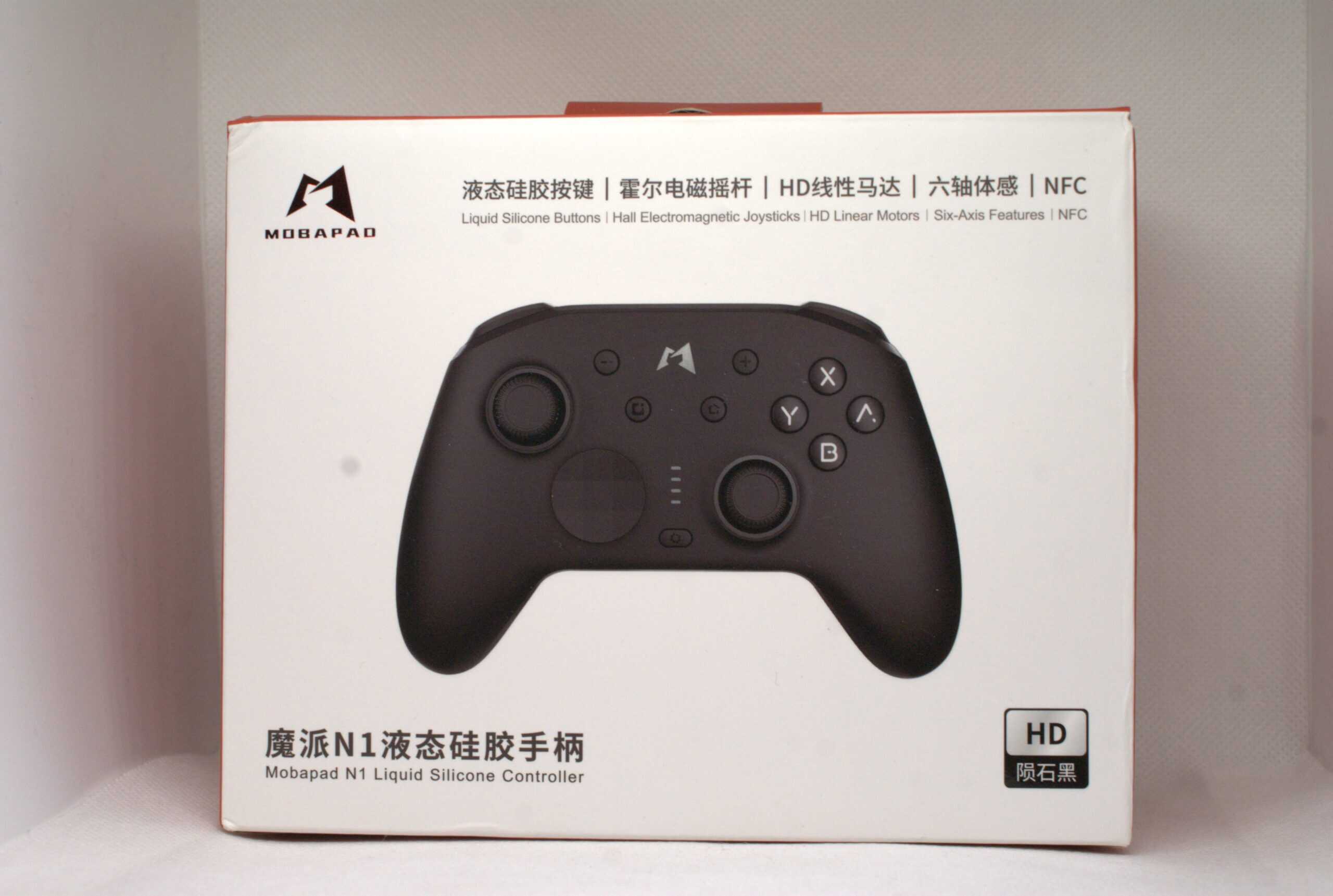
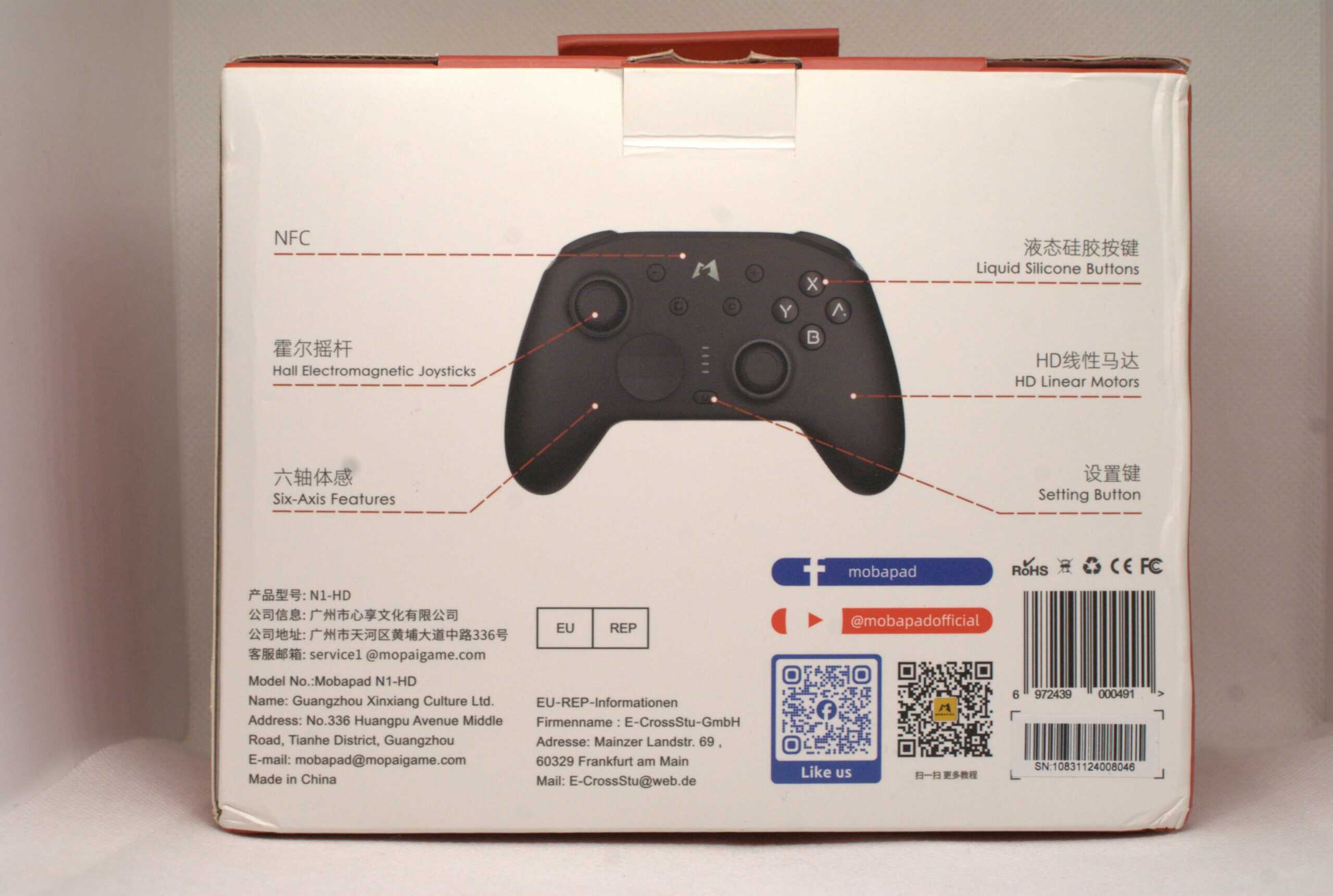
Mobapad N1 HD Specifications
- Layout: Switch
- Compatibility: PC, Mobile, Nintendo Switch (both versions)
- Connectivity: Wired, 2.4 GHz, Bluetooth, NFC (Amiibo)
- Analog: Hall Effect (HallPi)
- Triggers: Membrane (digital)
- Main Switches: Membrane for ABXY, Mechanical for D-Pad
- Secondary Switches: 2 on the back
- Vibration Motors: 2 ALPS
- Gyroscope: Present
- Battery: 1000 mAh
- Polling Rate: 500 Hz (wired), 800 Hz (2.4 GHz)
- Available Colors: Black, White, Pink
- Docking Station: None
- Price: approx. $40
Specifications are based on the manufacturer’s website and our own observations.
First Impressions
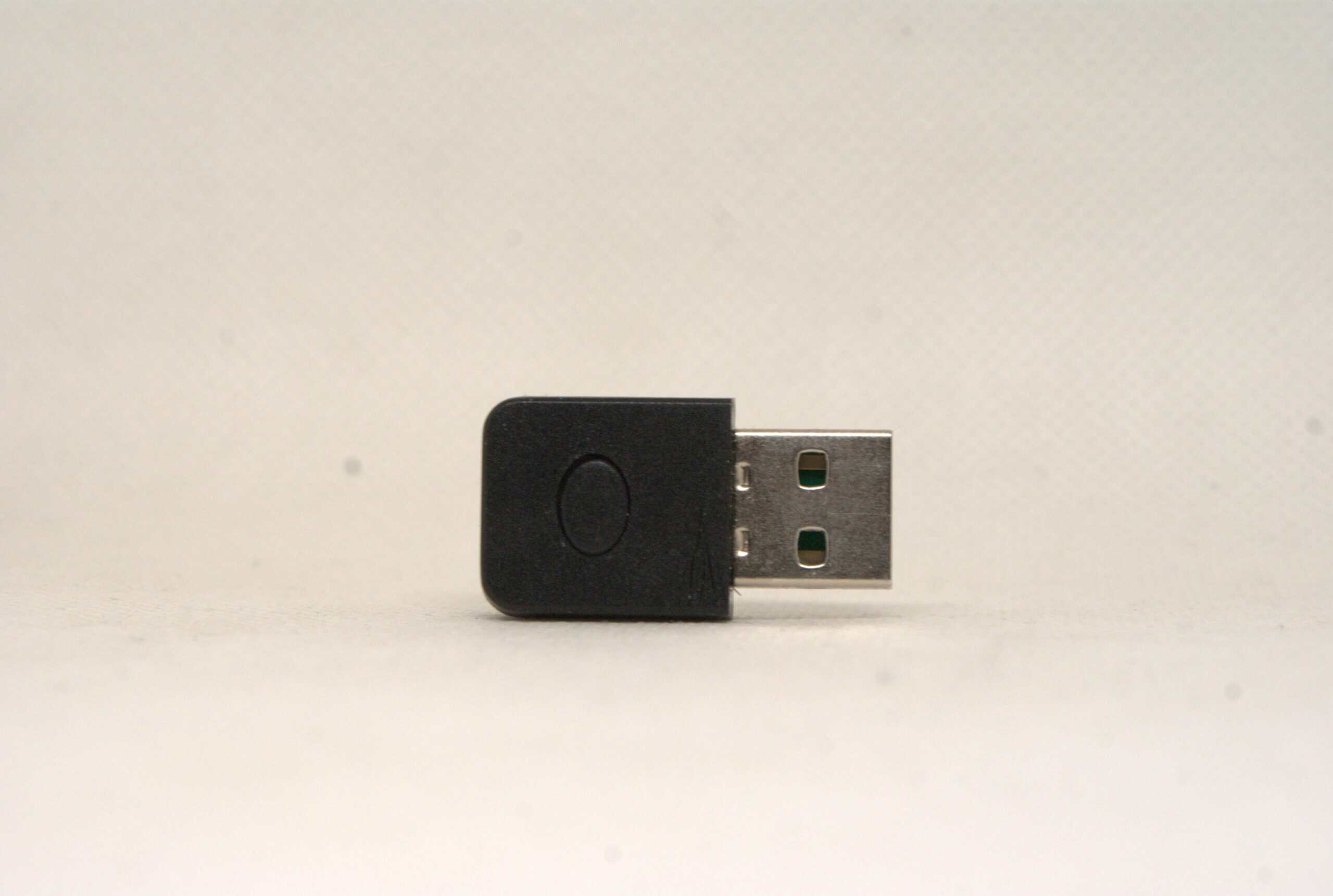
Starting with the receiver – it’s devastatingly simple. It is small, with slightly rounded corners and a lone pairing button. There is nothing extraordinary here; it simply gets the job done.
As for the controller itself, the N1 HD is a rather small design. While it may not be quite as compact as the legendary 8BitDo Ultimate 2C, it is certainly on the smaller side. Unfortunately, it feels average in the hand. I was forced into a rather uncomfortable, unsure, and cramped grip, which is where this controller really loses points. Fortunately, the build quality is decent for this price range.
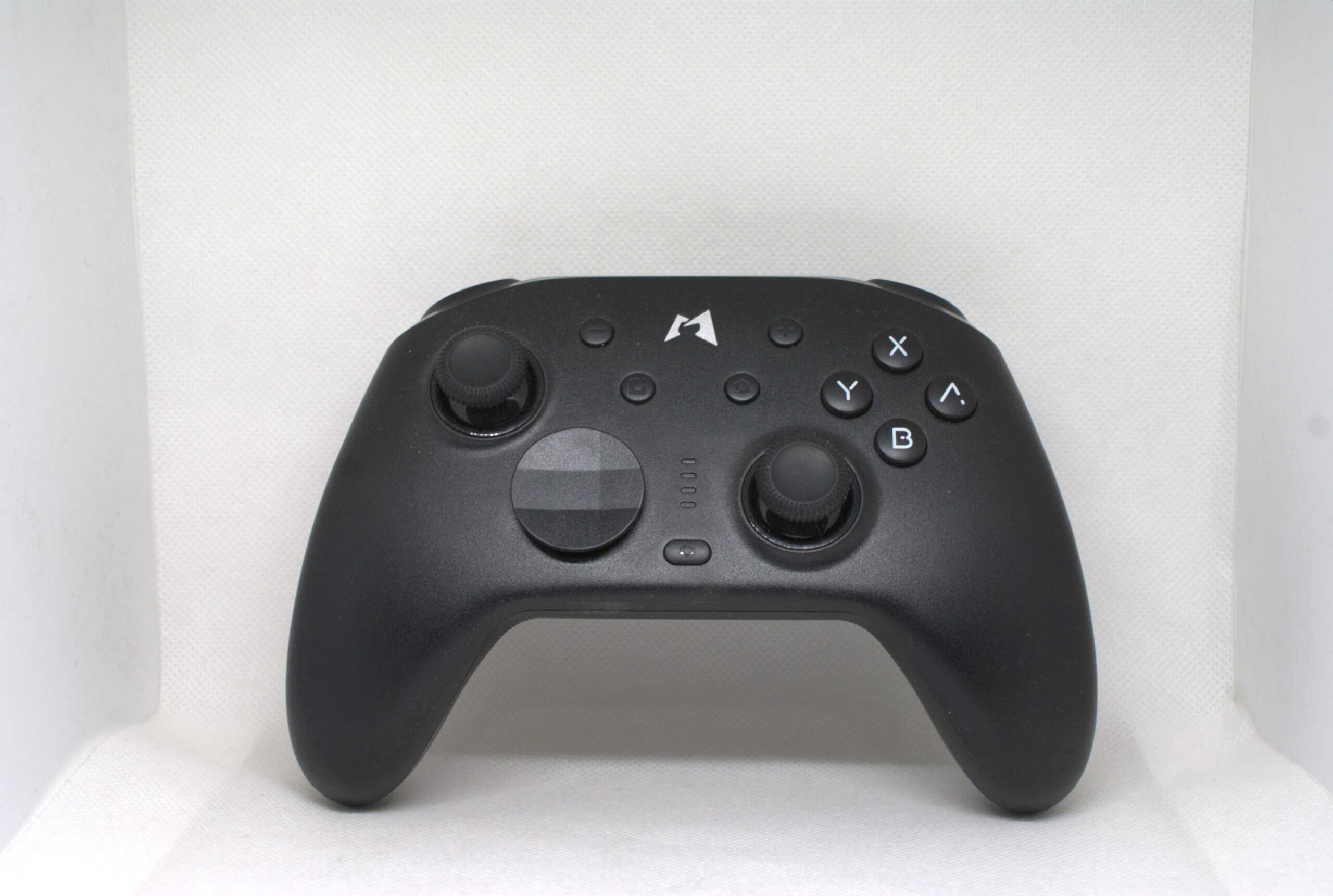
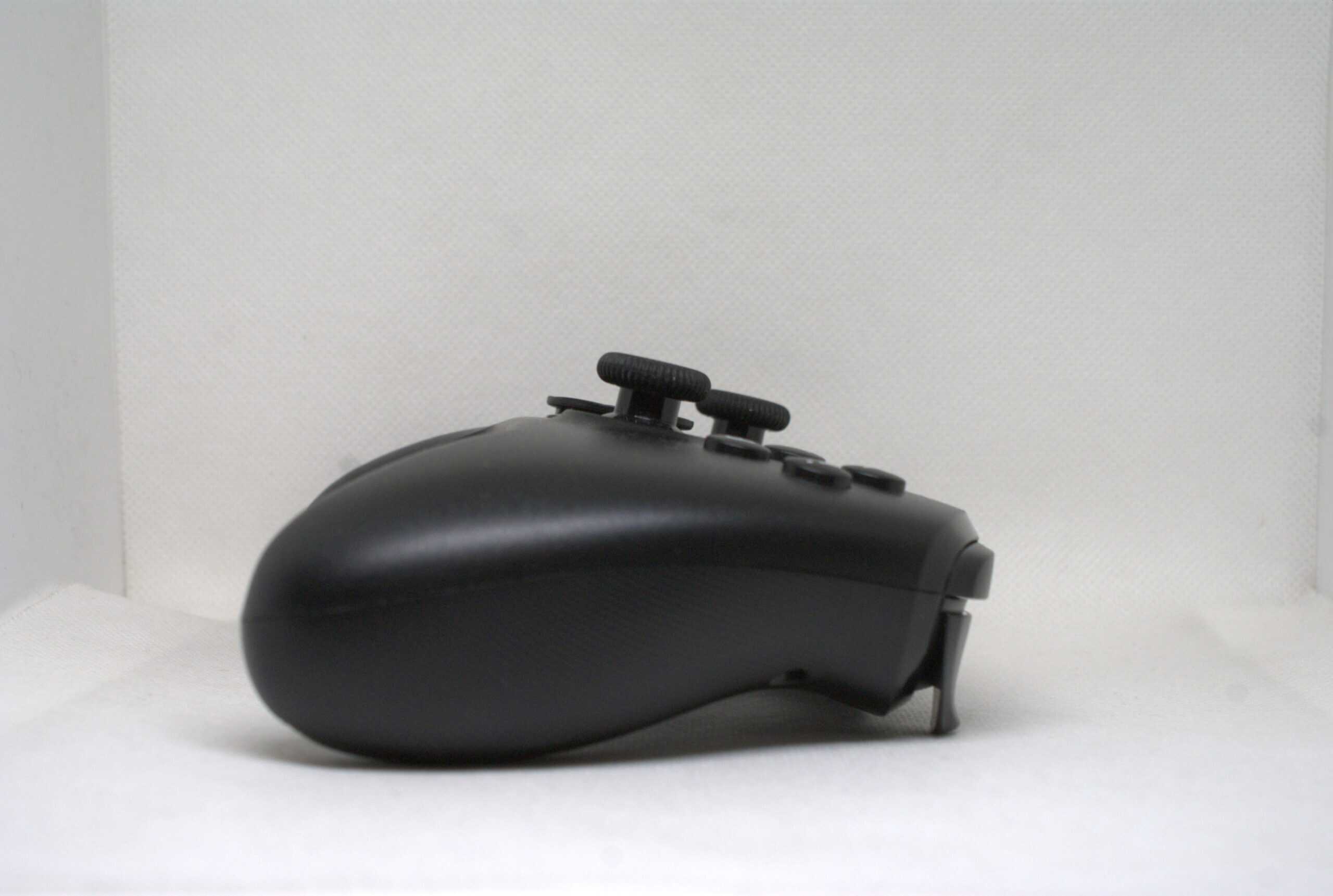
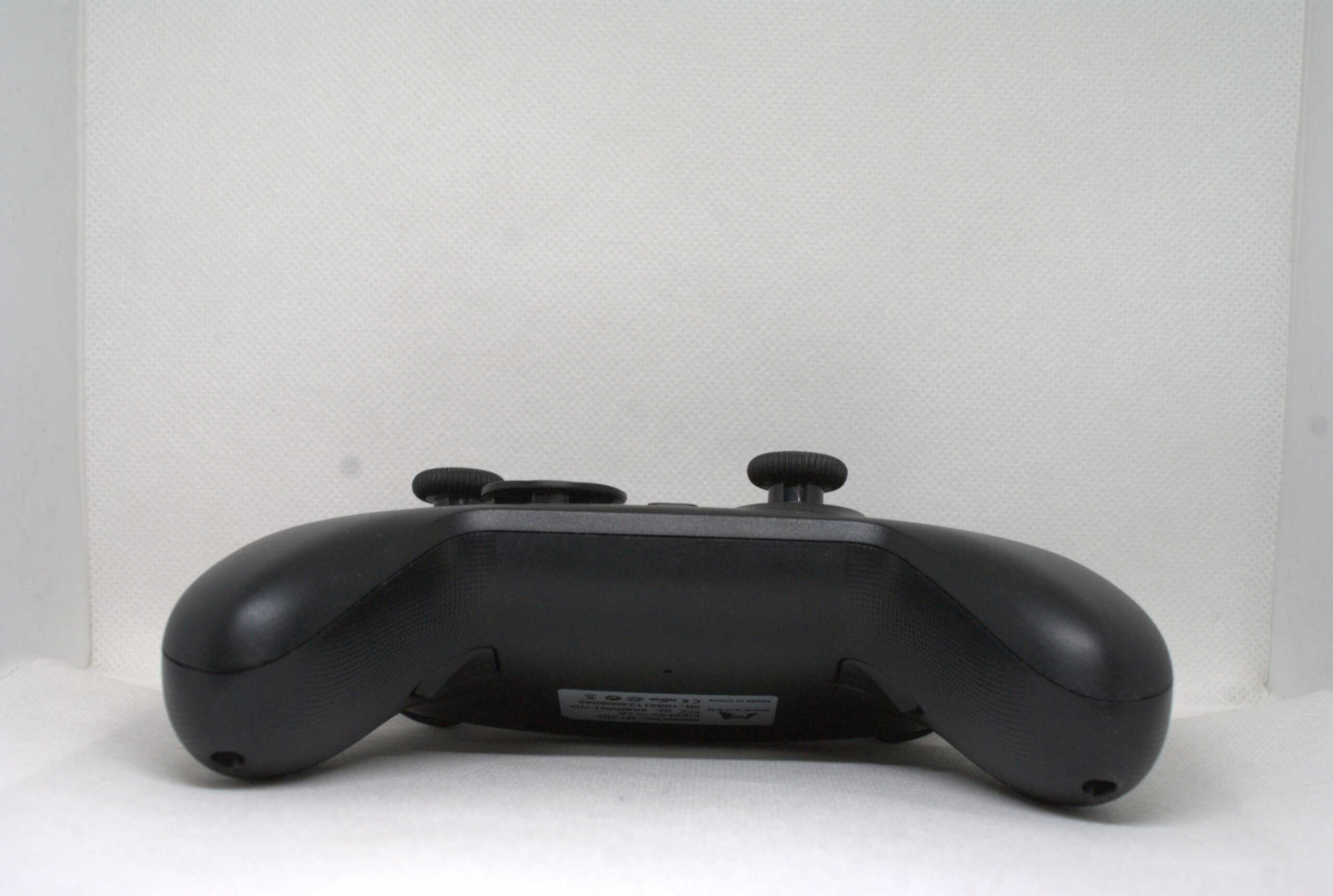
The analog sticks appear to be some form of Hall Effect module from HallPi. They feel like any other HallPi stick; I didn’t notice any unique characteristics. The stick tops themselves are painfully simple: entirely plastic, lacking metal rings, and rubberized with a hard material that doesn’t grip the finger well.
Regarding the ABXY buttons, the switches feel very good, but I have concerns about their placement rather than their feedback. The problem is they sit too close to the right analog stick. In games relying on rapid inputs, like NieR:Automata or AI Limit, I sometimes accidentally nudged the stick, which became irritating. The D-Pad, on the other hand, is simply good. It is heavy and precise, though in my opinion, it lacks the lightness and tactility that would make it ideal.
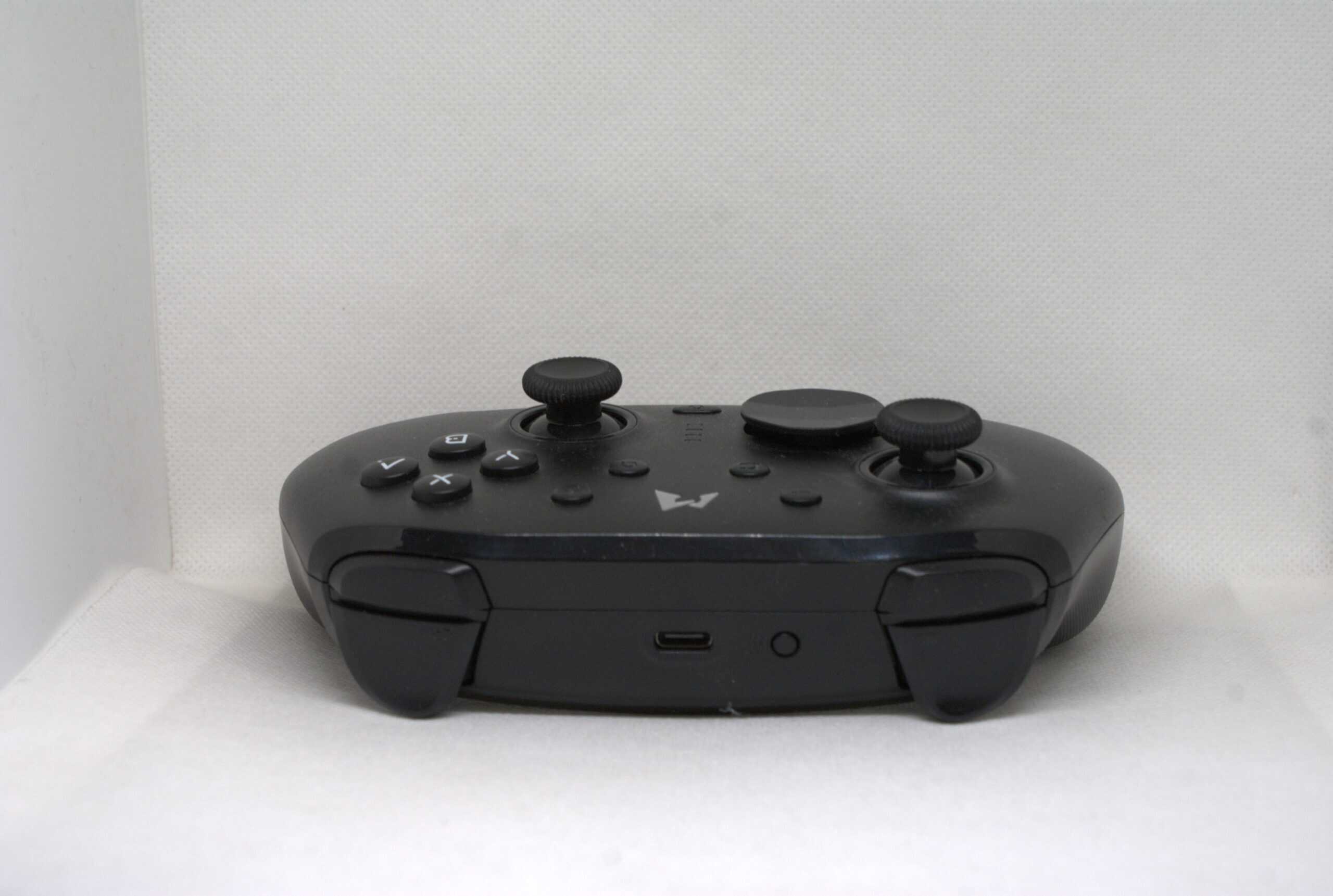
Up on the top edge, we find the triggers and bumpers. Here lie two more flaws, because they are frankly terrible. The triggers are too small, with travel that is too linear and shallow. Combined with the small size of the pad itself, the user experience suffers. The same applies to the bumpers.
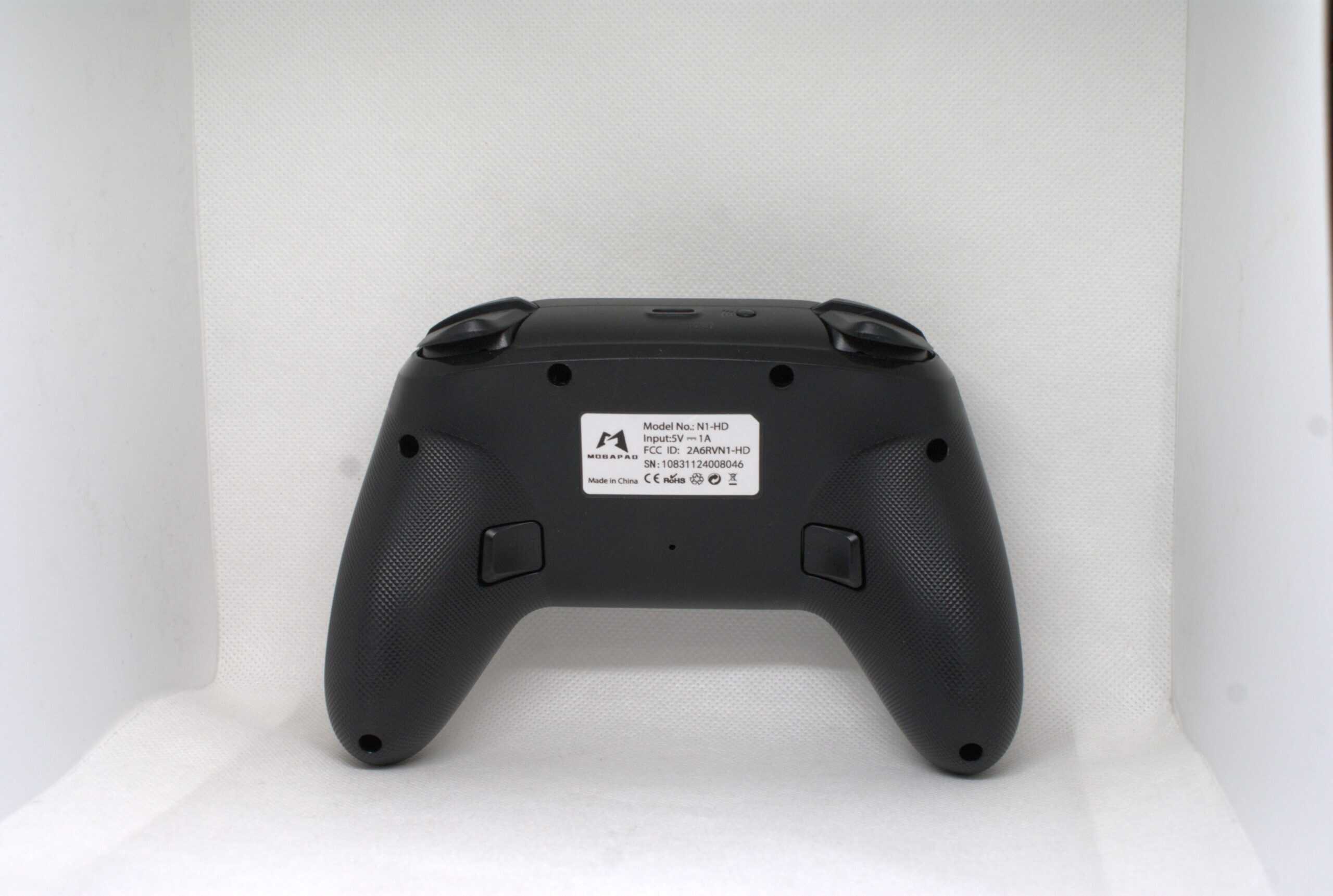
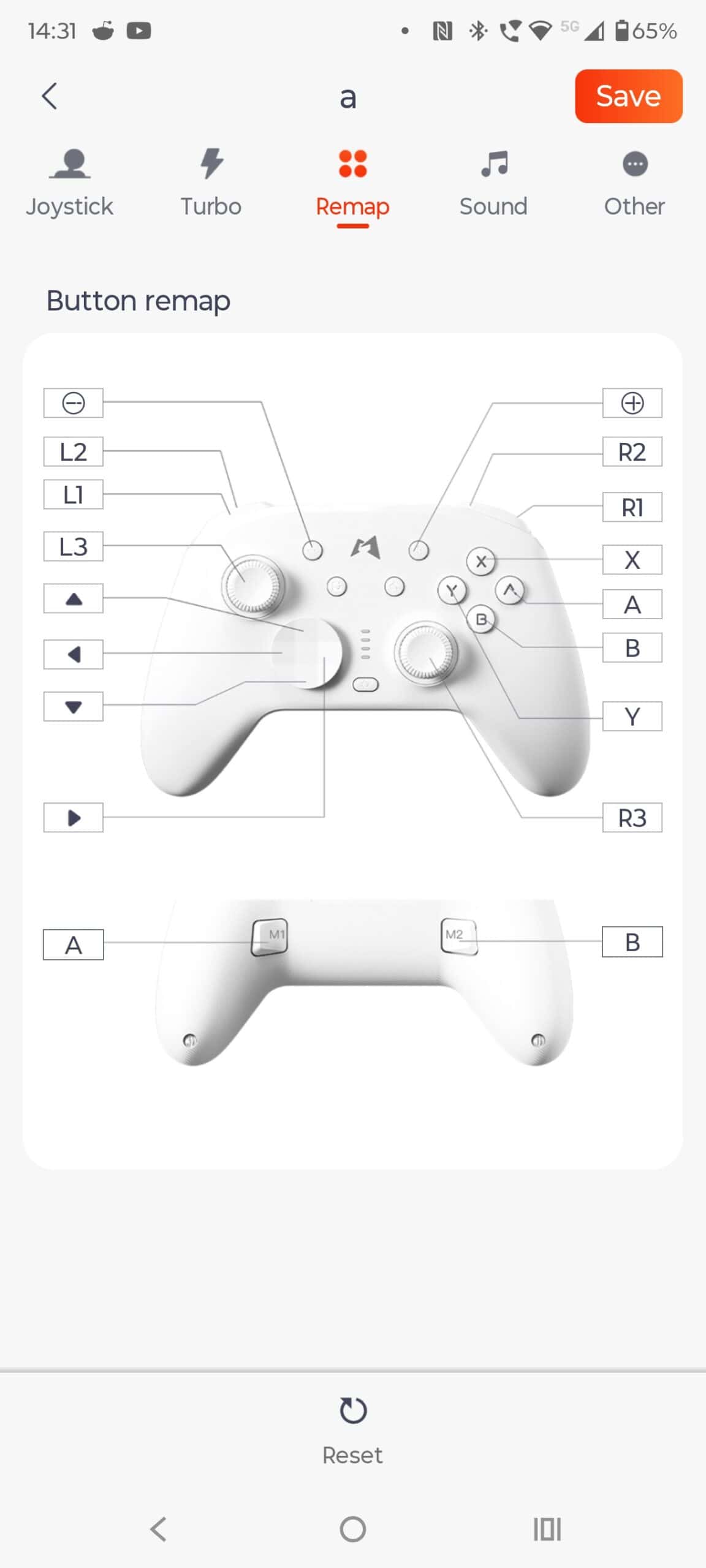
Finally, on the back, we have two basic remappable buttons. Their feel isn’t the worst. It’s a bit hollow, but using them is pleasant enough. In my opinion, however, they could be placed a bit closer to the edge.
Let’s take a look inside.
As you might have noticed, I decided to skip the teardown section in my last few reviews, even for the more interesting designs. To be honest, I still performed the teardowns, but since there wasn’t anything interesting to report, I skipped writing the same thing for the millionth time. However, one detail caught my attention with the N1 HD. Paradoxically, for such a simple and small controller, it feels heavy. It isn’t terribly heavy, but something just didn’t feel right.
After briefly weighing it in my hands, I concluded that a significant portion of that weight rests in the handles. This didn’t make sense to me, as ALPS HD Rumble motors are usually mounted on pogo pins on the PCB, not on wires in the grips. So, I decided to crack the controller open.
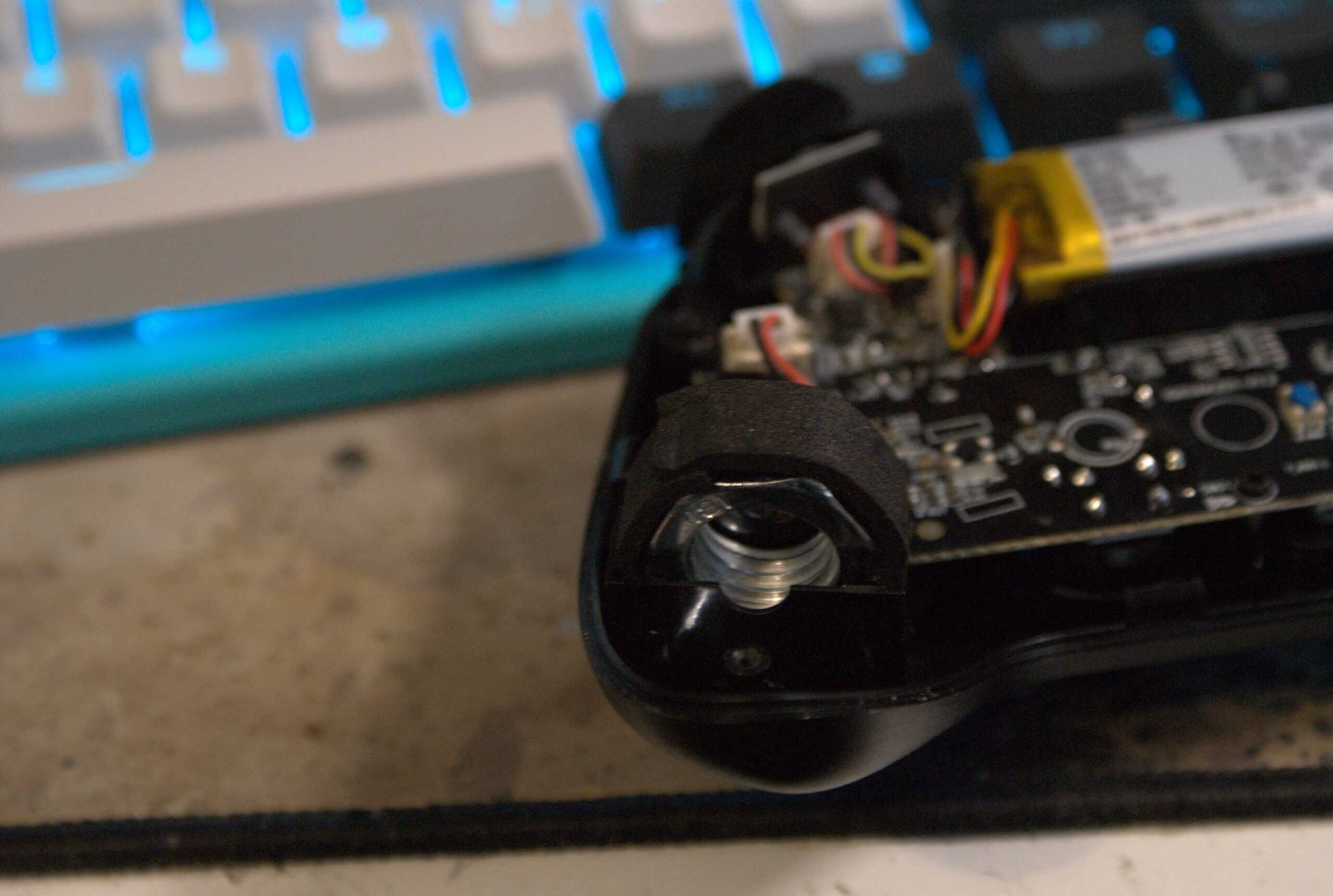
Inside, I found something that almost made me laugh out loud: a nut. Yes, you see correctly. It is a large industrial nut, likely an M20, rather carelessly wrapped in foam and placed where the vibration motors should be. Why? I am not sure. It might be a balance issue. The relatively heavy circuit boards would make the controller front-heavy without a counterweight, which would be uncomfortable. But still, it is a hilarious discovery
Synthetic Tests
Input Latency: Starting with button latency, wired XInput mode offers around 7 ms at 500 Hz, while the 2.4 GHz connection sits around 10 ms at 1000 Hz. Switch mode via the dongle results in a slower 35 ms at 125 Hz. Interestingly, Bluetooth offers a lower 25 ms latency, though at a reduced polling rate of 70 Hz. Even so, this is a poor result.
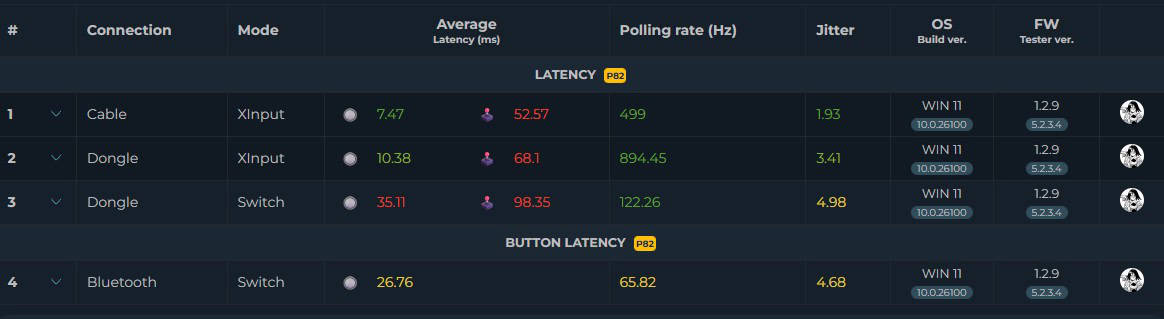
Stick Latency: Analog stick latency is a major issue. It starts at 52 ms in wired mode and jumps to 70 ms with the dongle in XInput. In Switch mode, it hits a staggering 100 ms. Yes, you read that correctly: 100 ms. Over Bluetooth, it hovers between 130 and 200 ms. I am not entirely sure about the final Bluetooth figure because the measurement took so long that I had to stop to prevent my testing solenoid from overheating, but that is roughly what I observed.
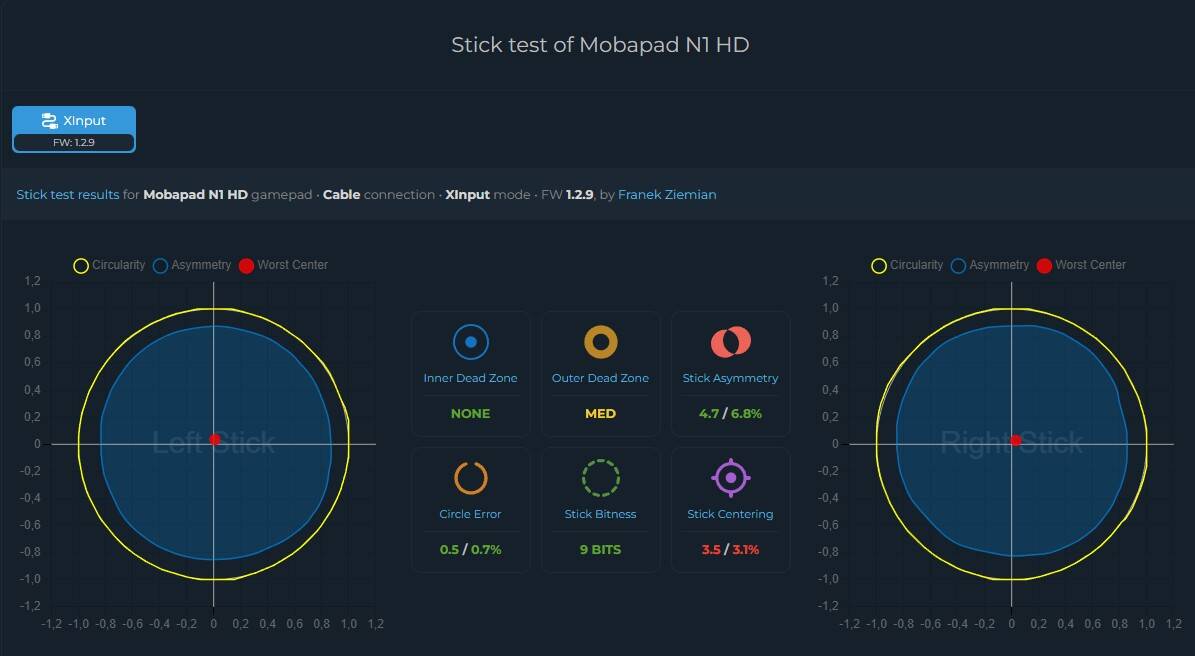
Calibration & Battery: Analog stick calibration is rather average. The size of the outer dead zone and the mediocre return-to-center performance are unimpressive, but otherwise, it is passable. There are no axial dead zones or significant asymmetry. Unfortunately, I did not test linearity, but considering the overall performance, it would not have made much sense.
Battery life is pretty standard at around 10 hours.
Software
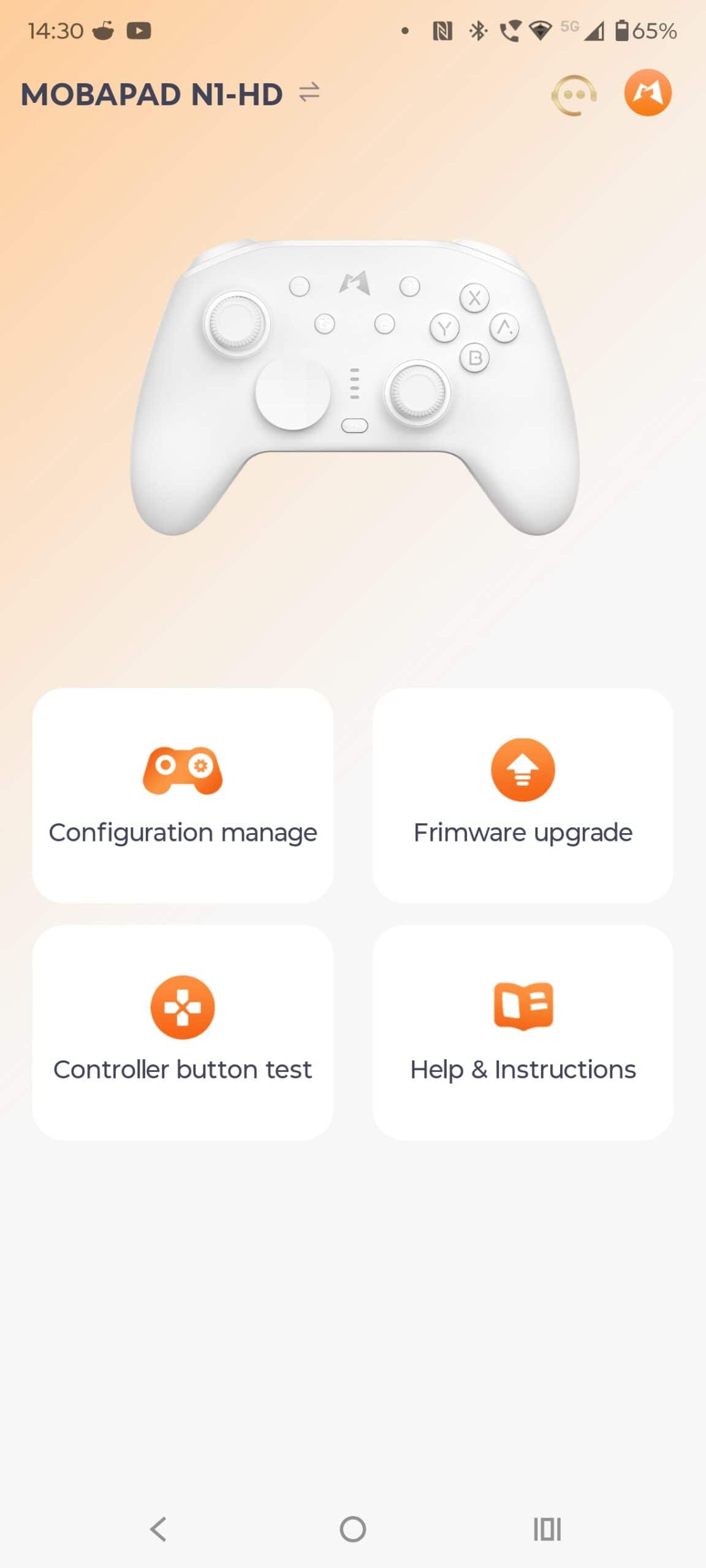
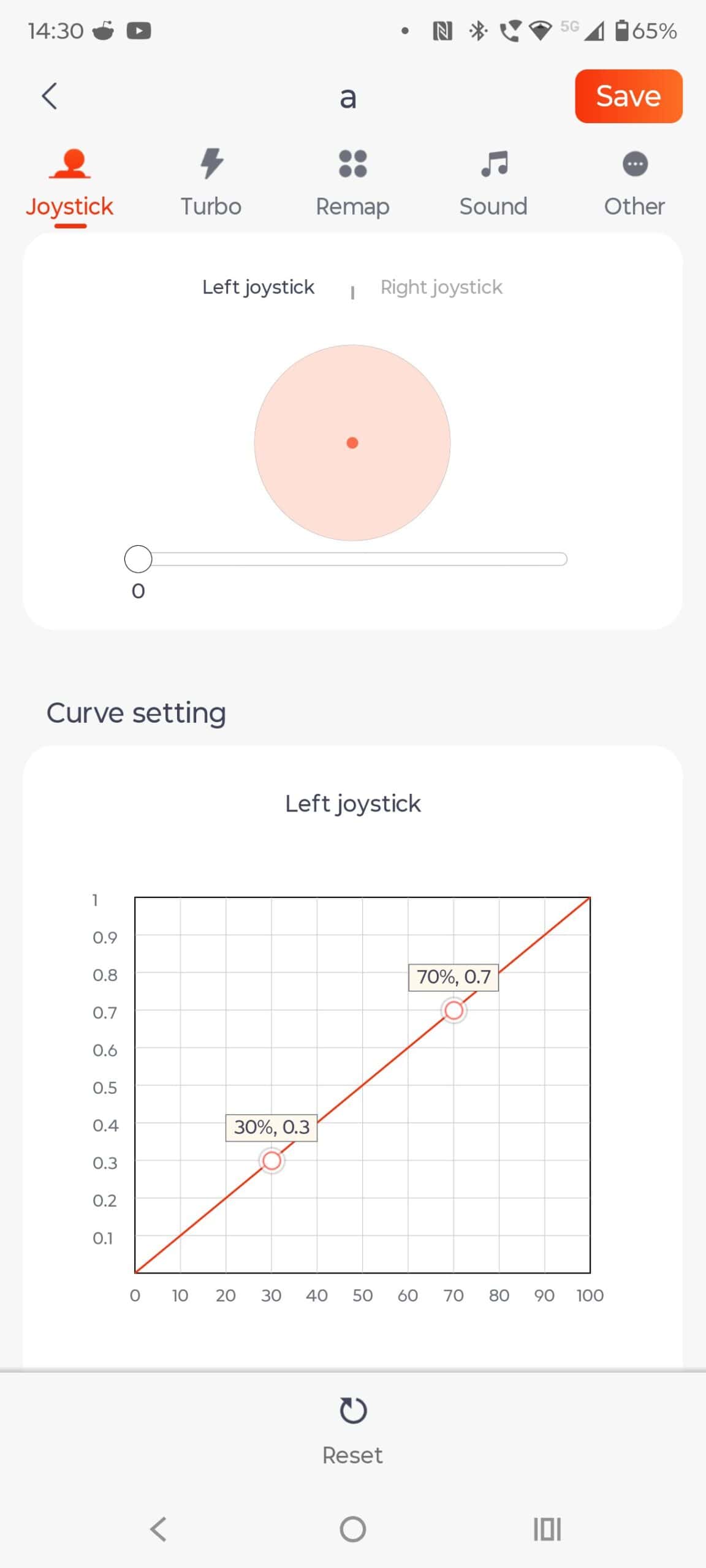
The N1 HD is configured via a mobile app. While the application is very basic, it is perfectly adequate for adjusting the necessary settings. The interface is clean and intuitive, so getting lost is practically impossible.
Summary of the Mobapad N1 HD
Honestly, I wish I could recommend this controller. There are not many pads that focus strictly on Nintendo Switch integration while offering benefits for PC users. Unfortunately, a number of shortcomings, such as the mediocre feel in the hand and poor performance, effectively disqualify this controller from being a good choice.
This review was made possible thanks to Mobapad.
Pros:
- Decent build quality
- Nice D-Pad
Cons:
- Very poor implementation of inputs/switches
- Terrible results in synthetic tests
I focus on reviewing PC controllers and sim racing accessories.