


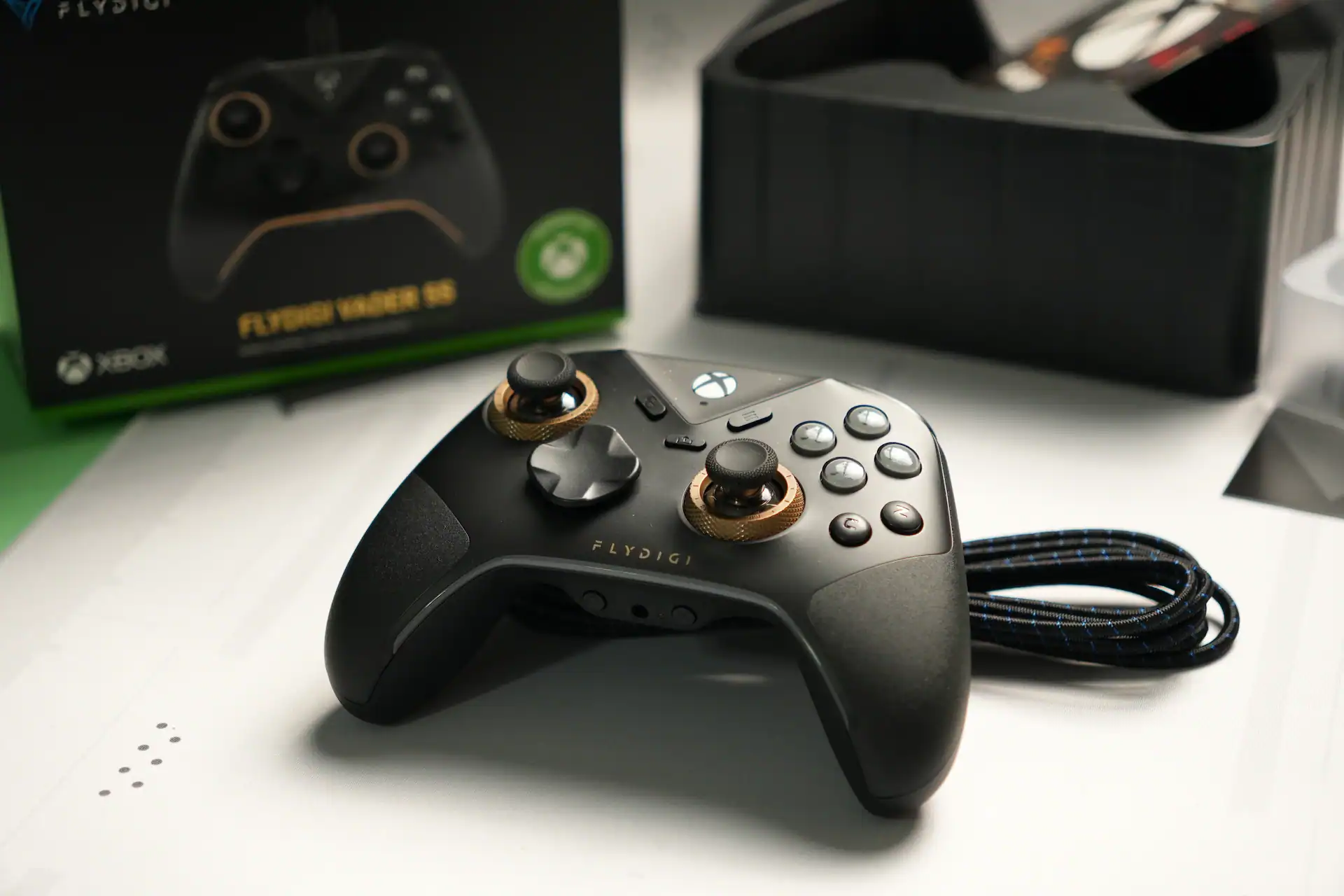
Flydigi Vader 5S is the first Flydigi’s controller with Xbox compatibility. Only wired, not wireless, but it’s priced at only $59.99 and it has tons of features. Having recently reviewed Vader 5 Pro which is a great controller, Vader 5S is a little bit different to it, but if you are on the market for an Xbox wired controller then this and G7 Pro are your best bets.
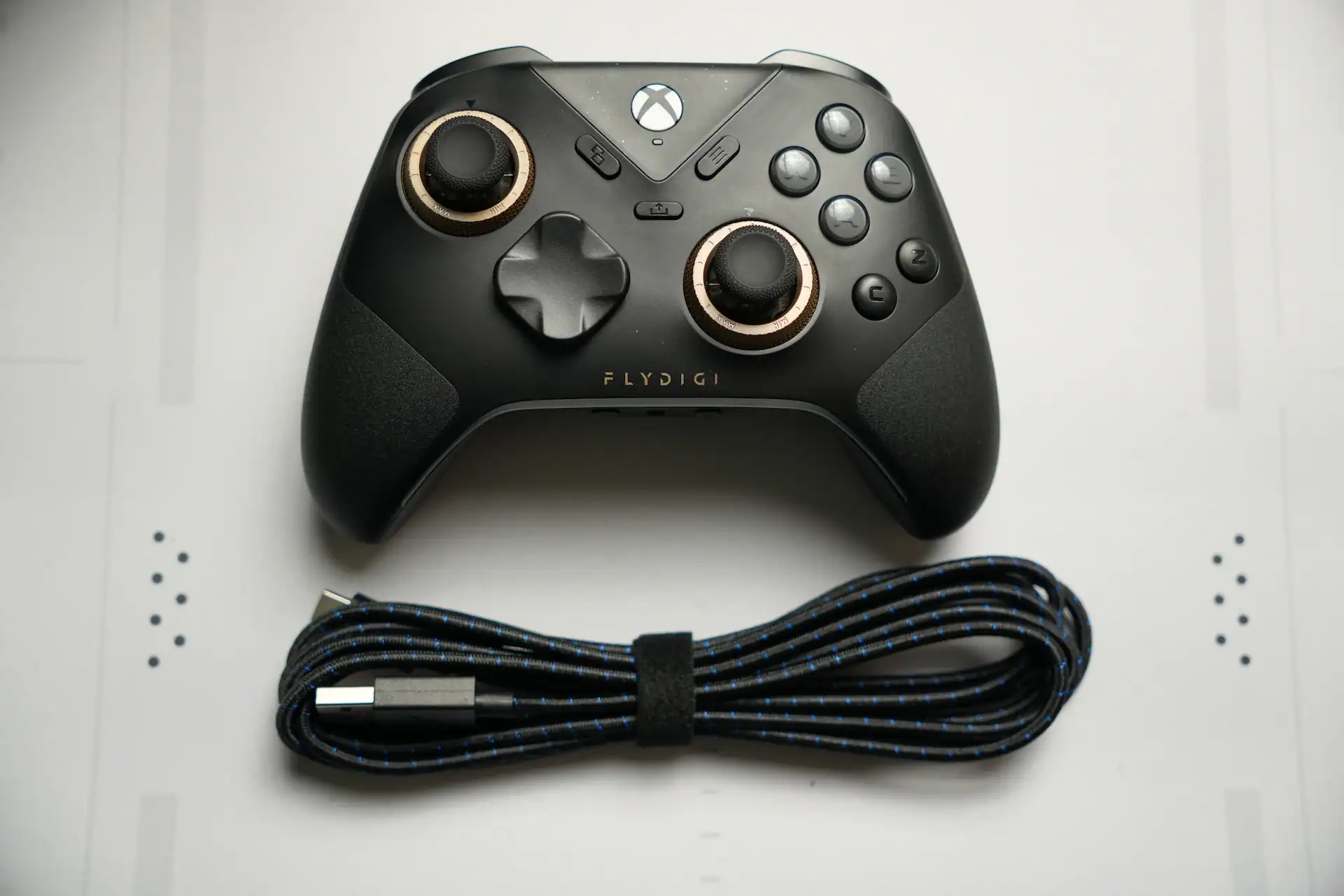
Quick Specs & Performance Data
| Category | Measurement / Spec |
| Weight | 263.7g (Lightweight & balanced) |
| Polling Rate | 500Hz (PC) / 250Hz (Xbox) |
| Latency | Sticks: 4-5 ms, Button: 3-4 ms |
| Stick Type | Hall Effect |
| Tension Range | 40gf – 100gf (Adjustable) |
| Extra Buttons | 6 (2 Back, 2 Shoulder, 2 Face) |
| Connectivity | Wired Only (USB-C) |
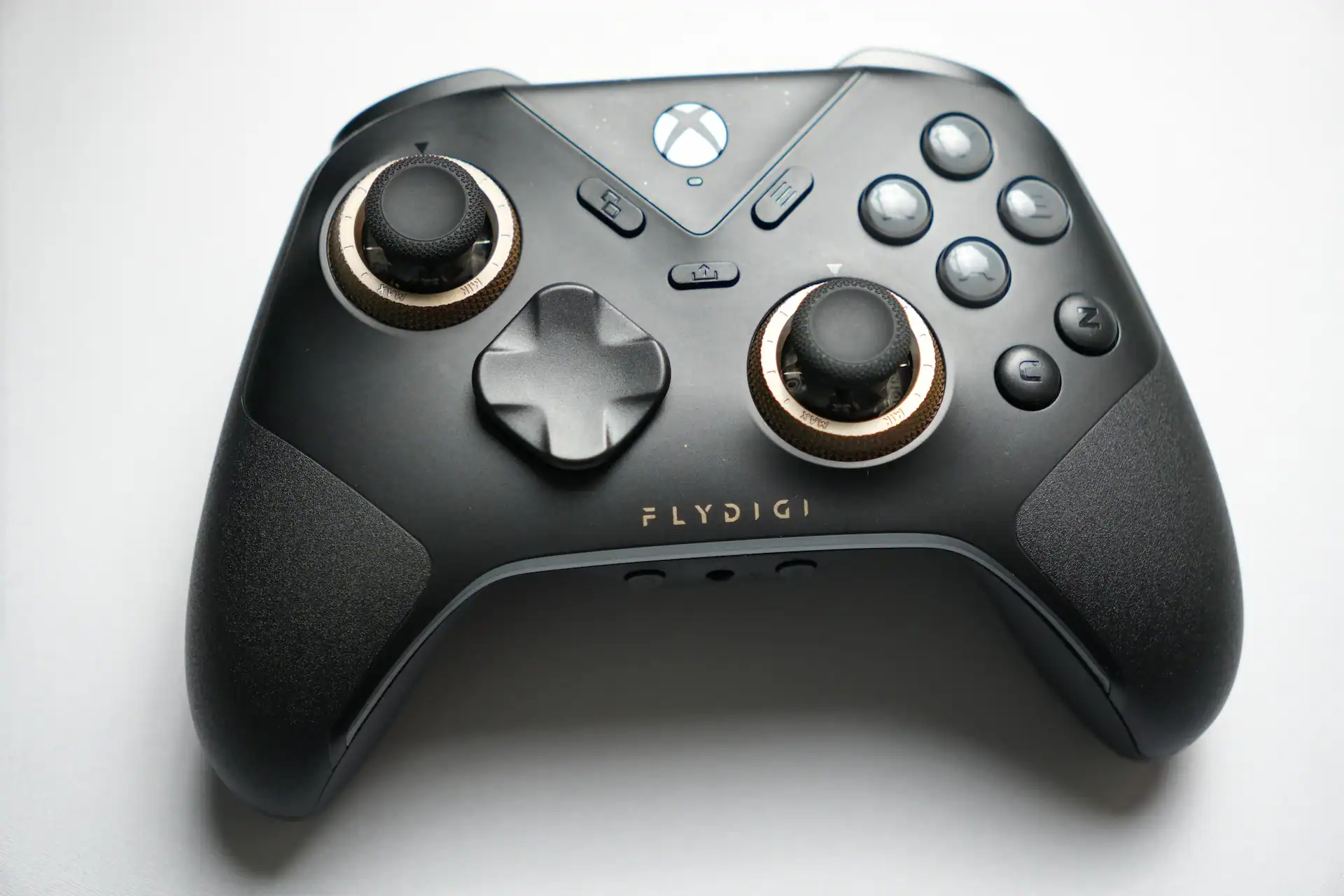
Vader 5S is very comfortable. It doesn’t have the rubberized grips like Vader 5 Pro, just a plastic material that doesn’t feel very grippy, but the shape and its ergonomics are very good. But, it can be a bit uncomfortable after of few hours of gaming if you have smaller hands (for your middle finger). The plastic feels pretty good, closer to the premium vibe.
At 263.7g, it is lighter than the Vader 5 Pro (286.8g), making it easier on the wrists during long sessions but potentially feeling “less substantial” to those used to weighted controllers like the Xbox Elite Series 2.
Joysticks and tension rings
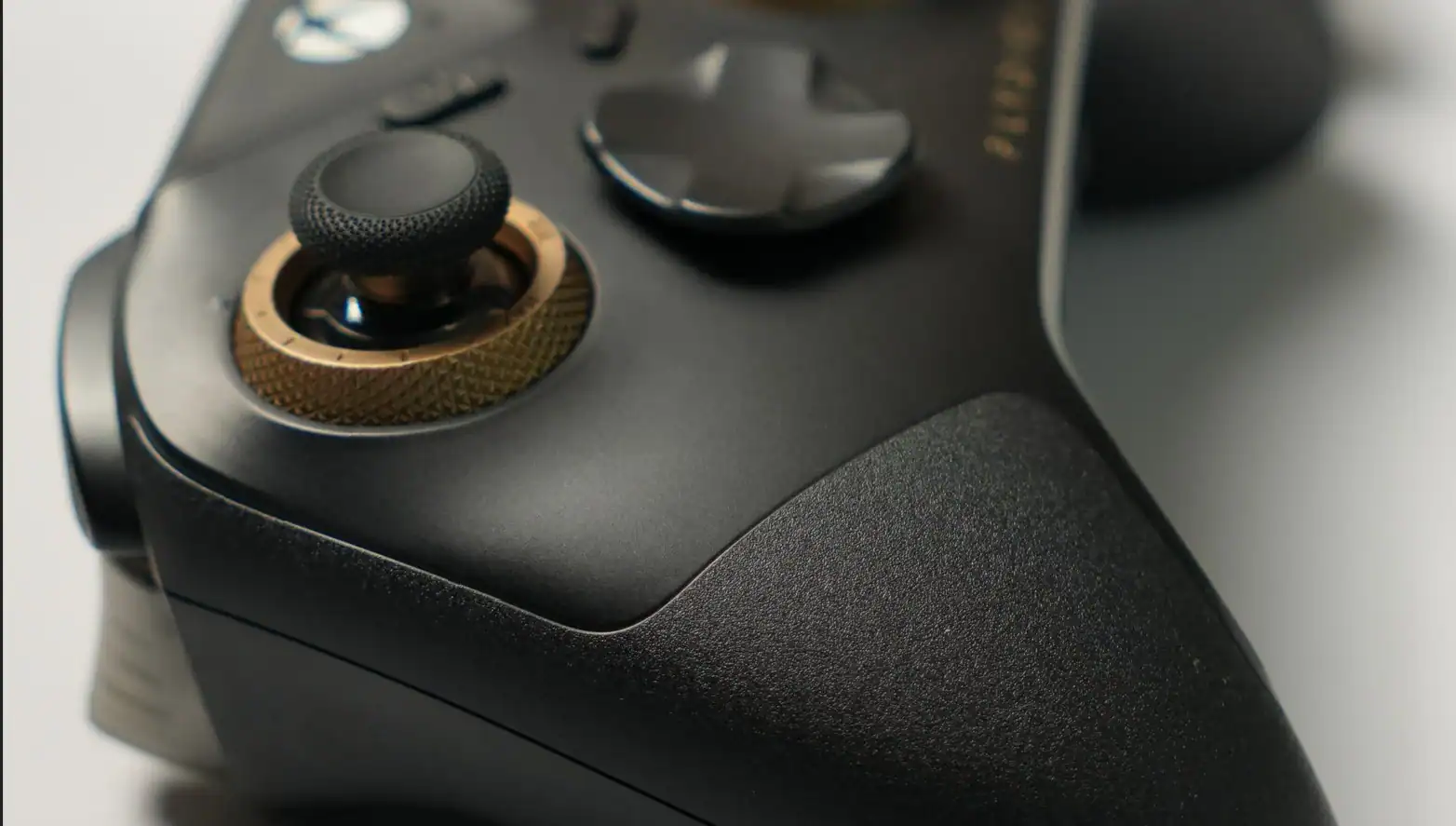
The joysticks seem to be the same that have been used in Vader 5 Pro and Apex 5. They are Hall effect joysticks and not TMR ones, but they are very accurate and shouldn’t develop stick drift over time. Thumbsticks can be easily removed and replaced.
Big thing in this and other Flydigi controllers is the adjustable tension rings. This time they are a little bit different and have ratcheting mechanism unlike the ones in Vader 5 Pro where the mechanism is very smooth and sometimes they can be moved without your intention. This isn’t the case here. Tension range is between 40gf and 100gf which is more than enough for most players. I haven’t had any accidential movement with them, but some users of Vader 4 Pro reported that over time than may happen. Hopefully this won’t be the case with Vader 5S.
Latency numbers
We tested the latency and it looks like this:
- Stick latency: 4-5 ms
- Button latency: 3-4 ms
This was tested in 500 Hz polling rate mode. When using 250 Hz the latency was 1-2 ms worse, which is still good. Don’t turn on the Stick Rebound Suppression setting as it makes the latency much worse.
Face buttons and D-pad
Face buttons are exactly the same as in Vader 5 Pro and Apex 5, they are micro switch clicky buttons, they feel very tactile, I like them.
D-pad is a floating mechanical dpad with a diamond shape, also the exactly same as on Vader 5 Pro. It’s pretty good in my opinion, better than in Gamesir G7 Pro I would say. D-pad can be removed and replaced.
Bumpers and triggers
Bumpers are your standard bumpers, they get the job done. Triggers have micro switch and analog modes which can be switched using a switch on the back of the controllers. Personally my favorite triggers are the ones used in Gamesir Cyclone 2 and these feels just a little bit different, just a bit worse for me. Switching to micro switch tactile mode they feel pretty good with a destinct and satisfying click.
6 extra buttons
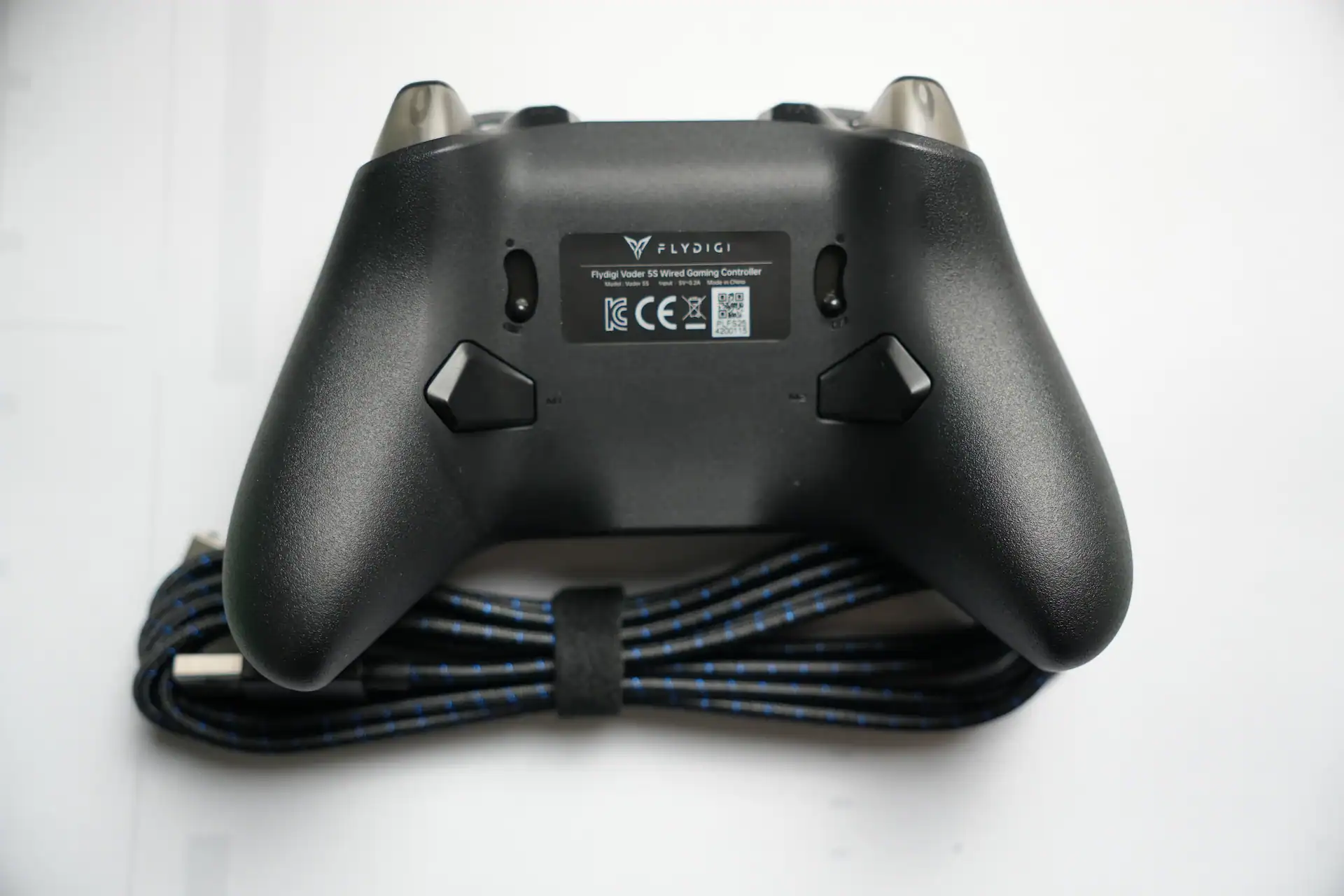
Back buttons are pretty standard and quite comfortable, I think I like them more than for example the Gamesir Cyclone 2 ones. Shoulder buttons are the same with short pre-travel, but I don’t really ever use them in games, so I can’t comment too much on them. C+Z buttons are the same as on Vader 5 Pro and they aren’t mechanical like the ABXY, so they aren’t clicky, but they are membrane ones.
Rumble and vibration motors are really nice with a strong punch to them.
Software: Flydigi Space Station for Xbox


Vader 5S doesn’t use Flydigi Space Station 4.0 for its software, but a Flydigi Space Station for Xbox which can be downloaded from Microsoft Store. Within the app there are lots of customizability options, including button remapping, stick curvers or trigger sensitivity. You can also update firmware and store settings in 4 profiles.
Regarding polling rate and responsiveness. It’s “only” 500Hz on PC na 250Hz on Xbox, but it’s very responsive. I’m still testing the numbers, but it seems to be quite close to Vader 5 Pro which has 1000Hz polling rate.
Vader 5S vs Vader 5 Pro – differences
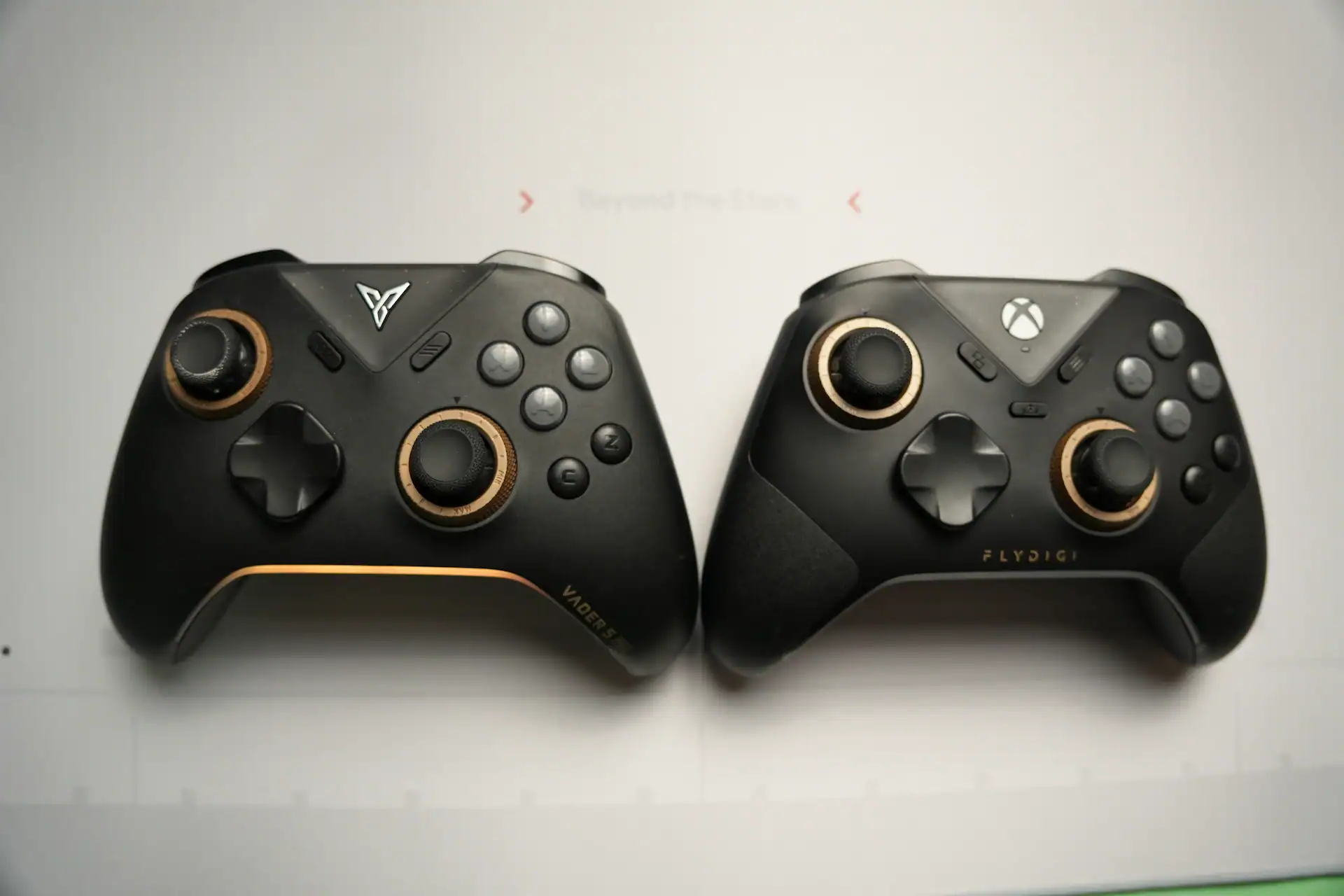
- Vader 5S is $20 cheaper at $59.99 and Vader 5 Pro is $79.99
- Vader 5 Pro has 1000Hz polling rate and lower latency, Vader 5S has 500Hz on PC na 250Hz on Xbox
- Both have tension rings on joysticks, but Vader 5S has ratcheting mechanism to it which is more satisfying and maybe more durable (?) – time will tell.
- Vader 5S has a different texture on front of the grip part. Just a tiny bit grippy.
- Vader 5S has 3.5mm jack port, mute button, mute indicator button and FN button.
- Vader 5 Pro has battery and wireless connection and can be charged via a charging dock.
- Vader 5 Pro has 2 back paddles which are extractable and optional, Vader 5S doesn’t have them or even a slot for them
- Vader 5 Pro has better rubberized grips and Vader 5S has a plastic, just a little bit grippy grips.
- Vader 5S weights 263,7g and Vader 5 Pro weights 286,8g
- Cheaper than Vader 5 Pro with similar features
- Comfortable
- Good latency, tons of features
- Wireless Xbox version would be nice
- It can be uncomfortable for smaller hands
Flydigi Vader 5S is available now via:
- Amazon
- Flydigi official store (US shipping only for now)

I love testing and writing about new tech. I focus on keyboards and controllers. I'm also a gamer and an engineer. Check out my Twitter for keyboard and controller news and reviews.


