


Angry Miao Infinity Mouse is a very lightweight gaming mouse with a unique twist – it has a swappable battery that can be replaced very easily without opening up the mouse shell. And the whole look of the mouse is quite attractive because of the open design. It was first launched via a very successful Kickstarter campaign. But how does it feel after longer use and how does it perform?
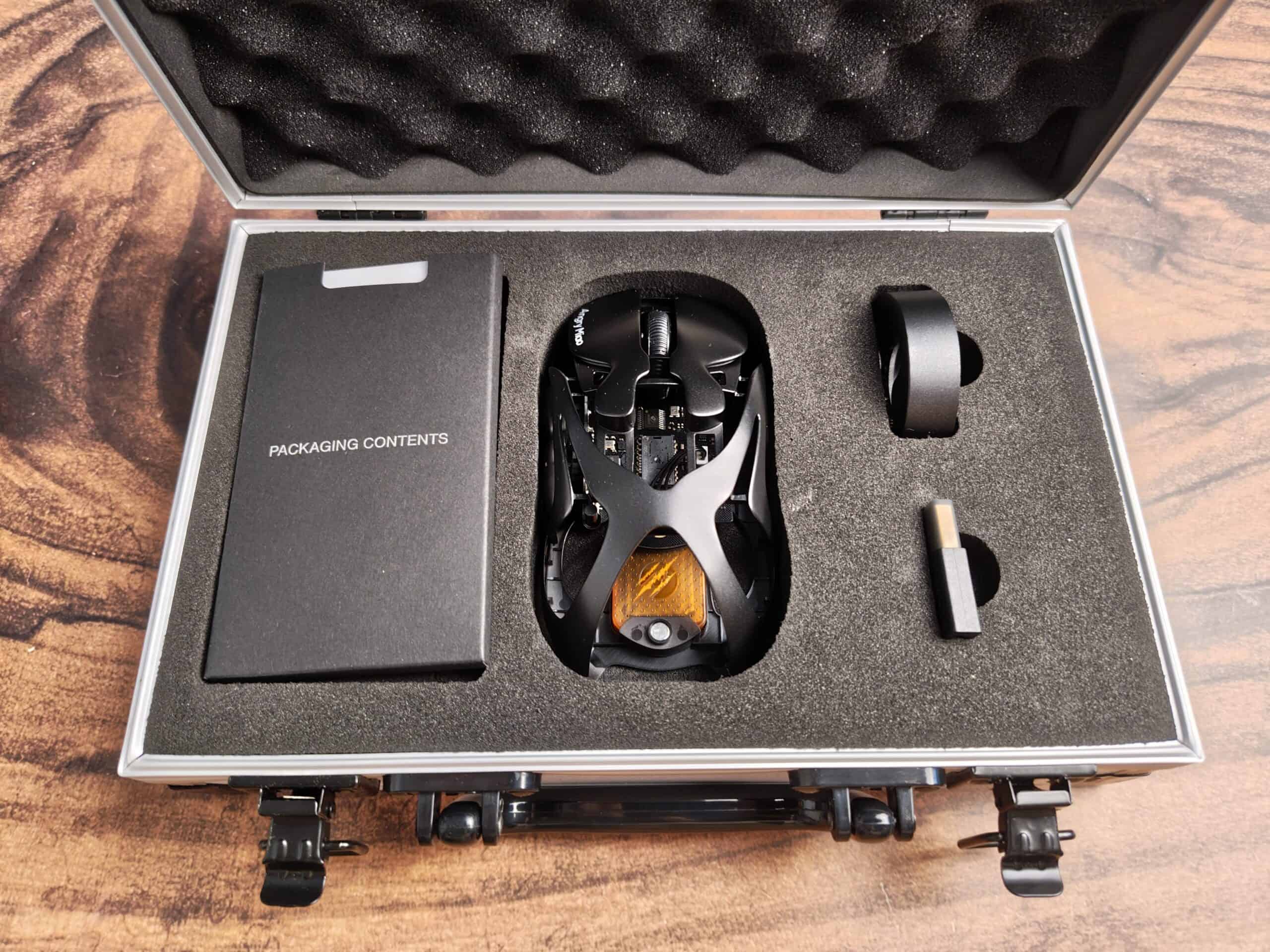
Let’s start with the hardware. The Infinity Mouse weighs just 49 grams, which puts it in the ultralight category. Despite the extensive cutouts in the body, the magnesium-aluminum alloy frame feels extremely rigid and stable. There’s no creaking or flex, and the open design even adds practical benefits — increased airflow around the hand makes longer sessions more comfortable. The mouse’s shape borrows cues from both the Razer Viper Mini and Logitech G Pro Wireless, aiming for a familiar but refined form factor. It works especially well for claw and fingertip grips, although palm grip users with smaller hands might find the open rear less supportive.
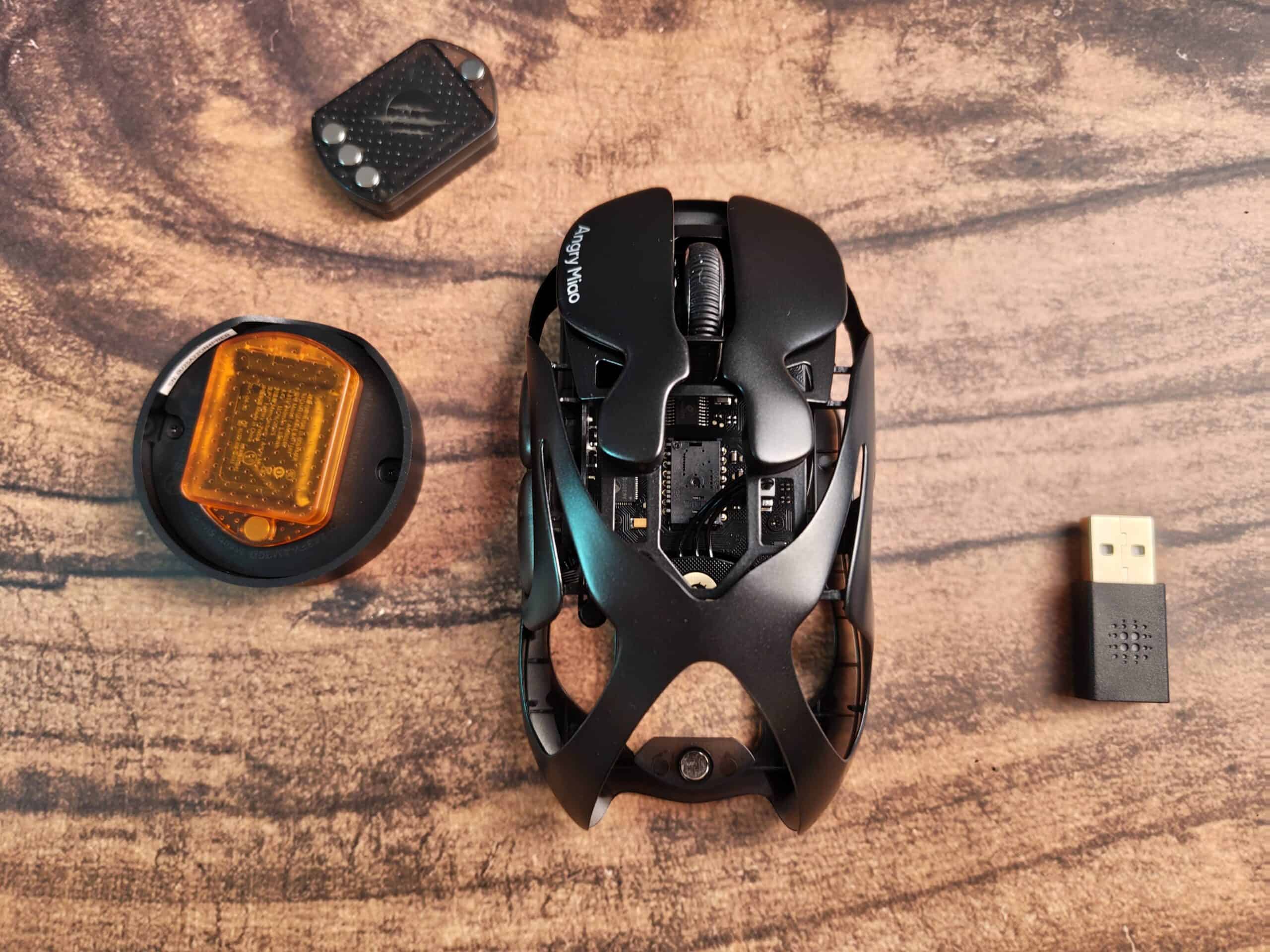
The sensor is top-tier: the PixArt PAW3950. With a maximum CPI of 30,000, 750 IPS, and 50G acceleration, tracking is pixel-accurate and reliable across various surfaces. Paired with 100% PTFE feet, the mouse glides effortlessly on both hard and soft pads. No spinouts, jitter, or latency were observed during testing — expected from a sensor of this level, but still worth highlighting.
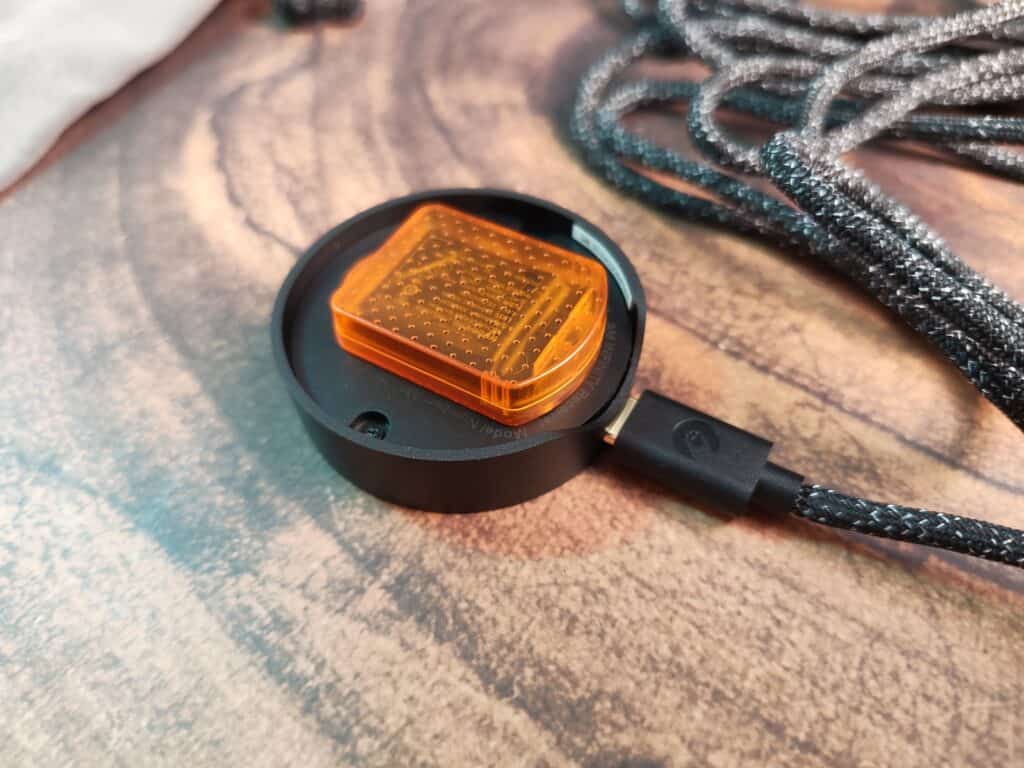
The real highlight of the Infinity Mouse is its infinite battery system. But it’s a bit misleading as it doesn’t have any groundbreaking technology, but hotswappable batteries which can be replaced super fast. Each unit ships with two 340mAh batteries and a custom cradle that acts as both a battery charger and a 2.4GHz dongle. When one battery runs low, users can eject it and insert a fully charged one within seconds thanks to the magnetic design. Unlike typical wireless mice that must sacrifice polling rate to conserve battery, the Infinity Mouse can run at 8000Hz continuously. This makes it one of the few wireless mice where you don’t have to choose between performance and convenience.
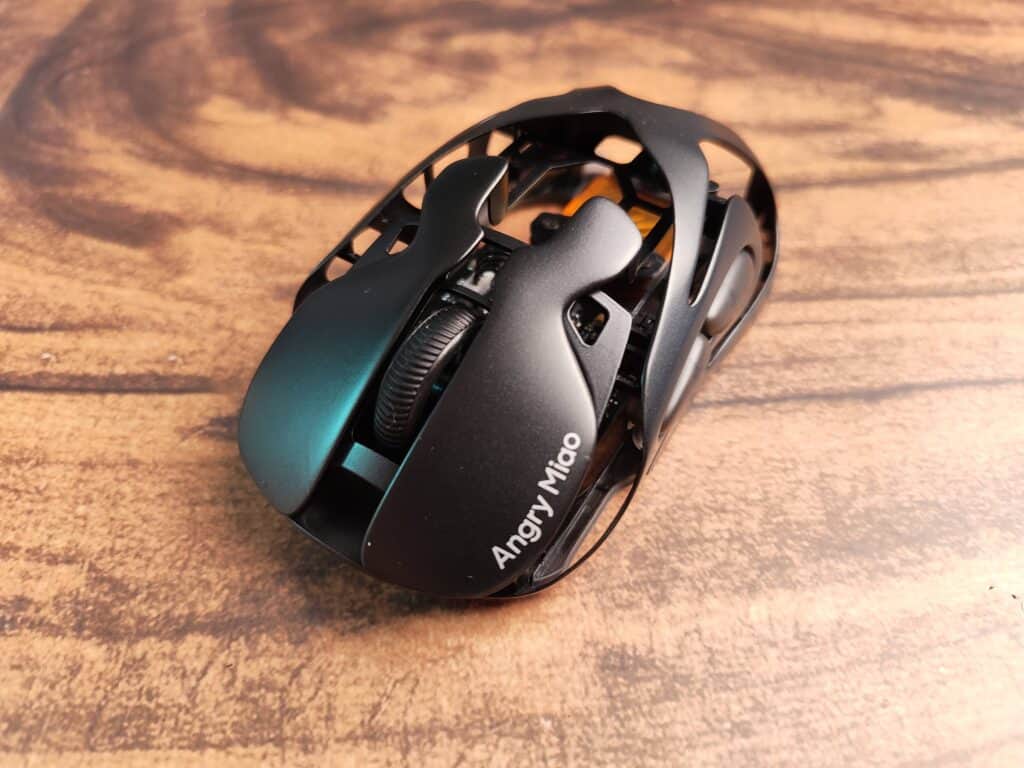
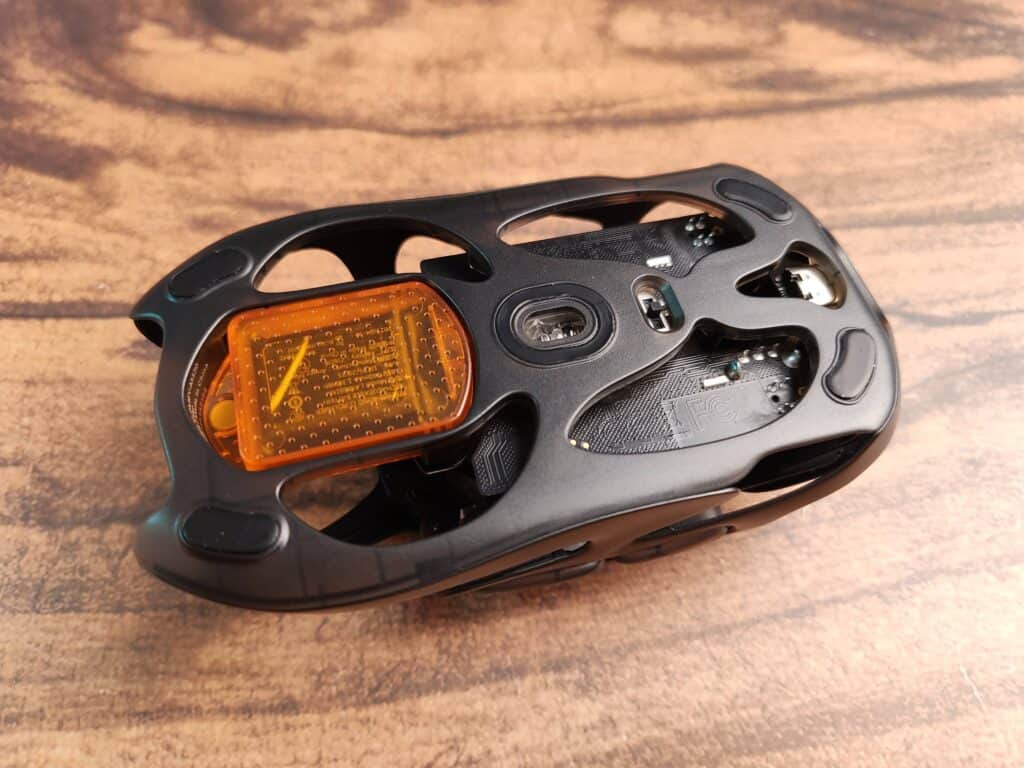
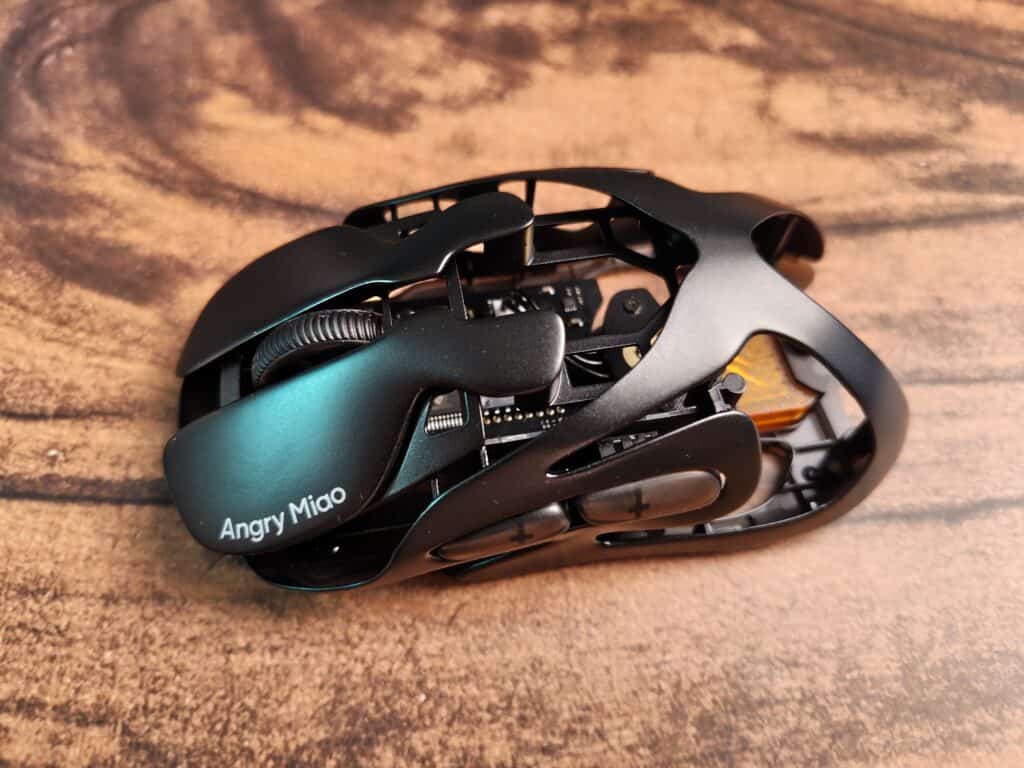
Click feel is also excellent. The TTC Orange Dot Optical Micro-Switch V2 provides a tactile, fast response with no debounce delay. These switches are rated for 100 million clicks and are sealed against dust, making them a great long-term solution. The scroll wheel is serviceable — with distinct steps — though it doesn’t feel quite as premium as some other esports-focused mice in this price range.
Connectivity options include tri-mode support: 2.4GHz, Bluetooth 5.1, and USB-C wired. Switching between them is possible via a small toggle on the bottom of the mouse. It works as expected, although users with larger fingers might find the recessed switch slightly hard to operate.
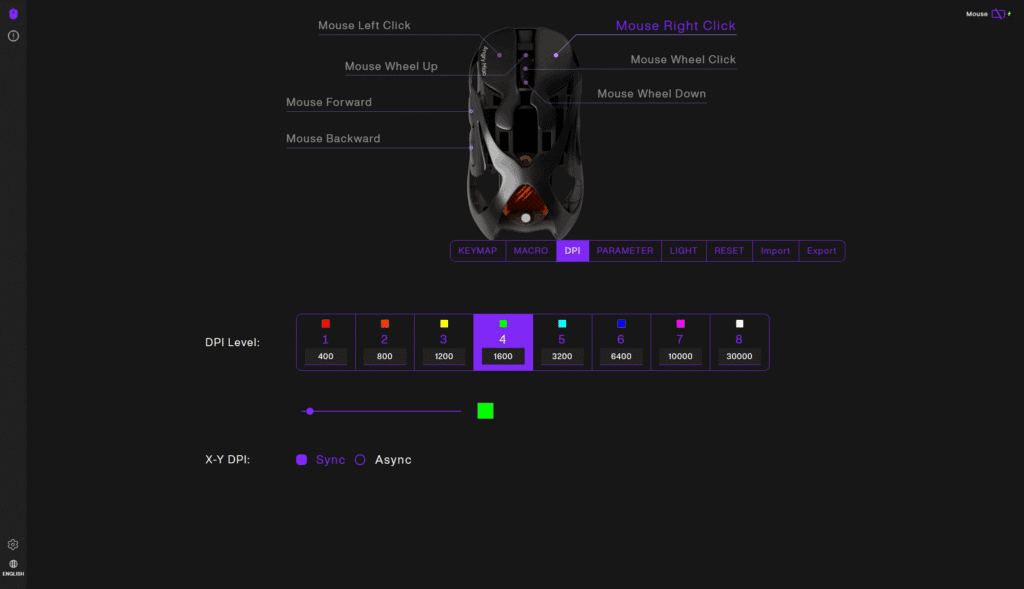
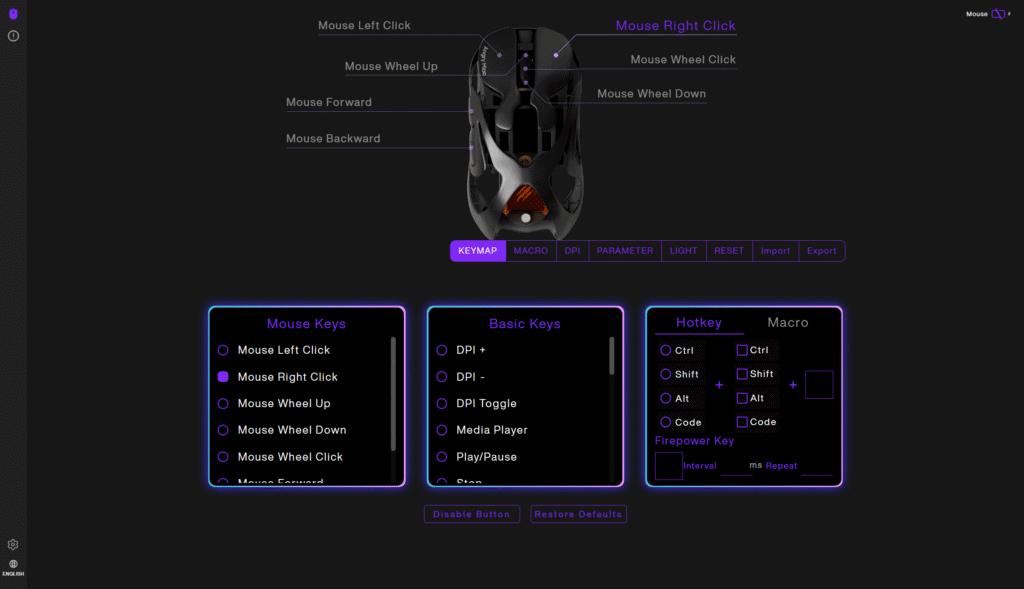
The included AM Master software enables DPI adjustment, polling rate control, macro programming, RGB settings, and debounce tuning. However, in early testing, some users experienced issues saving settings in wireless mode. While a fix is expected before full release, currently it’s recommended to adjust settings in wired mode to ensure they are saved properly.
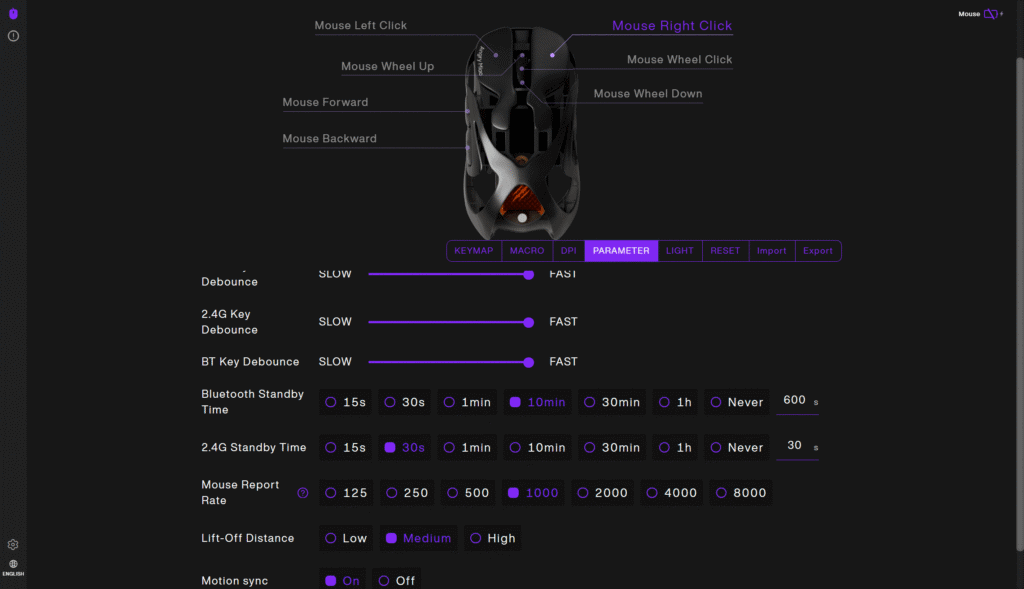
Battery life with one cell is around 15–17 hours at 8K polling — not exceptionally long, but perfectly reasonable given the performance level. The ease of swapping batteries essentially removes downtime, which is a significant usability advantage. You can also lower the polling rate to extend the life of the battery.
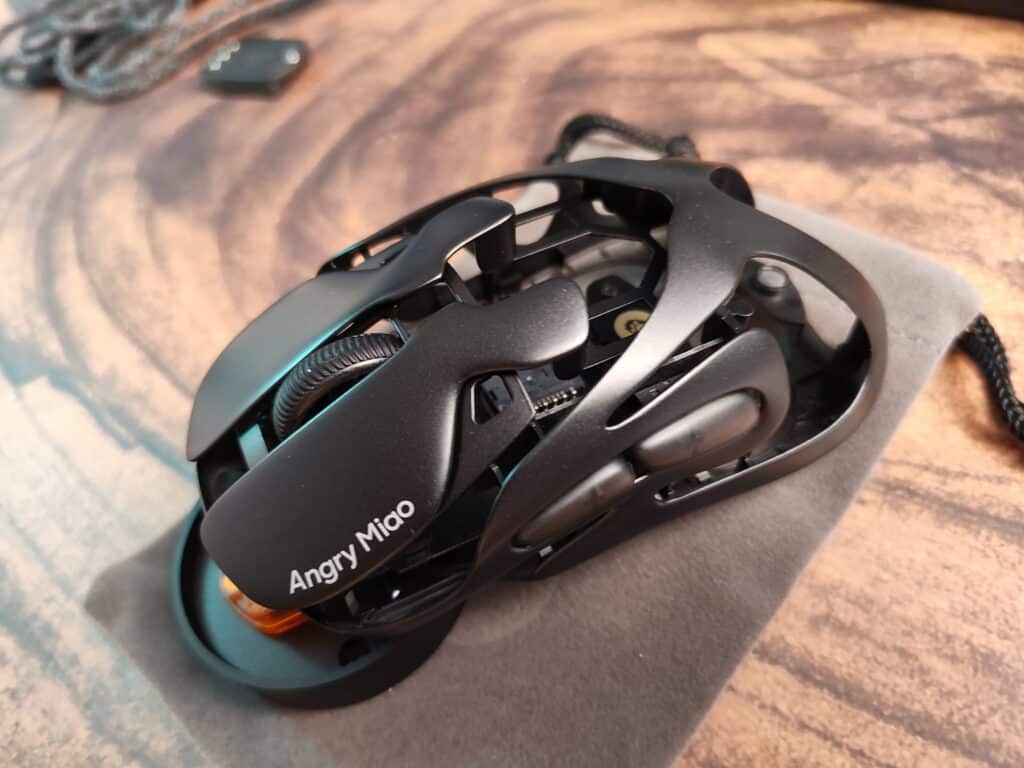
The Angry Miao Infinity Mouse introduces a unique approach to wireless mice, combining a lightweight metal frame, a high-performance sensor, responsive switches, and a hot-swappable battery system. These features contribute to a strong overall package aimed at performance-focused users. However, the companion software lacks refinement, and the scroll wheel design may not suit all preferences. Priced at $130 (or a bit more on Amazon), the mouse delivers solid performance and thoughtful design, making it a competitive option for users who value speed, comfort, and minimal downtime.
AM Infinity Mouse


I love testing and writing about new tech. I focus on keyboards and controllers. I'm also a gamer and an engineer. Check out my Twitter for keyboard and controller news and reviews.




I’m using it for like two months now and it’s nice, a bit weird to get used at first but afterwards it’s good